

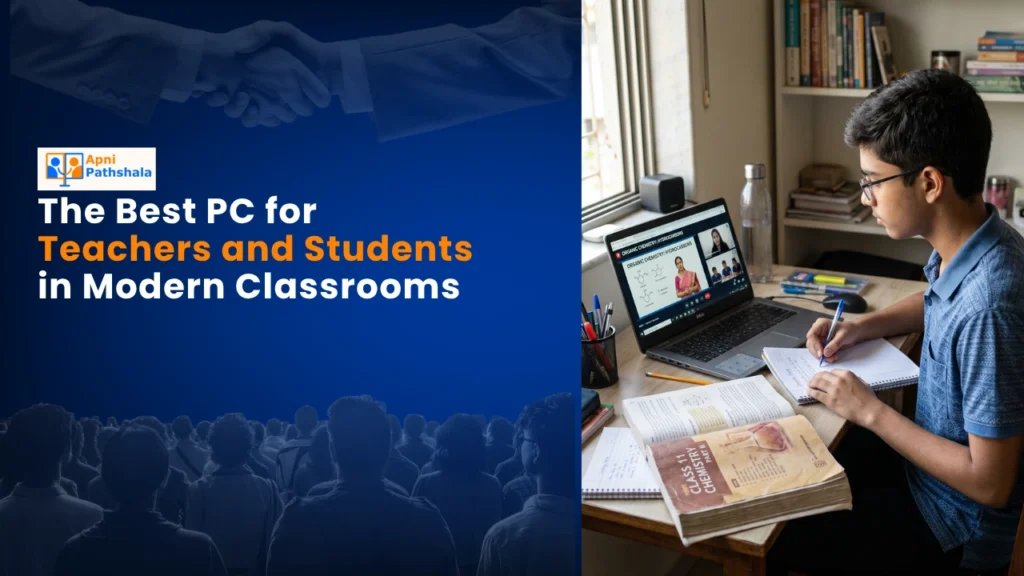
Teaching in modern classrooms demands more than just traditional chalk and boards. A reliable computer for teachers has become essential for creating engaging, interactive learning experiences. Whether you’re preparing lesson plans, managing student data, or delivering digital content, the right educational computer can transform how you teach. For Indian educators working within budget constraints, finding an affordable yet powerful machine is critical. Apna PC offers exactly that: a purpose-built educational computer designed specifically for teachers and students, priced at just Rs. 21,000.
Why Every Teacher Needs a Computer for Modern Classrooms
The shift toward digital education is no longer optional. Schools across India are embracing technology as part of the Digital India initiative, making classroom technology investments essential. A computer for teachers enables you to:
Create multimedia presentations that hold student attention longer than static slides. Access online educational resources, research materials, and teaching databases instantly. Manage grades, attendance, and student records digitally. Conduct virtual classes and hybrid learning sessions.
Develop personalised learning paths for students with different needs.
Develop personalised learning paths for students with different needs.
Without the right tools, teachers spend countless hours on administrative tasks instead of focusing on actual instruction. The best computer for teachers balances affordability with performance, ensuring you get real value without breaking your school budget.
Best Computer for Teachers: Key Features to Look For
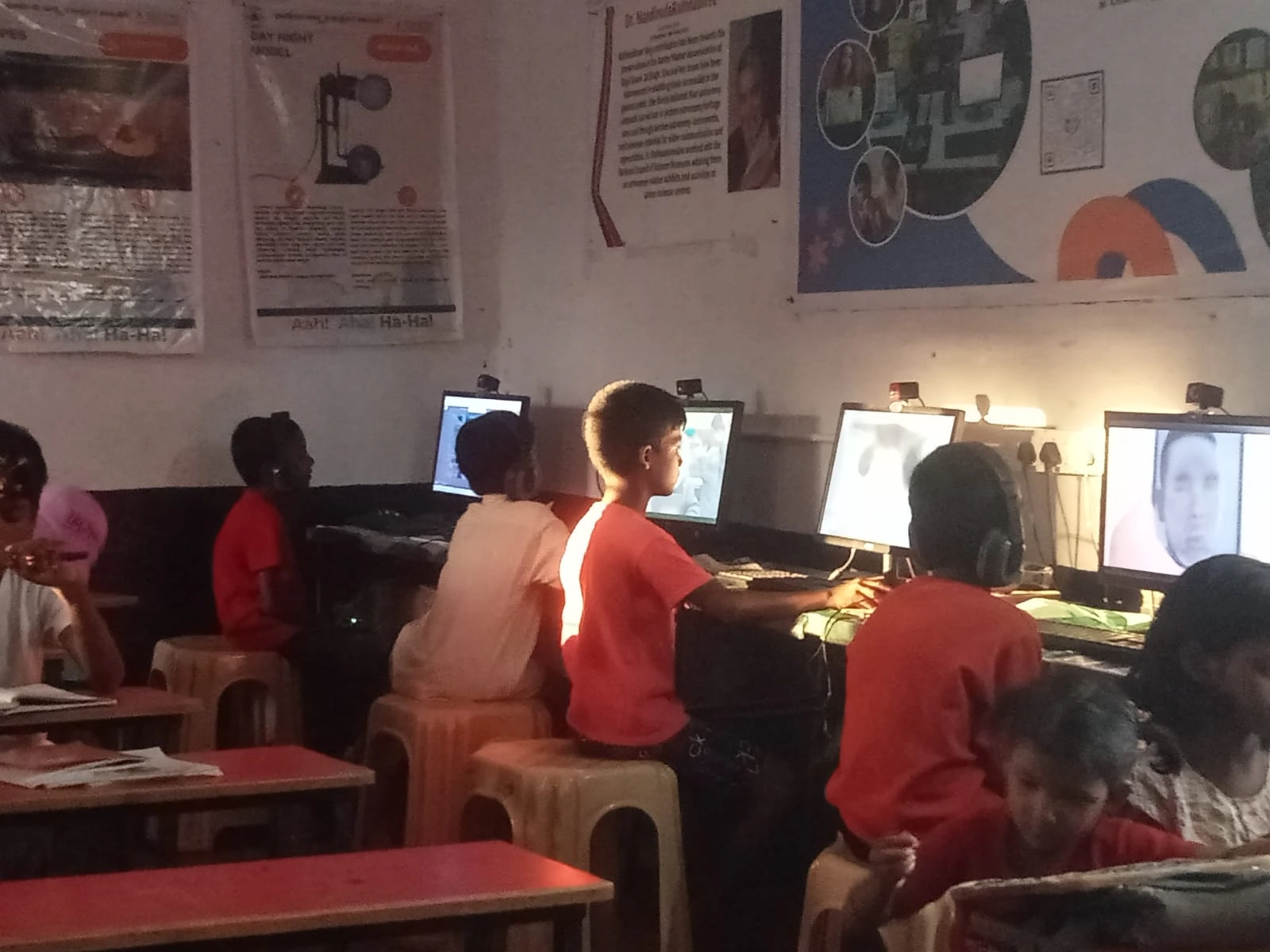
Not every computer works well in an educational setting. When selecting a computer for teachers, prioritise these essential features:
Processing Power: Smooth multitasking is non-negotiable. You’ll run presentation software, video conferencing tools, and resource management systems simultaneously. A reliable processor ensures no lag or crashes during live lessons.
Storage Capacity: Store years of lesson plans, student work samples, educational videos, and reference materials without constantly deleting files. At least 256GB SSD storage keeps everything organised and accessible.
Display Quality: Classroom visibility matters. A bright, clear screen ensures all students can read content from the back of the room, whether you’re projecting or displaying on a monitor.
Connectivity: Stable WiFi and Ethernet options keep you connected to online resources, cloud storage, and learning management systems. Bluetooth connectivity allows wireless peripheral connections.
Durability: School environments are demanding. Your computer needs robust construction to withstand daily use, transport between classrooms, and occasional bumps.
Apna PC includes all these features in one complete package, with keyboard and mouse included. No hidden costs, no additional purchases needed to get started immediately.
Teaching with Technology: Practical Applications
A quality computer for teachers opens endless possibilities for classroom innovation. Consider these real-world applications:
Interactive Lessons: Use educational software to create engaging content. Display videos, animations, and simulations that bring abstract concepts to life. Students retain information better when multiple senses are engaged.
Student Assessment: Digital quizzes and assignments provide instant feedback. Track progress over time and identify learning gaps quickly. This data-driven approach helps you adjust teaching methods before students fall behind.
Collaborative Learning: Cloud-based tools enable group projects where students work together on shared documents. They learn collaboration skills essential for modern careers.
Accessibility: Technology makes education inclusive. Screen readers, text-to-speech software, and adjustable display settings support students with different learning needs. If your students have diverse requirements, explore Apna PC for learning differences to see how technology can support every learner.
Professional Development: Use your computer for online courses, webinars, and professional networks. Stay updated with the latest teaching methodologies and subject matter expertise.
Affordable Computing: Why Budget Matters for Schools
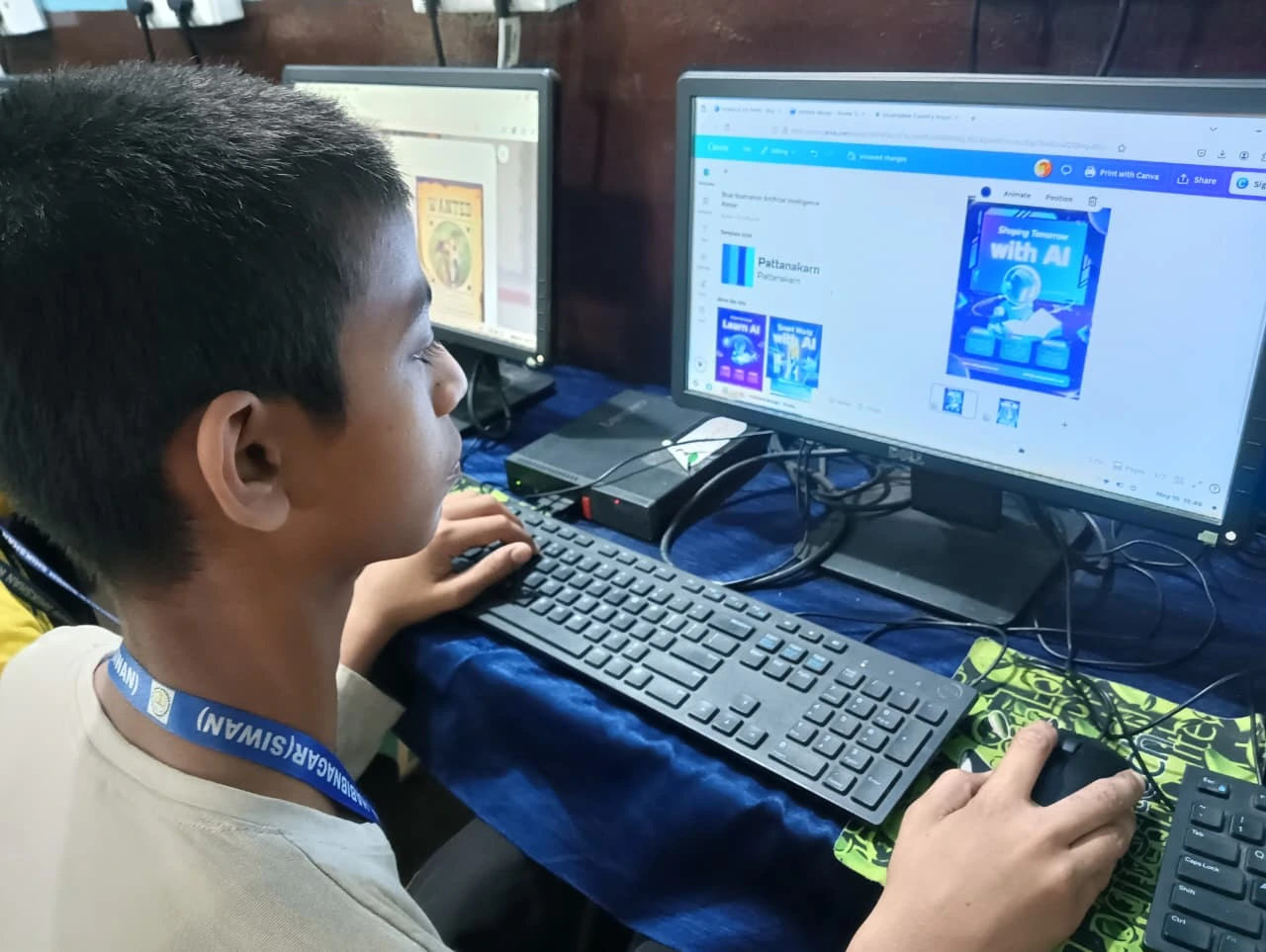
Educational institutions operate on tight budgets. Expensive computers drain resources that could fund textbooks, laboratory equipment, or student scholarships. The best computer for teachers doesn’t require premium pricing.
At Rs. 21,000, Apna PC delivers enterprise-grade performance without enterprise-level costs. Schools can equip entire staff rooms instead of purchasing a single high-end machine. This democratisation of technology access means more teachers can integrate digital tools into their classrooms.
The complete computer setup includes keyboard and mouse, eliminating surprise additional expenses. Teachers can unbox and start teaching immediately.
Building Digital Classrooms: The Teacher’s Role
Technology alone doesn’t transform education. Teachers remain the heart of effective learning. A reliable computer simply amplifies your natural ability to engage, inspire, and educate.
Digital tools handle routine tasks, freeing your mental energy for meaningful student interactions. You spend less time on administration and more time on mentoring, answering questions, and fostering critical thinking.
When teachers have access to proper technology, they report higher job satisfaction and better work-life balance. Reduced stress leads to better teaching outcomes and improved student performance.
Getting Started: Your Path to a Digital Classroom
Transitioning to technology-enhanced teaching doesn’t require massive upheaval. Start small: use your computer for one digital activity per week, then gradually expand. Join teacher communities online to learn from peers using similar tools.
Professional development is crucial. Most teachers aren’t trained in educational technology. Seek workshops, online tutorials, and peer mentoring. Your school administration should support this learning process.
Visit apnapc.com to learn more about how affordable educational computers can transform your classroom. Explore specifications, read teacher testimonials, and discover why thousands of Indian educators have chosen Apna PC for their digital teaching journey.