


Meera’s Classroom Doesn’t Have Enough Desks, So Why Should Computer Access Be Different?
Meera runs a learning centre in Indore with 45 students and 12 desks. When she realised she didn’t have enough seating, she didn’t ask parents to bring chairs from home. She budgeted, planned, and bought more desks. Today, every student sits comfortably. But when it comes to computers, she treats it like an afterthought. One old laptop. Shared access. Students waiting weeks for their turn. This contradiction is exactly why computer access needs to change in schools and learning centres across Tier 2-3 cities.
The truth is simple: if you wouldn’t leave classroom seating to chance, you shouldn’t leave computer access to chance either. Infrastructure planning works because it’s deliberate, budgeted, and scheduled. Your school has a plan for desks, blackboards, lighting, and buildings. You need the same mindset for digital learning tools.
What Does Infrastructure Planning Actually Mean for Computer Access?
Infrastructure isn’t just about having something. It’s about having enough, keeping it maintained, and making sure everyone can access it when they need it. Your classroom doesn’t have one lightbulb for 40 students. Your school doesn’t have one desk for 30 children.
When you plan computer access the way you plan physical infrastructure, three things happen. First, you decide how many devices you need based on your student count and learning goals. Second, you create a schedule so every student gets regular, predictable access. Third, you budget for maintenance, updates, and replacements year after year.
Right now, most learning centres treat computers like luxury items. “We’ll buy one when we have extra money.” But infrastructure isn’t optional. It’s foundational. Your students can’t learn typing without computers. They can’t build digital portfolios. They can’t explore the skills that employers actually want.
Why Your Budget Should Include Computers Like It Includes Furniture
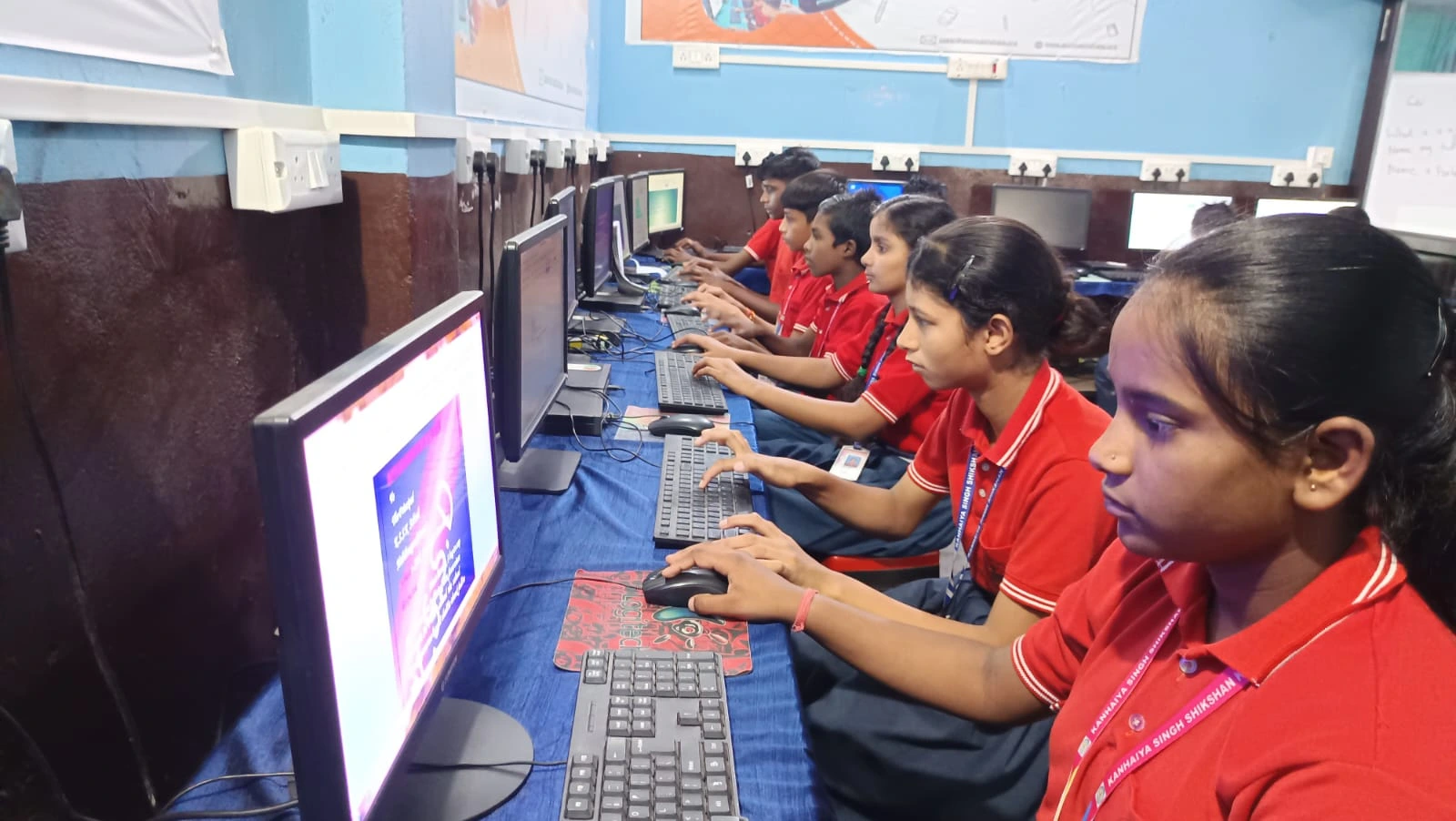
Here’s what stops most learning centre owners from planning properly: they think computers are expensive. One laptop costs 60,000 to 1,00,000 rupees. That feels out of reach. So they delay, buy used devices, or skip it entirely.
But you’re already budgeting for desks, chairs, fans, and paint. You’re already thinking in terms of “what does our centre need to function?” Add computers to that list. When you plan for computer access as infrastructure, you realise it’s not a one-time expense. It’s a yearly line item, like electricity or repairs.
Apna PC costs Rs.30,000 (shipping and GST excluded) and comes pre-loaded with educational software: Zorin OS, Apni Prerna for student monitoring, LibreOffice, and Scratch. For that price, you’re getting a device built specifically for learning, not gaming or entertainment. Compare that to a desk (Rs. 3,000-5,000) or a blackboard (Rs. 2,000-4,000). Spread across 3-4 years, the monthly cost becomes manageable if you plan it.
Planning Computer Access Means Creating a Real Schedule
Meera’s biggest mistake wasn’t having few computers. It was having no schedule. Students came in randomly hoping to use the one laptop. Some waited 30 minutes. Others never got a turn that week.
Infrastructure planning means building a timetable. Monday 2-3 PM: typing class on computers. Tuesday 3-4 PM: coding with Scratch. Wednesday 2-3 PM: research and project work. Every student knows when it’s their turn. Every student gets consistent access. Learning actually happens.
When you plan computer access this way, attendance improves. Parents see their child is learning digital skills, not just sitting in a classroom. Students understand that computer time is part of their education, not a treat.
How Computer Access Connects to Long-Term Learning Goals
Think about why you started your learning centre. You wanted to help students succeed, right? That means preparing them for competitive exams, college applications, and jobs. All of those require digital skills now.
With regular access to computers, students can explore careers online. They can research colleges. They can learn coding, design, and digital marketing. They can build a computer portfolio before college that actually impresses admissions officers.
This isn’t about having the latest technology. It’s about giving your students the same tools that students in Bangalore and Delhi have access to. The Digital India initiative and Education in India both emphasise digital literacy as essential. Your students deserve that too.
The Real Cost of Not Planning Computer Access
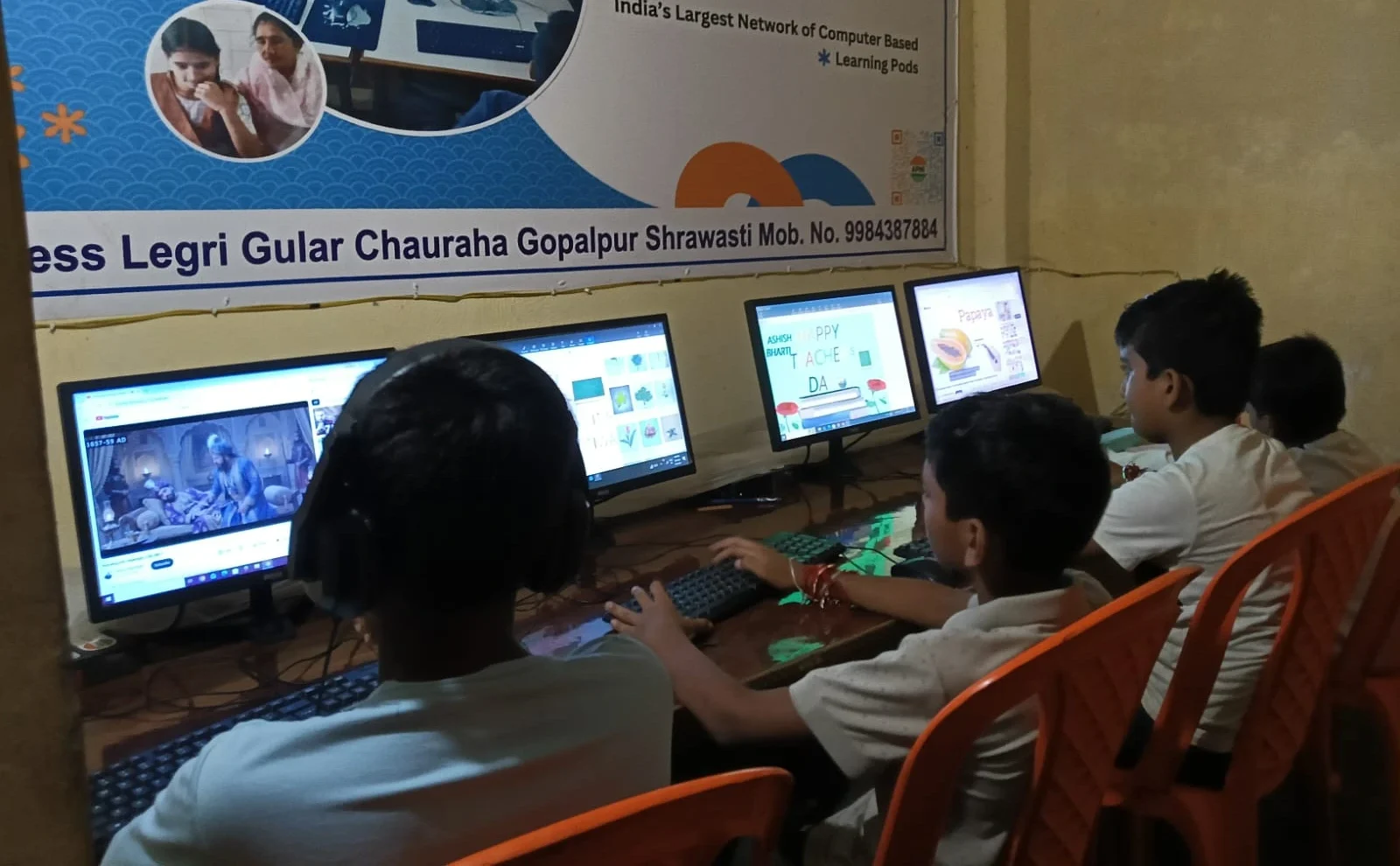
Here’s what happens when you don’t treat computer access as infrastructure. One student learns typing, the rest don’t. One student can code, the others can’t. Your centre falls behind competitors who planned ahead. Parents move their children to schools and centres with better digital facilities.
In five years, every learning centre will have computers. The question is whether yours will be ahead or behind. Planning now means you’re ready when parents expect it. You’re not scrambling to catch up.
Infrastructure planning also means you’re thinking about maintenance and upgrades. You’re not buying one expensive computer and hoping it lasts forever. You’re building a system that grows with your centre.
Start Your Computer Planning Today
You don’t need to buy 20 computers next month. Start with a plan. How many students do you have? How much can you budget per year? What subjects need computer access most? When can you schedule lab time? Write it down.
Then take the first step. One device. One schedule. One group of students learning digital skills. From there, you grow. Your centre becomes known as the place where students actually learn technology, not just hear about it.
Meera started with one extra desk. Now her centre is full because parents know their children will have proper seating and learning conditions. The same can happen with computers. But only if you plan like it’s infrastructure, because it is.
Your students deserve computer access as part of their education, not as an afterthought. Start planning today, and watch your learning centre’s outcomes improve. Visit apnapc.com to learn more.