


Rajesh sat in the electronics shop in Indore, his 12-year-old son Arjun beside him. The shopkeeper pointed at a dusty laptop on the shelf, Rs.18,000, perfect for students, he said. Rajesh’s wife had asked him to find something cheap before the new school year. He didn’t know that cheap would mean Arjun struggling with frozen screens during online classes, or that the battery would die mid-exam in just eight months. This is the story of thousands of Indian parents who buy a cheap laptop for their students without understanding what goes wrong.
You want the best for your child. You work hard, save money, and when it’s time to buy a student laptop, you naturally look for the lowest price. But here’s what most parents in tier 2 and tier 3 cities get wrong: the cheapest option isn’t always the smartest choice.
The Storage Problem Every Cheap Laptop for Students Faces
When you buy a budget laptop for Rs.15,000 to Rs.25,000, you often get 32GB or 64GB storage. Sounds fine? It’s not. Your child downloads study materials, educational videos, project files, and suddenly there’s no space left.
Windows updates alone can take 5-10GB. Add Microsoft Office, Zoom, Google Meet, and you’re left with almost nothing. Your student laptop slows down to a crawl. Teachers complain about missed submissions because the device froze. You end up frustrated, and your child blames the computer instead of understanding the real issue.
A proper student computer needs at least 128GB of storage so your child can actually use it for four to five years without this headache.
RAM: The Silent Killer in Every Budget Laptop
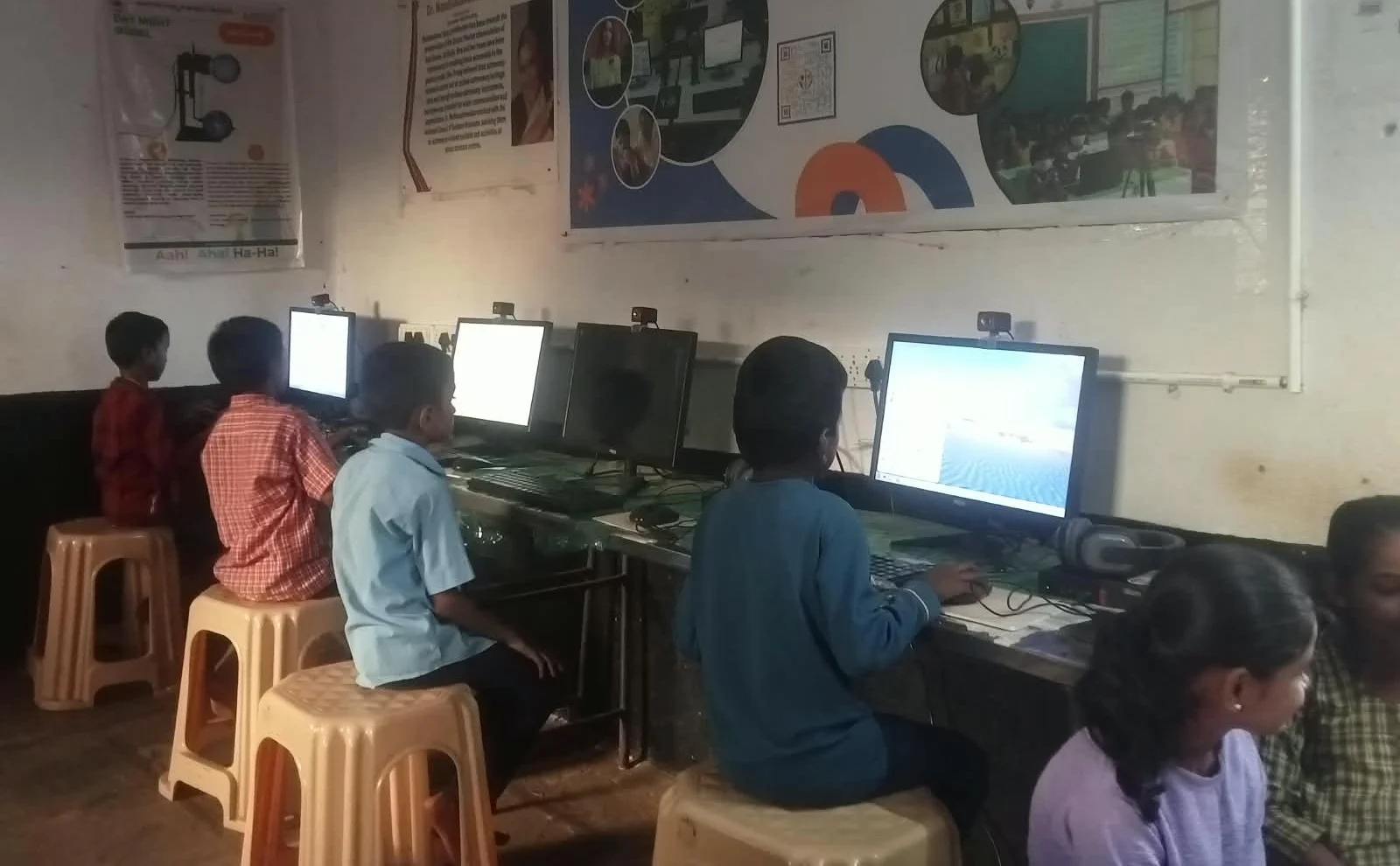
Most cheap laptops come with 4GB RAM. In 2024, this is like buying a car with one tyre. Your child opens Google Meet for class, keeps a few browser tabs open, and the system becomes useless.
- 4GB RAM: Struggles with basic multitasking
- 8GB RAM: Handles schoolwork, video calls, and browsing smoothly
- Your child’s frustration: Priceless and preventable
Teachers assign tasks that require running multiple applications. Coding classes need development software. Online exams need stable performance. A cheap laptop for students with 4GB RAM will make your child’s school life harder, not easier.
The Operating System Nobody Considers
You probably think all laptops run Windows. Most do. But Windows on a cheap device is like putting premium fuel in an old engine; it doesn’t work well. The system becomes slow, updates take forever, and you’re constantly dealing with crashes.
Some parents don’t realise there’s an alternative. Zorin OS is a Linux-based operating system designed specifically for students and everyday computing. It’s faster, more stable, and doesn’t slow down over time as Windows does on budget hardware. Your child gets a smooth experience for studying, coding, and creative projects.
This is why Apna PC comes with Zorin OS pre-loaded. It’s not just a cheap option; it’s the right option for your child’s learning.
The Software Trap Parents Fall Into
You buy a cheap laptop and realise it doesn’t have the software your child needs. Microsoft Office costs Rs.7,000. Adobe software for design classes costs thousands more. Your budget is already stretched.
Free alternatives exist, but they’re not pre-installed. Your child wastes time learning LibreOffice instead of focusing on homework. You end up buying expensive software licenses just to keep up.
A smart choice means the laptop comes ready with free, powerful tools. LibreOffice for documents and spreadsheets. Scratch for coding. Everything your child needs from day one, without extra costs.
The Hidden Cost of Monitoring and Safety
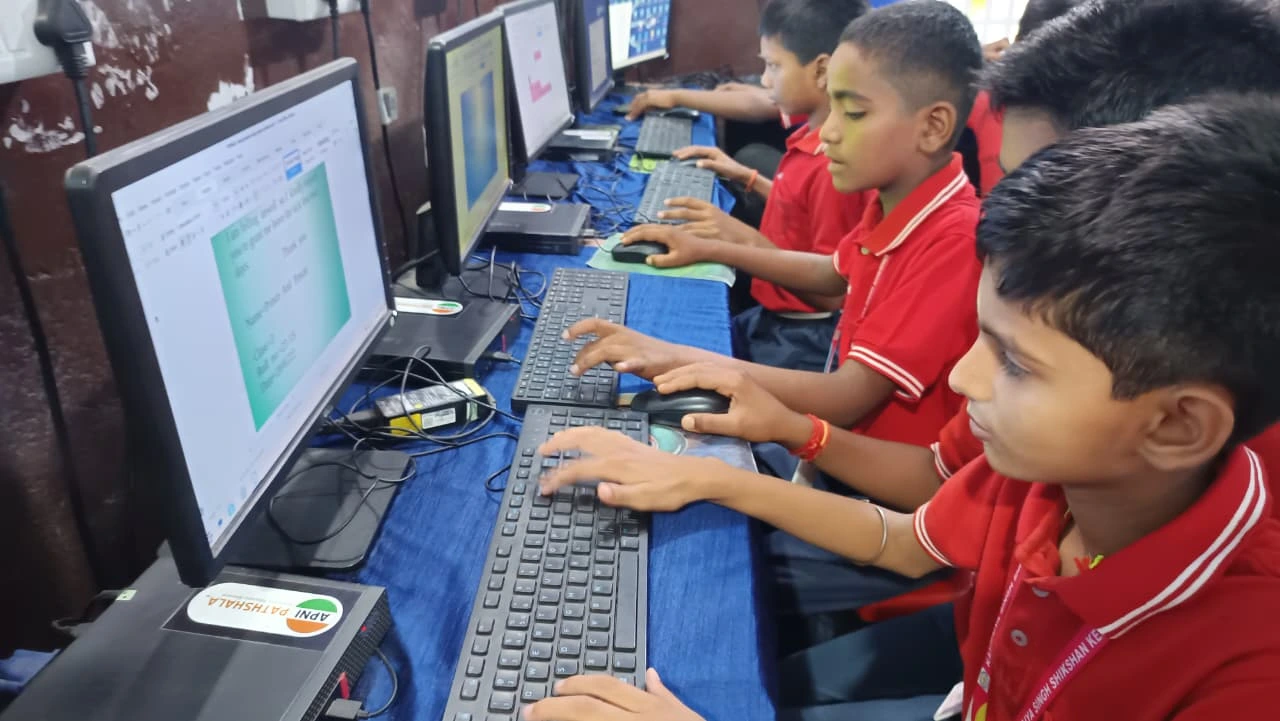
Your child is online for school. You worry about what they’re doing. Most cheap laptops come with nothing to help you keep them safe or track their study time.
Parental control software costs extra. You either buy it separately or you don’t have it at all. Your child could be distracted by games and social media during study hours, and you wouldn’t know.
The right student laptop comes with built-in monitoring tools like Apni Prerna. You can track study patterns, set screen time limits, and help your child stay focused. It’s not about spying; it’s about being a responsible parent in the digital age.
What You Should Actually Look For
Stop chasing the lowest price. Instead, ask yourself these questions:
- Will this laptop still work smoothly after two years?
- Does it have enough storage for school projects and files?
- Is the operating system optimised for student work?
- Does it come with the software my child actually needs?
- Can I monitor my child’s usage safely?
A budget laptop isn’t about finding the lowest price. It’s about finding the best value for your money. Rs.30,000 for a laptop built for students, with 8GB RAM, 128GB SSD, Zorin OS, educational software, and parental monitoring tools included- that’s not expensive. That’s smart.
When you choose your child’s first computer, you’re investing in their education and focus. When you understand family laptop cost sharing, you realise this investment pays back in better grades and fewer frustrations.
Your child deserves a laptop that works. You deserve peace of mind knowing you made the right choice. Visit apnapc.com to learn more.