

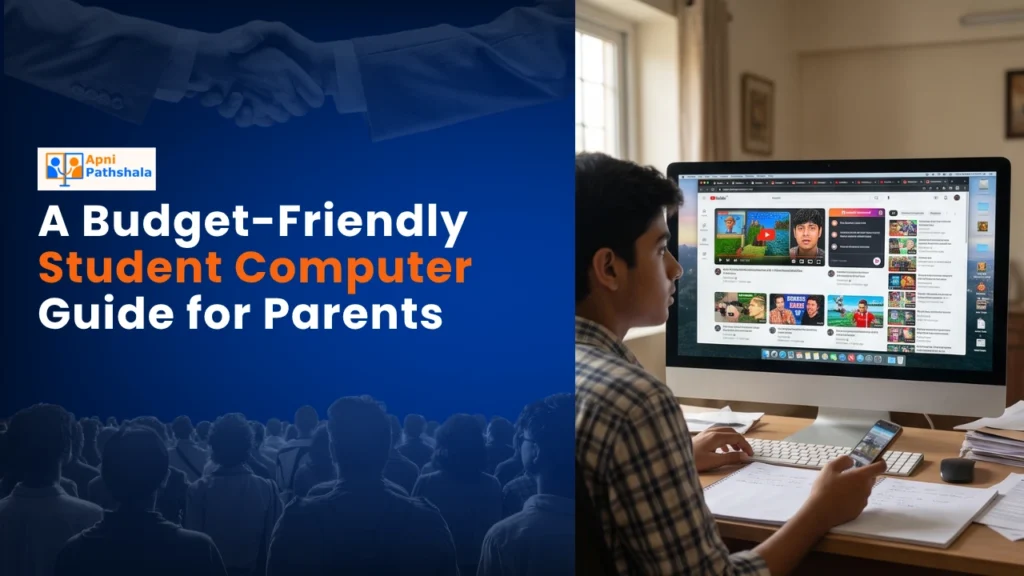
A good budget student computer needs enough memory to run schoolwork apps and video calls smoothly, enough storage for years of projects, pre-installed learning software and a way to limit distractions. Your child does not need a gaming laptop. For schoolwork and online classes, a focused machine around Rs. 30,000 covers what matters.
For example, a parent whose child needs a computer for 10th standard may see gaming laptops at 60,000 rupees or more and feel it is wasteful for schoolwork alone. Many parents in Tier 2 and Tier 3 cities like Coimbatore face this choice every year.
Why does your child need their own computer today?
School now goes beyond textbooks. Teachers assign projects on Google Classroom, run online tests and share material through apps, and without their own computer your child depends on your phone or tablet, which is not ideal for focused study.
The personal computer has become as essential as a textbook. The Digital India initiative is pushing digital literacy in schools, and your child’s school probably expects online assignments, video classes and educational software. Waiting until college means starting behind.
What makes a good budget student computer?
A good budget computer does the school basics reliably and nothing you will pay for but never use. Your child needs a computer that can:
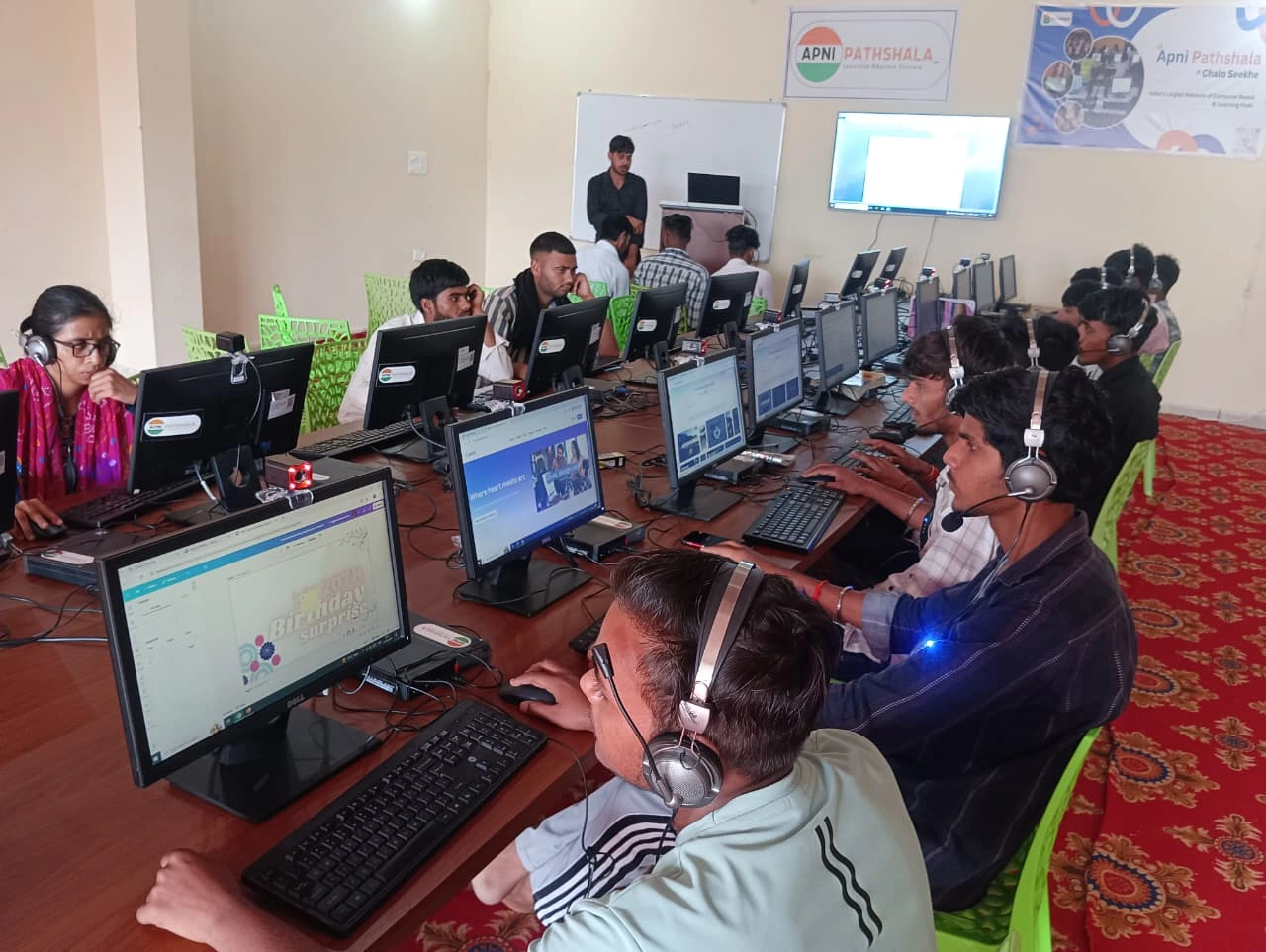
- Run several applications at once without slowing down (browser, documents, video calls)
- Store years of school projects and files without running out of space
- Last through the school years without constant repairs
- Keep the focus on studies instead of games and distractions
- Come with educational software pre-installed, so you do not spend extra
Our budget computer buying guide explains which specifications your child actually needs, so you avoid paying for features that will never be used.
What does Apna PC include for students?
Apna PC is a student computer from Apni Pathshala, designed for Indian school children. Priced at Rs. 30,000 (shipping and GST excluded), it gives a complete learning setup without unnecessary cost.
| Included | What it does |
|---|---|
| Zorin OS | Clean, fast operating system, easy to learn, no bloatware |
| 8GB RAM | Runs schoolwork applications smoothly |
| 128GB SSD | Fast storage for projects, notes and files |
| LibreOffice | Free alternative to Microsoft Office for documents and presentations |
| Scratch | Visual programming to learn coding |
| Apni Prerna | Helps you monitor computer use and keep focus on studies |
There is no need to buy additional software or worry about licence fees.
How does Apna PC keep your child focused on studies?
Apni Prerna, the built-in student monitoring system, lets you set boundaries. You can see what your child is doing, set time limits for different activities and block distracting websites during study hours while allowing them in breaks.
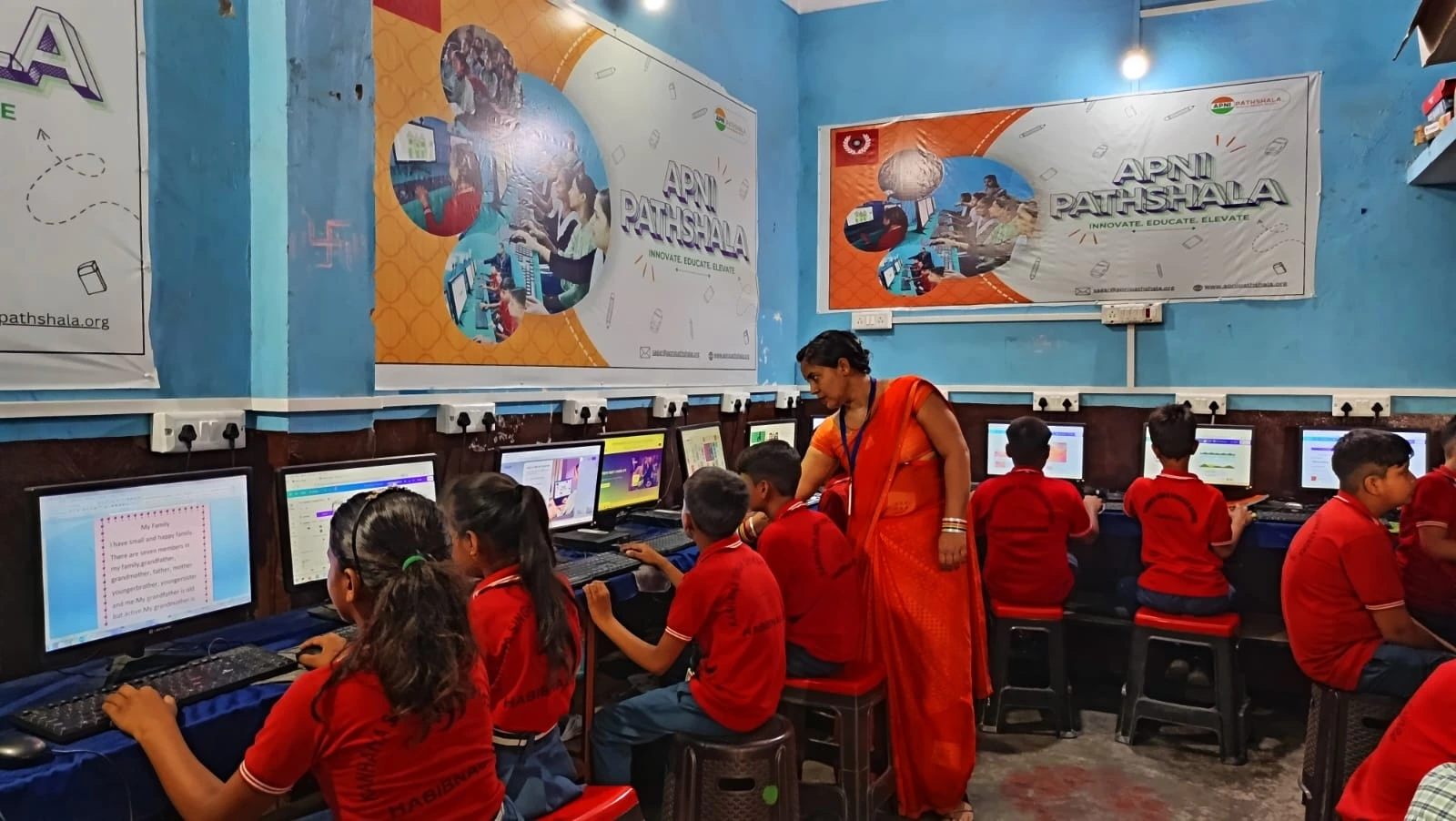
This is not spying. It is about creating an environment for focused learning without distractions.
How do the costs compare with a regular laptop?
A budget student computer usually costs far less over its life. A typical gaming laptop costs 60,000 to 1,00,000 rupees, then you may add Microsoft Office (3,000-4,000 rupees annually), antivirus software and the cost of slowdowns. Over three years, you might spend 80,000 to 1,20,000 rupees in total.
With Apna PC at Rs. 30,000, you save upfront and avoid hidden software costs. Zorin OS is free and does not need expensive antivirus programs, and LibreOffice is free and works well for school assignments. For a longer view, see the three-year cost of a student computer.
Which budget computer should you choose?
Choose the right computer, not the most expensive one. Your child needs reliable performance for schoolwork, space for files, learning software and protection from distractions.
A computer built for learning helps children submit better assignments, learn coding early and build steadier study habits, and the money you save can go toward tuition or other educational needs. Compare options in Apna PC vs a budget laptop.
Frequently Asked Questions
Is a desktop or laptop better for a student on a budget?
A desktop usually gives better value for home study. It sits at a fixed desk, which supports a routine, and you get more performance for the money. A laptop makes sense mainly if your child must carry it to school or study in different places.
Will my child need Microsoft Office for school?
Usually not. LibreOffice opens and saves Word, Excel and PowerPoint files, which covers almost all school assignments. If a teacher needs a specific format, LibreOffice can export to it. This saves the yearly cost of an Office subscription.
How long should a student computer last?
A good student computer should last through several school years if it has enough memory, an SSD and a light operating system. Avoiding unnecessary software keeps it fast. Regular cleaning and basic care also help the machine stay reliable for longer.
Your child does not need the most expensive computer to succeed in school. They need the right one. Visit Apna PC to learn more.