


Ravi’s Story: When the Right Computer Changed Everything
Ravi is twelve years old and lives in Indore with his parents. Last year, his mother noticed he was struggling in class, not because he wasn’t smart, but because he couldn’t keep up with how fast his teacher wrote on the board. His handwriting was messy, his notes were incomplete, and by the time he got home, he’d forgotten half the lesson. His father worked two jobs, and affording a computer seemed impossible. Then Ravi’s school told them about assistive technology for students that could help him learn differently. Within weeks of using a proper student computer with the right tools, Ravi’s confidence returned. His grades improved. More importantly, he stopped feeling left behind.
Your child might not have the same challenges as Ravi, but many students in Tier 2 and Tier 3 Indian cities face learning barriers that a regular computer can’t address. Assistive technology for students isn’t just for children with disabilities. It gives every learner the tools they need to succeed at their own pace.
What Is Assistive Technology for Students and Why Does It Matter
Assistive technology for students refers to tools and software that help learners overcome barriers in reading, writing, listening, and thinking. These aren’t fancy or complicated. They are practical solutions built into computers and apps that make learning accessible to everyone.
In India, the Digital India initiative has pushed for digital literacy, but many families still don’t have access to computers designed with students in mind. Apna PC changes that. It’s an educational computer built specifically for Indian students, priced at Rs.30,000, and loaded with accessibility tools and learning technology that work together.
- Screen readers and text-to-speech: If your child struggles with reading, these tools read text aloud while highlighting each word.
- Speech-to-text software: For students who find typing difficult, speaking into the computer converts their words into written text.
- Customizable fonts and colours: Children with dyslexia or visual sensitivity benefit from larger text, special fonts, and high-contrast displays.
- Focus and distraction-blocking tools: These limit notifications and background processes so your child can stay focused on schoolwork.
- Interactive learning apps: Scratch and LibreOffice help students learn coding and digital skills through hands-on projects.
How Apna PC Supports Different Learning Needs
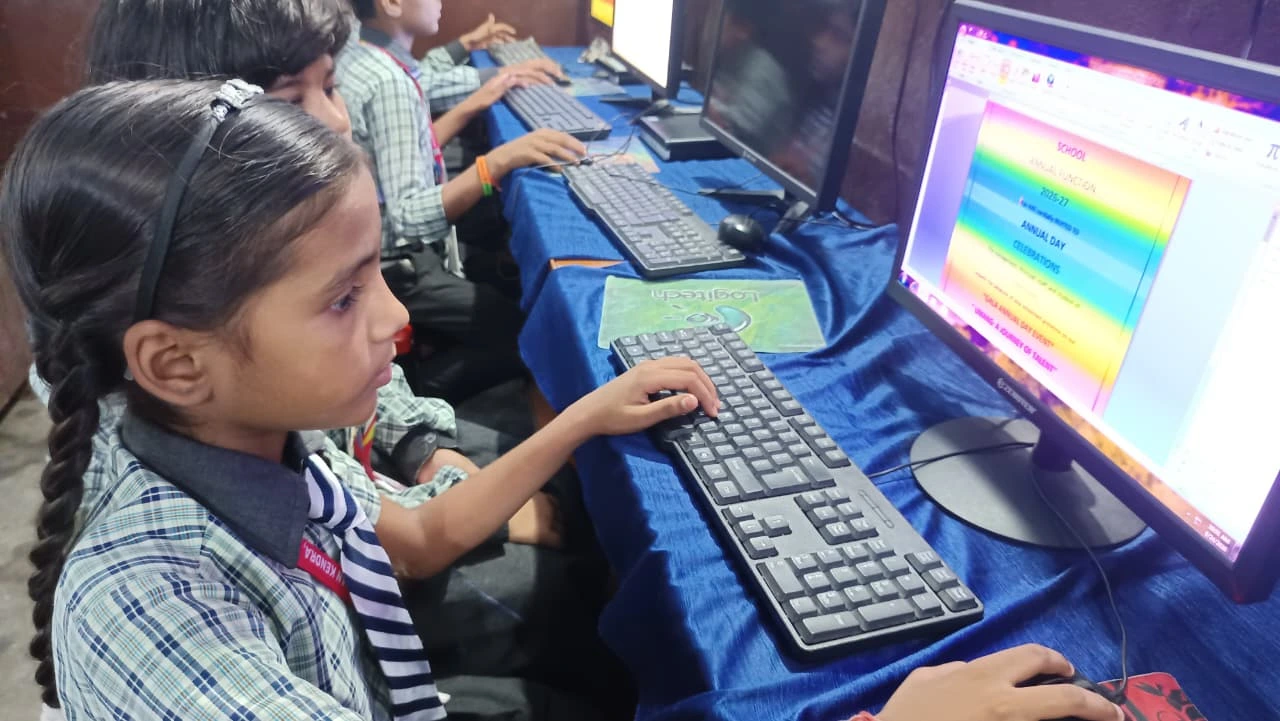
Apna PC comes pre-loaded with Zorin OS, a student-friendly operating system that’s intuitive and fast. It includes LibreOffice for document creation, Scratch for coding basics, and Apni Prerna, a monitoring system that helps parents track their child’s learning progress without invading privacy.
The 8GB RAM and 128GB SSD mean your computer runs smoothly even when your child has multiple programs open. This matters because accessibility tools and learning technology work best when they don’t slow down your device. A slow computer frustrates learners and defeats the purpose of assistive technology.
The system also connects easily to platforms like DIKSHA digital learning platform and CBSE resources. If your child attends a school following the CBSE curriculum, they can access official study materials directly from their Apna PC.
Accessibility Tools That Make a Real Difference
Let’s talk about what accessibility tools actually do for your child. If your son has trouble organising his thoughts, speech-to-text software lets him talk through his ideas first, then edit them later. If your daughter reads slowly, text-to-speech reads her textbook chapters aloud while she follows along, reinforcing both listening and reading skills.
These aren’t workarounds or shortcuts. They are legitimate learning technologies that professional organisations, teachers, and educators recommend. The CBSE recognises assistive technology as part of inclusive education policy.
Apna PC also lets you set up privacy settings for students so your child can learn safely online. You control which websites they visit, how long they spend on each app, and what content they can access. This balance between independence and protection is crucial during these formative years.
Building Confidence Through the Right Technology
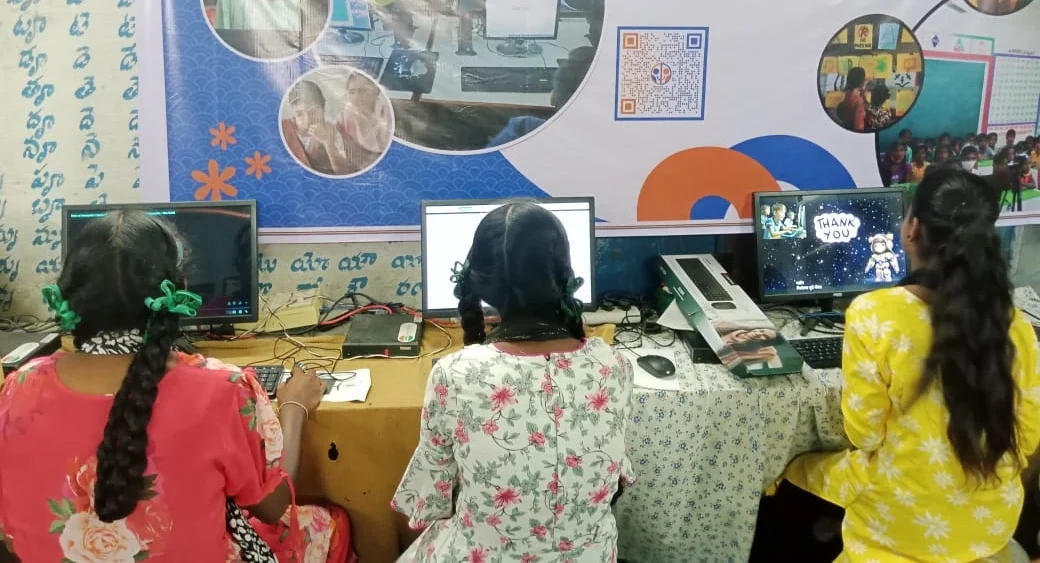
When a child struggles to learn using traditional methods, they often blame themselves. They think they’re not smart enough or not trying hard enough. Assistive technology flips this script. Suddenly, they can keep up. They can express their ideas. They can succeed.
Ravi’s improvement wasn’t magic. It came from using learning technology designed for how his brain actually works. He could now record lessons, replay them, and take better notes. His computer became his learning partner, not his barrier.
Your child deserves the same opportunity. Whether they have a diagnosed learning disability, struggle with focus, or learn differently from their classmates, assistive technology for students levels the playing field.
Apna PC: Affordable, Accessible, Indian
You might think quality educational computers are out of reach for families in smaller cities. Apna PC proves otherwise. At Rs.30,000, it’s affordable without sacrificing quality or functionality. Apni Pathshala, an organisation committed to educational access across India, built it.
The computer comes ready to use. No complicated setup. No hunting for the right software. Your child can start learning on day one with all the accessibility tools and learning technology already installed and configured.
Your child’s learning needs are unique, and they deserve technology that recognises that. Apna PC isn’t just a computer. It’s an investment in your child’s confidence, independence, and future. Visit apnapc.com to learn more.