

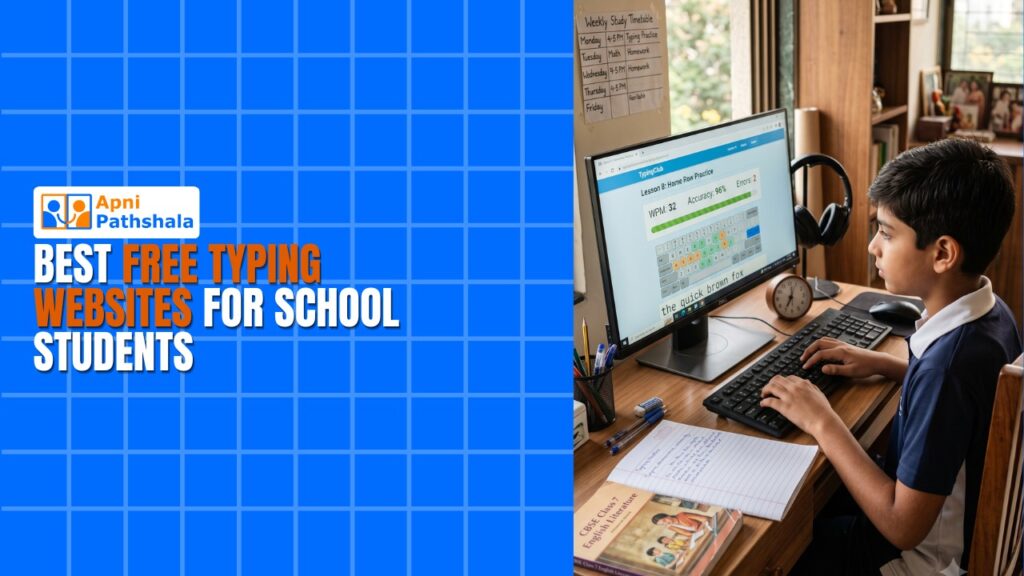
Learning to type is a critical skill for school students today. Whether you’re writing essays, completing assignments, or preparing for competitive exams, strong typing speed and accuracy matter. Fortunately, many free typing websites help Indian students improve their keyboard skills without spending money. This guide explores the best typing websites available, how to use them effectively, and why typing practice matters for your academic success.
Why typing websites matter for students
In 2026, digital literacy is non-negotiable. Schools increasingly rely on computers for assignments, online exams, and research projects. Students who type faster complete work more efficiently and reduce errors. A solid typing speed of 40 to 60 words per minute gives you a real competitive advantage.
Free platforms let you practice without cost or software installation. You can access them from any computer, including affordable educational computers like those from Apna PC, and track your progress over weeks and months.
Top free typing websites for school students
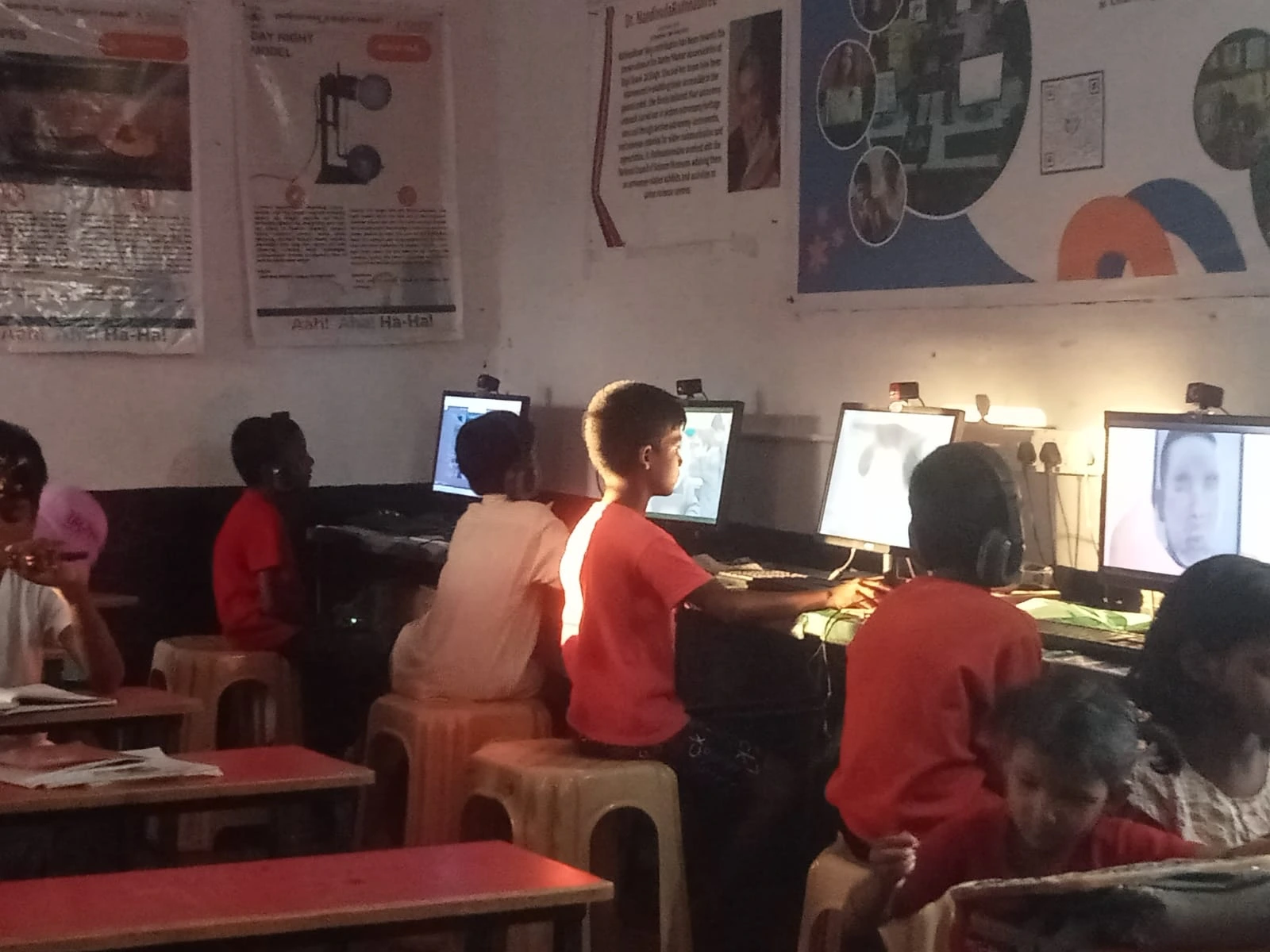
TypingMaster: This platform offers interactive lessons, typing tests, and games. The interface is student-friendly, and you receive instant feedback on speed and accuracy. Start with beginner lessons and progress to advanced challenges.
Nitro Type: Popular among Indian students, Nitro Type combines learning with gaming. You earn virtual currency while typing, which motivates consistent practice. The typing test feature tracks improvement week by week.
KeyBlaze: Offers structured lessons from basics to advanced levels. The typing practice modules include real-world scenarios like email writing and document formatting, skills you’ll use in school projects.
Ratatype: A gamified typing website that awards certificates upon completion. Many students find the competitive leaderboard feature motivating for daily typing speed improvement.
TypeRacer: If you enjoy racing games, this typing website turns your speed into a competitive advantage. Race against other players worldwide while improving accuracy and velocity.
How to choose the right typing websites
Not all typing platforms suit every learner. Consider these factors:
- Touch typing courses: Structured lessons that teach finger placement and home-row technique.
- Speed-building games: Engaging formats that make practice less repetitive and more motivating.
- Accuracy drills: Short, focused sessions that reinforce correct habits before building speed.
- Progress tracking: Words-per-minute metrics that show improvement over days and weeks.
Age-appropriate content: Ensure the typing practice material matches your class level (Class 6 to 12). Younger students benefit from simpler texts and shorter sessions.
typing test features: Look for websites offering detailed feedback on your typing speed, accuracy percentage, and error patterns. This data helps you focus on weak areas.
Engagement level: Gamification keeps you motivated. Websites with points, badges, or leaderboards encourage consistent typing practice over weeks.
No subscription required: Stick to genuinely free platforms without hidden paywalls. Most top platforms offer free accounts with core features.
Effective typing practice strategies
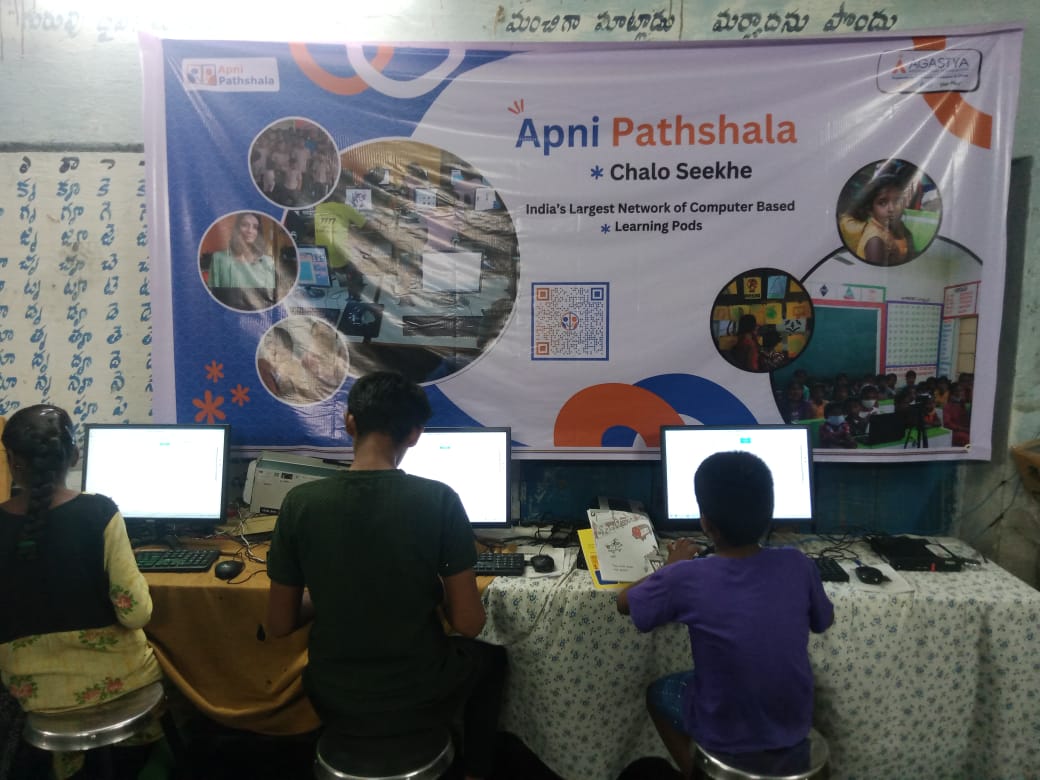
Using these platforms isn’t enough. You need a smart approach. Start with proper posture and finger placement. Your wrists should be neutral, and all ten fingers should rest on the keyboard’s home row.
Practice for 15 to 20 minutes daily rather than cramming for hours weekly. Consistent, short sessions build muscle memory faster than sporadic long sessions. Track your typing speed every week to see measurable progress.
Focus on accuracy before speed. typing fast with 30% errors wastes time. Most platforms let you slow down initially to hit 95% or higher accuracy, then gradually increase speed.
For deeper insights into building keyboard skills, explore our guide on keyboard skills for school students, which covers ergonomics and long-term practice plans.
Free typing Websites: Real Results for Indian Students
Students using these platforms report improvements within 2 to 3 weeks. Initial typing speed of 20 to 25 words per minute typically jumps to 40 to 50 wpm with consistent practice. Accuracy improvements are even faster. Most students reach 95% or higher within days.
These gains directly impact academic performance. Faster typing means more time for thinking during exams. Better accuracy reduces careless mistakes in online assignments. Teachers often notice improved work quality when students type confidently.
For comprehensive typing practice frameworks, check our article on typing practice for computer students, which includes structured schedules and milestone targets.
Combining Online Practice with Real Computer Use
Online typing platforms teach technique, but real-world practice matters too. Use your typing speed on actual school work. Write assignments on computers instead of handwriting them. Participate in online classes that require typing responses.
According to one widely cited definition of a student, modern learners must master digital tools. typing is foundational. Pair typing website practice with actual computer use for maximum benefit.
If your school lacks computer labs, affordable educational computers make home practice possible. Investing in a reliable computer transforms online practice from entertainment into practical skill-building tools.
Resources from Government and Educational Bodies
India’s Ministry of Education recognizes digital literacy as essential for modern students. Many state boards now include computer skills in curricula, making typing proficiency increasingly important.
Check your school’s computer lab schedule. Most schools allow students to access typing platforms during free periods or after-school hours. If your school provides computer access, maximize it by practicing regularly.
Getting Started Today
Pick one typing website from this list and commit to 15 minutes daily for two weeks. Track your typing speed and accuracy using the built-in typing test features. Most websites show progress graphs that motivate continued practice.
Start with beginner levels even if you think you’re intermediate. Proper technique matters more than current speed. After mastering fundamentals, progress through intermediate and advanced levels.
Share your progress with friends or classmates. Friendly competition through leaderboards makes typing practice more engaging and sustainable.
Visit apnapc.com to learn more about affordable educational computers that make typing practice and digital learning accessible for every Indian student.
choosing the right computer for a student.Frequently Asked Questions
How much time should a student spend on typing practice each day?
Short daily sessions of focused practice are more effective than occasional long sessions. Consistent practice on a full keyboard helps build muscle memory over time. The key is regularity rather than duration, so brief daily sessions work better than sporadic intensive ones.
Do free typing websites work without a good internet connection?
Most free typing websites require an internet connection to load. However, the websites themselves are lightweight and work well on slow connections. For students in areas with unreliable internet, practising typing directly in LibreOffice Writer on Apna PC provides an offline alternative that builds the same skills.
Is it better to practise typing on a full keyboard or a laptop keyboard?
A full keyboard is better for building proper habits. The key spacing on a full keyboard is designed for touch typing, which develops finger positioning and muscle memory correctly. Laptop keyboards are compressed and can instil habits that limit long-term speed and accuracy. Apna PC comes with a full desktop keyboard for exactly this reason.
Strong typing skills start with the right equipment and consistent practice. Apna PC provides a full keyboard and pre-loaded tools so your child can build typing speed from day one.