


Rajesh’s Dilemma: Why a Delhi Parent Chose Smart Over Big
Rajesh Kumar sat in his cramped two-bedroom flat in Rohini, Delhi, staring at his son Arjun’s school laptop. The screen had frozen during an online math class. His wife Priya suggested buying a “proper computer”, something powerful, something that looked like what offices had. Rajesh had saved for months. But when he visited the local computer shop, the shopkeeper showed him two options: a bulky tower desktop for Rs. 45,000 or something called a mini PC for Rs. 30,000. He didn’t know which one would actually help Arjun study better. This is the exact question thousands of Indian parents face today when choosing between a mini PC and a traditional desktop for their children.
Your choice matters because it shapes how your child learns, where they study, and how much you’ll spend on repairs and upgrades over the next three years. Let’s cut through the confusion.
Mini PC vs Traditional Desktop: What Is the Real Difference?
A mini PC is a compact computer, often the size of a lunch box or smaller, that packs the same core components as a traditional desktop into a tight space. A traditional desktop, on the other hand, is the bulky tower you’ve probably seen: a large cabinet, separate monitor, keyboard, and mouse.
The real difference isn’t just size. It’s about design philosophy. Mini PCs prioritise portability and energy efficiency. Traditional desktops prioritise upgradability and raw performance per rupee.
Why Mini PCs Win for Student Life
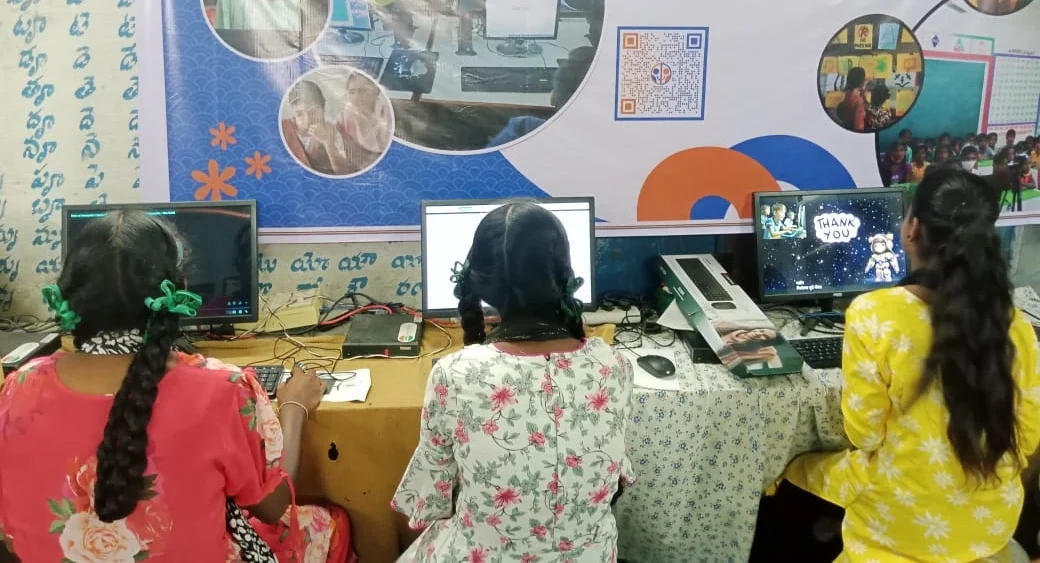
First, they fit anywhere. Arjun’s desk is tiny. A mini PC doesn’t take up much space. You can slide it under the monitor, tuck it behind a shelf, or even carry it to your relative’s house during holidays. Your child can move between their room and the living room without hauling a heavy tower.
Second, they’re quiet. Traditional desktops have large cooling fans that whir loudly, especially during heavy work. Mini PCs run cooler and quieter because they’re designed for efficiency. If your child studies late at night, this matters. Your spouse won’t hear the computer humming from the next room.
Third, they use less electricity. A mini PC might draw 20-30 watts during normal work. A traditional desktop might draw 80-150 watts. Over a year, this difference adds up on your electricity bill. In Tier 2 and Tier 3 cities where every rupee counts, this is real savings.
Fourth, they’re reliable for what students actually do. Online classes on Zoom? Check. Writing essays in LibreOffice? Check. Coding in Scratch or Python? Check. Video editing for school projects? Check. Gaming? Not really. But students don’t need to game on a school computer.
Where Traditional Desktops Still Win
Let’s be honest: a traditional desktop has real advantages you shouldn’t ignore.
Upgradability is the biggest one. If your child’s needs grow in two years, you can open a desktop tower and swap the graphics card, add more RAM, or upgrade the storage drive yourself or at a local shop. Mini PCs are sealed. Once you buy one, you’re mostly stuck with what you have. If your child suddenly wants to learn 3D animation or AI machine learning (both graphics-intensive), a desktop is easier to upgrade.
Repairability is second. Desktop components are standard. If the hard drive fails, any technician in your city can replace it cheaply. Mini PC parts are often proprietary. Repairs take longer and cost more.
Performance per rupee is third. For the same Rs.30,000, a traditional desktop might give you a slightly faster processor or more graphics power than a mini PC. If your child is serious about competitive coding or advanced design work, this matters.
What Do Students Actually Need? The Honest Truth
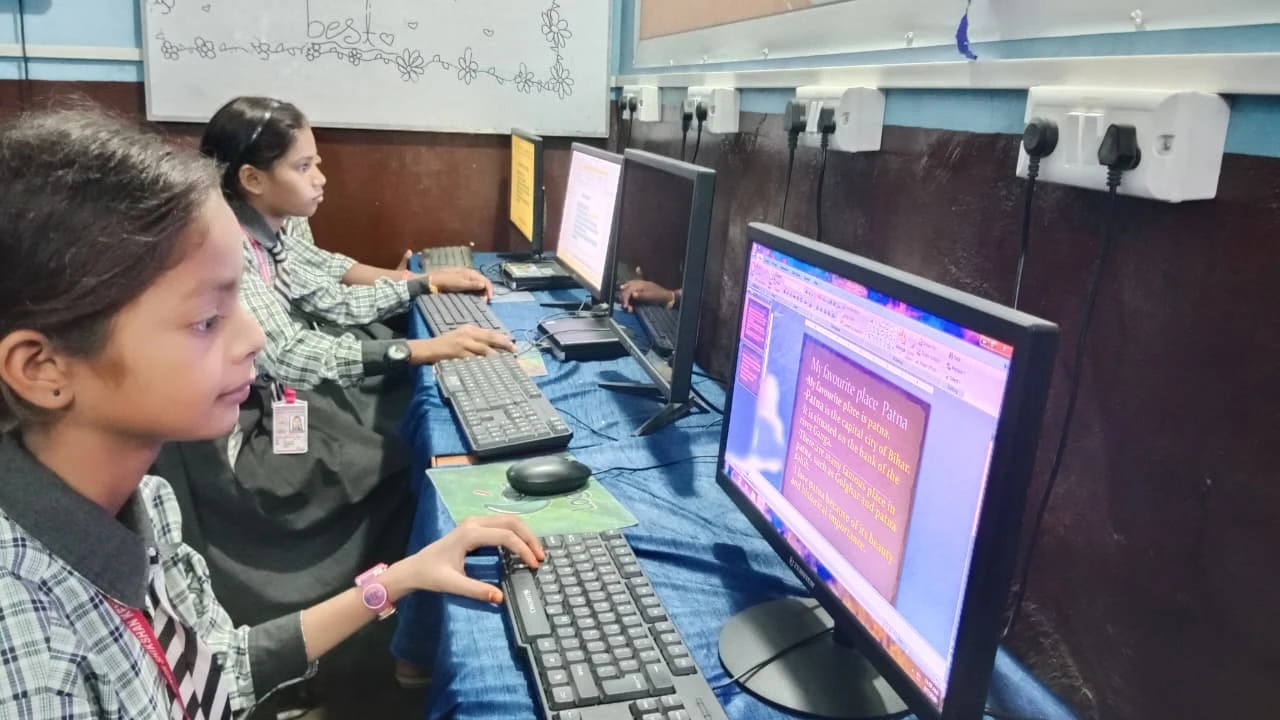
Here’s what the Ministry of Education and educators agree on: most students don’t need flagship hardware. Your child needs a computer that runs smoothly, boots fast, and doesn’t crash during an important exam or project submission.
That means a processor that’s not ancient, at least 8GB of RAM, and a solid-state drive (SSD) for speed. That’s it. Both mini PCs and traditional desktops can offer this at Rs.30,000-40,000.
The Apna PC, built by Apni Pathshala, is a perfect example. At Rs. 30,000 (before shipping and GST), it comes with 8GB RAM, a 128GB SSD, Zorin OS (a student-friendly Linux system), LibreOffice for documents and spreadsheets, and Scratch for coding. It’s a mini PC designed specifically for Indian students. It handles everything Arjun needs without bloat.
Mini PC vs Traditional Desktop: The Practical Middle Path for Indian Families
You don’t have to choose between expensive or inadequate. A well-spec’d mini PC bridges the gap.
Mini PCs are ideal if: your child’s desk is small, your electricity bills matter, you want something quiet, and your child’s work is mostly online classes, research, coding, and document creation. This covers 90% of school and early college work.
Traditional desktops are ideal if you have space, your child is serious about graphics-heavy work (animation, game design, 3D modelling), you want maximum upgrade potential, or you want the cheapest possible performance.
If you’re unsure, a mini PC is the safer bet for most Indian students. It’s not a compromise. It’s a smart choice.
Important Features to Look For
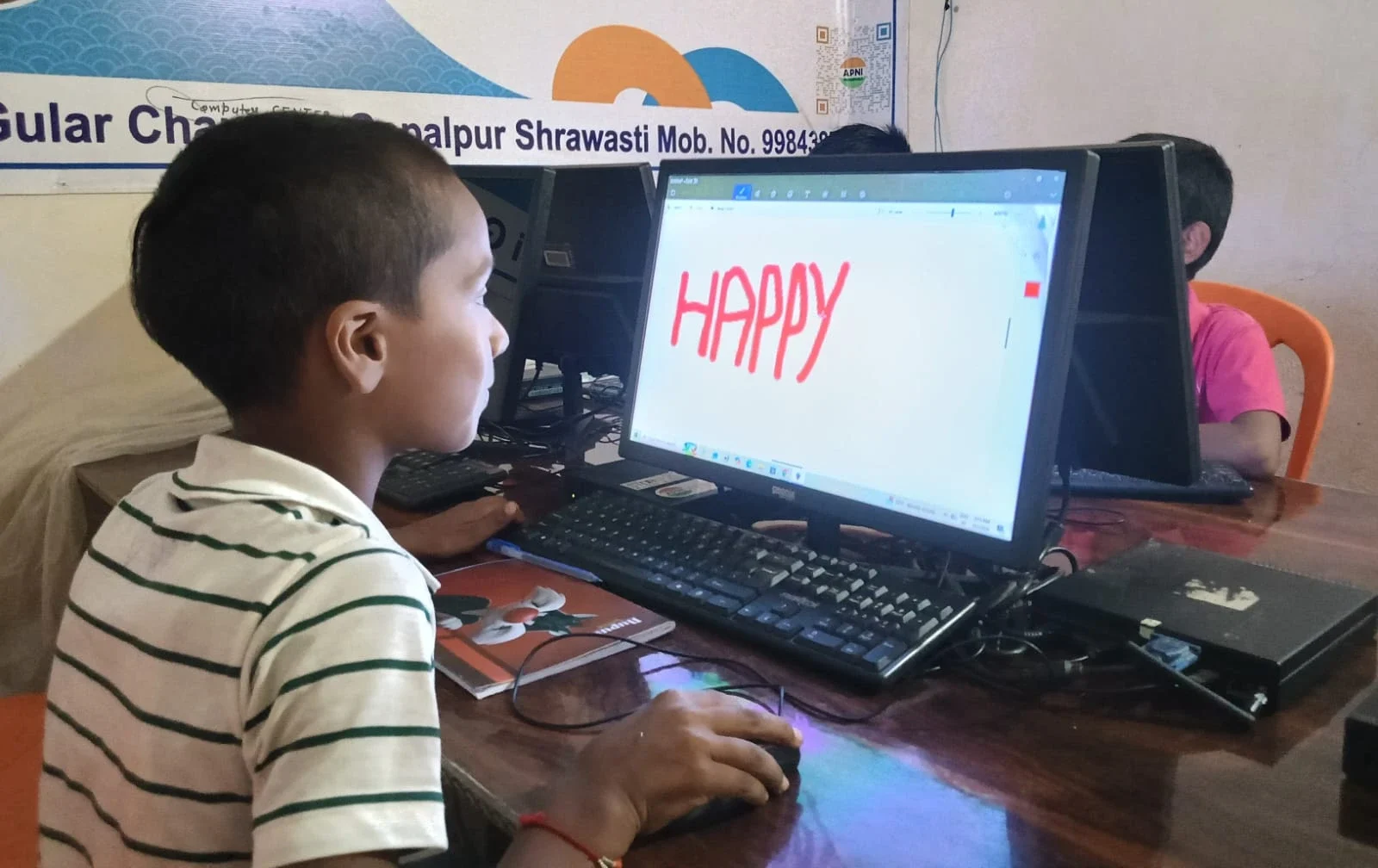
Whether you choose a mini PC or desktop, check these boxes: at least 8GB RAM, an SSD (not a slow hard drive), a processor made in the last 3-4 years, and an operating system with good software support. If the computer comes pre-loaded with student-focused tools like parental monitoring (so you can create separate user accounts for students and track usage), that’s a bonus.
Avoid anything with less than 128GB storage or older processors. Your child’s school might switch to heavier software, video conferencing, design tools, or coding environments, and you don’t want the computer to struggle.
What Parents in Tier 2 and Tier 3 Cities Should Know
Local repair shops in your city might not stock mini PC parts. Before buying, ask your shopkeeper if they can service it. Traditional desktops are easier to repair locally, which is valuable if you’re in a smaller city where shipping takes time.
Also, check if the computer comes with warranty support in your region. Some brands have service centres only in metro cities.
According to UNESCO, the future of education is digital, and every family should have access to affordable, reliable computing. You’re investing in your child’s future.
Final Thoughts: What Rajesh Chose
After research, Rajesh bought a mini PC for Arjun. It fit on the small desk, stayed quiet during late-night study sessions, and didn’t spike the electricity bill. Arjun learned to code in Scratch, aced his online exams, and even helped his younger sister with her schoolwork. The computer didn’t need upgrades. It just worked.
For most Indian students and families, a mini PC is the smarter choice. It’s compact, efficient, and powerful enough for everything your child needs to succeed in school and early college. If you want a ready-made option built for students, the Apna PC offers exactly this balance at a price that makes sense. Visit apnapc.com to learn more.