

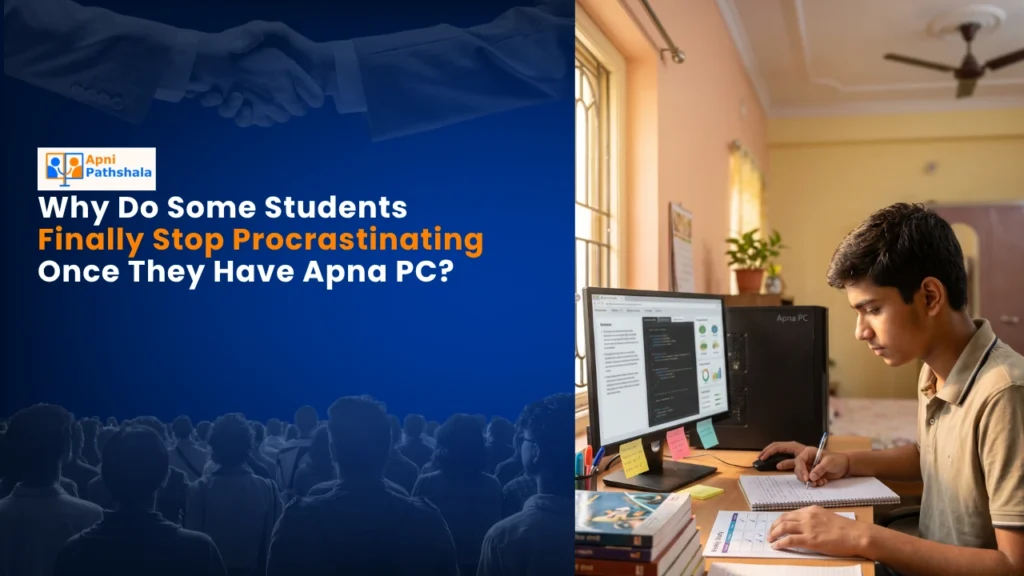
Many students stop procrastinating once they study on a computer built only for learning, because the device no longer competes for their attention. With no notifications, games or social feeds, starting work becomes easier than drifting away, and short study sessions slowly grow longer.
For example, a student with board exams a few months away may manage only a few minutes of study on a phone full of WhatsApp alerts and short videos. The same student often settles into work much faster at a quiet, single-purpose computer.
Why do students procrastinate on smartphones?
Students procrastinate on phones because phones are built to pull attention back again and again. Every app is designed to keep you scrolling, and a child’s willpower cannot compete with that.
The problem is often the tool, not the child’s discipline. A device that works against focus makes procrastination the easy option.
What makes a computer good for students who procrastinate?
The best computer for a student who procrastinates is one with nothing tempting on it and nothing slow to wait for. Apna PC comes with Zorin OS, a clean operating system that does not bombard your child with notifications.
There is no TikTok or Instagram feed. Instead there is LibreOffice for assignments, Scratch for coding basics and study-friendly tools.
The 8GB RAM and 128GB SSD mean files open fast. Your child does not sit waiting, so there is no gap in which to open a distraction. Speed itself helps focus.
How does gentle monitoring help a child stay on task?
Gentle monitoring helps because a child who knows their work is visible tends to stay on task without being watched. You do not want to hover over your child’s shoulder, but you also want to know if they are really studying.
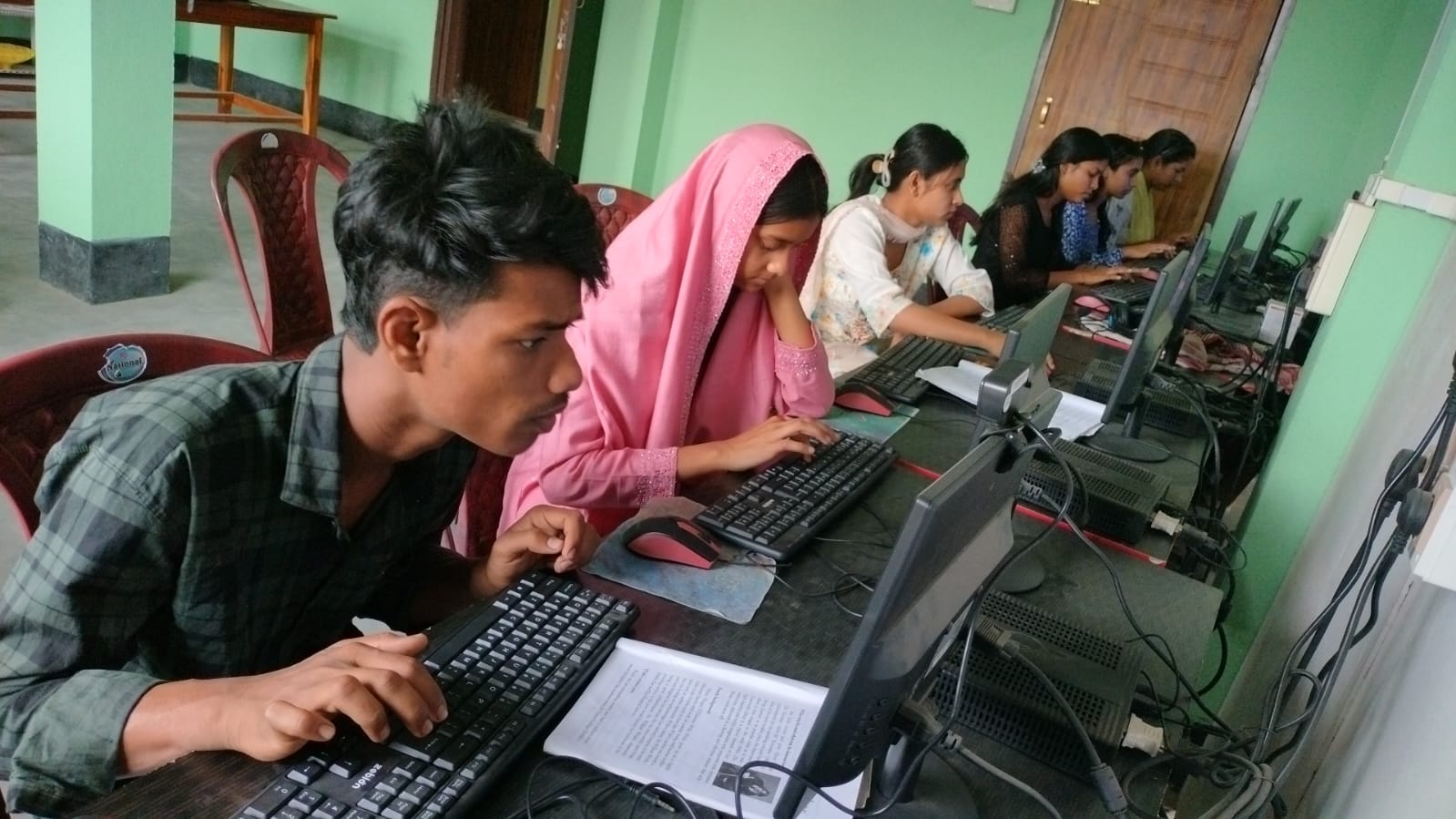
Apna PC comes with Apni Prerna, a student monitoring system built for accountability, not spying. Your child is not hiding anything, which removes the guilt and the constant inner battle between studying and putting it off. Many parents find this means fewer arguments and fewer “I’m studying” claims during video time.
What can a child do on this computer?
Here is what you get for Rs.30,000 (plus shipping and GST):
- Access to the DIKSHA digital learning platform: India’s official digital learning portal
- LibreOffice for document work: no expensive software subscriptions
- Scratch for coding basics: your child learns by doing
- Zorin OS: simple and safe, with no bloatware
- Video calling and online classes: for online tuition and school classes
- Research for projects: fast enough to handle several browser tabs
This is a tool built for learning, not a gaming machine or entertainment box, so it removes friction from studying.
Which study productivity tips work with the right setup?
Classic tips like taking a break every 25 minutes, using the Pomodoro technique and cutting distractions work much better when the device is not fighting them.
- Set a timer and study for 25 minutes with no phone nearby.
- Take a real break away from the screen.
- Come back and start the next block on the same task.
On a study-only computer, nothing tempts your child during the break either. For what a good session looks like, see what a focused hour of study looks like.
Is a computer really better than a smartphone for studying?
Yes, for focused study it usually is. We have written about computer vs smartphone for learning in detail. In short, a smartphone is a distraction device that looks like a learning tool, while a student computer is a learning device that protects against distraction.
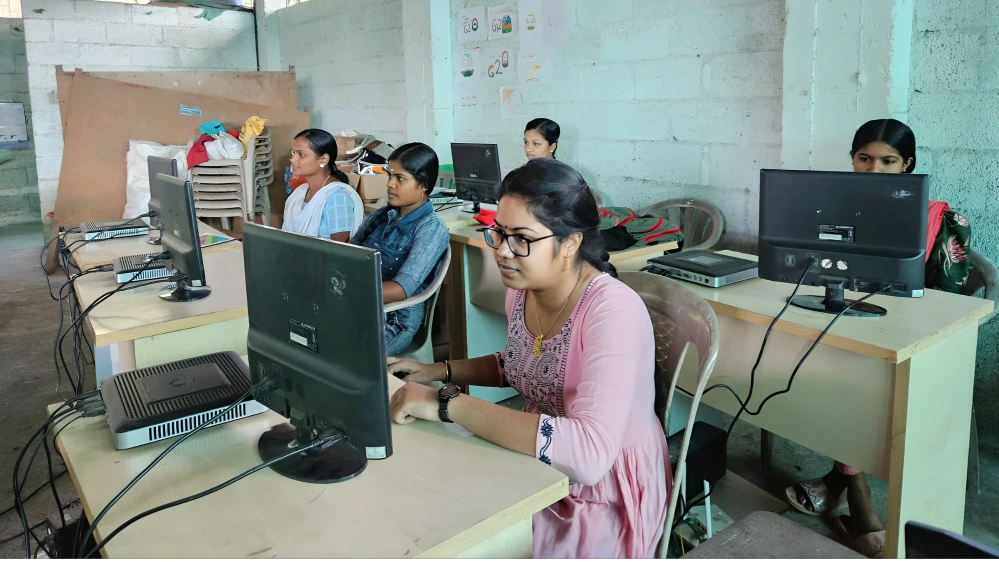
Using a computer for study also puts a child into “work mode.” The device becomes a signal that it is time to focus.
Where should parents start?
Start by accepting that the problem might be the tools, not your child’s discipline. Read more about online learning and study habits to see how the right setup supports focus.
Look at what the DIKSHA digital learning platform offers, and see the India Ministry of Education website for national digital learning initiatives. Apna PC is built by Apni Pathshala for Indian students in Tier 2 and Tier 3 cities. It is affordable and focused.
Frequently Asked Questions
Is procrastination a sign that my child is lazy?
Usually not. Procrastination often comes from a distracting environment, a task that feels too big or worry about doing badly. Remove easy distractions, break work into small steps and praise starting, not just finishing. Many children who seem lazy settle into work once the setup supports them.
Should I take away my child’s phone during study time?
Keeping the phone in another room during study blocks helps a lot, and it works best when agreed together rather than imposed. Explain that it protects their study time, and let them check messages during breaks. A study-only computer makes this easier because they do not need the phone for schoolwork.
How do I help my child start studying without arguments?
Set a fixed start time and a short first task, like reviewing yesterday’s notes. Small, clear starts lower resistance. Avoid long lectures and simply sit nearby for the first few minutes if needed. Over time, the routine itself does the reminding, so you can step back.
Your child can stop procrastinating and start making progress with the right tools at home. Visit Apna PC to learn more.