


Children who understand how computers work, not just how to use them, develop stronger problem-solving and logical thinking. Apna PC gives students hands-on tools to explore computer basics at their own pace, through Scratch, Zorin OS, and pre-loaded educational software that makes concepts concrete rather than abstract.
Why Should Children Learn How Computers Actually Work?
Computer science is not only for children who want to become programmers. Understanding how computers work builds logical thinking and confidence with technology that applies to every subject. When children learn computer basics from the ground up, they stop being passive users and start becoming active problem-solvers.
Many schools teach children to use software but rarely explain what an operating system does, why RAM matters, or how a file system is organised. This gap between using technology and understanding it is exactly what a purpose-built student computer can bridge.
How Does Apna PC Help Children Explore Computer Basics?
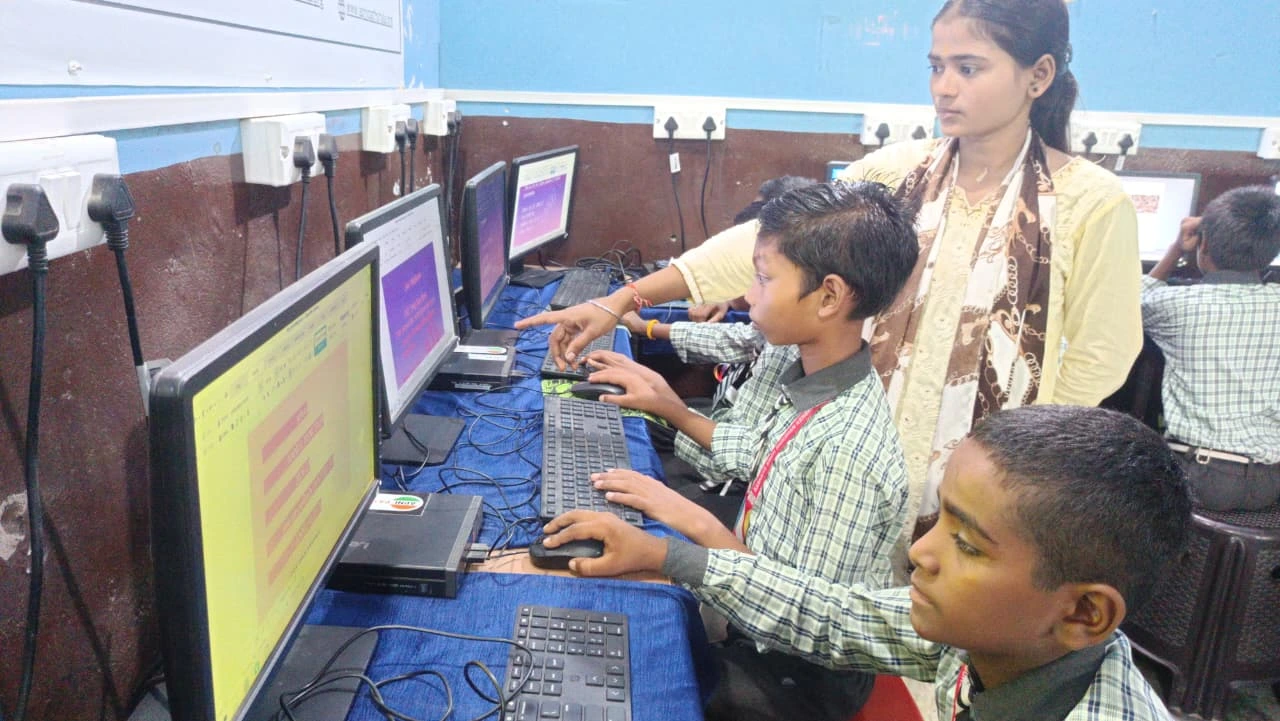
Apna PC comes pre-loaded with tools that make computer concepts clear and hands-on. Here is what makes it different for a child curious about how machines work:
- Zorin OS: A visual, beginner-friendly operating system that lets children see how software and hardware communicate
- Scratch: Pre-installed programming tool that teaches coding logic through visual blocks without requiring complex text-based code
- LibreOffice: Open-source office suite that shows children how everyday software is structured and used
- Apni Prerna: Built-in monitoring system that lets parents track learning progress without hovering over the child
- 8GB RAM and 128GB SSD: Smooth performance for multitasking, running educational software, and completing projects without frustrating lag
What Computer Concepts Can Students Learn at Home?
With Scratch, a child does not just learn programming theory. They create actual games and animations and see immediately how their code produces visible results. With Zorin OS, they explore the file system, understand folders and permissions, and see how an operating system manages everything running on the machine.
The 8GB RAM and 128GB SSD help children experience how computer resources work in practice. They will notice when multiple programs run at once and start to understand why performance changes. This is real computer science, not just clicking through tutorials.
How Does This Compare to Learning in School Computer Labs?
School computer labs give children shared access and limited time. At home with a personal computer, a child can experiment without worrying about the next student waiting. They can try something, break it, fix it, and try again. That kind of repeated practice builds understanding that a 45-minute lab session cannot replicate.
Hands-on computer practice at home changes how a child approaches technology. They begin to see the computer as something they can understand and control, not just something that sometimes works and sometimes does not.
How Do Parents Stay Informed Without Being Intrusive?
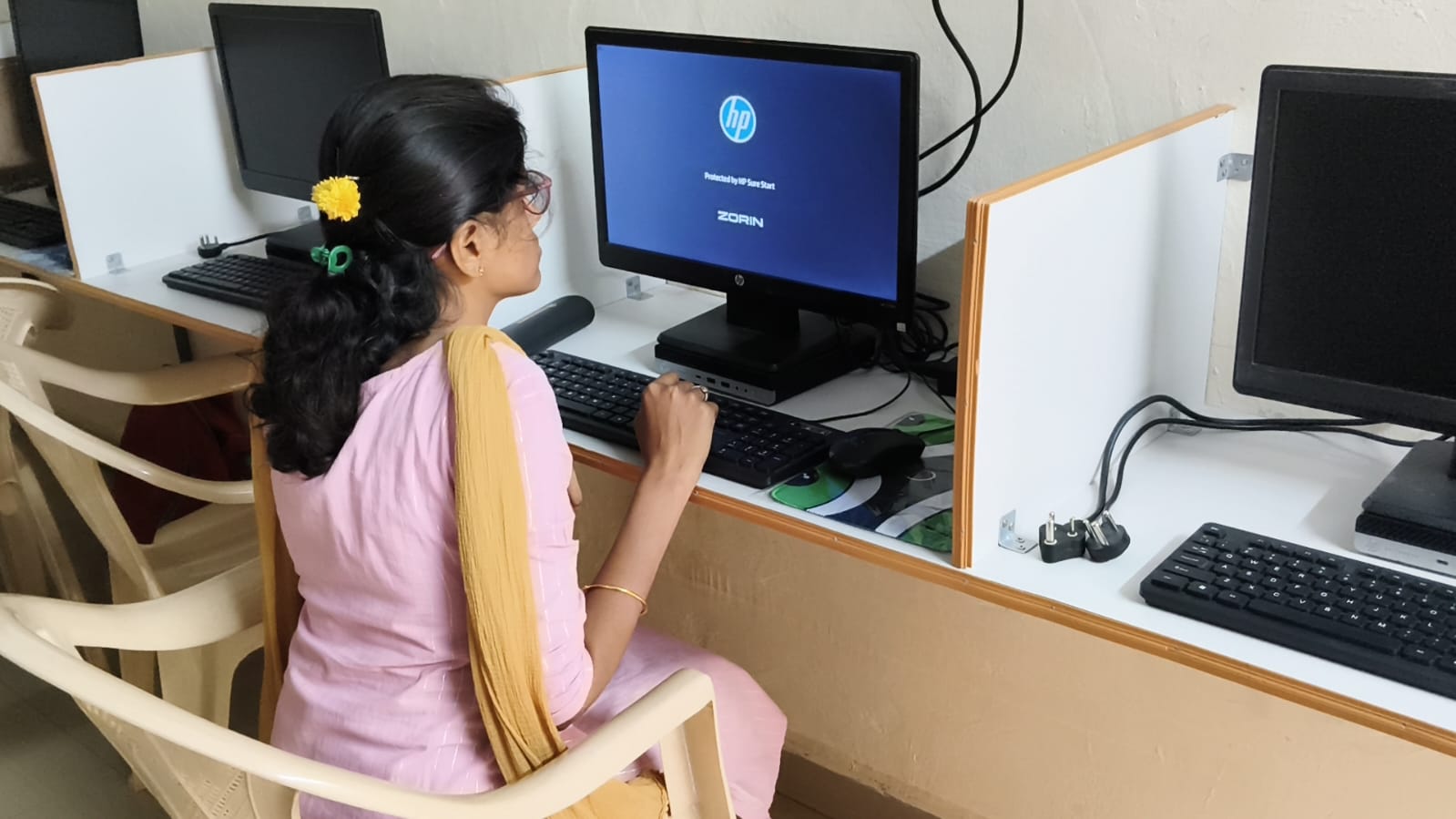
Apna PC includes Apni Prerna, a monitoring system that shows which programs your child is using and for how long. This is different from restricting screen time. You can see whether your child spent an hour on Scratch building a game or on something unrelated, and start a conversation from there rather than setting blanket time limits.
Parents do not need to be technically skilled to use this feature. The dashboard is straightforward and designed for families who are new to tracking digital activity.
What Is the Cost and Is It Worth It for a Tier 2 or Tier 3 Family?
At Rs.30,000 (shipping and GST excluded), Apna PC is built for Indian families in Tier 2 and Tier 3 cities. This is not a gaming laptop or a premium device filled with features you do not need. Every component is chosen to support learning specifically. The best computer for school students at home does not need to be the most powerful one, only the most focused one.
Compare this to coaching classes that charge monthly fees without giving your child any hands-on experience with how technology works. Apna PC gives your child that experience every time they sit down and use it.
You can also explore extracurricular learning on a computer to find activities that go beyond the school curriculum while still building relevant skills.
Frequently Asked Questions
At what age should a child start learning how computers work?
Children can begin exploring computer basics from Class 4 or 5 onwards. At this stage, visual tools like Scratch make programming concepts approachable. Younger children benefit from guided exploration, while Class 7 and above can start understanding operating systems, file management, and basic coding on a student computer.
Does a child need prior technical knowledge to use Apna PC?
No prior technical knowledge is needed. Apna PC comes pre-configured and ready to use. The pre-loaded software is designed for beginners and grows with your child’s skills. Parents who are not technical themselves find the setup simple because everything needed for learning is already installed and ready on day one.
Can Apna PC keep up as a student’s skills improve?
Apna PC with 8GB RAM and 128GB SSD handles all school-level tasks and most self-learning projects well. As skills grow, students can explore more advanced programming in Python and other tools available through Zorin OS. For computer-based learning at home, the hardware is well-suited for several years of use.
How is Apna PC different from a regular Windows laptop for learning computer basics?
Apna PC runs Zorin OS, an open-source operating system that shows students more of how a computer works than a locked-down consumer Windows setup typically does. The pre-loaded educational software removes the setup burden from parents. There are no games or social media apps installed, so the computer stays focused on learning. See more about building better digital habits with a computer.
Your child’s curiosity about how computers work is worth nurturing. A computer built around learning makes that easier than a general-purpose device. Visit apnapc.com to learn more about Apna PC.