


When a Simple Computer Purchase Becomes a Weekend Project
Rajesh sat at his desk in Lucknow on a Saturday morning, laptop box open in front of him. His daughter Priya needed a computer for her Class 7 studies, and he’d bought what seemed like a straightforward solution: a standard laptop from a local electronics shop. What followed was anything but straightforward.
By Sunday evening, Rajesh had spent nearly 16 hours installing Windows updates, searching for printer drivers online, downloading antivirus software, finding and installing LibreOffice, and trying to figure out parental controls. His wife couldn’t help because the computer wasn’t ready. Priya couldn’t start her homework because the computer wasn’t ready. What should have been a simple purchase became a technical obstacle course that left the whole family frustrated.
Your story might be similar. You buy a computer for your child’s education, but the actual setup work keeps the device sitting unused for days. This is the reality for most parents buying a first computer in Tier 2 and Tier 3 cities across India. The solution isn’t buying a better computer. It’s buying a ready-to-use learning PC that arrives prepared for your child’s needs from day one.
The Hidden Cost of Setting Up a Standard Computer
When you bring home a regular computer, you’re buying more than hardware. You’re buying a project. Let’s break down what actually needs to happen before your child can sit down and do schoolwork.
- Operating System Updates: Windows needs multiple rounds of updates before it’s stable. Each update can take 30 minutes to 2 hours. You’ll restart the computer multiple times and watch progress bars move at a snail’s pace.
- Driver Installation: Your printer won’t work. Your WiFi might be unstable. Your graphics might not display correctly. Finding and installing the right drivers requires searching manufacturer websites, downloading files, and troubleshooting when something goes wrong.
- Security Software: You need antivirus protection. You’ll spend time comparing options, installing software, and configuring it correctly so it doesn’t slow the computer down.
- Office Software: Microsoft Office costs money every month. You’ll search for alternatives, download them, install them, and learn how to use them. Your child will be confused about which program to use for which task.
- Parental Controls: You want to monitor what your child does online and limit screen time. Setting this up on Windows requires navigating confusing menus and making choices you’re not sure about.

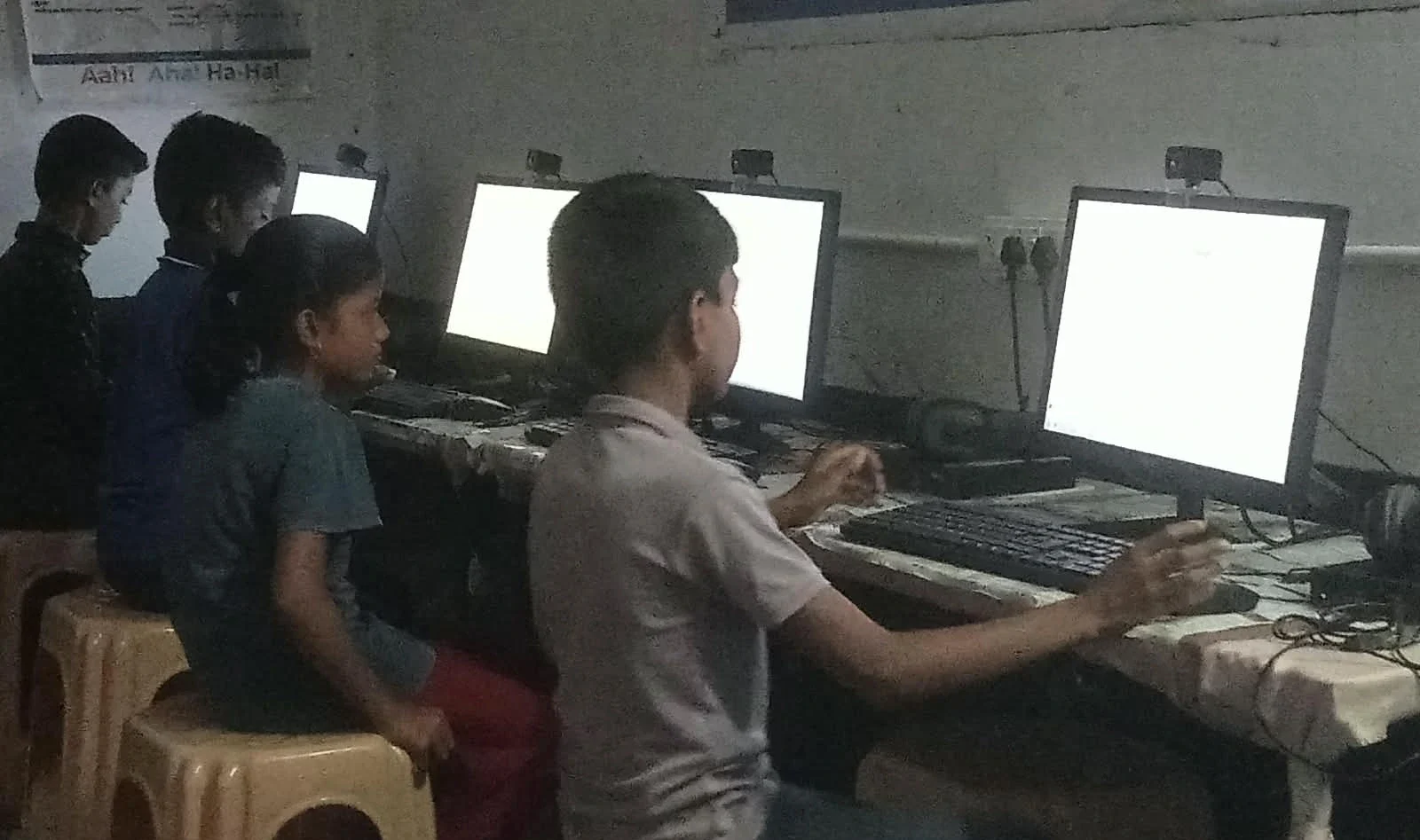
Add it all up, and you’re looking at a full weekend of work, or multiple evenings spread across a week. You might need to call a tech-savvy friend or pay someone to help. Meanwhile, your child’s homework sits waiting.
What Changed When Rajesh Chose Apna PC
Three months after his frustrating experience, Rajesh learned about Apna PC from a parent group on WhatsApp. When Priya needed a second computer for her online classes, he decided to try this ready-to-use learning PC designed specifically for students in India.
This time, his wife opened the box while he was at work. She plugged in the computer, turned it on, and within 20 minutes, Priya was doing her homework. No updates to wait for. No drivers to hunt down. No security software to configure. No confusion about which programs to use.
The Apna PC arrived with everything already installed and ready. Zorin OS (a clean, fast operating system), Apni Prerna (software that lets parents monitor their child’s learning), LibreOffice (for documents and spreadsheets), and Scratch (for learning programming). The computer had 8GB of RAM and 128GB of storage, enough for years of schoolwork. At Rs. 30,000, it cost less than many standard laptops, but delivered far more value because it actually worked from day one.
Rajesh could finally understand what a pre-loaded educational PC saves time meant. He wasn’t saving just a few hours. He was saving the stress, confusion, and frustration of technical setup.
Why a Ready-to-Use Learning PC Beats Standard Computers
Every day you delay getting a working computer is a day your child falls behind on schoolwork, online classes, or learning new skills. In the Digital India initiative, computers are becoming as essential as textbooks. But a computer that doesn’t work is worse than no computer at all because it creates frustration and delays.
When you buy a standard computer, you’re also buying technical debt. You’re responsible for keeping it updated, secure, and running smoothly. You’ll need to troubleshoot problems. You’ll pay for software licenses. You’ll worry about viruses and malware. This burden falls on you, not the computer seller.
A ready-to-use learning PC like Apna PC shifts this burden. The computer arrives optimised for student learning. The operating system is lightweight and fast, so it runs smoothly even on modest hardware. The software is chosen specifically for educational use. Parental controls are already built in. Security is handled. You can trust the computer to work reliably.
The Real Difference: Time and Peace of Mind
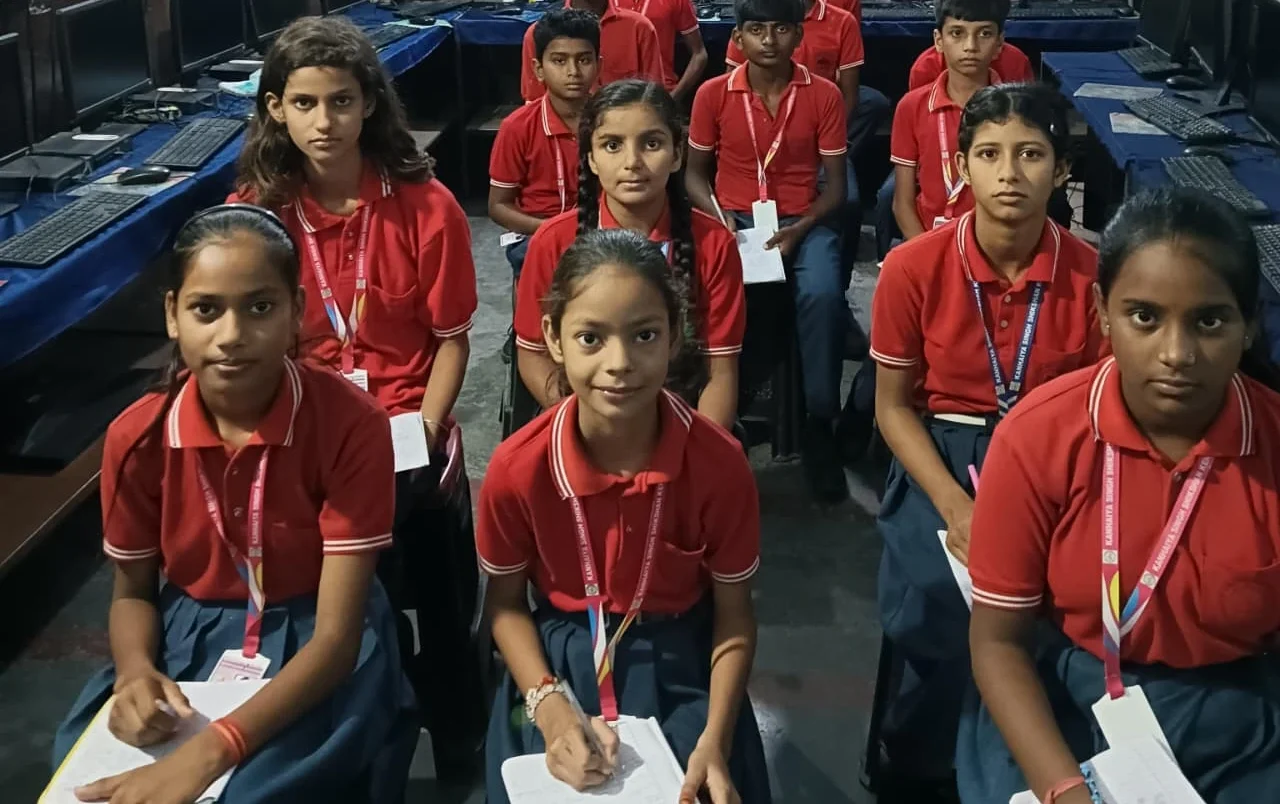
Think about what you could do with an extra weekend. You could spend time with your family. You could focus on work. You could rest. Instead of becoming an accidental IT technician, you stay a parent.
Your child gets a computer that works immediately. They can start their homework, online classes, coding practice, or research project without delay. They don’t see their parent struggling with technical problems. They see a tool that’s ready to support their learning.
This is what makes Apna PC different for students. It’s not just about the hardware or the software. It’s about eliminating the setup work entirely so your family can focus on what matters: your child’s education.
Research from UNESCO global education research shows that access to technology is only half the battle. The other half is having technology that actually works and doesn’t create barriers to learning. A computer that requires 16 hours of setup work is a barrier. A computer that works in 20 minutes enables learning.
Making the Smart Choice for Your Family
You don’t need to become a computer expert to support your child’s education. You don’t need to spend your weekend installing updates and hunting for drivers. You don’t need to worry about whether you’ve set up parental controls correctly or whether the software is secure.
When you choose a ready-to-use learning PC like Apna PC, you’re choosing simplicity, reliability, and peace of mind. You’re choosing to put your child’s learning first instead of wrestling with technical setup work.
Rajesh’s experience with Apna PC changed how he thinks about buying technology. “I wish I’d known about this the first time,” he told other parents in his WhatsApp group. “I would have saved myself a weekend and given Priya a working computer immediately.”
Your family deserves the same experience. Visit apnapc.com to learn more.