


An affordable computer for school students does more than save money. It gives each child their own focused learning space with pre-loaded software that is ready to use from day one. Apna PC at Rs.30,000 uses Zorin OS with Scratch, LibreOffice, and Apni Prerna monitoring, built by Apni Pathshala for Indian families in Tier 2 and Tier 3 cities.
Why families need an affordable student computer at home
Schools are moving quickly into digital learning. Children’s teachers assign projects on digital platforms. Coding has entered the curriculum. Online entrance exams for competitive programs require a proper computer setup, not just a shared family phone.
Without a personal device, a child falls behind in completing assignments on time, practising coding skills, and accessing the digital learning that their classmates are already doing. For families with limited budgets, the challenge is finding a computer that actually works at a price that makes sense. What parents in Tier 2 and Tier 3 cities should know before buying Apna PC covers the full picture of what to expect and what to check.
What makes Apna PC different from other budget computers?
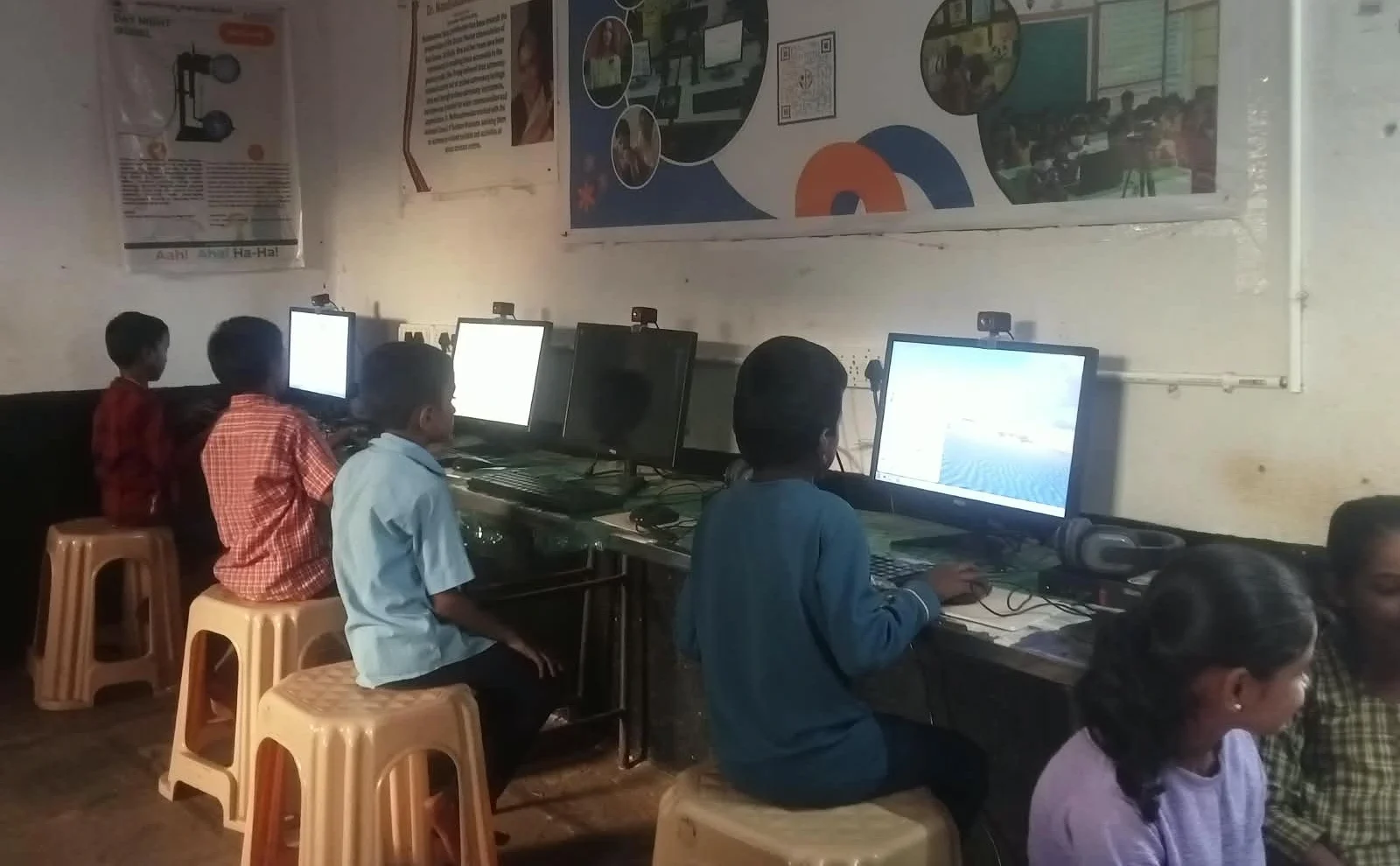
Most budget computers come with Windows and pre-loaded software that slows them down over time. Apna PC is built differently because educators designed it with what students actually need:
- Zorin OS: A fast, smooth operating system that does not slow down over time the way Windows can.
- 8GB RAM: Enough to run multiple programs without freezing during an online class.
- 128GB SSD: Fast storage so files open instantly.
- Scratch pre-loaded: Children can start coding on day one without struggling through downloads and installations.
- LibreOffice: Built in for essays, presentations, and spreadsheets.
- Apni Prerna monitoring: Parents can see what the child is doing online and set healthy screen time limits.
This is a real personal computer built for real student work, with processing power and storage optimised for learning rather than gaming or heavy software.
Who is choosing Apna PC across India?
Families across Tier 2 and Tier 3 cities are buying Apna PC for their children because it delivers at a price point that works for middle-class households. The consistent pattern: students spend less time waiting for a device to be free and more time actually studying. Assignments get completed more consistently. Coding practice happens at home, not just during school computer labs.
For parents exploring the full case for a dedicated student device, the guide on why digital education needs affordable student computers explains the gap that an at-home device fills.
How Apna PC supports your child’s learning at home
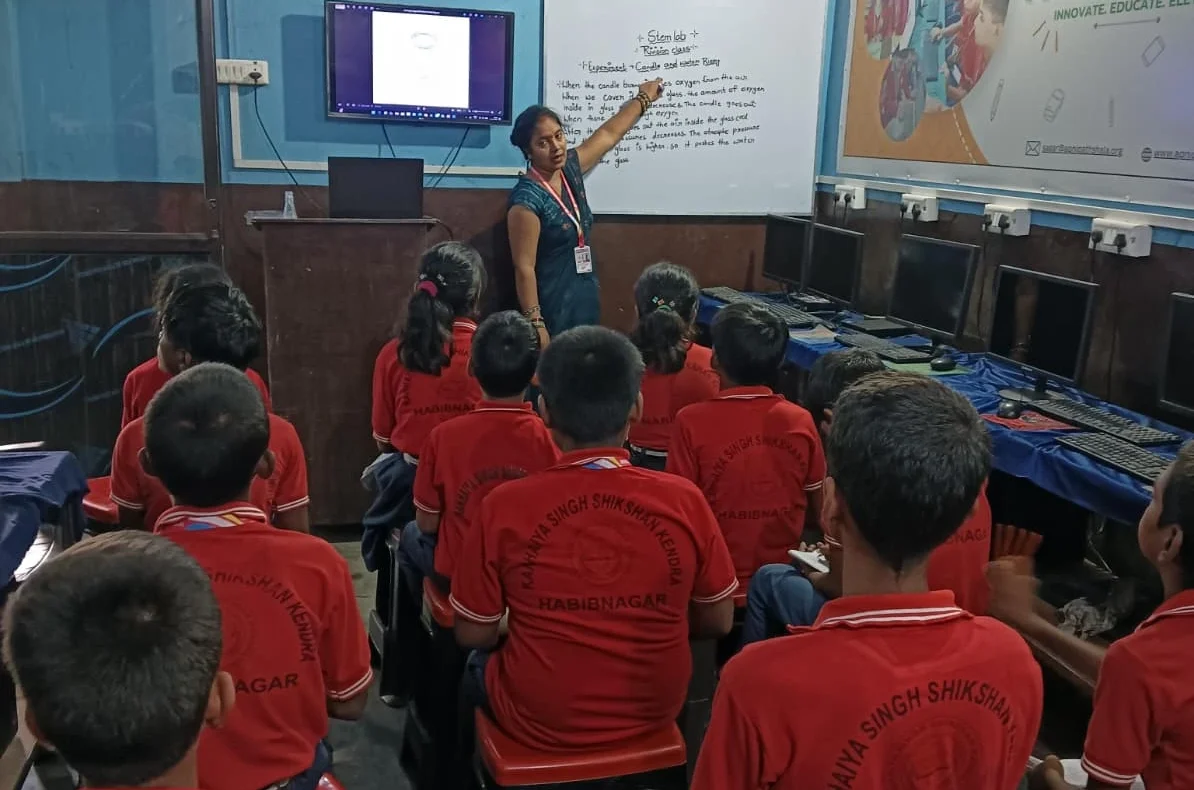
Apna PC comes pre-loaded with tools that teachers use in classrooms across India. Scratch is built in so a child can start coding immediately. LibreOffice lets them create well-formatted school projects. Zorin OS is straightforward enough for younger children to navigate without constant help from parents.
The Apni Prerna monitoring system gives parents visibility into how the child spends computer time. You can see how much time goes toward educational apps versus unproductive use, and set limits that protect the child’s focus during study hours. This kind of oversight is built into the device, not added on later.
What is the real cost of not having a home computer?
Without their own computer, a child depends on school labs that are only open during school hours. They cannot practise coding at home. Over time this creates a skills gap: when they reach higher classes, they are catching up while classmates are already ahead.
Apna PC at Rs.30,000 is a one-time investment that covers the full school years ahead. For more on how to compare the available options, the budget student computer guide for parents walks through what features actually matter and what to avoid.
Is Apna PC the right choice for your family?
Ask yourself three questions: Does your child need a computer for school? Can you invest Rs.30,000 in their education without straining your monthly budget? Do you want your child to learn coding and digital skills early?
Apna PC is designed for families who answered yes to these questions. It is not the cheapest computer available, but it is built specifically for student use at a price that middle-class families in India can manage. This aligns with India’s Digital India initiative, which aims to bring digital learning to every child. Visit apnapc.com to learn more.
How to order and get started
Ordering is straightforward. Visit apnapc.com, select your configuration, and place your order. Shipping to cities across India is available. Within a week, the student’s new computer arrives at your door, pre-configured and ready to use. For more details on what to look for when buying your child’s first computer, read the student computer buying guide.
Frequently Asked Questions
What software is pre-loaded on Apna PC for school students?
Apna PC includes Zorin OS, Scratch for visual coding, LibreOffice for documents and presentations, and Apni Prerna for parental monitoring. Everything is pre-configured and ready on day one, with no additional downloads or setup required from the parent’s side.
How does Apni Prerna help with screen time management?
Apni Prerna shows parents which applications the child uses and for how long. Parents can review daily usage, block non-educational websites during study hours, and understand their child’s study patterns without sitting beside the child during every session.
Who is Apna PC designed for?
Apna PC is built for students in Class 4 through Class 12 in Indian households. It is designed for Tier 2 and Tier 3 city families who need a reliable, education-focused computer at a price point that makes sense for a middle-class household without paying for gaming hardware or general-purpose features the student does not need.
To explore whether Apna PC fits your family’s budget and needs, visit apnapc.com.