


Can You Really Learn Design for Students at Home?
Rahul sits in his room in Indore, scrolling through Instagram. He sees stunning graphics, beautiful websites, and creative animations. He wonders: could design for students be a real career path? His parents ask him the same question they ask about engineering and medicine. What if he could explore design without spending lakhs on coaching classes or fancy software?
This is where a home computer changes everything. Design for students has become accessible, affordable, and genuinely exciting. You don’t need a college degree to start. You don’t need expensive equipment either. What you need is curiosity, a computer, and the right tools to begin your journey.
What Kind of Design for Students Can You Explore?
Graphic design is the most popular choice for beginners. You create posters, social media graphics, book covers, and logos. It is visual and rewarding. You see your work come to life immediately.
Web design is another exciting path. Websites power everything online. Someone has to design how they look and feel. This skill is in high demand right now.
- Animation and video editing – growing fields with real job opportunities
- Digital illustration – perfect if you love drawing but want to work on a computer
- UI/UX design – about making apps easy and beautiful to use
What About Creative Skills You Already Have?
You might think you need to be naturally talented. This is a myth. Design is about learning principles, not just talent. Anyone can learn the rules of colour, composition, balance, and typography.
If you are good at noticing details, you have an advantage. If you like solving problems, design will appeal to you. Creative skills develop over time through practice and learning from others. Many successful designers were not “naturally talented.” They were curious and persistent.
Which Design Software Should You Use?
Professional designers use expensive software like Adobe Creative Suite. It costs thousands of rupees per month. You cannot afford this as a student. You do not need it either.
Free and affordable alternatives are excellent for learning. GIMP is powerful for photo editing and graphic design. It is free and works on any computer. Canva is online and incredibly beginner-friendly. Figma is professional-grade for web and UI design and offers a free plan. Inkscape is perfect for vector design. Blender handles 3D design and animation.
Professionals worldwide use these tools. Learning on free design software means you build real skills. You can switch to paid software later if you need to. Check out our guide on photo editing for students to get started.
The Role of a Good Home Computer
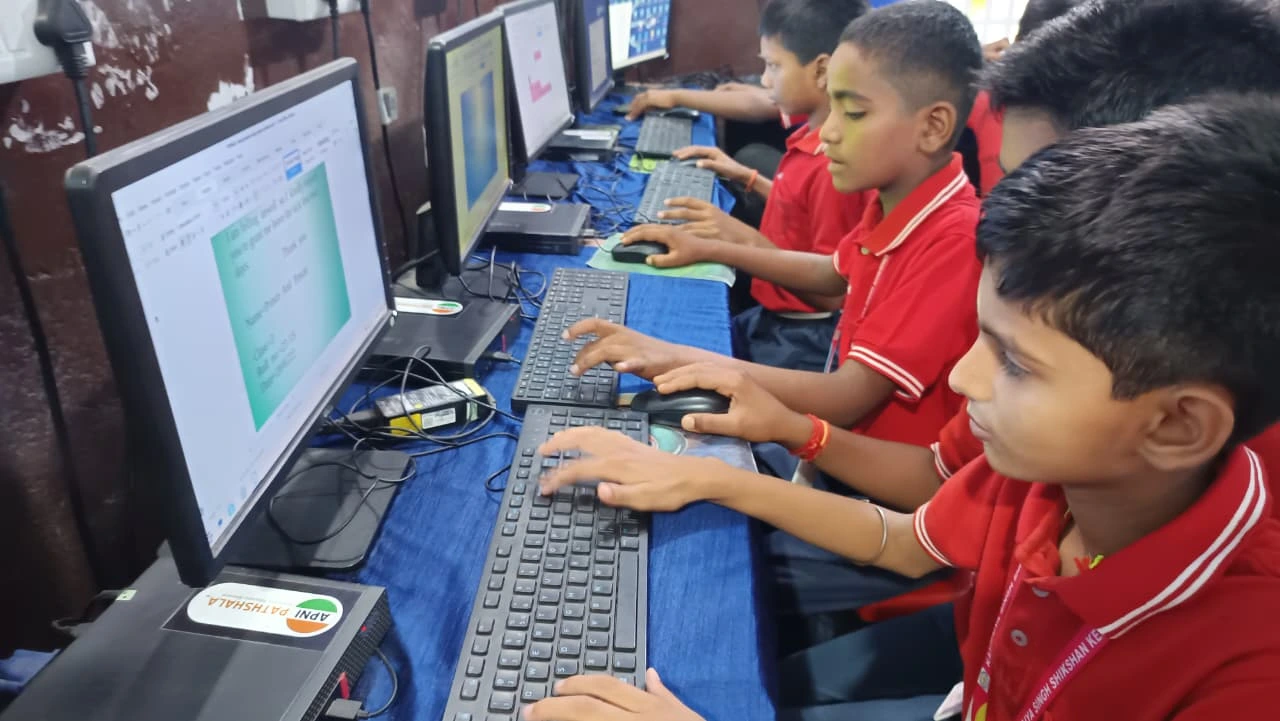
Not every computer works for design. You need something reliable with decent specifications. The Apna PC is built for students exploring design as a career path.
It comes with 8GB RAM and 128GB SSD storage. This is enough to run design software smoothly without lag. You can open multiple applications and switch between them easily. Rendering videos and exporting large files happen quickly.
It comes pre-loaded with tools and resources. Zorin OS is user-friendly and stable. LibreOffice handles documents and presentations. Scratch teaches you coding logic, which helps with web design.
At Rs.30,000 (excluding shipping and GST), it is affordable for most families. It is not a luxury item. It is an investment in your future. Compare this to a single semester of design coaching, and you realise the value. If you also want to explore new hobbies beyond design, your Apna PC handles it all.
How to Start Your Design Journey
First, decide which type of design interests you most. Graphic design? Web design? Animation? Spend a week exploring each one through YouTube tutorials.
Second, download free software and start creating. Do not wait for the perfect setup. Do not wait for the perfect moment. Start now with what you have.
Third, create a portfolio. Save your work. Share it on social media. Get feedback from others. This is how you improve and build confidence.
Fourth, learn the fundamentals. Study colour theory, typography, composition, and design principles. These apply to every type of design. A CBSE student now has access to the same online resources as anyone in the world.
Is Design for Students a Real Career?
Absolutely. The design industry in India is growing rapidly. Companies need designers for websites, apps, social media, advertising, and branding. Freelance design is booming. Many designers earn more than engineers and doctors.
But here is the truth: you need a portfolio to get work. You need real projects and real results. You cannot just have a degree and expect jobs. This actually works in your favour. You can start building your portfolio right now, as a student. By the time you finish school, you could have real clients and real income. UNESCO research confirms that creative skills are increasingly valued in the global job market.
Your Computer is Your Studio
You do not need a fancy studio or expensive equipment to explore design. You need a curious mind and a reliable computer. You need to be willing to practice and learn from mistakes.
Design for students is no longer a distant dream. It is accessible, achievable, and exciting. Your home computer is your studio. Your free software is your tool. Your determination is your greatest asset. Start today. Try one tutorial. Create one graphic. See how it feels. You might discover your passion. Visit apnapc.com to learn more.