


Rahul’s Journey: From Confusion to Code
Rahul sat in the corner of his small room in Indore, staring at his father’s old laptop. His parents had saved for three years to buy him a computer for his Class 8 studies. The screen flickered. The fan made noise like a struggling motor. His mother worried it would break before his board exams. Rahul felt pressure, not excitement. He didn’t know what to do with it beyond watching YouTube and typing essays.
This is the story of thousands of students in Tier 2 and Tier 3 cities across India. You have a computer at home, but you’re not sure how to use it for real computer education beyond basic tasks. Your child sits in front of the screen, but nobody teaches them practical skills. They don’t learn coding, digital design, or how computers actually work. The machine becomes a tool for distraction, not development.
What if one computer could change this? What if it came ready to teach your child real, hands-on skills from day one?
Why Computer Education Matters for Your Child Right Now
India’s job market is shifting fast. According to the Education in India data, students who learn practical digital skills early have better chances in competitive exams and job placements. Your child doesn’t just need to know how to use a computer. They need to understand how to build things with it.
The Digital India initiative has pushed technology into schools, but many schools in smaller cities still lack proper labs and trained teachers. Your home can become that learning space. One good computer with the right software can do what a whole lab does.
Right now, your child is learning:
- How to type and use Google
- How to watch videos and play games
- How to copy-paste for school projects
But they’re not learning how to create, code, or think like a problem-solver. That gap is expensive later.
Meet Apna PC: A Computer Built for Indian Students
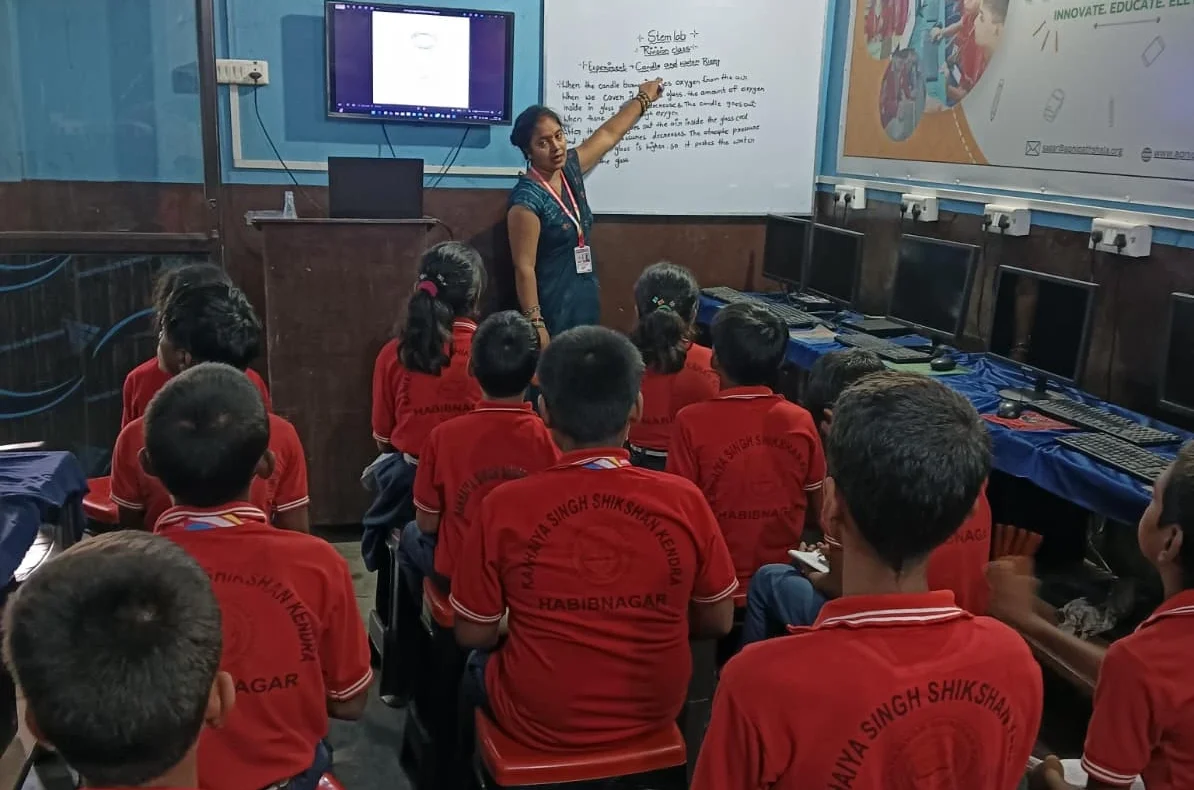
Apna PC isn’t just another computer. Apni Pathshala designed it specifically for students like you. At Rs.30,000 (before shipping and GST), it fits your budget better than imported brands that cost double. But price isn’t the real story.
What makes Apna PC different is what comes pre-loaded inside. Your child gets:
- Zorin OS – A clean, fast operating system built for learning (not bloated with ads like Windows)
- Scratch – Visual coding software where kids create games and animations by dragging blocks (no typing required to start)
- LibreOffice – Professional tools for documents, spreadsheets, and presentations (everything they need for school)
- Apni Prerna – A dashboard where you monitor what your child learns and how much time they spend on each skill
The hardware is solid too. 8GB RAM means your child can run multiple programs without lag. 128GB SSD storage holds hundreds of projects and files. It won’t slow down after six months like cheaper machines do.
Practical Skills Your Child Actually Learns
Let’s be specific about what happens when your child sits down with Apna PC.
In the first week, they open Scratch. They don’t read boring coding tutorials. Instead, they build a simple game where a character moves around the screen. They see the code blocks connecting like puzzle pieces. They realise coding isn’t magic. It’s logic. It’s creativity with rules.
By week three, they’re designing a quiz game. They’re learning variables, loops, and conditional statements without realising they’re learning computer science concepts that appear in Class 10 board exams.
With LibreOffice, they stop copying templates from the internet. They create presentations with proper formatting. They build spreadsheets that automatically calculate grades. These aren’t just school projects. These are skills they’ll use in college and jobs.
Through student computer access, your child learns at their own pace. They’re not rushed by a classroom full of other students. They’re not held back either. They move forward when they’re ready.
How Parents Stay Involved (Without Being Annoying)
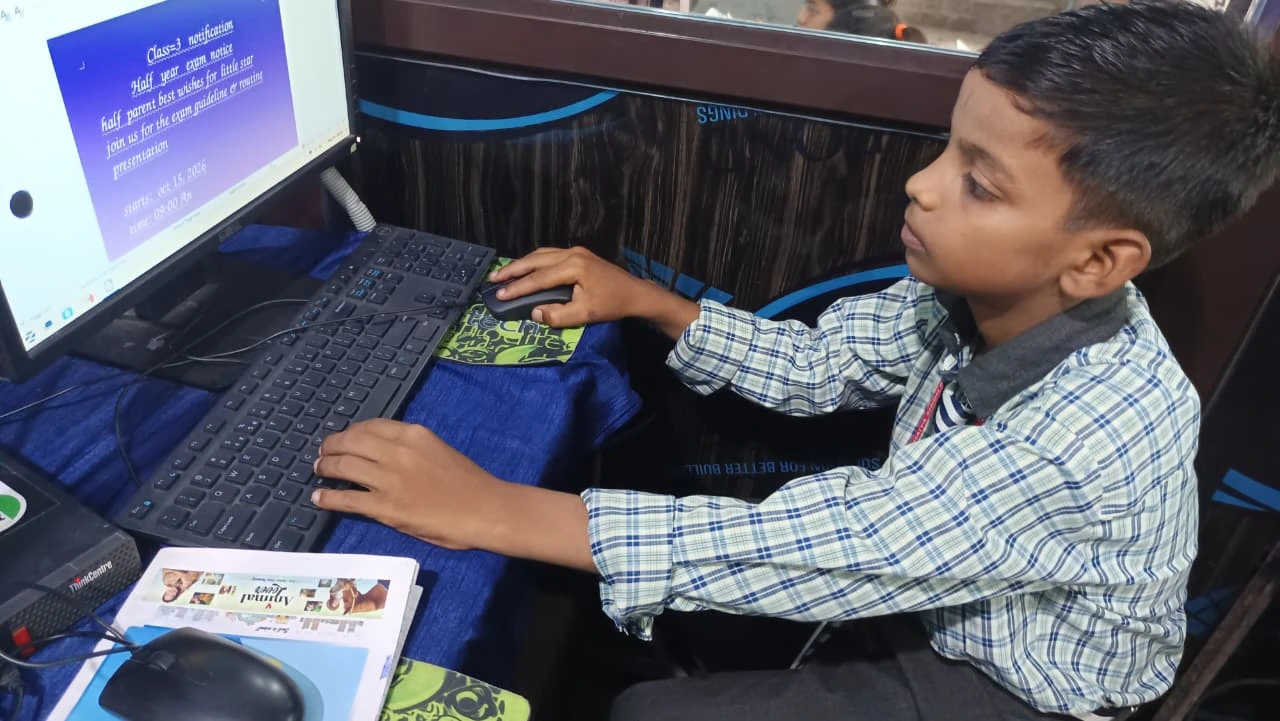
You don’t need to understand coding to help your child. Apni Prerna shows you exactly what they’re working on. You can see which skills they’ve practiced, how long they spent on each project, and where they’re struggling.
This isn’t spyware. It’s a progress report. You know if your child is actually learning or just playing games. You can have real conversations: “I see you spent two hours on that animation. Tell me what it does.”
Many parents worry they’ll lose control if their child has a computer. Apna PC gives you the opposite. You have more visibility, not less.
Real Learning Happens in a Real Computer Lab Space
Apna PC works best when your child has a dedicated space to work. Not just any corner, but a place where they can focus without distractions. A small desk near a window. Headphones for tutorials. A notebook for writing down ideas.
This doesn’t need to be expensive. But it needs to exist. When your child knows “this is my learning space,” they take it seriously. They’re not just using a computer. They’re becoming a student of technology.
Think of it as a computer lab skill-practice space in your home. Schools have labs because focused spaces create focused learning. Your home lab does the same thing.
Why This Matters for Your Child’s Future
In five years, every job will require some level of digital skill. Not just using software, but understanding how it works. Your child who learns coding in Class 8 will have options your generation didn’t have. They can build apps, design websites, or teach others.
But they need to start now. Not in college. Not when they’re 18. Right now, while they’re curious and have time to experiment.
Apna PC removes the biggest barrier: having the right tool. You don’t need to find a coaching centre. You don’t need to hire a tutor who charges Rs.500 per hour. You need one good computer and the right software.
Your child has the curiosity. Apna PC provides the rest.
Don’t let another school year pass with your child using a computer only for typing and browsing. Start their practical computer education today. Visit apnapc.com to learn more.