


Ravi sat in his room in Indore, staring at his phone. It was 11 PM, and he had just realised his chemistry exam was in three days. His notebook was scattered across his desk, his notes were not organised, and he had no idea which topics to revise first. His mom knocked on the door: “Beta, why are you not sleeping? Do you have a plan?” Ravi did not. That night, he decided to create a digital study calendar to track everything. Within a week, his stress dropped by half, and his marks jumped from 68 to 82 in his first mock test.
If you are like Ravi, you know how overwhelming studies can feel without a proper plan. A study calendar is not just about writing dates and exams. It is your personal roadmap that breaks down big goals into small, manageable daily tasks. Whether you are preparing for board exams, competitive tests, or just want better grades, having a digital planner changes everything. Let us explore how you can build one that actually works for your life.
Why Your Study Calendar Needs to Be Digital
Paper planners are great, but they get lost, damaged, or forgotten in your bag. A digital study calendar lives on your computer or phone, always available when you need it. You can set reminders that ping you at the right time, update tasks instantly, and track your progress with charts and graphs. Digital planners also let you colour-code subjects, add notes with links to videos, and sync across devices so you are never out of sync.
The best part? You can access your study calendar from anywhere. Stuck in traffic? Check what you need to study today. At your friend’s house? Review tomorrow’s schedule. This flexibility keeps you on track without feeling chained to a desk.
Choosing the Right Tools for Your Digital Planner
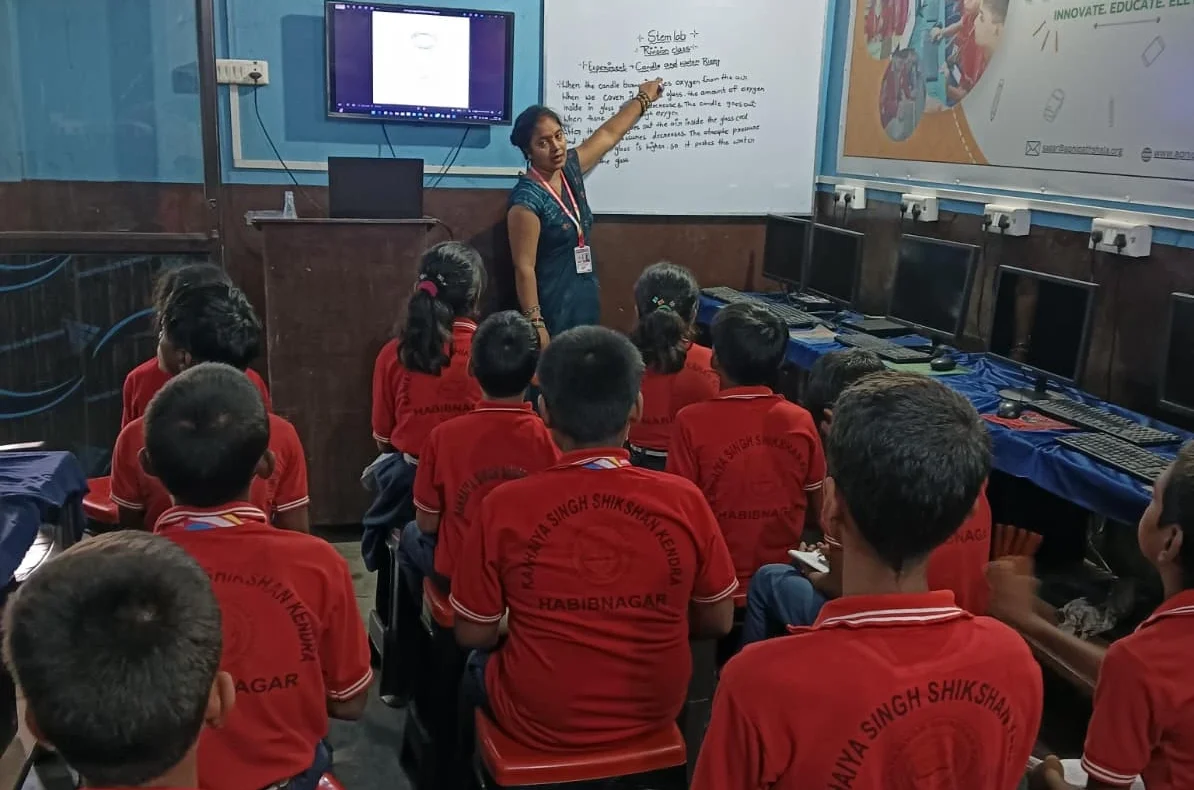
You do not need expensive software. Free tools work just as well if you use them right. Google Calendar is perfect for marking exam dates and deadlines. Google Sheets or Microsoft Excel let you build a detailed study schedule with subject-wise breakdowns. Notion is trendy and powerful, though it has a learning curve. Todoist is simple and great for daily task management.
The key is to pick one tool and stick with it. Jumping between five apps confuses you more than it helps. Check out productivity apps for students to see which ones best fit your style. If you are working on a computer, tools like LibreOffice (which comes pre-loaded on Apna PC) also work wonderfully for creating custom planners.
Building Your Study Calendar Step by Step
Start by listing all your exams, project deadlines, and important dates. Write them down first. Then, count backwards from each exam date. If your math exam is on March 15, and it is February 1 today, you have 42 days. That is your window to prepare.
Next, divide your subjects into topics. For example, math might have algebra, geometry, and trigonometry. Physics might have mechanics, heat, and electricity. Create a rough timeline: which topics do you tackle first? Harder topics usually need more time, so schedule them earlier.
Now comes the daily part. Your study calendar should show what you will study each day. Do not just write “study math.” Be specific: “Complete 20 algebra problems from Chapter 3” or “Watch DIKSHA video on photosynthesis, then solve 5 questions.” Specific tasks keep you focused and motivated.
Making Your Study Calendar Actually Work
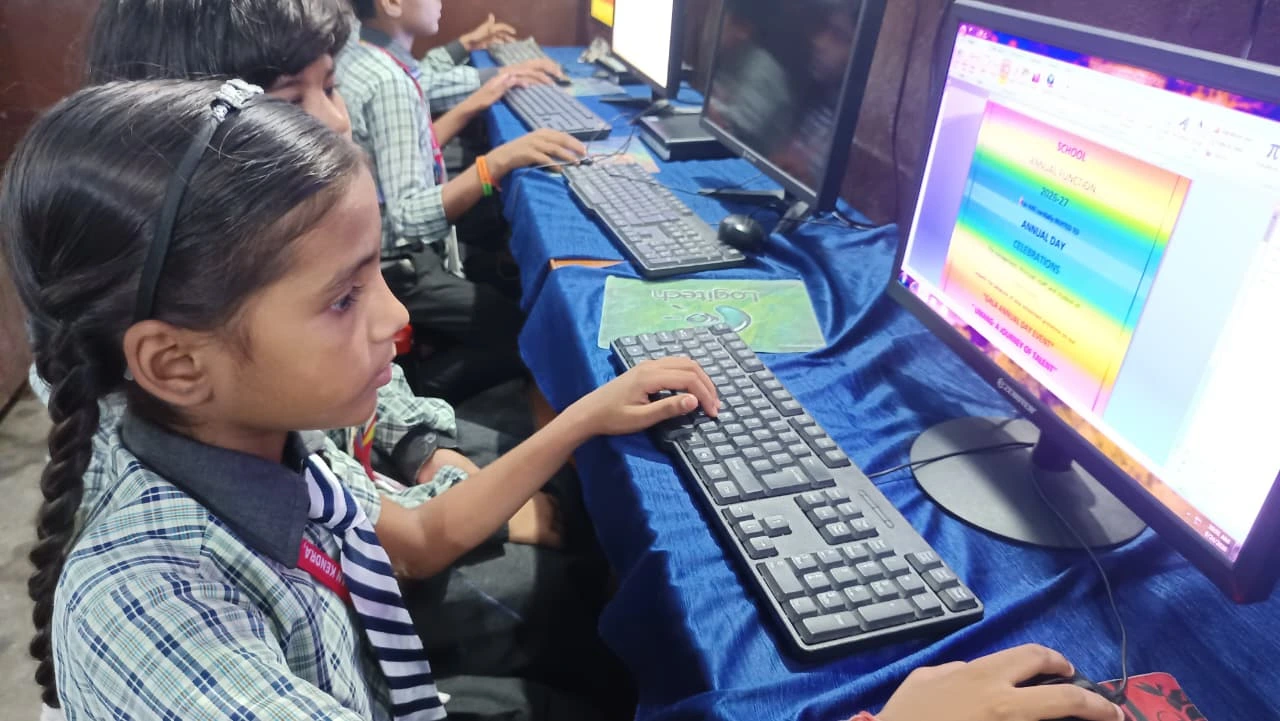
A beautiful calendar that you never look at is useless. Set phone reminders for your study sessions. If you planned to study history from 4 PM to 5 PM, let your phone remind you at 3:50 PM. This small nudge keeps you accountable.
Review your study calendar every Sunday evening. Check what you completed last week. Did you finish what you planned? If not, why? Was it too much? Too hard? Adjust next week’s plan based on what you learned. This weekly review takes just 15 minutes but saves you from falling behind.
Colour-code your subjects. Use red for math, blue for science, and green for languages. Your brain processes colours faster than text, so you will scan your calendar quicker. Add motivational notes too: “You have got this!” or “3 weeks to ace this exam!”
Smart Tips for Your Digital Planner
Do not overpack your days. If you plan 6 subjects in one day, you will burn out by Wednesday. Aim for 3-4 subjects daily, with breaks between them. Your brain needs rest to absorb information.
Link your study calendar to actual resources. If you are studying a topic, add a link to a YouTube video, a website, or a PDF in your planner. When study time comes, you do not waste 10 minutes searching for materials. Everything is right there. Learn more about time management on your computer to organise these resources better.
Track what you have completed. Use checkmarks, colour changes, or progress bars. Seeing completed tasks gives you a dopamine hit- that feeling of achievement. This motivation carries you forward, especially during tough weeks.
Tools the Indian Ministry of Education Recommends
The India Ministry of Education encourages students to use structured time management techniques for better learning outcomes. Many schools now recommend digital planning. Platforms like DIKSHA digital learning platform work great alongside your personal study calendar because you can schedule when to use them.
If you are serious about building a study calendar that sticks, consider using a computer built for students. Apna PC comes with Apni Prerna, a student monitoring tool that tracks your study sessions. It also has LibreOffice, perfect for creating detailed study schedules, plus 8GB RAM and 128GB SSD to store all your notes, videos, and resources. At Rs.30,000 (shipping and GST excluded), it is an investment in your education that pays off.
Your Study Calendar Starts Today
You do not need a perfect system. You need a system you will use. Start simple: pick a tool, list your exams, work backwards, and create weekly goals. Review every Sunday. Adjust as needed. Within two weeks, you will feel more in control of your studies.
Ravi’s story does not have to be just his. Your study calendar can bridge where you are now and where you want to be. The best time to start was yesterday. The second best time is right now. Visit apnapc.com to learn more.