


Rahul’s Study Crisis: Why Productivity Apps Changed Everything
Rahul sat at his desk in Delhi, staring at his laptop screen at 11 PM. His Class 12 board exams were three months away, but he couldn’t focus for more than 15 minutes. His phone kept buzzing with WhatsApp messages from friends. His study notes were scattered across five different apps. His parents kept asking why he wasn’t scoring better despite studying for hours. That night, Rahul realised he didn’t have a productivity problem. He had a tools problem. Within two weeks of using the right apps, his study time dropped from 6 hours to 4 hours. His test scores jumped by 18%. You might be feeling the same frustration right now.
As a student, your time is your most valuable resource. The right tools help you reclaim it. These apps aren’t just about checking off tasks. They’re about creating focus, building habits, and actually remembering what you study. Let’s explore the best options available for students like you.
Best Productivity Apps for Your Study Life
The right apps can transform how you learn and manage your academic workload. Here’s what you need to know about the top options.
Todoist: Your Personal Study Manager
Todoist is where your study tasks come to life. You can break down big projects like “prepare for Math exam” into smaller chunks like “solve chapter 5 problems” or “revise formulas.” The app sends you reminders so you don’t forget deadlines. Indian students love Todoist because it works offline too, which helps when your internet connection drops.
The free version gives you everything you need. You can create projects for each subject, set priority levels, and track your progress. Many students use it alongside their study planner to stay organised. When you use it consistently, your studying becomes systematic instead of chaotic.
Forest: Beat Distractions and Build Focus
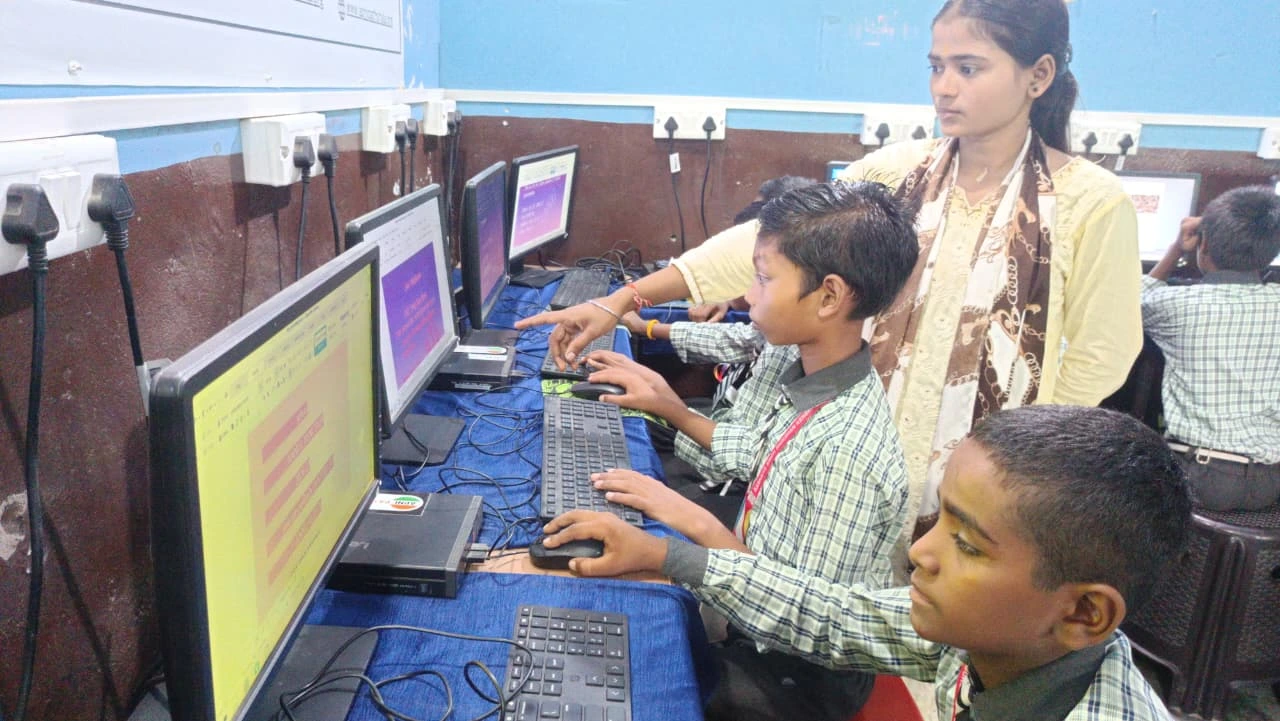
Forest turns focus into a game. You plant a virtual tree when you start studying. If you leave the app to check social media, your tree dies. After 25 minutes of focused work, you grow a real tree through its partnership with environmental organisations. It’s not just about getting things done. It’s about feeling good while you work.
This focus tool works brilliantly for students who struggle with phone addiction. Your friends might be scrolling Instagram, but you’re growing a digital forest. Over a semester, you can grow hundreds of trees. Some students print their forest stats and stick them on their study walls for motivation.
Notion: Your All-in-One Study Hub
Notion is like having a personal assistant who organises everything. You can create a study planner here, track your grades, maintain subject notes, and build a reading list. One workspace holds your entire academic life. Indian students especially love Notion because they can customise it completely in Hindi or English.
The learning curve is steeper than other apps, but once you set it up, it saves hours every week. You no longer jump between five different apps. Everything syncs automatically across your phone, tablet, and computer. Your study materials stay organised and searchable forever.
Pomodoro Timer: The 25-Minute Secret
The Pomodoro Technique is simple. Study for 25 minutes, then take a 5-minute break. After four rounds, take a 15-minute break. This rhythm matches how your brain actually works. Apps like Be Focused or Forest use this technique to help you build focus that sticks.
Why does this work for students? Because 25 minutes feels doable. You can convince yourself to focus for 25 minutes when you can’t face a 3-hour study session. Your mind stays fresh because you get regular breaks. Your apps work best when they align with how your brain functions.
Evernote: Capture Everything You Learn
Evernote lets you clip web pages, record voice notes, and organise everything by subject. When you’re researching for a project, you save articles directly into Evernote. When your teacher explains something important, you record the audio. Everything is searchable later.
The beauty of Evernote is that it becomes your personal library. Years later, you can search for “quadratic equations” and find every note you took on that topic. Indian students use it to collect study materials in one place instead of having PDFs scattered everywhere.
Google Calendar: Your Study Schedule Backbone
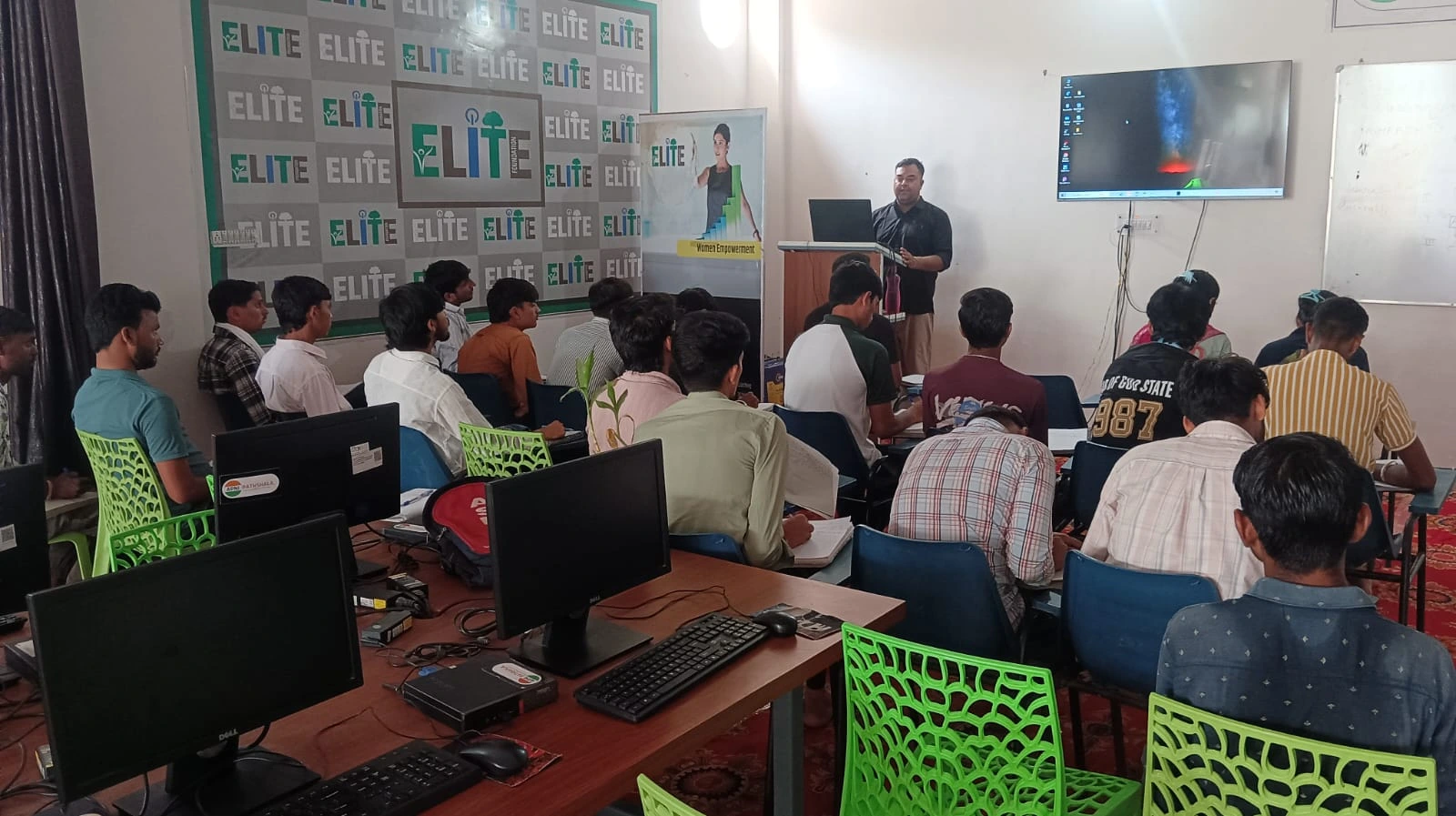
A study planner is useless if you don’t see it. Google Calendar sits right on your computer screen. You can colour-code subjects, set reminders for exams, and block time for focused study sessions. When you open your computer, your entire week stares back at you.
Google Calendar’s power comes from its integration with other apps. Your Todoist tasks can sync with your calendar. Your exam dates auto-remind you. Your study schedule becomes visible and real, not just a vague idea in your head.
Setting Up Your Productivity System
Having great apps isn’t enough. You need the right device to run them smoothly. Your laptop should have enough RAM to handle multiple apps without slowing down. It should have good battery life for studying away from outlets. It should feel reliable so you trust it with your important academic work.
This is why many students choose Apna PC. It’s specifically built for students like you. It comes pre-loaded with Zorin OS, LibreOffice for documents, and Scratch for coding. The 8GB RAM handles all your apps without lag. The 128GB SSD stores all your study materials, notes, and projects. At Rs.30,000, it’s affordable for most Indian families. When you have a computer designed for student work, your apps perform at their best.
Creating Your Focus Environment
The best apps work best when paired with a good study setup. You need a quiet space, a comfortable chair, and a device that doesn’t distract you. If your computer is cluttered with games and distracting apps, your focus tools can’t help much. Take time to build a productive study corner at home. Then fill it with the right tools.
Your morning study routine also matters. When you start your day by opening your planner and setting your focus timer, you build momentum. The first hour of your day shapes the next 23 hours. These small habits compound into real academic improvement.
The Real Impact on Your Grades
These tools aren’t magic. They’re helpers. Rahul didn’t improve because Todoist is special. He improved because he finally tracked what he was doing. He saw his patterns. He adjusted his schedule. He focused instead of pretending to focus.
You’ll see similar results when you commit to using your apps consistently. Your grades improve. Your stress decreases. Your free time increases because you’re studying smarter, not harder. The tools make it possible.
Learn how to build a productive study corner at home to maximise your setup. Also explore your morning study routine to start each day right. Your academic success depends on having both the right tools and the right habits.
The best time to start using these apps is today. The second best time is tomorrow. But today is better. The Apna PC gives you a reliable foundation to run all these apps smoothly and focus on what matters: your education. Visit apnapc.com to learn more.