


Rahul’s Back Pain and the Desk Height Problem
Rahul is fourteen. He lives in Indore with his parents and younger sister. Three months ago, his mother bought him a second-hand desk from a local carpenter and paired it with an old office chair from his father’s workplace. The desk was 32 inches high. The chair had no adjustment. Within weeks, Rahul complained of neck pain and lower back aches. His mother thought he was just tired from online classes. It wasn’t until his teacher mentioned his poor posture during a video call that his parents realised something was wrong. The problem wasn’t Rahul’s dedication to studies. It was his desk height.
If your child studies at home, you’ve probably noticed slouching, complaints about discomfort, or even headaches by evening. These aren’t signs of lasiness. They’re signs that your desk height and chair height don’t match your child’s body. Getting the right measurements can change everything.
Why Desk Height Matters for Your Child’s Study
Your desk height directly affects your posture, focus, and how long you can study without pain. When your desk is too high, your shoulders rise toward your ears. This creates tension in your neck and upper back. When your desk is too low, you bend forward and strain your lower back. Neither position helps you concentrate on homework or online learning.
The standard desk height for adults is 28 to 30 inches from the floor to the tabletop. But your child isn’t an adult. Their proportions are different. A desk that’s perfect for your father might be completely wrong for your ten-year-old.
Here’s the simple rule: when your child sits at the desk with arms relaxed, their elbows should bend at 90 degrees. Their forearms should rest flat on the desk. Their wrists should be straight, not bent upward or downward. This is the correct desk height for your child.
If your desk is too high or too low, you can’t maintain this position. Your body compensates by twisting, leaning, or reaching. After thirty minutes, discomfort sets in. After an hour, pain follows. After weeks, bad habits form that are hard to break.
Finding the Right Chair Height for Better Posture
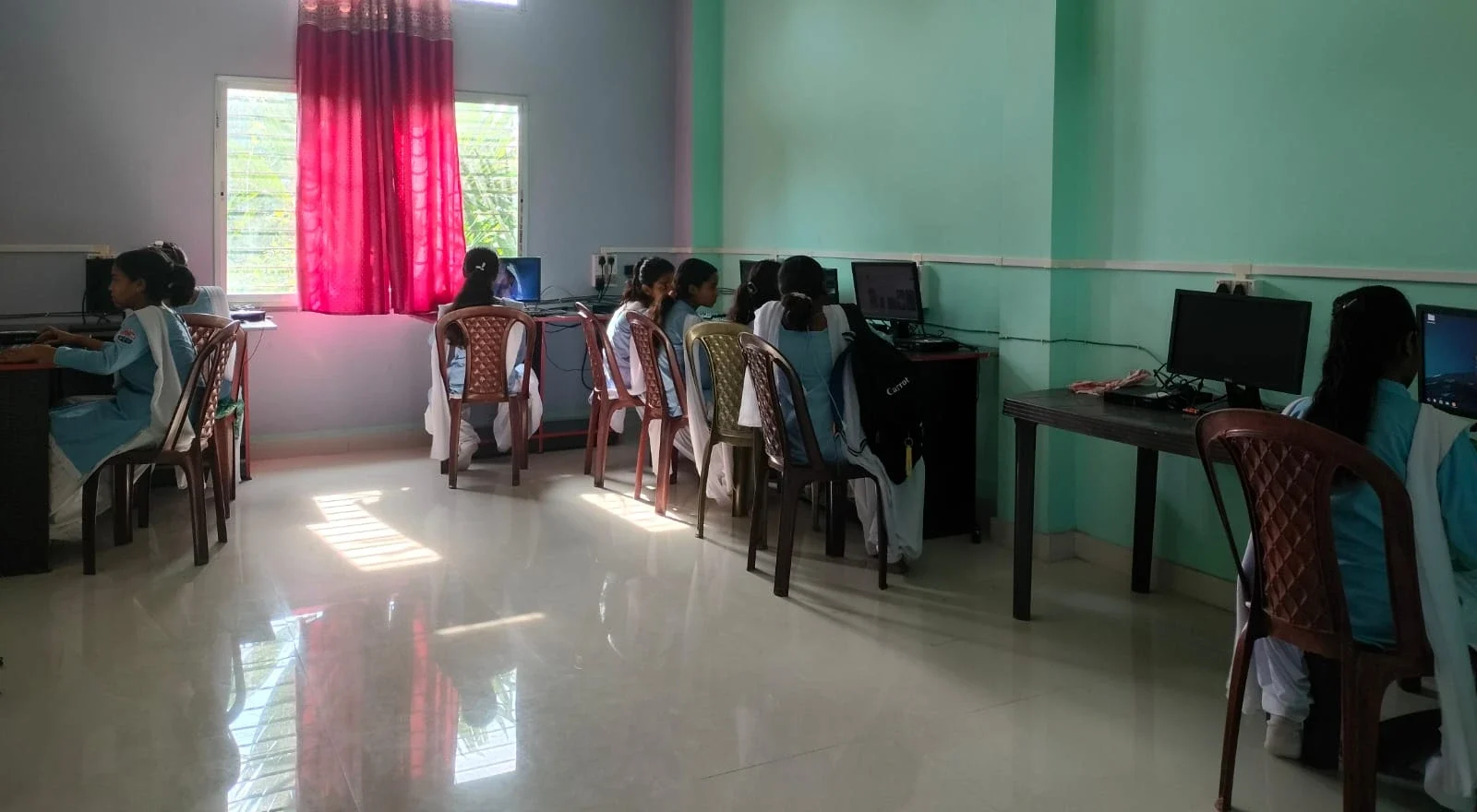
Your chair height is just as important as your desk height. In fact, they work together. You should choose your chair height first, then adjust your desk to match.
Here’s how to find your correct chair height: sit on the chair with your feet flat on the floor. Your knees should bend at 90 degrees. Your thighs should be parallel to the floor, not tilted up or down. If your feet don’t touch the floor, you need a footrest. Dangling feet cause poor circulation and make your back hurt.
Your hips should be slightly higher than your knees. This small angle helps your spine maintain its natural curve. An adjustable chair is worth the investment because your child grows. What works at age twelve won’t work at age sixteen.
Once your chair height is set correctly, position your desk so your elbows rest at 90 degrees as mentioned above. If you can’t adjust your desk, you might need to raise or lower your chair using cushions or a footrest.
The Complete Computer Posture Setup
Desk height and chair height are only two parts of good computer posture. Your monitor position matters too. The top of your screen should be at or slightly below eye level. Your screen should be 20 to 26 inches away from your eyes. This prevents eye strain and neck strain.
Your keyboard and mouse should be close to your body, not stretched out in front of you. Your shoulders should stay relaxed, not hunched forward. Your back should rest against the chair, not float away from it.
If you’re setting up a small study space in your home, measure twice. Ask your child to sit in the position they’ll use for studying. Check all these points before you finalise the setup.
Choosing the Right Furniture for Growing Students
Many Indian families buy furniture once and expect it to last. But your child’s body changes. The desk height that works at age ten won’t work at age fifteen. An adjustable desk or a desk that can be raised with blocks is a smart choice.
Look for chairs with height adjustment. Even a basic office chair with a pneumatic lever costs between 3,000 and 8,000 rupees. It’s cheaper than treating back pain later. Many online retailers and local furniture shops in Tier 2 and Tier 3 cities now stock adjustable chairs.
When you’re ready to set up your child’s complete study space, remember that furniture is just one part. The computer itself matters too. A good educational personal computer with proper ergonomic setup makes learning comfortable.
Creating a Complete Homework Station
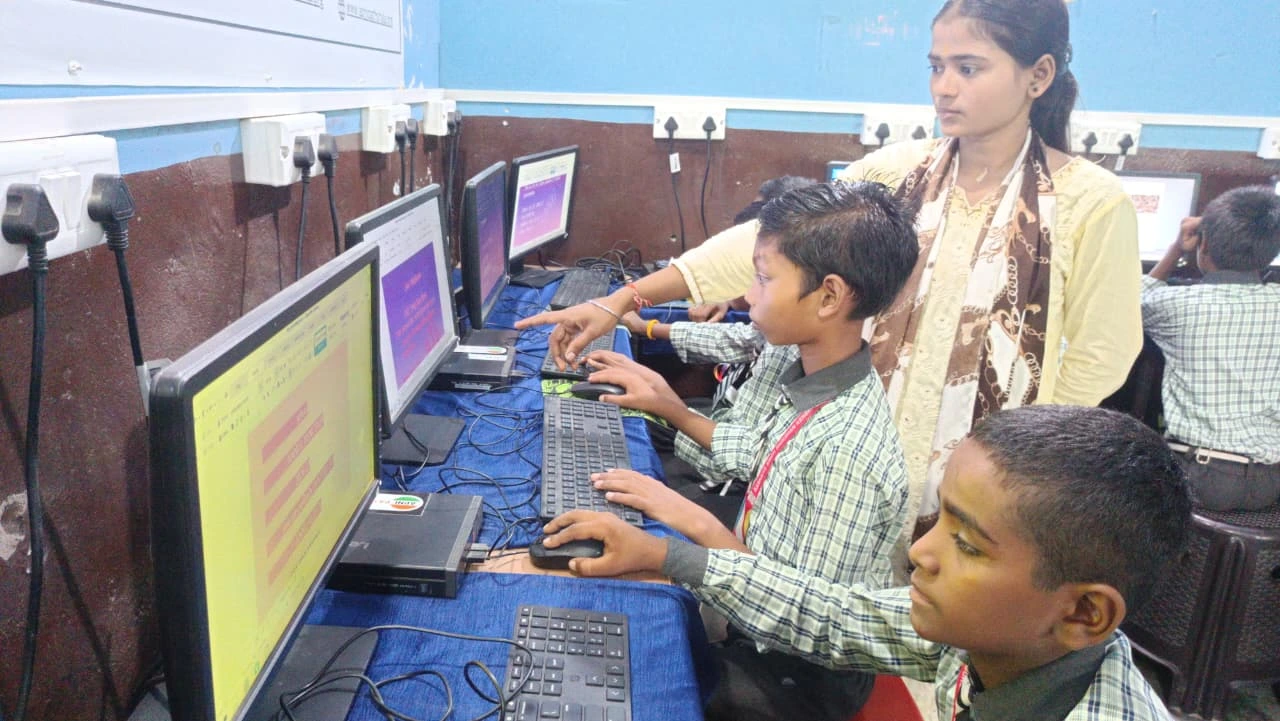
When you create a homework station for your child, start with measurements. Measure your child’s height. Measure from their elbow to their wrist. Use these measurements to calculate the right desk height and chair height.
Add proper lighting. A desk lamp positioned to the side prevents glare on the screen and shadows on your work. Add a footrest if your child’s feet don’t touch the floor. Add a small cushion for lumbar support if needed.
The Apna PC is designed with students in mind. It comes pre-loaded with educational software like Scratch for coding, LibreOffice for documents, and Apni Prerna for monitoring progress. With 8GB RAM and 128GB SSD, it handles all your schoolwork smoothly. At Rs.30,000, it’s an investment in your child’s comfort and learning. When paired with the right desk height and chair height, it creates the ideal study environment.
Quick Checklist for Your Child’s Study Setup
- Desk height: Elbows at 90 degrees when arms rest on desk
- Chair height: Feet flat on floor, knees at 90 degrees, hips slightly higher than knees
- Monitor position: Top of screen at or slightly below eye level, 20 to 26 inches away
- Back support: Back rests against chair, not floating
- Footrest: Used if feet don’t touch the floor
- Lighting: Desk lamp positioned to avoid glare
Getting the desk height and chair height right takes just thirty minutes. The benefits last for years. Your child will study longer without pain. Their grades might improve because they’re not distracted by discomfort. Their posture will be healthier. This is one of the simplest ways to support their education at home.
The Digital India initiative encourages every family to bring computers into their homes for learning. When you do, make sure your child’s physical setup is correct. A good chair, a proper desk height, and quality equipment like the Apna PC create a study space where your child can truly focus. Visit apnapc.com to learn more.