


Visual learners absorb information best through images, charts, diagrams, and videos. Apna PC supports these students with Scratch for visual programming, LibreOffice for creating colourful presentations, and access to video-based learning platforms, all on a device built specifically for Indian school students.
What Are Visual Learners and Why They Need the Right Tools
Visual learners process information best through images, charts, diagrams, and videos rather than through listening or reading plain text. These students remember what they see far better than what they hear in a lecture. They often struggle with traditional textbooks that rely only on black-and-white text and small diagrams. They do not need more books. They need a computer that lets them learn through seeing and creating.
Your child might be a visual learner if they prefer drawing, creating mind maps, watching educational videos, or using colour-coded notes.
- They remember more of what they see compared to what they hear
- They prefer charts and graphs over written explanations
- They learn better with animations and videos than static content
- They excel when creating visual projects like presentations and digital art
How Apna PC Supports Visual Learning for Your child
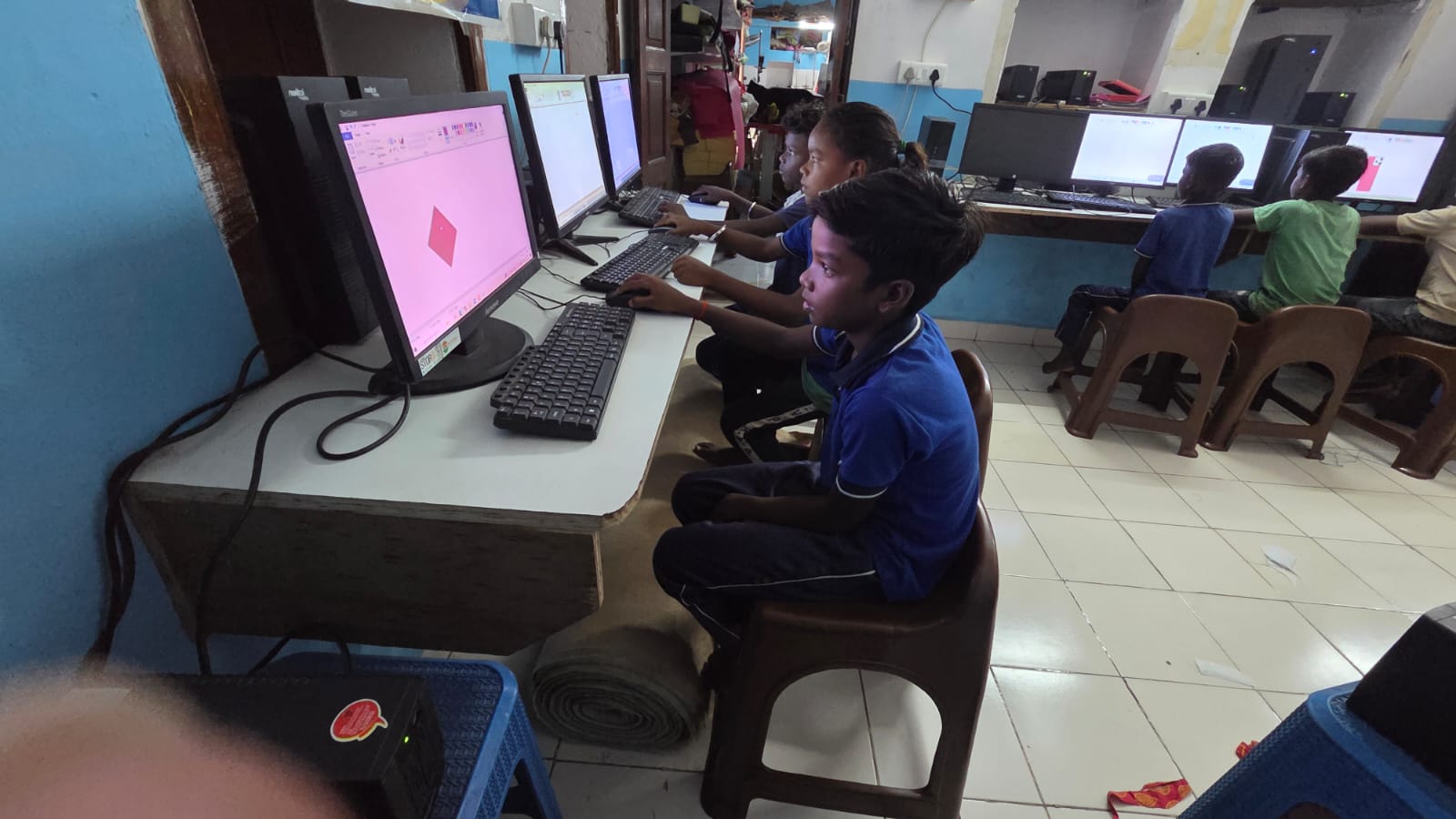
Apna PC is designed for Indian students who need visual, interactive learning experiences. At Rs. 30,000, it comes pre-loaded with tools that make learning visual and engaging from day one.
The computer runs Zorin OS, a clean operating system with an organised interface. Your child will not get lost in complicated menus. LibreOffice lets them create colourful presentations, charts, and visual documents. They can take what they are learning and turn it into something they can see and arrange on screen.
Scratch, the visual programming tool, is where visual learning stands out clearly. Instead of typing code, your child uses colourful blocks to create animations, games, and stories. They see their ideas come to life on screen. This is how visual learners actually understand logic and problem-solving: by watching what happens when they change something. The 8GB RAM and 128GB SSD mean everything runs smoothly, so your child stays focused on learning, not waiting for the computer to respond.
Real Tools for Real Learning Challenges
Apna PC comes with Apni Prerna, a student monitoring system that lets you track your child’s progress. You can see which subjects they are struggling with and where they are thriving, which helps you support their visual learning with better resources.
Your child can access the DIKSHA digital learning platform, which offers thousands of educational videos and interactive content. Combined with Apna PC’s visual tools, your child gets a complete learning setup. For language subjects, see how language learning on Apna PC uses visual methods to make vocabulary stick faster. For exam preparation, revision notes and flashcards on Apna PC help visual learners study with colour and diagrams instead of copying text repeatedly.
Why Apna PC Works Better Than Tablets or Phones
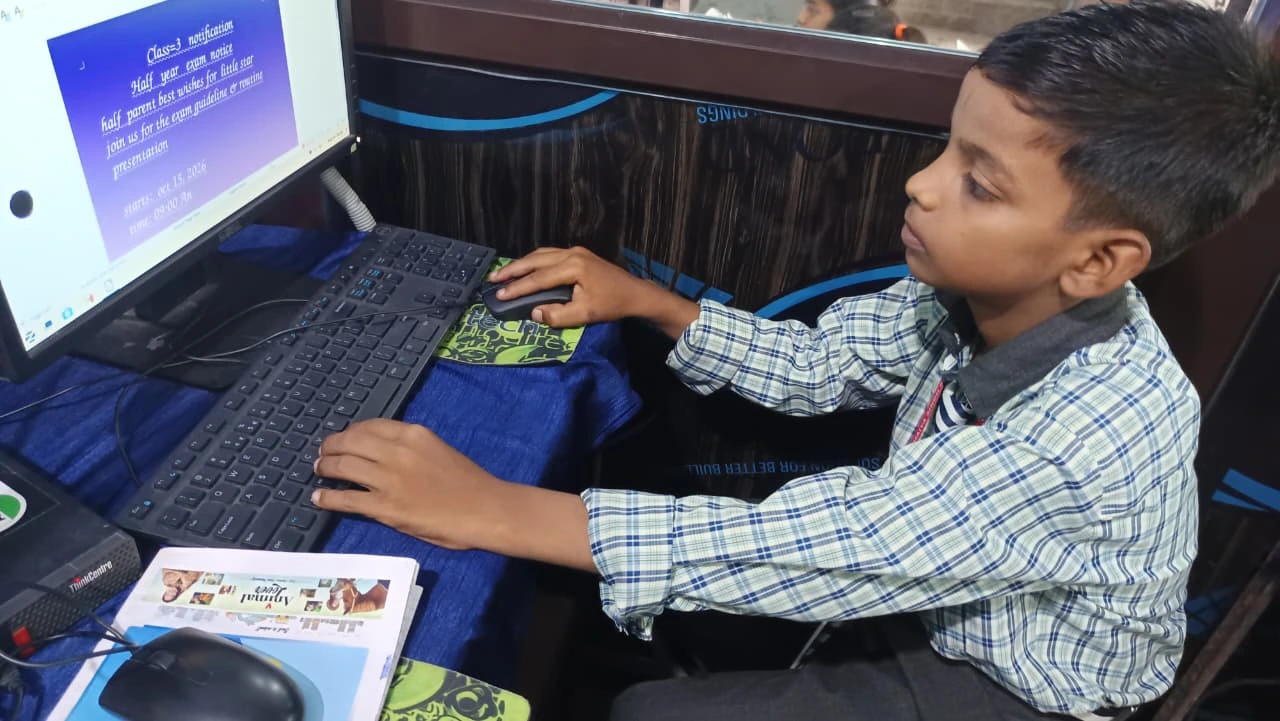
Many parents think a tablet or phone is enough for learning. But these devices are designed to consume content, not create it. Your child needs to build projects, write code, design presentations, and make things. Apna PC gives them that ability.
A proper computer with a keyboard and mouse helps your child develop real digital skills they will need later. They learn to work like professionals, not just swipe like consumers. The screen is large enough to see details without eye strain. The keyboard helps them develop typing skills. The trackpad teaches precision. These are the building blocks for confident, capable learners. See how Apna PC creates a distraction-free learning environment to understand how the design supports focused visual work.
Making the Investment Work for Your family
At Rs. 30,000, Apna PC costs less than many quality tablets but delivers much more. Think about what you are already spending: tuition classes for struggling subjects, extra books that do not help, coaching centres in bigger cities. Apna PC often costs less than three months of coaching, and it is available every day at home.
Your child can use it for homework, creative projects, coding, design, and exam preparation. It grows with them from Class 5 through Class 12. That is several years of learning support in one device. For more on how the device supports all types of learners, read about what makes Apna PC a good fit for visual learners.
Frequently Asked Questions
What makes Apna PC suitable specifically for visual learners?
Apna PC comes with Scratch for visual coding, LibreOffice for creating charts and presentations, and access to video platforms like DIKSHA. These tools let visual learners build, design, and see ideas on screen rather than just reading from a book.
Can my child create their own animations on Apna PC?
Yes. Scratch allows children to create animations and simple games using colourful block-based programming. This is a natural fit for visual learners who understand concepts better when they can see the result of each step.
Is the Apna PC screen large enough for visual study sessions?
Apna PC connects to a monitor, giving your child a full desktop screen that is comfortable for long study sessions, watching educational videos, and creating visual projects. This is a significant advantage over a small phone or tablet screen.
How does Apni Prerna help me support a visual learner?
Apni Prerna shows you which tools and platforms your child is using and how long they spend on each. If you notice they avoid reading-heavy apps, you can find more visual alternatives and direct them to platforms that suit how they learn.
Give your visual learner the tools that match how their mind works. Visit apnapc.com to learn more about Apna PC.