


Digital revision notes and flashcards help students study more efficiently by keeping key information organised, searchable, and easy to review. Instead of hunting through loose papers at exam time, your child opens a folder, finds what they need, and starts revising immediately. A dedicated computer makes this possible from Class 6 onwards.
Why do revision notes matter more than students realise?
Revision notes are condensed versions of lengthy chapters, focusing only on key concepts and important points. When your child creates effective study notes, they engage with the material twice, which strengthens memory and understanding.
Digital flashcards take this further. Instead of flipping through physical cards, your child can organise flashcards by subject, difficulty level, and topic. They can review them on their computer, test themselves, and track progress over weeks. This active learning approach works because it combines repetition with self-testing, two effective study techniques.
The problem with traditional paper methods is wasted time. Your child spends hours writing notes by hand, organising them in folders, and searching for specific topics when exam time comes. With a pre-loaded software suite like LibreOffice on Apna PC, the entire process becomes digital, searchable, and organised. You can check your child’s progress through Apni Prerna, the student monitoring feature included with every Apna PC.
How does a computer make creating flashcards easier for students?
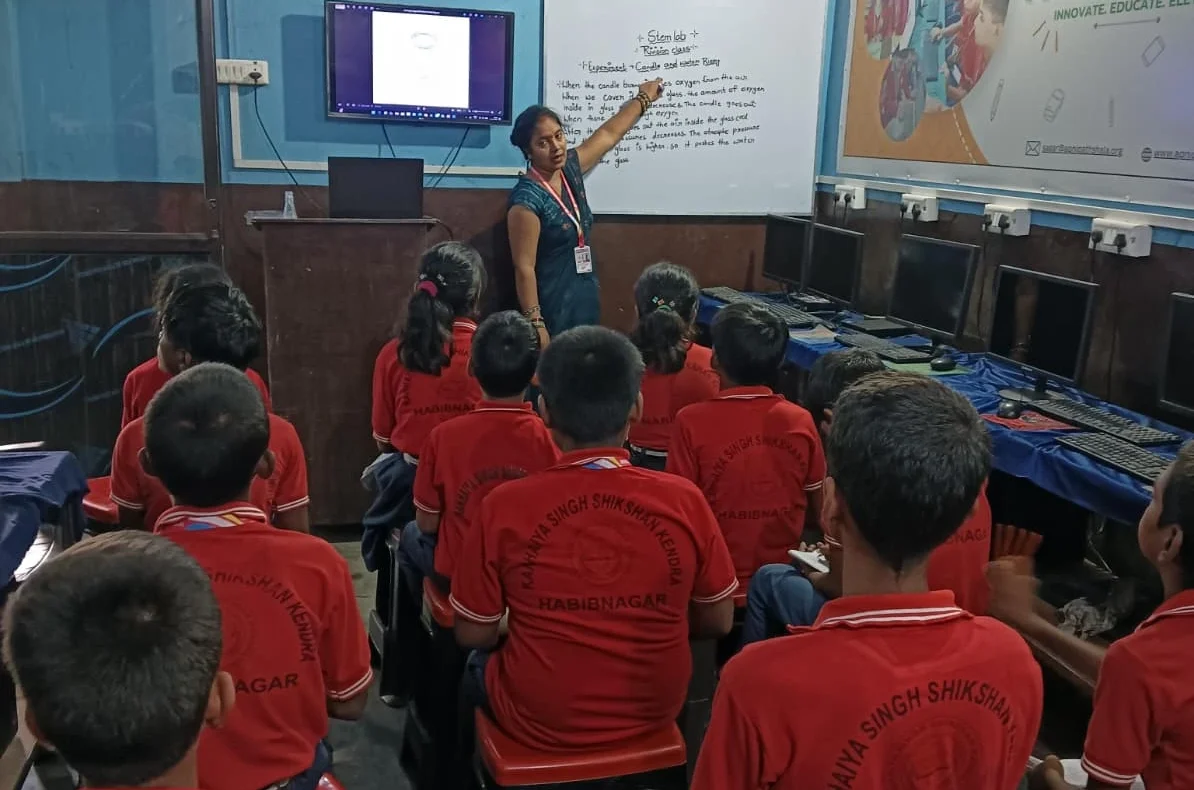
Apna PC comes with 8GB RAM and 128GB SSD storage, meaning your child can create hundreds of flashcards without worrying about space. The LibreOffice suite includes tools suited to designing flashcards with images, text formatting, and colour coding.
Your child can create flashcards for any subject:
- History: key dates, events, and timelines in a compact card format
- Languages: pronunciation guides, vocabulary, and example sentences
- Mathematics: formulas, worked solutions, and step-by-step problem breakdowns
- Science: definitions, diagrams described in text, and experiment results
Everything stays organised in one place, searchable by subject or topic.
What makes Apna PC useful here is that your child controls the entire process. They are not dependent on apps that might disappear or require internet connections. Everything runs on Zorin OS, a secure and student-friendly operating system. Your child builds digital literacy while creating study materials, a valuable skill for the future.
The Apni Prerna monitoring feature lets you see what your child is creating. You can check if they are actually preparing revision notes or getting distracted. This helps you support their learning without being intrusive.
How does a systematic digital note-taking approach work in practice?
A structured approach to notes makes exam preparation much calmer. Instead of random papers, your child creates folders for each subject, then subfolders for each chapter. Within each chapter folder, they maintain three documents: main notes, quick-revision notes, and a flashcard template.
This system means that when exam time arrives, your child does not panic. They can open their computer, navigate to any subject, and find exactly what they need. Revision notes are concise, highlighting only formulas, definitions, and key concepts. Flashcards test memory on difficult topics. Study time is spent learning, not searching.
The 128GB storage on Apna PC means your child can maintain detailed notes for their entire school year without running out of space. As they progress through classes, they build a personal knowledge library that becomes increasingly valuable. Check out our guide on active learning versus passive screen use for kids for more tips on making study time count.
What is the real cost of not having proper study tools at home?
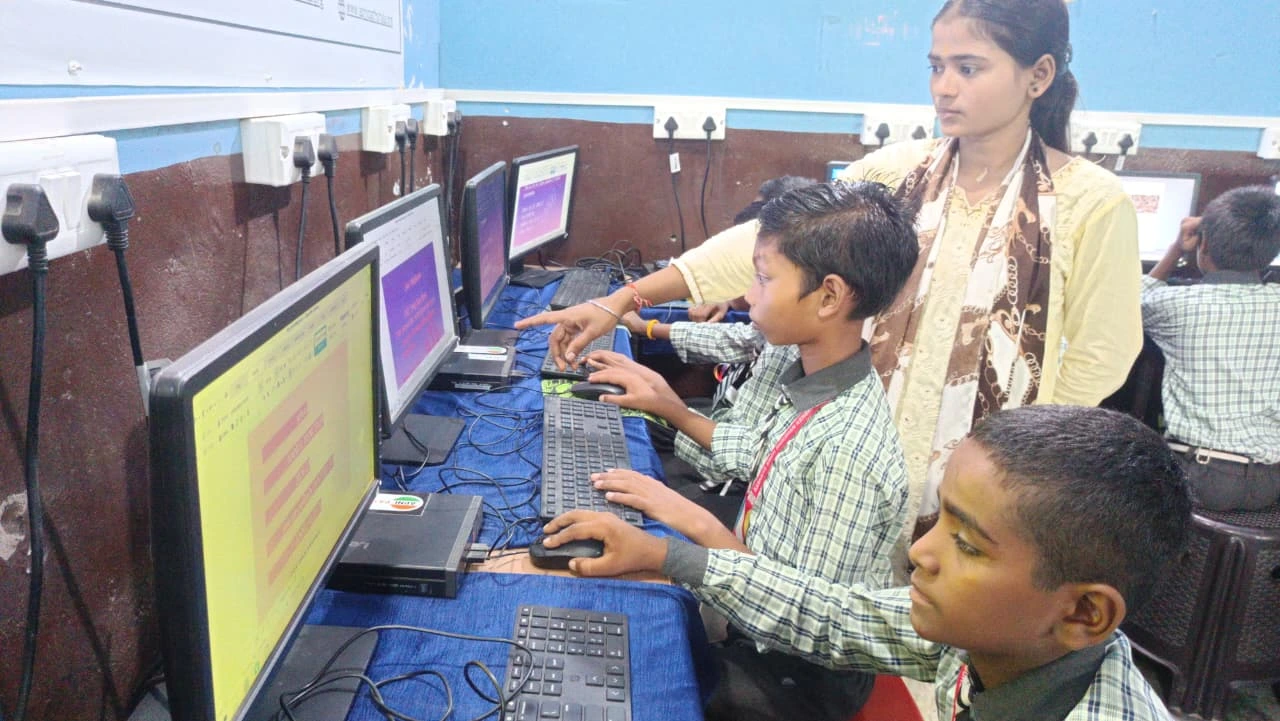
When students do not have organised study notes and flashcards, they waste precious study time. They re-read entire textbooks instead of focusing on key concepts. They forget important points studied weeks earlier. They feel anxious during exams because they are not confident about what they have covered.
Investing in the right study tools can reduce the need for expensive tuition classes. Your child studies more efficiently, performs better in exams, and can clarify concepts independently. Apna PC costs Rs.30,000 (shipping and GST excluded). That includes a dedicated computer for education, pre-loaded with everything your child needs, plus monitoring features so you stay informed.
According to Education in India, digital literacy is increasingly important for students. The Ministry of Education encourages schools and families to adopt technology-based learning. Apna PC helps your child stay prepared by combining education with accessible technology.
How do you get your child started with a revision system on a computer?
Start small. Help your child create revision notes for just one subject this week. Building a consistent routine is as important as the notes themselves. See our guide on building a revision schedule that works around your child’s energy levels. Let them design a few flashcards on topics they find difficult. As they see how much faster they can prepare and how much better they remember, they will become more enthusiastic about the system.
Apna PC makes this easy because everything is already set up. Your child does not need to download multiple apps or figure out complicated software. LibreOffice is intuitive, and Zorin OS is designed for ease of use. Within a short time, your child will be creating organised study notes and flashcards. See our guide on choosing a study computer for your child to understand the full range of features and benefits clearly.
The monitoring feature in Apni Prerna means you can check in regularly without hovering over your child’s shoulder. You will see what they are working on, how long they are studying, and whether they are making progress. This builds trust while keeping you informed about their academic work.
Frequently Asked Questions
What software does a student need to create digital revision notes?
LibreOffice Writer and LibreOffice Impress, both pre-loaded on Apna PC, are enough to create detailed revision notes and flashcard templates. These tools handle text formatting, tables, and colour coding. No additional software or paid subscriptions are needed to get started with a full digital study system.
How much storage does a student need for a full year of revision notes?
A full year of digital notes, flashcards, and study documents for all subjects takes up very little space. Apna PC comes with 128GB SSD storage, which is more than enough to hold notes across all school years without deleting older files or running out of space.
Can parents see what their child is working on without being intrusive?
Yes. Apni Prerna, the monitoring tool included with Apna PC, shows parents what their child is working on and for how long. This lets you check that revision time is being used well and offer specific support when needed, without sitting beside your child through every study session.
Helping your child build an organised digital study system takes a good computer and a simple folder structure. Apna PC provides everything needed to get started, with software pre-loaded and ready to use from the first day.