


Staying organised across multiple subjects is one of the biggest challenges students face in Class 7 and above. When notes are scattered across five notebooks, assignments are mixed between subjects, and exam revision means hunting for materials, study hours get wasted before the work even starts. A computer with the right setup changes all of this.
Apna PC at Rs.30,000 gives students a dedicated, distraction-free device with pre-loaded tools for digital organisation. Everything for every subject stays in one searchable place. Here is how to build an organised study system that actually works.
Why Organisation Matters Across Multiple Subjects?
Poor organisation wastes study time more than any other factor. When a student cannot find their chemistry notes from last week, or mixes up assignments from different subjects, they spend many minutes searching for every few minutes of actual study. This creates frustration and anxiety that builds as exam season approaches.
According to the Ministry of Education, digital literacy and organised learning are key skills for modern students. When students organise their materials consistently, they retain information better and approach exams with more confidence. The challenge is finding a system that students will actually use.
How Apna PC Supports Multi-Subject Organisation
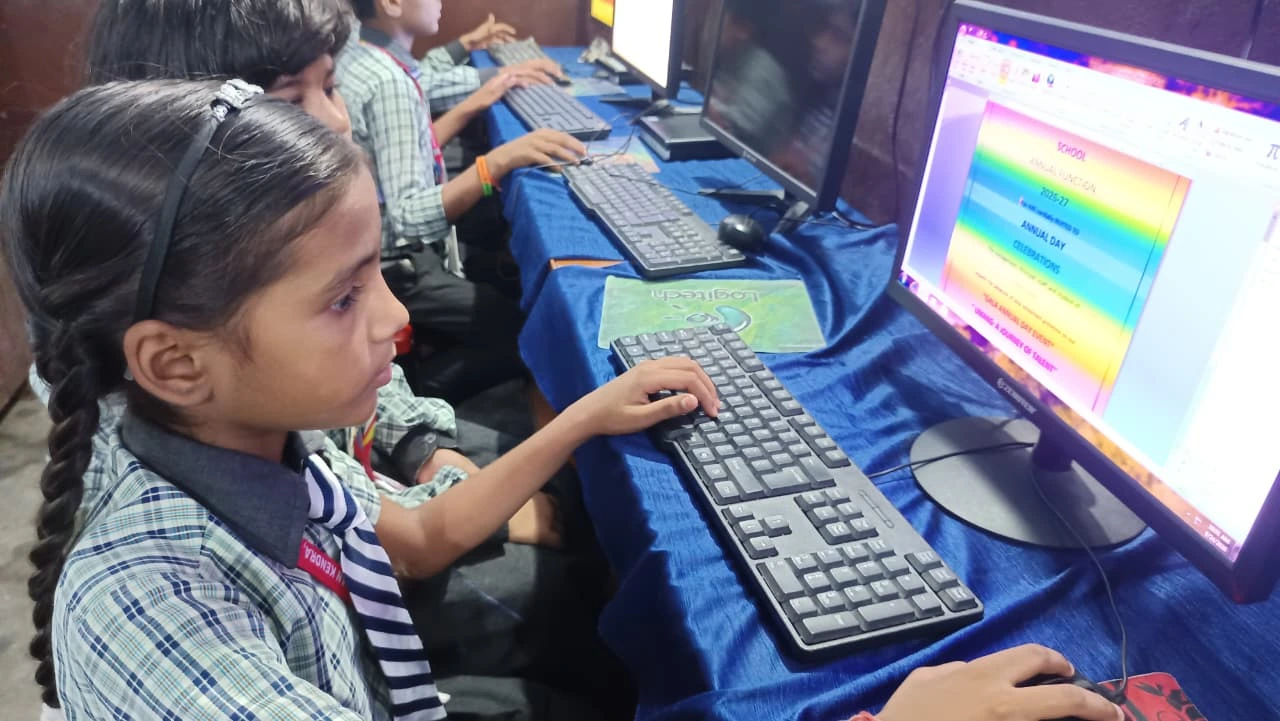
Apna PC is built for organised student use. At Rs.30,000, it comes with:
- LibreOffice Suite: create separate digital notes for each subject in organised folders
- 8GB RAM and 128GB SSD: handles multiple documents open simultaneously without slowing down
- Zorin OS: no YouTube autoplay, no social media notifications, no gaming distractions
- Apni Prerna: parental monitoring so you can see study time by subject
- Scratch: for productive breaks that build coding skills
Apna PC at Rs.30,000 is built by Apni Pathshala, an organisation that understands how Indian students study. It is an affordable first student computer designed from the ground up for school use.
Setting Up a Digital Folder System for Multiple Subjects
The key to staying organised is a consistent folder structure. Create one main subject folder. Inside, create one subfolder per subject. Inside each subject folder, create one document per chapter or unit. Name every file with the date and topic, for example: 2026-11-01_Physics_Chapter3_Light. This naming makes files searchable by date, subject, and topic from the search bar without opening any folder.
Add a weekly planner document in LibreOffice Calc. List every subject as a column, every week as a row. Mark topics completed so your student always knows what is covered and what remains. When exam season arrives, the planner becomes the revision checklist. For more guidance, see how to keep notes organised in a personal digital study library on Apna PC.
Time Management Across Multiple Subjects
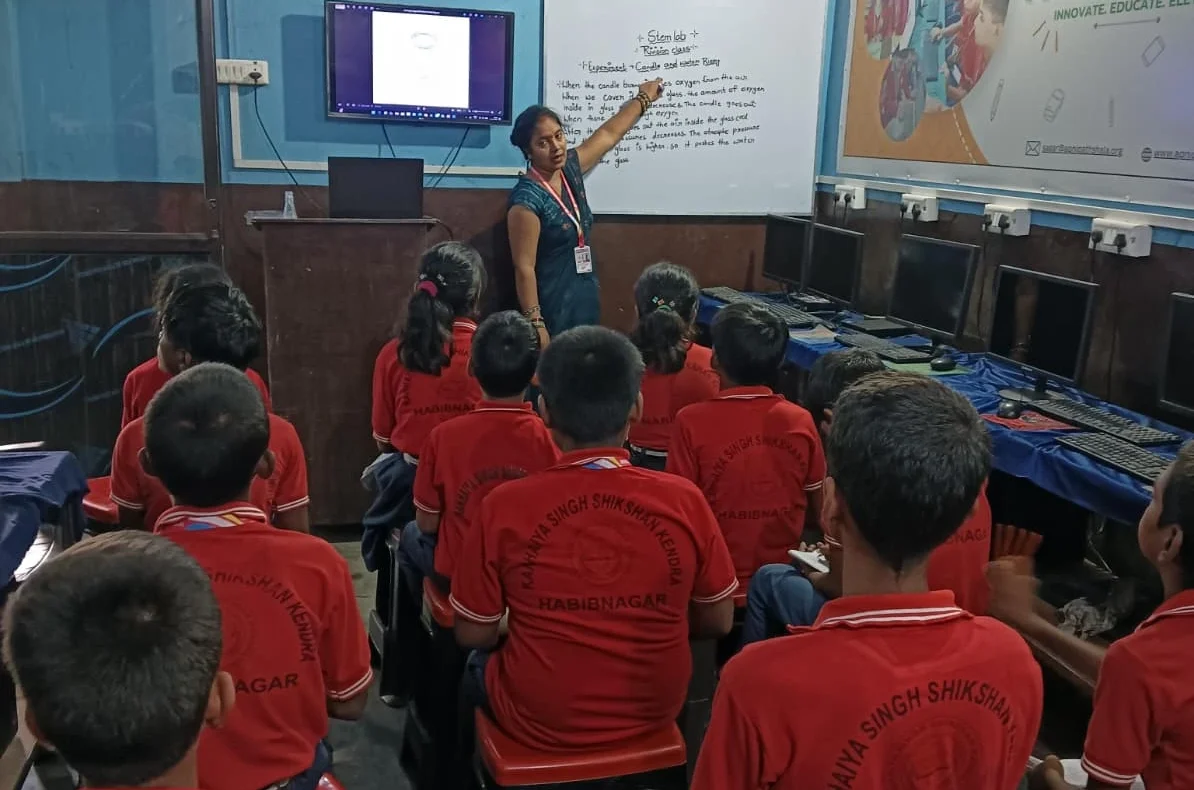
The 8GB RAM on Apna PC lets a student keep multiple documents open at once: a timetable, today’s notes, and a reference document, all without switching devices or hunting for different files. This continuity is key for multi-subject study.
Apni Prerna’s monitoring shows parents how time is distributed across subjects. You can spot patterns: if your student spends far more time on Maths than Science, that might reflect difficulty or avoidance, both of which you can address early. For focused learning at home, consistent organisation combined with monitored study time produces measurable results. Visit apnapc.com to learn more.
Frequently Asked Questions
How many subjects can a student organise on Apna PC?
There is no practical limit. Apna PC’s 128GB SSD comfortably holds a complete school career worth of notes across all subjects. Most students in Class 8-10 have 8-10 subjects. Creating one folder per subject with subfolders per chapter takes under 20 minutes to set up and handles everything through Class 12 and beyond without any storage concerns.
Can a student use Apna PC for both note-taking and homework submission?
Yes. LibreOffice creates files compatible with Microsoft Office formats (.docx, .xlsx, .pptx), which most schools accept for digital submissions. Students can write notes and assignments in the same application, keeping everything in the same folder system. For schools using Google Classroom or other portals, the browser on Apna PC handles all standard platforms.
How does Apni Prerna help with multi-subject time management?
Apni Prerna shows parents which applications their student uses and for how long. You can see at a glance if your student studied from LibreOffice (notes and assignments) or spent time on other apps. For multi-subject students, this helps identify if they are avoiding difficult subjects, skipping revision days, or spending unequal time across the curriculum.
Organised study across multiple subjects is a skill that benefits students throughout their academic career. Visit apnapc.com to learn more about Apna PC.