

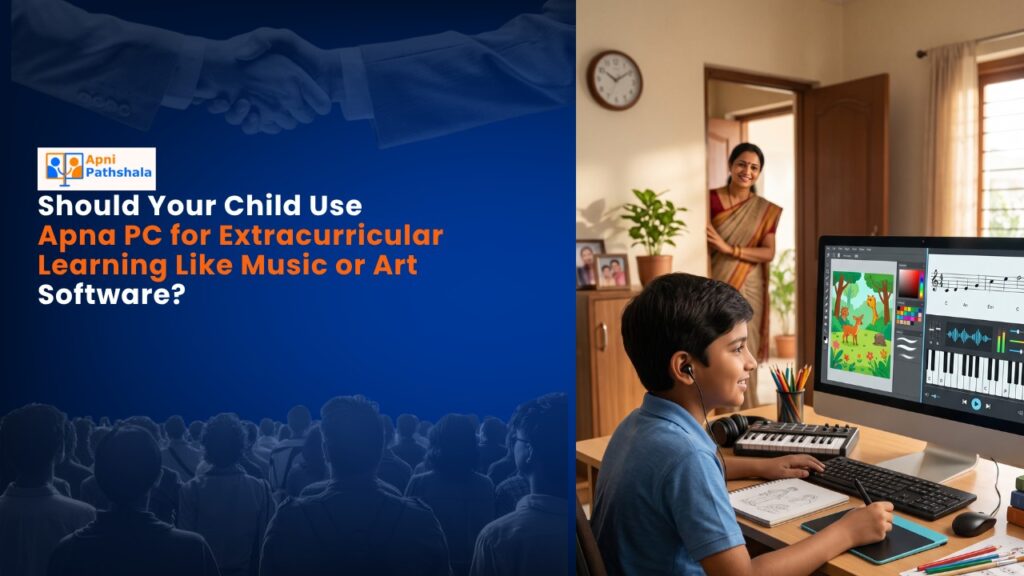
Rajesh sat at his kitchen table in Indore, watching his 10-year-old daughter Priya struggle with her online music class. Her laptop kept freezing. The Zoom window would lag. By the time her guitar teacher responded to her strumming, she’d already lost focus. “Beta, maybe music isn’t for you,” Rajesh said, frustrated. But Priya’s eyes told a different story. She wanted to learn. She just needed the right tool. That’s when Rajesh discovered that extracurricular learning at home doesn’t need to be complicated or expensive. It needs a reliable computer that works.
If you’re a parent in a tier 2 or tier 3 Indian city, you’ve probably faced this same moment. Your child wants to explore music, art, coding, or design. But your family’s old laptop struggles. Videos buffer. Software crashes. Your child’s interest dies before their talent even gets a chance to bloom. The question isn’t whether your child should pursue extracurricular learning. It’s whether you have the right device to support that journey.
Why Extracurricular Learning Matters More Than You Think
Extracurricular learning builds confidence in ways that regular school can’t. When your child learns music or art on their own terms, they discover something powerful: they can teach themselves. They can fail, try again, and improve. This mindset changes everything.
Think about the skills your child develops through music or art software:
- Problem-solving: How do I layer these tracks? How do I blend these colors?
- Patience: Real learning takes time. Your child learns to sit with difficulty.
- Creativity: There’s no single “right answer” in art or music. Your child learns to think differently.
- Self-discipline: No teacher is forcing them. They practice because they want to.
According to research on the learning process, students who engage in creative pursuits outside the classroom perform better academically too. Their brains are more active. Their focus improves. But here’s the catch: your child needs a device that won’t fight them every step of the way.
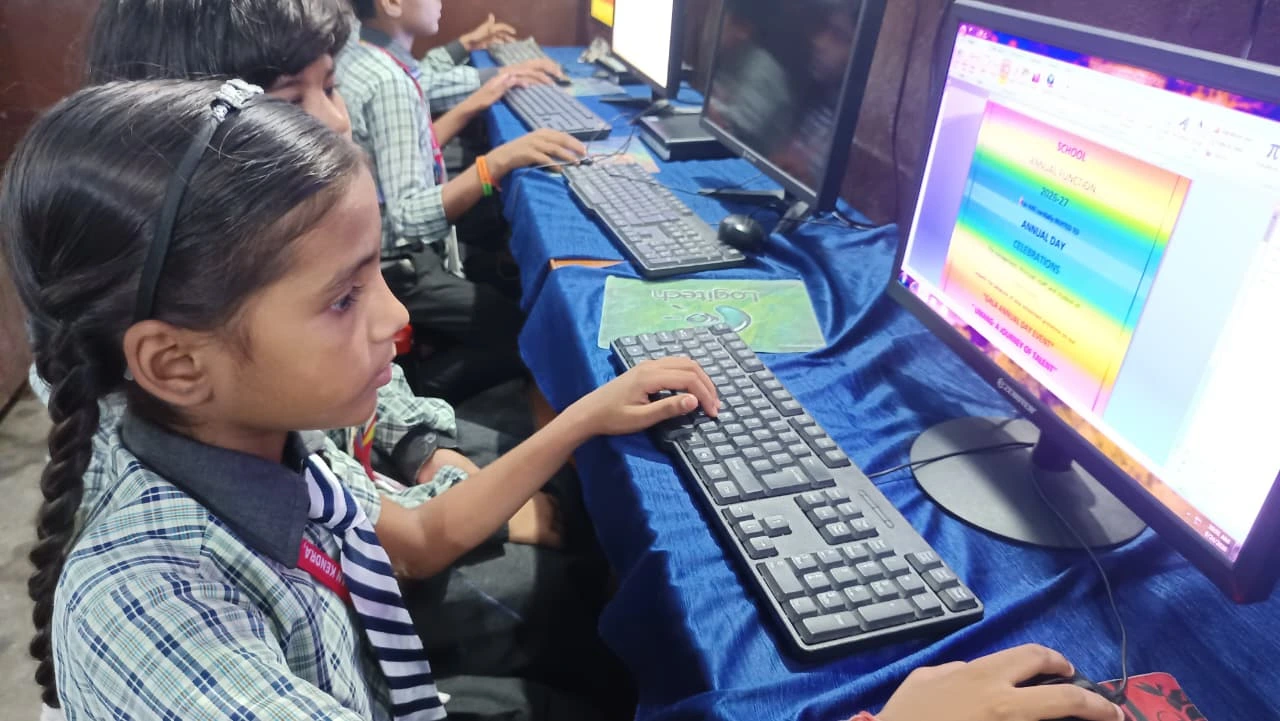
The Real Problem: Most Home Computers Aren’t Built for Creative Learning
You don’t need a fancy gaming laptop for your child to learn music or art. But you do need something reliable. Something that won’t crash when they’re in the middle of creating something beautiful.
Here’s what usually happens in Indian homes: a parent buys a budget laptop for Rs. 25,000-40,000. It works fine for browsing and homework. But then your child tries to open music production software like GarageBand or art software like Krita. The device slows down. Fans start screaming. Your child gets frustrated and gives up.
The problem isn’t the software. It’s the foundation. Your child’s computer needs enough power to handle creative tools smoothly. It needs an operating system that’s stable and free from distractions. It needs to be built for learning, not just entertainment.
This is where Apna PC changes the game.
How Apna PC Supports Your Child’s Creative Journey
Apna PC is built specifically for Indian students and families. At Rs. 30,000 (before shipping and GST), it’s priced for middle-class households. But more importantly, it’s designed for extracurricular learning from day one.
Here’s what makes it different:
- 8GB RAM: Enough power to run music production software, art programs, and video editing tools without lagging.
- 128GB SSD: Fast storage means your child’s projects load quickly. No waiting. No frustration.
- Zorin OS: A clean, distraction-free operating system. No bloatware. No ads. Just a focused environment for learning.
- Scratch pre-loaded: Your child can start coding and creating animations immediately. No installation headaches.
- Apni Prerna monitoring: You can see what your child is learning and set healthy screen time limits.
But the real magic is what Apna PC doesn’t have: the junk that slows other computers down. No unnecessary programs. No distractions. Just a machine ready to support your child’s creativity.
Your child can open music software and actually hear the sound without lag. They can work on digital art without the program freezing every five minutes. They can focus on learning, not on fighting their computer.
Extracurricular Learning Tools Your Child Can Actually Use
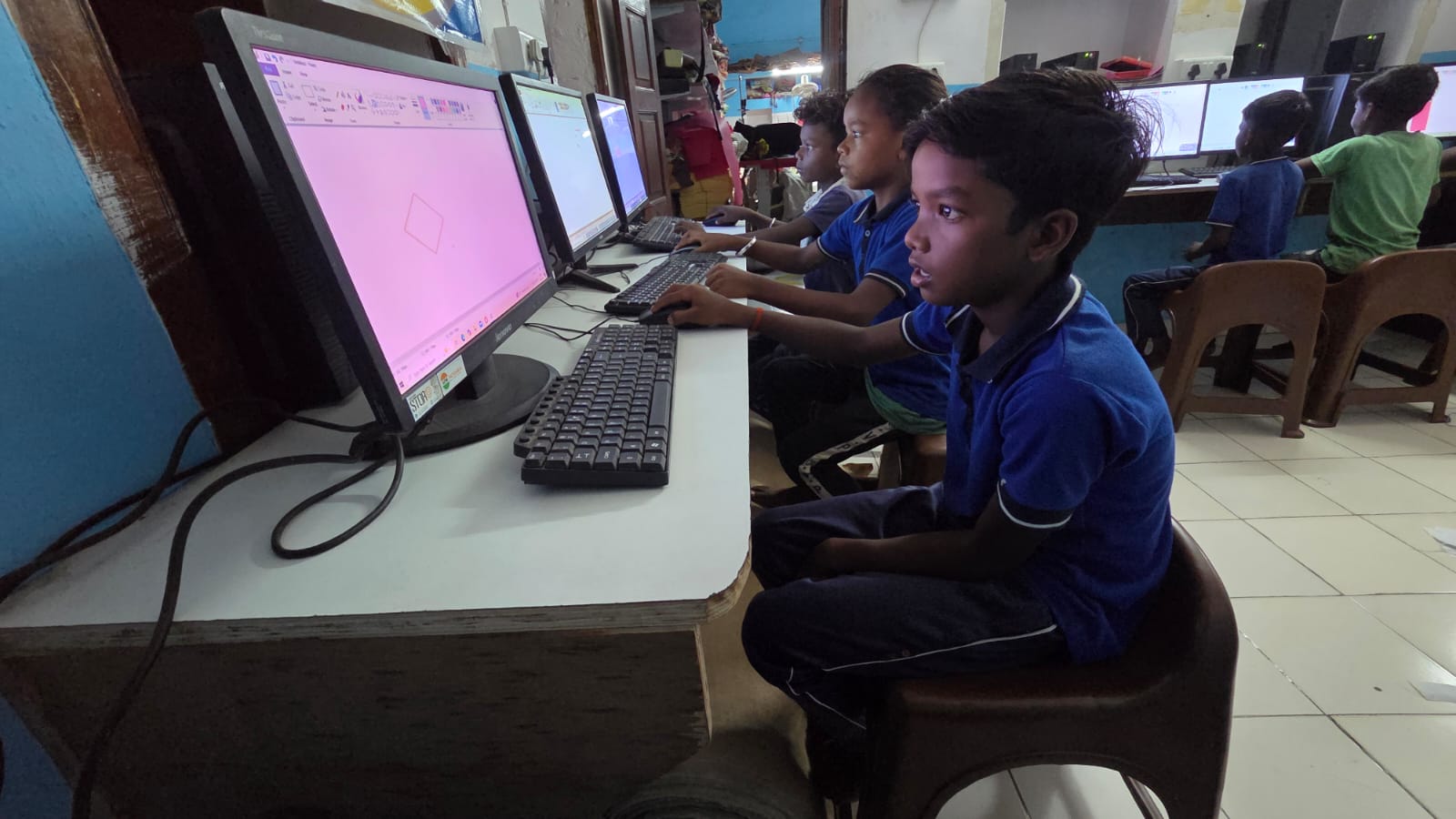
With Apna PC, your child has access to powerful free and affordable software:
- Music: Audacity (audio recording and editing), MuseScore (music composition), or even GarageBand if they use online versions.
- Art: Krita (digital painting), GIMP (photo editing), or Inkscape (vector graphics).
- Coding: Scratch is pre-loaded. Your child can create games, animations, and interactive stories.
- Video: OpenShot or Kdenlive for basic video editing.
All of these run smoothly on Apna PC because the hardware and software are aligned. Your child won’t be held back by their computer.
You can also connect Apna PC to platforms like DIKSHA digital learning platform, which offers structured courses in various skills. Your child gets both structured guidance and the freedom to explore creatively.
Building Confidence Through Independent Learning
One of the biggest benefits of having a reliable computer at home is that your child develops independent learning tools. They don’t need you to sit beside them constantly. They can experiment, make mistakes, and learn from them.
This independence is gold. It teaches your child that learning doesn’t only happen in a classroom or with a teacher. It happens when you’re curious enough to try something new.
Priya, the girl from our story, now spends 45 minutes every evening working on music composition with her new computer. Her father doesn’t hover. She’s learning to solve problems on her own. Last month, she created a simple melody that her grandmother loved. That moment of pride? That’s what extracurricular learning is really about.
Creating a Space for Focused Learning at Home
Having the right computer is just the first step. You also need to create an environment where your child can focus. This means a quiet corner, good lighting, and focused learning at home without too many distractions.
Apna PC helps by removing digital distractions. The Apni Prerna monitoring feature lets you set boundaries on screen time. Your child learns to use their computer purposefully, not mindlessly.
When your child sits down with Apna PC to learn music or art, they’re sitting down to create. Not to scroll. Not to play games. The computer itself encourages focus.
Is Apna PC Right for Your Family?
Ask yourself these questions: Does your child want to explore music, art, coding, or design? Do they have a computer that slows down when they try? Are you looking for a device built specifically for Indian students and families? If you answered yes to any of these, Apna PC is worth considering.
At Rs. 30,000, it’s an investment in your child’s future. Not just their academic future, but their creative confidence. Their ability to learn independently. Their belief that they can teach themselves new things.
Your child’s talents are real. They just need the right tools to grow. Apna PC is that tool. Visit apnapc.com to learn more.