

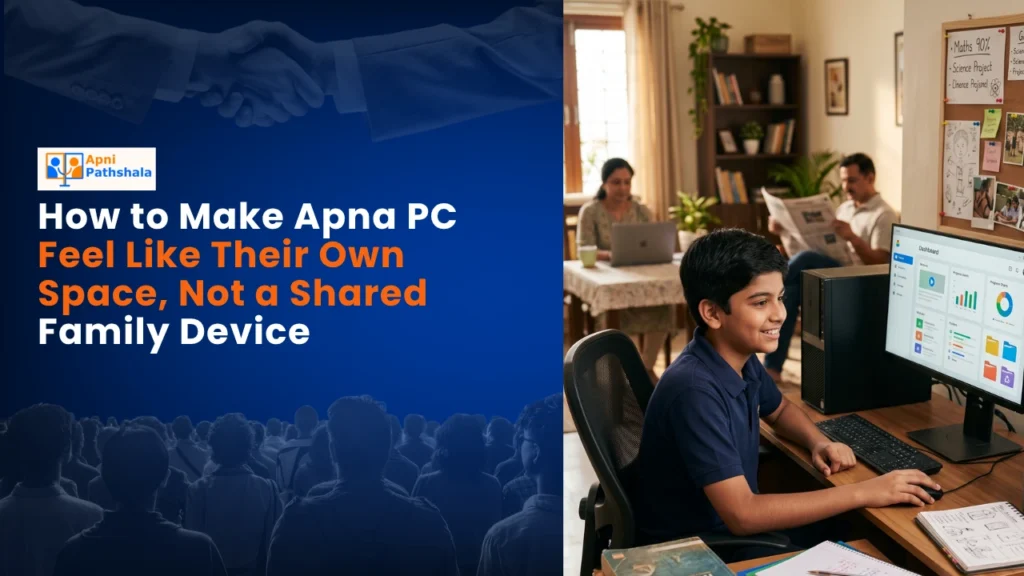
To make a child’s own study computer feel like theirs, let them personalise it, agree simple usage rules together and give it a fixed spot in their study corner. Ownership turns the computer from a shared family device into a personal learning space, which helps children focus and take responsibility.
For example, a Class 8 student sharing the family laptop may lose the evening as a parent needs it for work emails and a sibling wants it for games. By the time it is free, homework has slipped.
Why does a child need a dedicated study device?
Because ownership builds focus and responsibility. When a child has no study space of their own, learning suffers: they lose focus, delay homework and feel like guests in their own routine.
On a shared family computer, children rush assignments because someone else might need it soon. They cannot explore educational apps deeply, and interruptions add stress.
A personal device removes these barriers. Your child can spend 45 minutes on one topic without worry, organise their files and build a real routine. If siblings still share, see how two kids can share one computer without daily fights.
What makes Apna PC suitable as a child’s own computer?
It is designed to be a student’s dedicated device, not a hand-me-down family computer. At Rs.30,000 (shipping and GST excluded), it is built around learning.
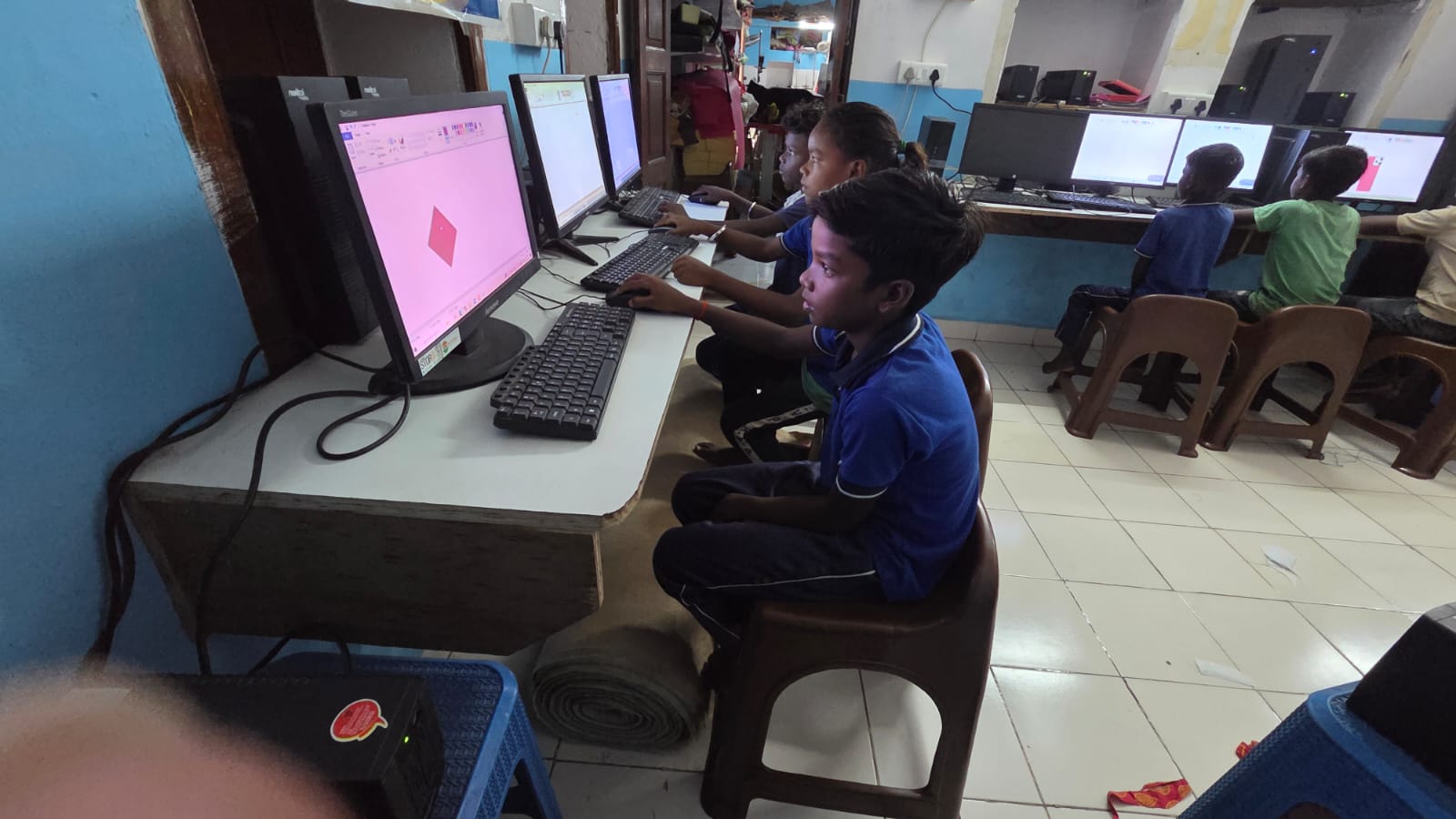
- Zorin OS: a clean, distraction-free system with no bloatware or games
- 8GB RAM and 128GB SSD: fast enough for educational software without frustrating lag
- Apni Prerna: track study progress without being intrusive, so your child feels trusted
- LibreOffice: full tools for projects and assignments
- Scratch: coding that feels fun rather than intimidating
It is built for Tier 2 and Tier 3 Indian cities, where quality computers can be hard to find.
How do you set up your child’s personal study space?
Start with small choices that build ownership, then add simple shared rules. Ownership starts the day the device arrives.
- Let them personalise it: their own desktop layout and wallpaper.
- Agree rules together: study hours are device hours, and after homework the device rests.
- Add learning resources: connect to the DIKSHA digital learning platform through the browser.
- Plan the week together: see our guide to involving your child in study planning.
Rules made together teach discipline without feeling like punishment. When your child helps plan the schedule, they own it.
How does ownership build a child’s confidence?
Children with their own learning spot stop asking permission to study and start acting as independent learners. They no longer feel they are borrowing someone else’s time.
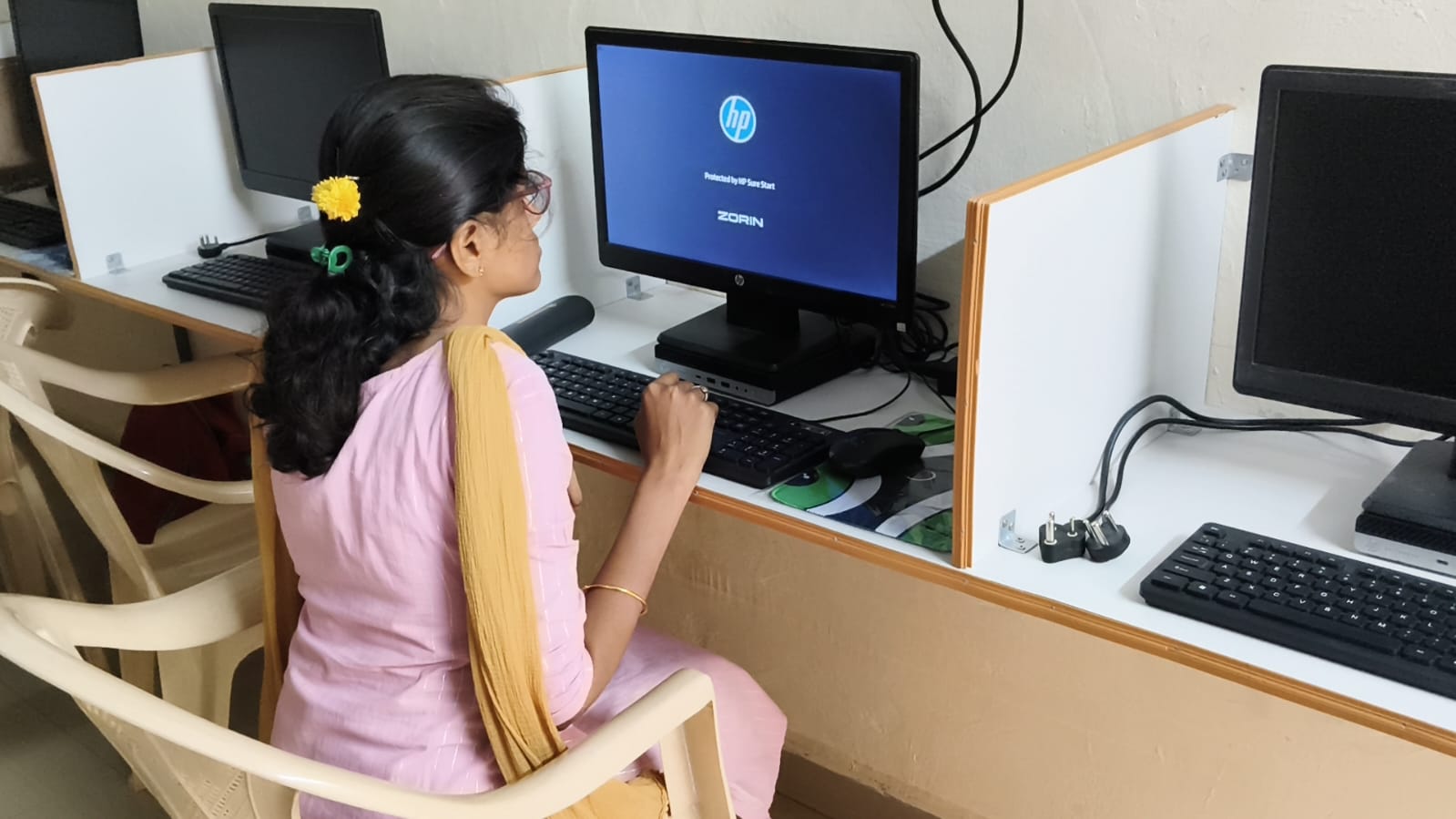
They organise files better, remember settings because the device is theirs and take pride in keeping it tidy. These small habits add up to real academic confidence.
This helps busy households too, especially working mothers juggling devices at home. Your child is no longer competing for laptop time.
How can the study corner feel like home?
Treat the computer as part of the child’s routine, like a school bag or study table. Over weeks, it becomes their own corner.
Encourage your child to set up the desk: a small plant, good lighting and the screen at a comfortable height. These details are the foundation of a real learning environment. Read about a working mothers study routine with Apna PC for more setup ideas.
How does a shared device compare with a child’s own computer?
A child’s own computer gives predictable time and ownership, while a shared device brings interruptions. The difference shows up daily.
| Area | Shared family laptop | Their own computer |
|---|---|---|
| Study time | Depends on who else needs it | Fixed and predictable |
| Files and settings | Mixed with others | Organised by the child |
| Distractions | Games and other apps installed | Learning tools only |
| Responsibility | Low, it belongs to everyone | High, it belongs to them |
Apna PC is built by Apni Pathshala, which focuses on Indian students’ needs, at Rs. 30,000 (excluding shipping and GST).
Frequently Asked Questions
Should my child be allowed to personalise their study computer?
Yes, small choices like wallpaper and desktop layout build a sense of ownership. When the computer feels like theirs, children take more responsibility for keeping it organised and using it well. Keep personalisation within the agreed rules so it stays a learning device.
What rules work best for a child’s own computer?
Simple rules agreed together work best. For example, study hours are device hours, and the device rests after homework. Rules your child helps create feel fair rather than like punishment, and they are far easier to follow day after day.
Where should the study computer be placed at home?
Place it in a quiet corner with good lighting, ideally at the child’s own study table. A fixed spot helps the brain link that place with focus. Avoid busy rooms with a TV, and keep the screen at a comfortable height.
To give your child a study computer that is truly their own, explore Apna PC.