

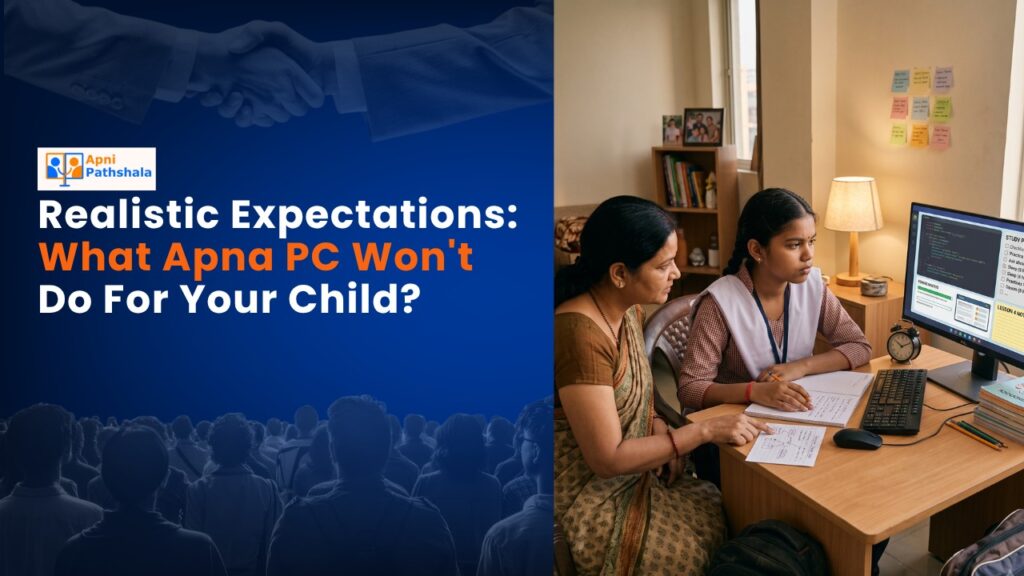
A study computer will not guarantee better grades, replace a good teacher or make your child love studying overnight. What it does is remove access barriers and create a focused space where learning can happen, as long as your child puts in the effort and you stay involved.
For example, a teenager struggling in maths and science may expect a new computer to fix their marks by itself. Setting realistic expectations early avoids disappointment for both of you.
Will a study computer guarantee better grades?
No. Your child’s results still depend on effort, understanding and steady practice. The computer removes barriers, but it does not remove the need for hard work.
If your child struggles with fractions, Apna PC gives them LibreOffice Calc and Scratch to practise. They still have to sit down and do the work, and no device can do that for them.
Can a computer replace a good teacher?
No. Apna PC’s 8GB RAM and 128GB SSD give smooth performance and space for educational software, but software cannot replace someone who understands how your child learns.
A good teacher catches mistakes in real time and changes the explanation when something is not clicking. That human connection and personal attention are things technology cannot give. The computer works alongside good teaching, not instead of it.
Will a new computer make my child enjoy studying?
Not overnight. Even with Zorin OS and Apni Prerna monitoring set up, your child may still not want to study at first, and that is normal.
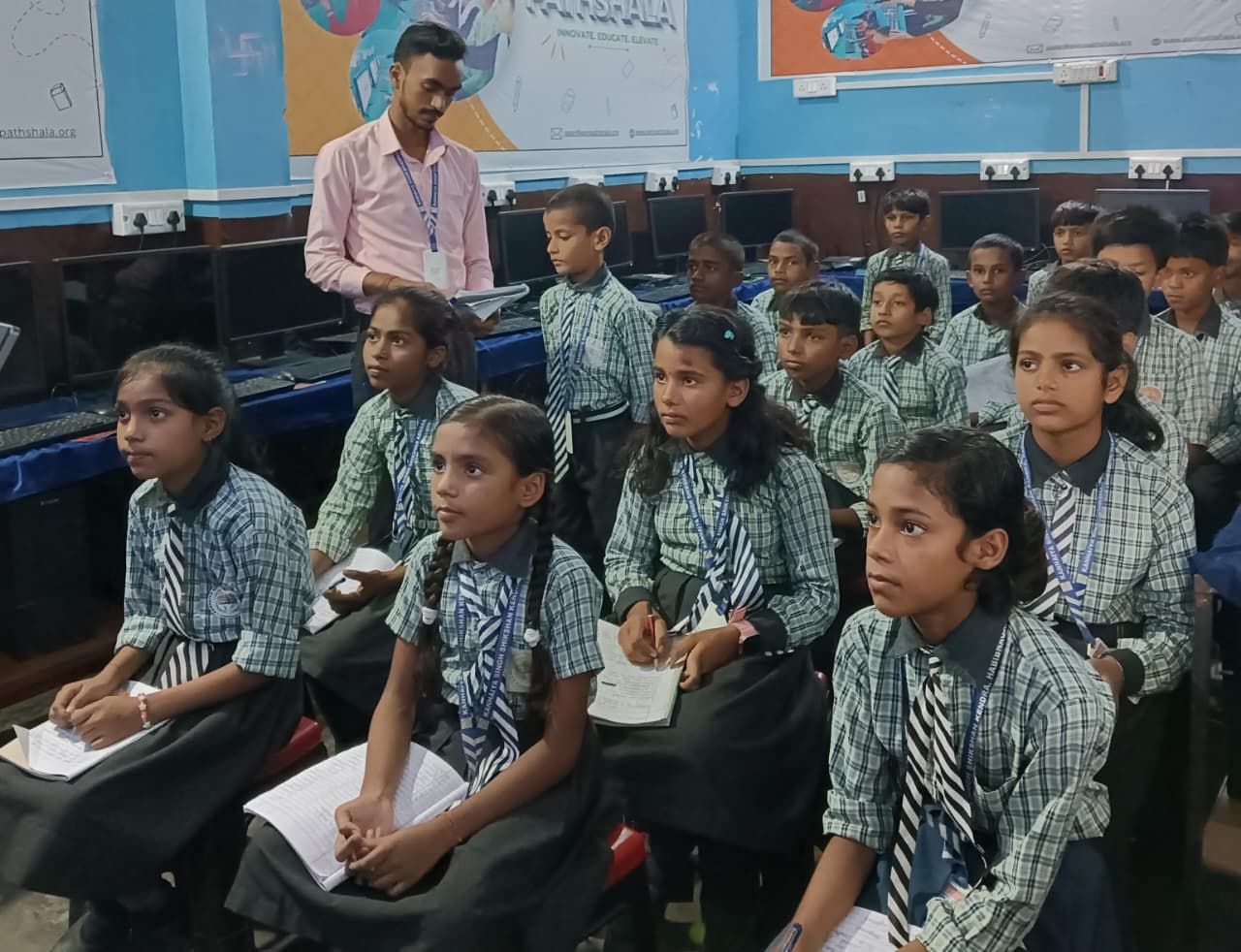
Motivation builds slowly through small wins, encouragement and visible progress. The computer helps by making learning easier to reach and less frustrating, but it cannot create interest where none exists yet.
What does Apna PC actually do well?
Apna PC removes the biggest barrier many students in smaller cities face: access to reliable technology. Here is what you can realistically expect, compared with what you should not.
| Realistic to expect | Not realistic to expect |
|---|---|
| A dedicated device built for learning | Guaranteed higher marks |
| Fewer distractions than a phone or old laptop | A replacement for teachers |
| Tools like Scratch and LibreOffice ready to use | Instant love of studying |
| Visibility into study time through Apni Prerna | Learning without effort |
When a child sits at a computer without games and social media, studying feels different. Apni Prerna helps you see what your child is working on and where they struggle, so you can support them without hovering.
The device also levels the playing field. Students in Tier 2 cities get tools once common only in metro areas, from coding to presentations. The Rs.30,000 investment (plus shipping and GST) gives them that access.
How can parents use a study computer realistically?
Treat it as a tool and build habits around it. These steps help most:
- Set expectations first. Explain that the computer helps them learn, not a shortcut to good grades.
- Give ownership. Allow your child to choose what to learn first, such as Scratch or a LibreOffice project.
- Create a routine. Fix study times on the computer, just like other daily activities.
- Check in, do not watch. Use Apni Prerna to see their work, then talk about it with interest.
- Link it to real goals. Connect learning to something your child cares about, like coding or better English.
Our post on how study habits change shows what steady routines look like.
What is the real value of educational technology?
Educational technology removes obstacles. It does not create miracles. Your role as a parent stays the same: you encourage, support and hold your child accountable.
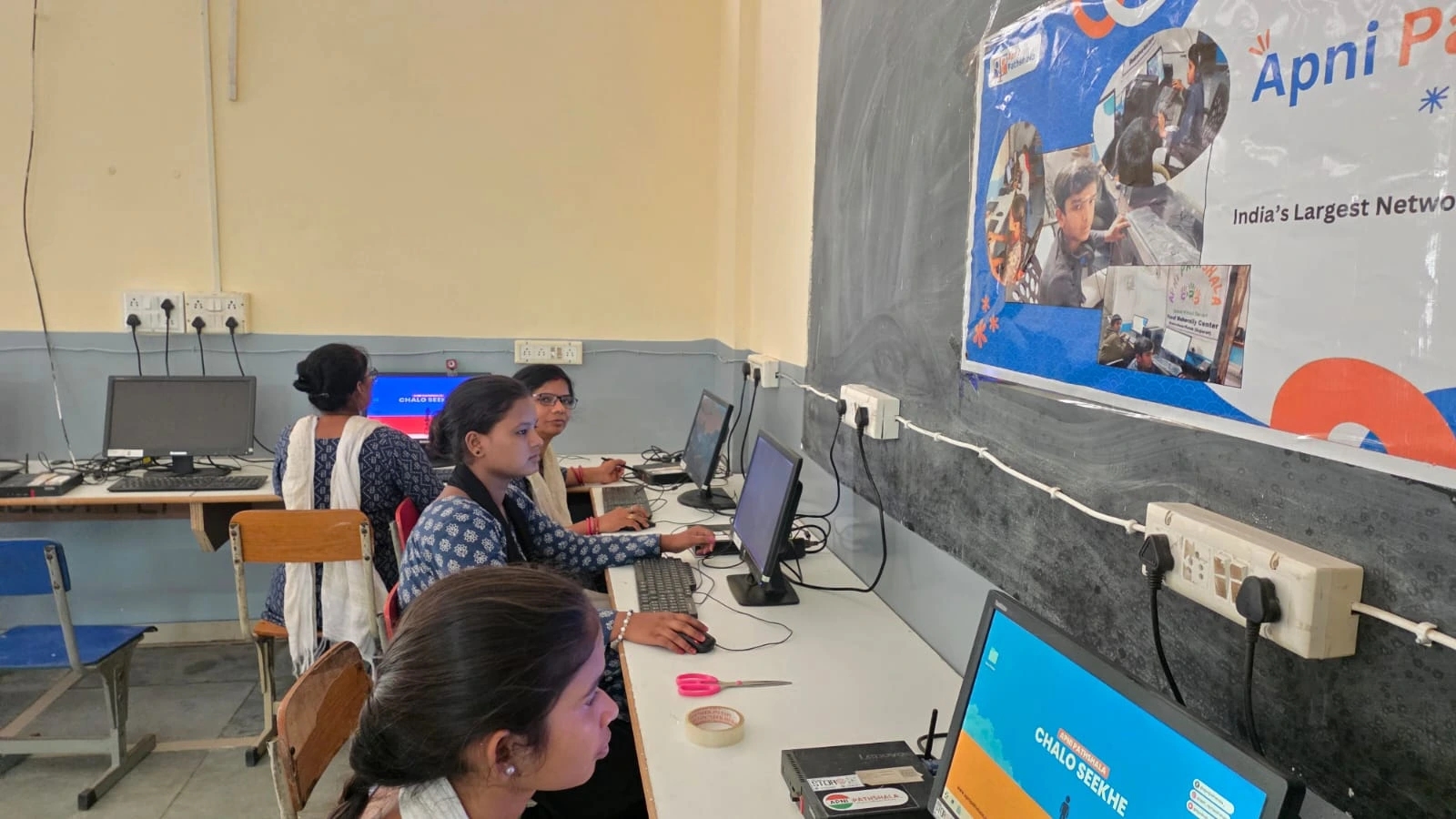
The Digital India initiative is useful background on the national push for wider technology access. Understanding information technology in education means seeing it as a support system, not a full solution.
Apna PC is built by Apni Pathshala to give students in smaller cities the tools they need. But your involvement, your child’s willingness and the quality of their teaching are what matter most. If your child is hesitant, see how to introduce Apna PC to reluctant children, and celebrate small study wins along the way.
Frequently Asked Questions
How long before I see results from a study computer?
Expect gradual change, not a quick jump. Early signs are better routines, fewer distractions and more finished homework. Improvements in marks usually follow later, once your child has practised steadily for a while. Watching habits first gives you a fairer picture of progress.
Should I stop tuition once we buy a computer?
Not automatically. A computer supports learning but does not replace a teacher who can explain and correct mistakes in person. Keep tuition if your child needs it, and use the computer for practice, research and revision between lessons. Review the plan once new habits settle.
What if my child still does not want to study?
That is common and does not mean the computer failed. Start small, with short sessions on topics your child enjoys, and praise effort. Link learning to their interests and stay involved. Motivation tends to grow once a child sees their own progress.
Buy a study computer for the right reasons: access, tools and a better learning environment. When your expectations stay realistic, it becomes a genuinely helpful tool. Visit Apna PC to learn more.