

Rajesh’s Story: When a Child Says “No” to Computers
Rajesh sat in his Indore home, watching his 9-year-old son Arjun push away the laptop keyboard. “I don’t like computers,” Arjun said, turning back to his phone. Rajesh felt that familiar frustration. He knew his son needed computer skills for school, yet every attempt ended in resistance. Like many parents in Tier 2 and Tier 3 cities, Rajesh didn’t know how to bridge this gap between his child’s reluctance and the digital world.
If you’re facing a similar situation, you’re not alone. Many Indian parents struggle to introduce kids to learning on computers when their children seem content with phones or tablets. The good news? With the right approach and the right tool, you can turn that resistance into genuine interest.
Why Kids Resist Computer Learning
Before we talk solutions, let’s understand why your child might be hesitant. Most children today grow up with phones, which feel natural and require minimal effort. Personal computers seem bulky, complicated, and boring by comparison.
Your child might also feel pressure. If you’ve positioned computers as “educational” or “necessary for studies,” they’ll approach it like homework, not play. Kids resist what feels forced. If they’ve had frustrating experiences with slow devices or confusing software, that negativity sticks around.
There’s another factor: relevance. If your child doesn’t see how a computer helps them do what they love, why would they care? This is where your strategy needs to shift.
Start With What They Already Love
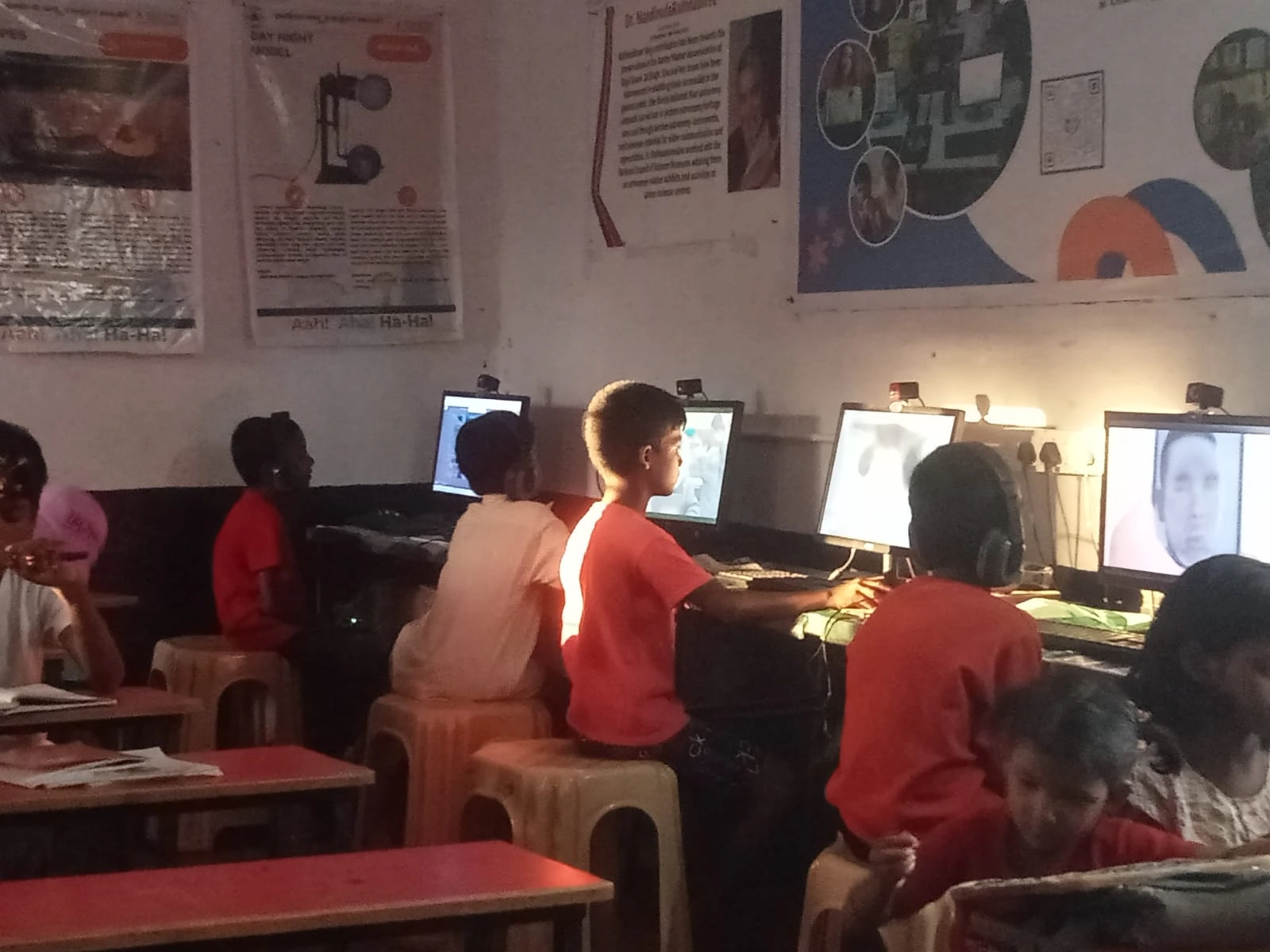
Don’t introduce computers as a replacement for phones. Instead, show your child how computers let them do their favourite activities better. Does your child enjoy drawing? Coding games? Making videos? Each of these is a gateway to kids learning through computer learning.
When Arjun’s father discovered his son loved creating simple animations, everything changed. Rajesh showed Arjun that computers could make bigger, better animations than a phone ever could. That’s when Arjun’s curiosity sparked.
You could try these entry points:
- Gaming and creativity: Show how computers run games with better graphics and how tools like Scratch let them create their own games
- Content creation: If they like YouTube, show them how creators use computers to edit videos and create content
- Learning through play: Educational games and interactive learning feel less like studying and more like fun
The key is to meet them where their interest already exists, then expand from there.
Make the Computer Feel Like Theirs
Kids engage more when they feel a sense of ownership. A shared family laptop feels like a tool you control. But a computer that’s set up for them, with their interests in mind, feels different.
When you’re considering a device, think about one designed specifically for kids learning and education. Apna PC, priced at Rs. 30,000 (excluding shipping and GST), comes preloaded with tools your child actually needs. It includes Scratch, which lets kids create games and animations without complex coding knowledge. The Apni Prerna monitoring system also helps you track their learning progress without hovering.
Having their own space on a computer, where they can save their projects, customise their setup, and see their progress, builds confidence and a sense of ownership. Your child stops seeing it as “the family computer” and starts seeing it as their creative space.
Computer Learning Doesn’t Mean Sitting at a Desk All Day
Many parents worry that introducing computers will mean their child abandons outdoor play or physical activity. That’s a valid concern, but it’s not either-or. The goal is balance and purpose.
Set clear, reasonable boundaries. Maybe your child uses the computer for 45 minutes after homework, three times a week. During that time, they’re working on something meaningful, not just scrolling. This feels less restrictive than “no computer” and more achievable than unlimited access.
You’re also teaching digital discipline early, which matters in today’s world. When your child learns that computers are tools for creation, not just consumption, they develop healthier habits naturally.
Use Educational Technology That Doesn’t Feel Like School
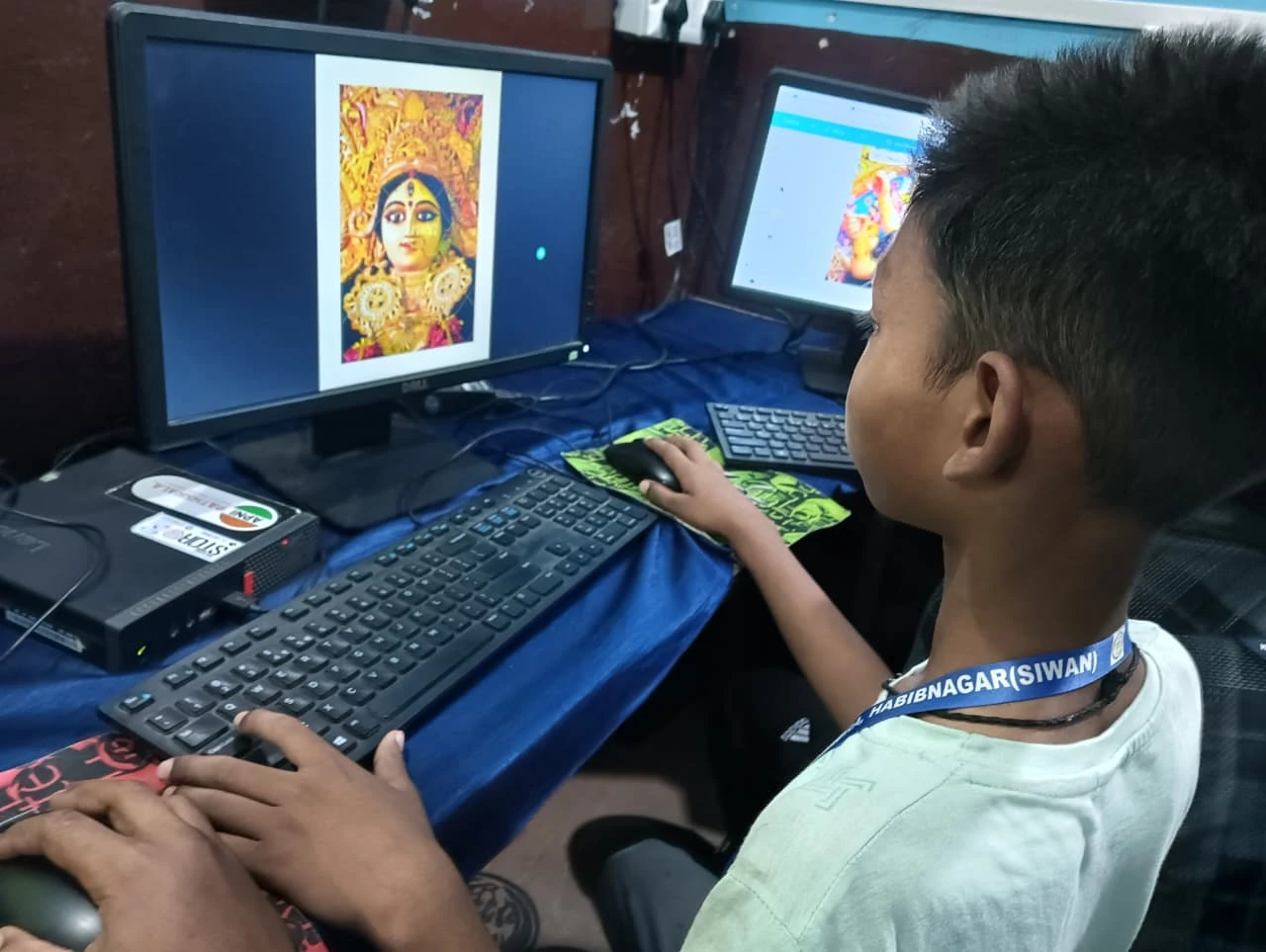
Here’s the trap many parents fall into: they buy software that looks and feels like textbooks. Your child will resist that immediately. Educational technology should engage, not bore.
Look for platforms where kids learn by doing. Scratch teaches logic and problem-solving through game creation. LibreOffice lets them create documents and presentations for their own projects. When your child is building something they care about, kids learning happens automatically.
The Digital India initiative has pushed for improved access to technology in schools across the country. This means your child will encounter computers in school anyway. Getting them comfortable at home, on their own terms, removes that school-related stress.
Be Patient and Celebrate Small Wins
Rajesh didn’t force his son. Instead, he noticed the spark when Arjun created his first animation in Scratch. He celebrated it. He asked Arjun to show it to family. Within weeks, Arjun was asking for computer time rather than resisting it.
Your child’s journey will be similar. They might spend the first week just exploring. That’s fine. They might create something messy or simple. Celebrate it anyway. Every positive interaction builds their confidence and comfort with computers.
If your child is switching from phone to computer, expect a transition period. They’re learning new skills and new habits. Your encouragement matters more than perfection.
Choosing the Right Device for Your Child
The device matters, but not in the way you might think. Your child doesn’t need the latest gaming laptop. They need something reliable, easy to use, and designed for kids learning.
When comparing options, look for solid performance (8GB of RAM and a 128GB SSD are good standards), preloaded educational software, and parental monitoring features. Apna PC checks all these boxes and comes specifically designed for Indian families and children’s learning needs.
If you’re in a Tier 2 or Tier 3 city, finding the right device at the right price can be challenging. Check out this affordable computer guide for parents in your region to understand what works best for your budget and your child’s needs.
The Real Goal: Building Confidence Through Kids Learning
When you introduce your reluctant child to computers the right way, you’re not just teaching them to type or use software. You’re building their confidence as learners and creators. You’re showing them that technology is a tool they can master and use for their own ideas.
Arjun now spends time on his computer creating animations and learning basic coding concepts through Scratch. His parents didn’t force it. They met him where his curiosity was, gave him the right tools, and let him lead. Your child can have the same journey.
Start small, celebrate progress, and remember that every child moves at their own pace. The resistance you see today often transforms into passion once they experience what computers can actually do. You have the power to make that shift happen. Visit apnapc.com to learn more.