

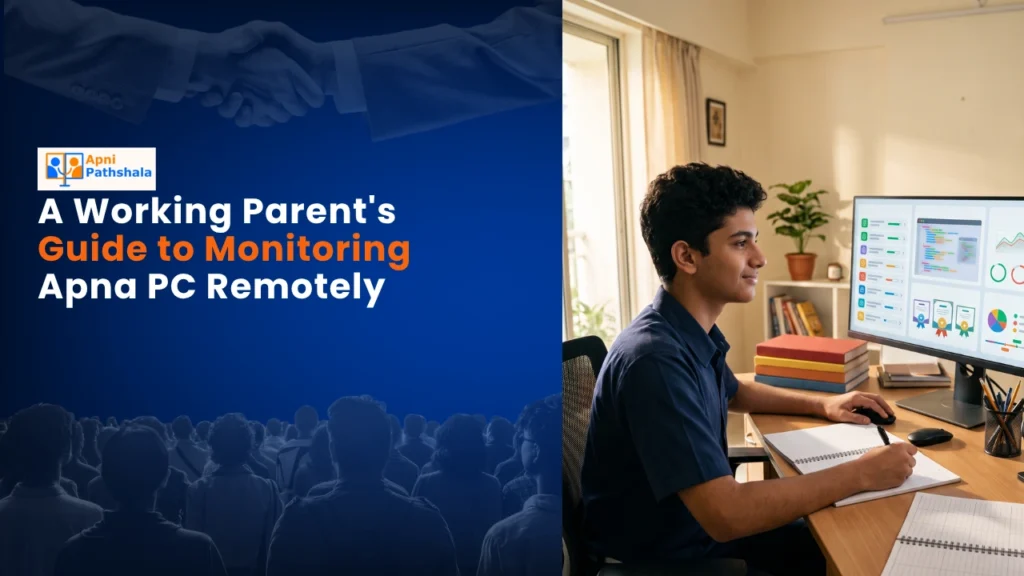
Priya works as an operations manager in Indore. Her son Arjun, 10, spends his afternoons at home with their maid while she’s at the office. She’d always wondered: Is he actually studying on the computer, or just playing games? When does he take breaks? What’s he learning? Last year, she bought an Apna PC for Arjun’s schoolwork, and everything changed. Now, from her desk 15 kilometers away, she can see exactly what he’s doing. She’s not hovering over him. She’s just informed. And that peace of mind? It’s priceless.
If you’re a working parent in a Tier 2 or Tier 3 Indian city, you probably feel Priya’s worry. You want your child to learn well. You want them safe online. But you can’t be home all the time. That’s where student progress tracking comes in. And Apna PC makes it simpler than you’d think.
Why Working Parents Need Student Progress Tracking
Let’s be honest. When you’re juggling meetings, emails, and deadlines, you can’t call home every hour to check on your kid’s homework. But you also can’t just hope everything’s fine. Research shows that student outcomes improve significantly when parents stay informed about their learning activities.
Remote monitoring isn’t about spying. It’s about staying connected. It’s about knowing your child’s routine, understanding their learning patterns, and stepping in when they need help. With Apna PC’s built-in Apni Prerna monitoring system, you get exactly that kind of insight.
The Apna PC comes pre-loaded with everything your child needs. Zorin OS runs smoothly. LibreOffice handles schoolwork. Scratch teaches coding basics. And Apni Prerna? That’s your window into their digital day.
How Apna PC’s Student Progress Tracking Works
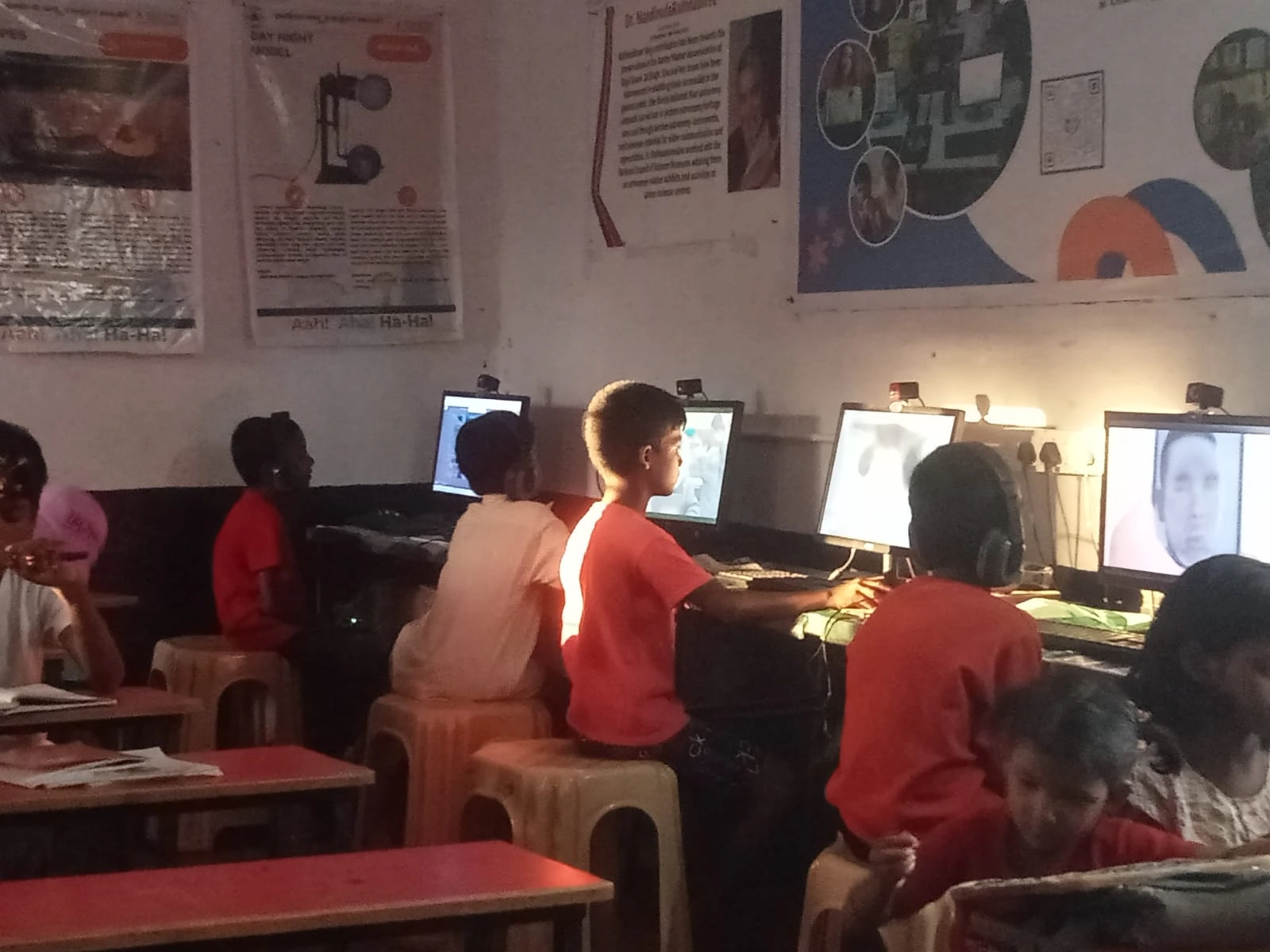
Here’s what makes Apna PC different from a regular computer. It’s designed specifically for Indian families. The 8GB RAM and 128GB SSD mean it runs fast, even when your child’s got five tabs open. But the real power is in the monitoring features.
Apni Prerna gives you a parent dashboard. You can see what applications your child’s using. You can check how long they’ve spent on schoolwork versus games. You can set time limits. You can block certain websites during study hours. All of this happens without making your child feel watched or restricted.
This kind of student progress tracking is different from old-school parental control software. It’s not just about blocking. It’s about understanding. It’s about data you can actually use to have better conversations with your child.
Want to know more about how it compares to traditional approaches? Check out our detailed parental control comparison.
Setting Up Remote Monitoring From Your Office
You don’t need to be tech-savvy to set this up. When you buy Apna PC for Rs.30,000 (shipping and GST excluded), it comes ready to go. The monitoring dashboard is intuitive. Most working parents get it running in under 30 minutes.
First, you’ll create a parent account. This takes a few minutes. Then you’ll link your child’s profile. The system starts collecting data immediately. By evening, when you check from your office, you’ll have a full picture of their day.
You can set custom rules. Maybe you want to allow 45 minutes of Scratch coding practice but limit YouTube to 20 minutes. Maybe you want certain websites blocked during school hours. Apni Prerna lets you do all of this without touching your child’s computer.
For a deeper dive into how to read and use your monitoring data, see our guide on usage reports.
Real Benefits You’ll Notice
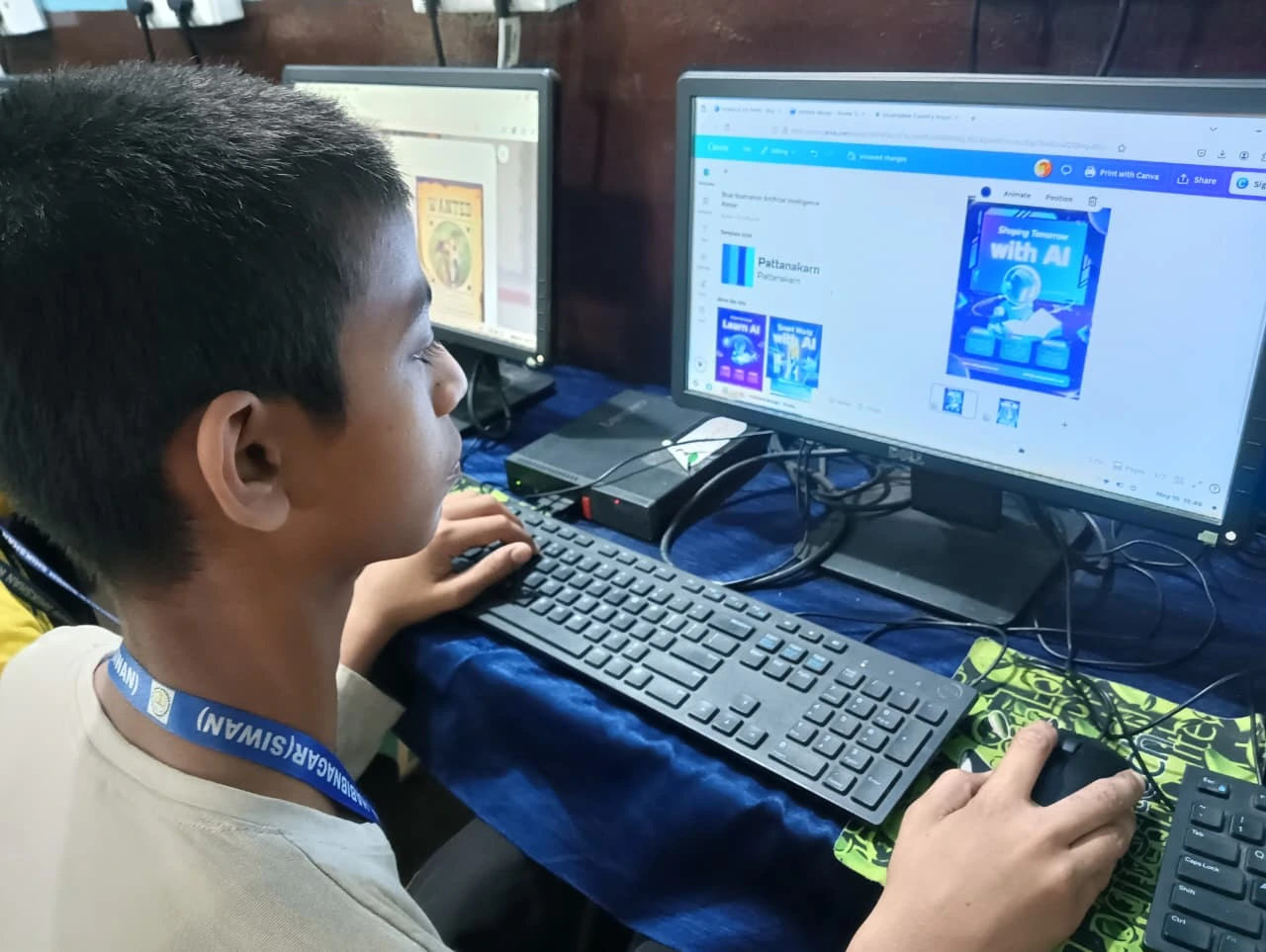
Working parents who use Apna PC for student progress tracking report several changes. First, they sleep better. They’re not imagining worst-case scenarios. They know what’s happening.
Second, their kids actually study more. Why? Because there’s gentle accountability. It’s not harsh. It’s just there. Kids know their parents are aware, and that awareness often nudges them toward better choices.
Third, conversations improve. Instead of asking “What did you do today?” and getting “Nothing,” you can ask specific questions. “I see you spent 30 minutes on Scratch today. What were you building?” That sparks real dialogue.
Fourth, you catch problems early. If your child’s suddenly spending hours on one site or avoiding schoolwork, you’ll know. You can address it before it becomes a bigger issue.
A Tool That Fits Indian Families
Apna PC isn’t a luxury item. At Rs.30,000, it’s an investment in your child’s education. It’s an investment in your peace of mind. And it’s built for how Indian families actually work. The Ministry of Education increasingly emphasises digital literacy and safe online learning, and Apna PC aligns with those goals.
The hardware is solid. The software is thoughtful. The support is local. And the remote monitoring? It’s exactly what working parents need.
Moving Forward
You don’t have to choose between being present and being at work. With Apna PC’s remote monitoring capabilities and built-in student progress tracking, you can be informed even when you’re not home. Your child gets a safe learning environment. You get peace of mind. Everyone wins.
If you’re ready to take control of your child’s digital learning, it’s time to explore what Apna PC can do for your family. Visit apnapc.com to learn more.