

Most children adjust to Apna PC’s safety features within 2-4 weeks. The first few days bring some boundary testing and questions, by the second week most children stop fighting the limits and start creating, and by the end of the first month the safety features usually feel normal.
The exact time depends on your child’s age, their past experience with phones and how you introduce the limits. Here is what to expect, stage by stage.
What happens in the first week with new safety features?
In the first week, your child notices that the computer works differently from the phones or computers they have used. The operating system and apps look new, and some children feel restricted while others feel curious.
For example, a child might try to open websites their friends use, find them blocked and ask why. That question is your chance to explain that the safety features are there to help them learn, not to punish them.
In this first week, your child might:
- Test the boundaries of what is allowed
- Ask why certain websites or apps will not open
- Compare the experience to phones or other computers
- Feel frustrated for a few days, then settle down
Many children settle within 5-7 days and begin to see the safety features as guardrails, not obstacles.
What changes in weeks two and three?
By the second week, most children stop fighting the system and start using it. Many discover Scratch, the coding platform preloaded on Apna PC, and get absorbed in making simple games.
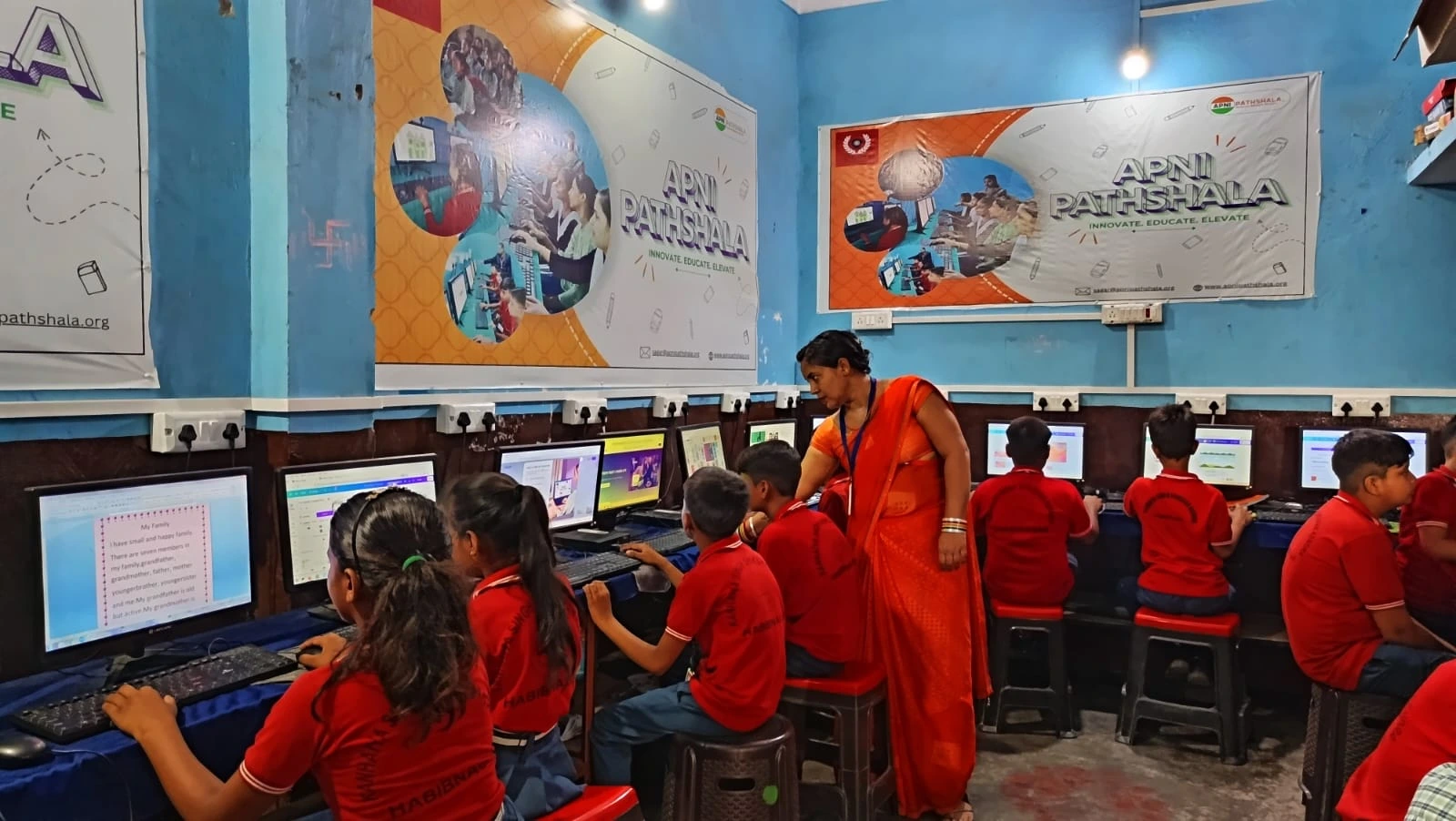
At this stage the safety features become invisible because your child is thinking about what to create or learn. The skills students learn with Apna PC start to show. You will notice your child:
- Stops asking why certain things are blocked
- Uses the allowed apps and programs confidently
- Shows you what they have created or learned
- Builds a routine around the computer
When do safety features start to feel normal?
After about a month, most children have fully adjusted. The safety features feel like seatbelts in a car: always there, rarely noticed.
The real benefit shows in the second month. Your child is not distracted by endless social media or inappropriate content, so they focus. You can use the monthly learning tracker to see which programs they used, how long and what they learned. That is parenting with information, not spying.
What helps a child adjust faster?
Your involvement helps most. Sit with your child in the first week, explain why the safety features exist and show them what they can do, not only what they cannot. Even 30 minutes together on the first day helps a child feel guided rather than restricted.
| Factor | Effect on adjustment |
|---|---|
| Parent involvement | The biggest single help, especially in week one |
| Younger children (ages 7-9) | Usually adjust quickly because they accept rules more readily |
| Older children (10-13 years) | May test boundaries more, but understand the reasons once explained |
| Heavy phone users | Feel the change more sharply at first |
| New computer users | Often find the safety features normal from day one |
Will my child feel controlled or left out?
Rarely, if you frame the limits well. You are not taking away freedom. You are creating a safe space for learning.
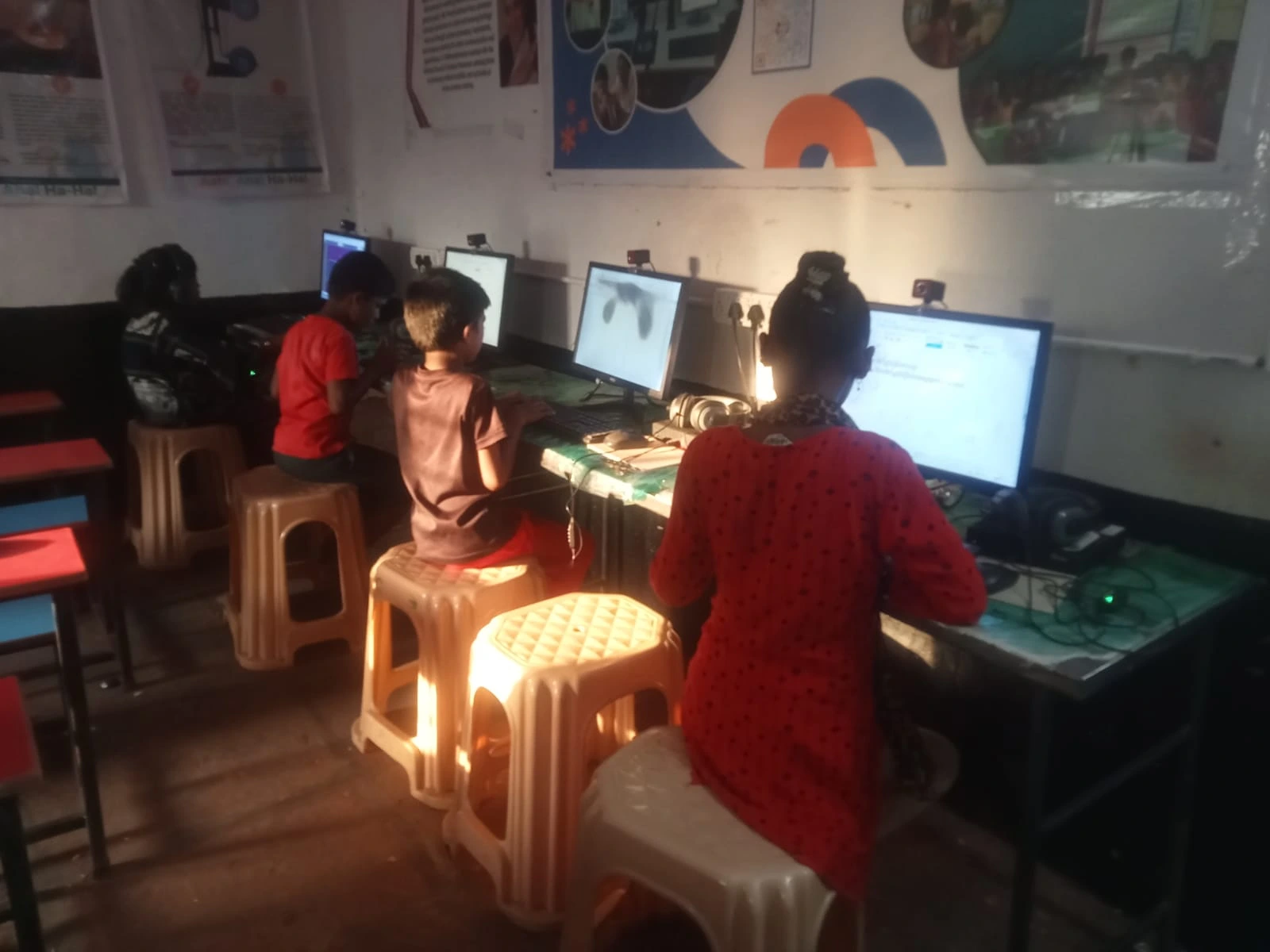
If your child asks, “Why can’t I go on YouTube like my friend?”, explain that YouTube includes content for adults, while Apna PC gives them age-appropriate educational content. Children with fewer distractions also have more time for projects to show friends and skills to share. Our guide on teaching internet safety when handing over Apna PC has conversation tips.
How do safety features build good digital habits?
Safety features do more than block bad content. They show your child what good digital behaviour looks like: computers are tools for creating and learning, not only for entertainment.
This fits the wider Digital India initiative, and understanding information technology basics is now essential. A child who adjusts well is learning habits for using technology responsibly for years.
Frequently Asked Questions
What should I do if my child gets upset about blocked websites?
Stay calm and explain the reason. Tell your child the limits are there to help them learn safely, not to punish them, and then show them what they can do, such as Scratch projects or research for homework. Frustration usually fades within the first week once they find something they enjoy.
Do older children take longer to adjust than younger ones?
Often a little. Children aged 7-9 tend to accept rules readily, while those aged 10-13 years may test boundaries more. Older children do understand the reasoning well once you explain it, so a clear, honest conversation at the start makes a big difference.
When can I stop monitoring my child closely?
Once your child has a steady routine and stops pushing at the limits, usually after the first month, you can step back to occasional check-ins. The learning tracker lets you keep an eye on which programs they use and how long, without sitting beside them every day.
Your child’s digital safety and education go together. Visit Apna PC to learn more.