

Ravi’s Frustration: Why Apna PC vs Kids Mode Matters for Your Family
Ravi Kumar sat at his kitchen table in Indore, watching his 13-year-old son Arjun struggle with online homework. The boy’s laptop had “Kids Mode” turned on, but Arjun kept finding ways around it. He’d minimise the homework window, open YouTube, then quickly switch back when he heard footsteps. Ravi felt helpless. The Apna PC vs Kids Mode debate became real for him that evening. He wanted his son to focus, to actually learn, not just pretend to work while scrolling through reels.
This is the story of thousands of parents in tier-2 and tier-3 Indian cities. You buy a regular laptop, enable parental controls, and hope for the best. But Kids Mode on Windows or Mac feels like a band-aid solution. It restricts access, yes, but it doesn’t create an environment designed for real learning.
What Kids Mode Actually Does (And Why It Falls Short)
Kids Mode on regular computers works like a cage. It blocks certain apps, limits screen time, and prevents access to adult content. Sounds good on paper, right? But here’s the problem: it’s reactive, not proactive. Your child still sees the temptation. They see the YouTube icon, the gaming apps, the social media shortcuts. Kids Mode just says “no” to them. The distraction is still there, lurking behind a digital lock.
Parents often tell us that their kids spend half their study time trying to bypass these restrictions. It becomes a game. A 15-year-old from Nagpur told us he could turn off Kids Mode in under two minutes. When restrictions feel like punishment rather than support, students resent them. They don’t build focus. They build frustration.
Regular computers also weren’t built for learning. They’re general-purpose machines loaded with entertainment, social media, and endless distractions. Even with Kids Mode active, the core design philosophy remains: maximum features, maximum possibilities, maximum choice. For a student trying to concentrate, that’s overwhelming.
Apna PC vs Kids Mode: Built Different From Day One
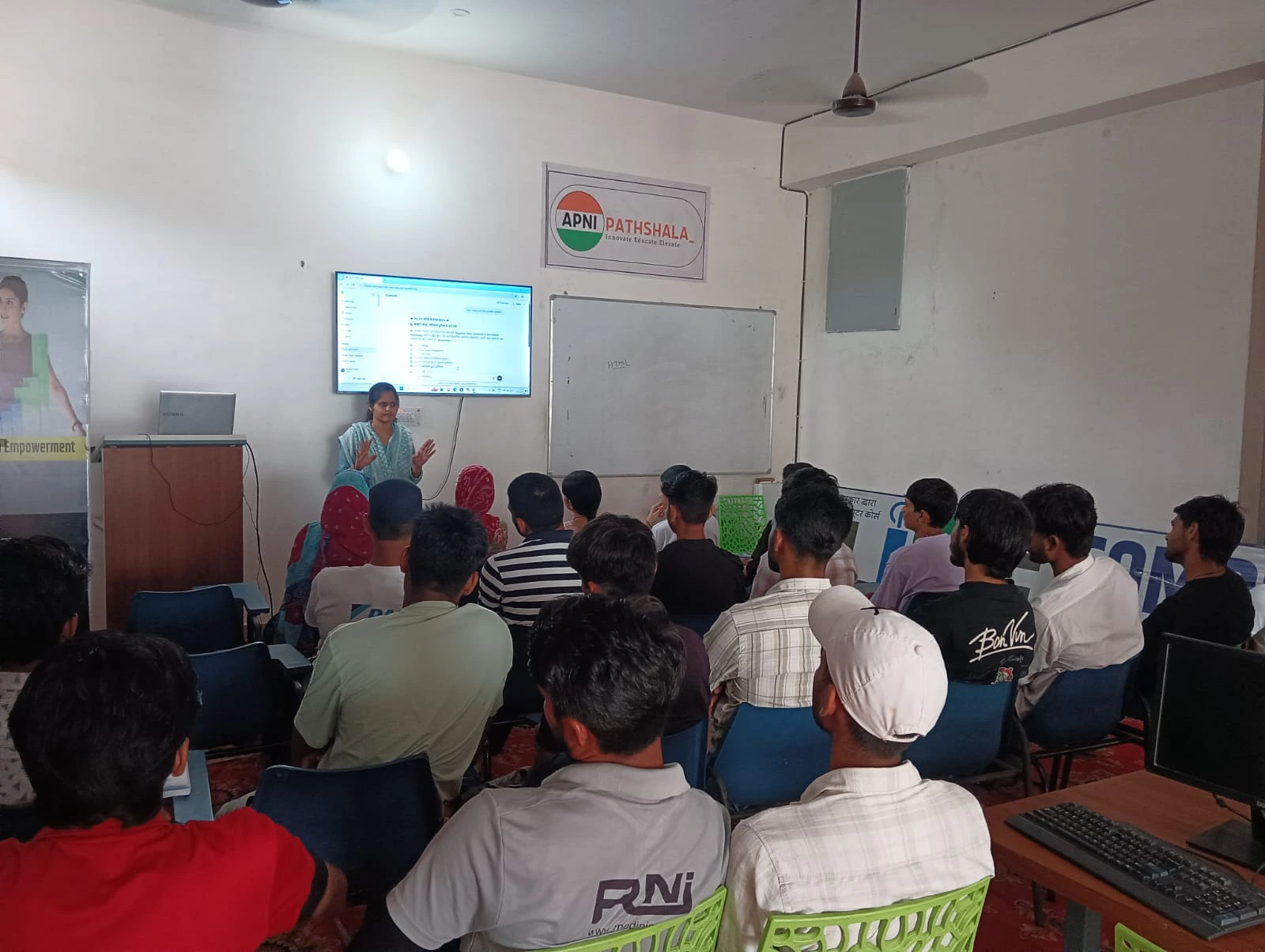
Apna PC takes a completely different approach. This isn’t a regular computer with restrictions bolted on. It’s a distraction-free computer designed specifically for students. When you unbox an Apna PC, you won’t get Windows with parental controls. You’re getting Zorin OS, a clean Linux-based operating system with only what students actually need.
Pre-loaded on every Apna PC, you’ll find LibreOffice for documents and spreadsheets, Scratch for coding, and Apni Prerna, a student monitoring system built by Apni Pathshala. There’s no YouTube pre-installed. No TikTok. No Instagram. No gaming platforms. The distractions simply don’t exist on the device. Your child can’t bypass what isn’t there.
This is the core difference between Apna PC and Kids Mode. One removes temptation entirely. The other just locks the door while the temptation sits outside, waiting. With 8GB RAM and 128GB SSD, Apna PC runs smoothly for all academic work, CBSE curriculum materials from the Central Board of Secondary Education (CBSE), and digital learning resources from the DIKSHA digital learning platform.
The Power of a Distraction-Free Computer
When your child opens Apna PC, they see a clean desktop. No ads. No notifications. No red badges telling them they have 47 unread messages. The operating system itself is built for focus. Zorin OS is lightweight and fast, which means no lag, no frustration, no reason to switch to something “faster.”
Apni Prerna, the student monitoring system included on every device, lets you understand how your child studies without feeling like you’re surveilling them. You can see which subjects they’re working on, how long they’re working on them, and what resources they’re using. It’s transparency without intrusion. Parents appreciate this because they’re not just blocking their kids. They’re actually understanding their learning patterns.
Compare this to Kids Mode, where you mostly just see screen time numbers. You don’t know if your child spent 2 hours actually studying math or just staring at a blank homework document. With Apna PC, you get real insights into how digital learning builds strong study habits.
Cost and Value: Why This Student Learning Device Makes Sense
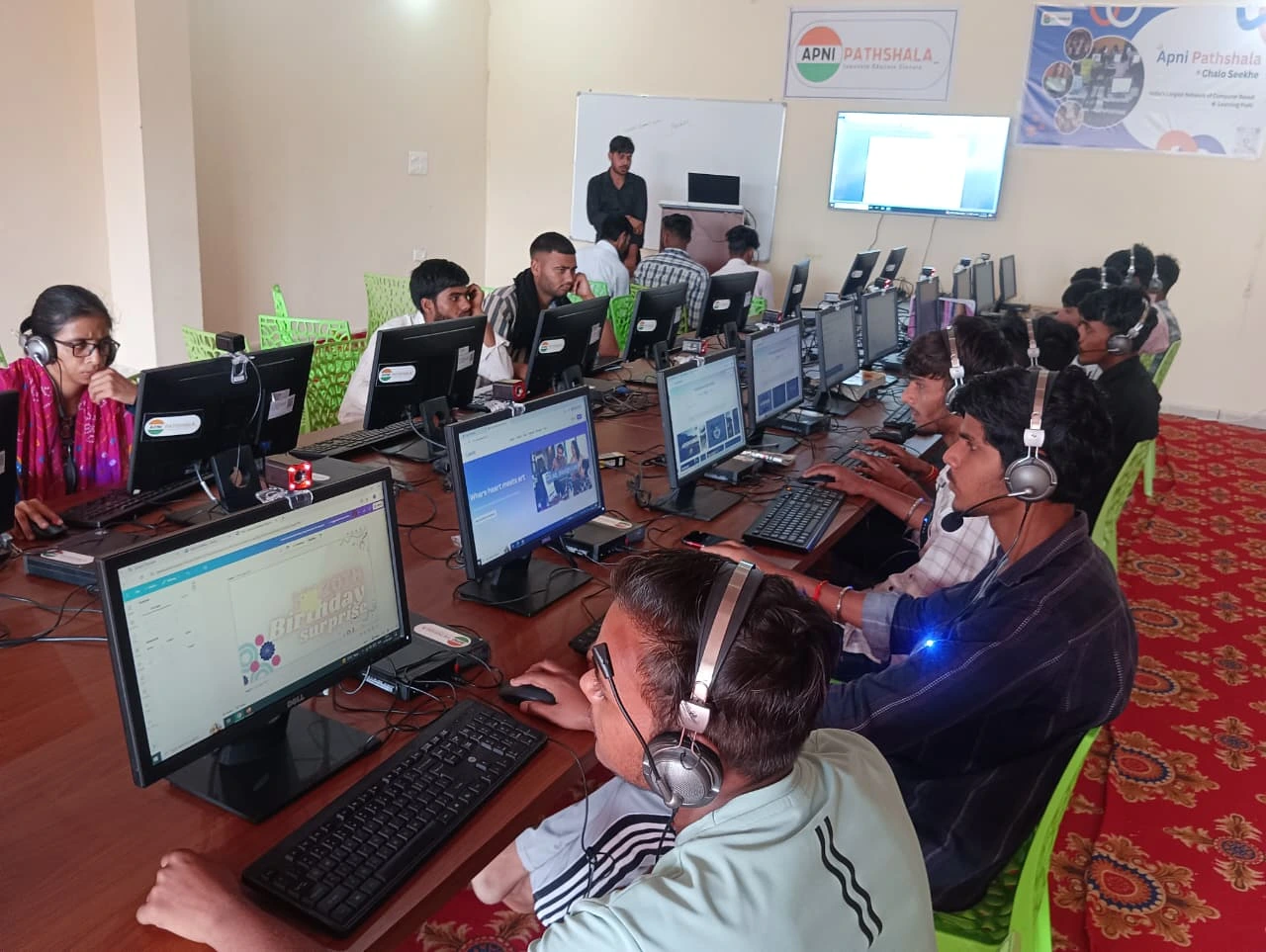
Apna PC costs Rs. 30,000 (before shipping and GST). That might sound like a lot compared to “just adding Kids Mode” to an existing laptop. But consider what you’re actually getting. You’re not buying a general-purpose computer that happens to have restrictions. You’re buying a purpose-built student learning device.
A regular laptop that’s powerful enough for modern learning costs at least Rs. 35,000 to Rs. 50,000. Add a good monitor, keyboard, and mouse, and you’re easily over Rs. 60,000. Then you’re paying for software, dealing with viruses, managing updates, and constantly fighting distractions. Apna PC includes everything you need, pre-configured and ready to go.
Parents who understand how parents choose computers for students recognise that the cheapest option isn’t always the best value. You’re investing in your child’s focus, their learning outcomes, and their digital habits. Those matter more than saving Rs. 5,000 today.
The Real Difference: Environment vs. Restriction
Here’s what fundamentally separates Apna PC from Kids Mode. Kids Mode is a restriction system. It tells your child what they can’t do. Apna PC is an environment system. It creates a space where learning is the path of least resistance. There’s nothing to rebel against because there’s nothing to rebel against.
Psychologically, this matters enormously. When a teenager feels restricted, they push back. When they feel supported, they engage. Apna PC doesn’t feel like your parent is watching you. It feels like a tool built specifically to help you study. That’s why students actually prefer using it.
The 128GB SSD means your child has plenty of space for projects, research materials, and educational content. The 8GB RAM ensures smooth multitasking between research and writing. Everything’s configured to support academic work, not to create artificial barriers.
Making the Switch: What Parents Should Know
If you’re coming from a regular computer with Kids Mode, the transition to Apna PC is smooth. The interface feels modern and clean, not dated or restricted. Students don’t feel like they’re being put in a digital prison. They feel like they’re using a tool designed for them.
The learning curve is minimal because Zorin OS is based on Linux but designed to feel intuitive. LibreOffice works just like Microsoft Office. Scratch is the same coding platform used in schools across India. Your child won’t be learning new software. They’ll be using familiar tools in a focused environment.
Support from Apni Pathshala means you’re not alone if questions come up. This isn’t just a product. It’s part of an ecosystem designed to support student learning in Indian homes, particularly in tier-2 and tier-3 cities where access to quality educational technology has been limited.
Beyond Just Saying No to Distractions
The real question parents should ask isn’t “How do I stop my child from getting distracted?” It’s “How do I create an environment where distraction isn’t an option?” Kids Mode answers the first question with restrictions. Apna PC answers the second with design.
When you compare Apna PC vs Kids Mode, you’re not just comparing features. You’re comparing philosophies. One says “Here’s a normal computer, but we’ll lock things down.” The other says “Here’s a computer built for learning, from the ground up.”
Your child’s focus matters. Their learning outcomes matter. The habits they build around technology matter. These aren’t things you can enforce with restrictions. They’re things you build with the right environment. Apna PC creates that environment. It’s why parents across Indore, Nagpur, Lucknow, and hundreds of other Indian cities are choosing it for their students.
Your child deserves a device that supports their learning, not just limits their distractions. Visit apnapc.com to learn more.