

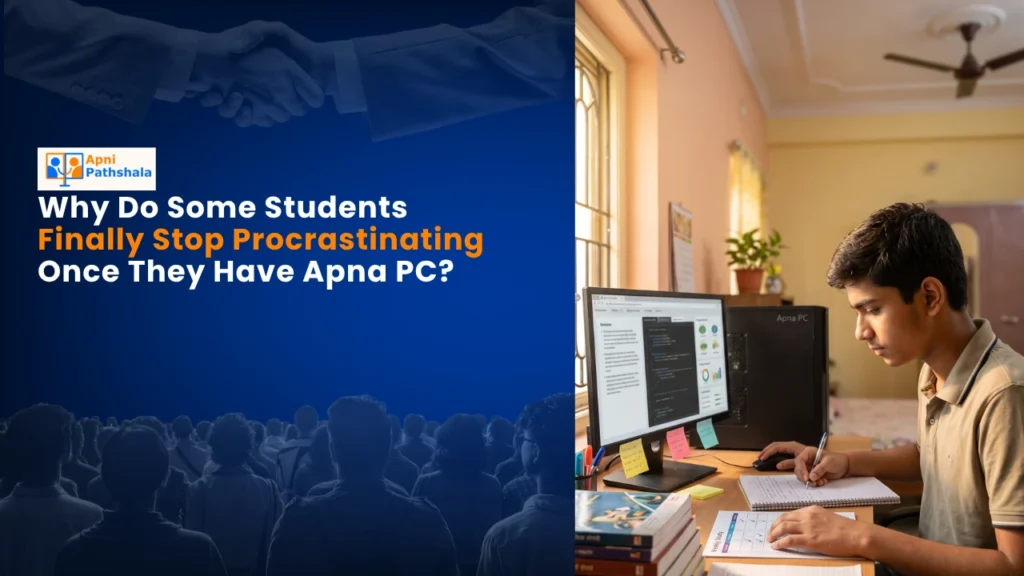
Rajesh’s Story: When Distraction Finally Met Its Match
Rajesh sat in his small room in Indore, staring at his smartphone screen for the fifth time in ten minutes. His board exams were three months away. His mother had asked him to study for two hours. He’d managed twelve minutes. The WhatsApp notifications, the YouTube shorts, the gaming apps- they all whispered louder than his textbooks. His parents were frustrated. Rajesh was frustrated with himself. Then his father brought home an Apna PC, the best computer for students designed specifically for kids like him. Something shifted that very first week.
You might think a new device wouldn’t change much. But here’s what actually happened: Rajesh stopped procrastinating. Not overnight, but noticeably. Within two weeks, his study sessions stretched from twelve minutes to forty minutes without him even realising it. His mother noticed he wasn’t reaching for his phone every thirty seconds anymore.
Why the Best Computer for Students Changes How Your Child Thinks
The best computer for students isn’t just about specs and price. It’s about creating an environment where your child’s brain can actually focus. A smartphone is engineered to distract you. Every app is designed by teams of engineers to pull your attention back, again and again. Your child’s willpower can’t compete with that.
Apna PC changes the equation. It comes pre-loaded with Zorin OS, a clean operating system that doesn’t bombard your child with notifications. There’s no TikTok app trying to steal attention. No Instagram feed refreshing endlessly. What’s there instead is purpose: LibreOffice for assignments, Scratch for coding basics, and study-friendly tools that help your child actually get work done.
The 8GB RAM and 128GB SSD mean everything loads fast. Your child doesn’t get frustrated waiting. They don’t have time to open a distraction while waiting for a file. Speed itself becomes a tool for focus.
The Real Game Changer: Apni Prerna Monitoring System
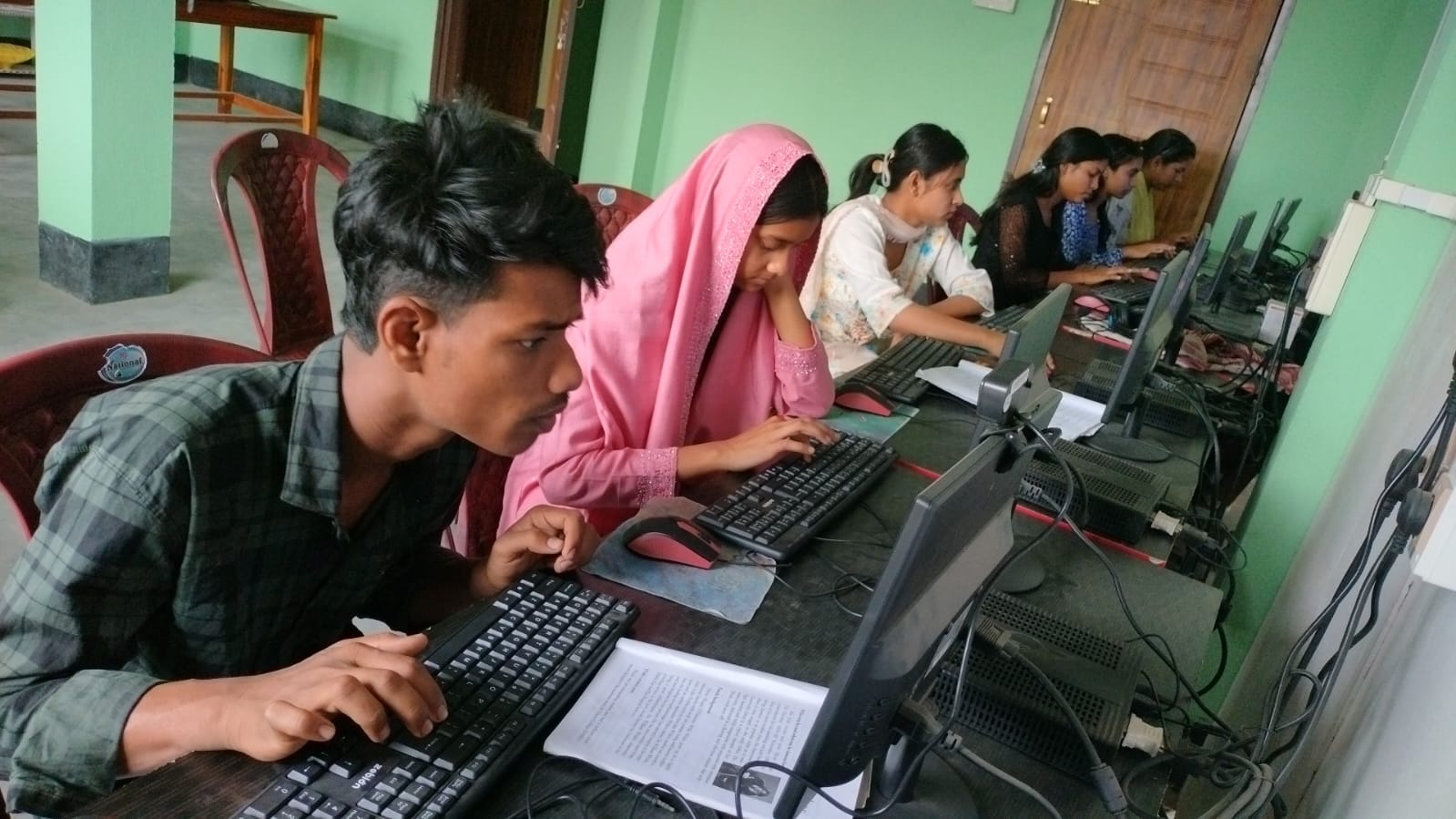
You want to know something that most parents struggle with? Trust. You don’t want to hover over your child’s shoulder every five minutes. But you also need to know if they’re actually studying or just pretending.
Apna PC comes with Apni Prerna, a student monitoring system that’s actually respectful. It’s not about spying. It’s about gentle accountability. Your child knows you can see what they’re doing, so they stay on task. They’re not hiding anything. This removes the guilt and the constant internal battle between studying and procrastinating.
Parents in tier 2 and tier 3 cities have told us this single feature changed their relationship with their child’s study routine. No more arguments. No more “I’m studying” when they’re actually watching videos. Just honest, focused work.
What Your Child Can Actually Do With This Computer
Let’s be specific about what you’re getting for Rs.30,000 (plus shipping and GST):
- Access to DIKSHA digital learning platform – India’s official digital learning portal with thousands of study materials
- LibreOffice for all document work – no need for expensive software subscriptions
- Scratch for coding basics – coding is becoming essential, and your child learns by doing
- Zorin OS that’s simple and safe – no viruses, no bloatware, just clean computing
- Video calling and online classes – perfect for online tuitions and school classes
- Research for projects – fast enough to handle multiple browser tabs without slowing down
Your child isn’t limited by the device. They’re enabled by it. This isn’t a gaming machine or an entertainment box. It’s a tool built for learning, which means it removes friction from the studying process.
Study Productivity Tips That Actually Work With the Right Setup
You’ve probably read about study productivity tips: take breaks every 25 minutes, use the Pomodoro technique, minimise distractions. These tips are all solid advice. But they don’t work if your device is actively working against you.
With the best computer for students like Apna PC, these productivity methods actually stick. Your child can set a timer, study for 25 minutes without phone notifications interrupting, take a real break, and come back refreshed. The computer isn’t tempting them with games or social media during the break either.
This is what we mean by the right student computer setup. It’s not just about the machine. It’s about the entire environment supporting your child’s focus.
The Comparison That Matters: Computer vs Smartphone for Learning
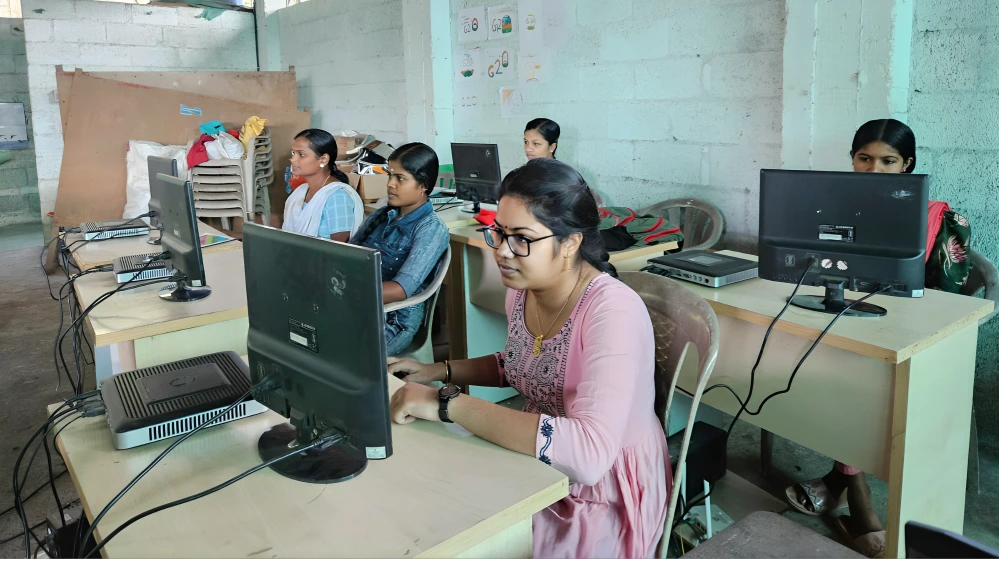
You might wonder: can’t my child just use their smartphone? After all, they already have one. The answer is no, and here’s why. We’ve written about computer vs smartphone for learning in detail, but the short version is this: a smartphone is a distraction device masquerading as a learning tool. A computer built specifically for students is a learning device that protects against distraction.
When your child uses a computer for studying, their brain knows they’re in “work mode.” There’s psychological power in that. The device itself becomes a signal that it’s time to focus.
Real Numbers From Real Students
Parents across Indore, Nagpur, Lucknow, and other tier 2-3 cities have shared their experiences. The most common story? Their child went from studying 30-45 minutes per day to 2-3 hours consistently. Not because they forced them. But because the device made it easier to focus than to procrastinate.
One parent from Jaipur told us their daughter’s grades improved from 65% to 78% within six months of getting an Apna PC. Another parent in Bhopal said their son finally completed his coding assignments without constant reminders.
These aren’t miracle stories. They’re what happens when you remove the biggest obstacle to focus: your device working against you instead of for you.
Getting Started With Your Child’s Learning Journey
If you’re reading this, you probably recognise your child in Rajesh’s story. You see the procrastination. You see the potential being wasted on distractions. You want to help, but you’re not sure how.
Start here: understand that the problem might not be your child’s discipline. It might be their tools. Read more about online learning and study habits to understand how the right setup supports better focus. Check out what the DIKSHA digital learning platform offers. Look at India Ministry of Education guidelines on digital learning tools for students.
Then consider whether the best computer for students might be exactly what your child needs to finally stop procrastinating and start progressing. Apna PC is built by Apni Pathshala specifically for Indian students in tier 2-3 cities. It’s affordable. It’s focused. It works. Your child can stop procrastinating today. Visit apnapc.com to learn more.