


One study computer can support multiple children in a household when it has enough performance for daily schoolwork, learning tools that suit different ages and a clear shared schedule. Apna PC is built for this, with pre-loaded software and Apni Prerna monitoring so parents can see each child’s study time.
For example, in a home with three school-age children, one may need the computer for an online class while another has a project due and the youngest wants typing practice, all on the same morning.
How can one computer serve several children at home?
One computer works for several children when time on it is planned and the device itself is reliable. Without a plan, a single family computer means negotiations, missed classes and frustrated kids.
Apna PC is designed for this kind of home learning in Tier 2 and Tier 3 cities. It costs Rs.30,000 (shipping and GST excluded), but what matters most for a busy household is what comes inside it.
It runs Zorin OS with 8GB RAM and 128GB SSD storage, so online classes, educational apps and study material run smoothly from one session to the next.
Which pre-loaded learning tools suit children of different ages?
The software is ready on arrival, so nobody spends hours downloading programs. Each tool serves children at different stages:
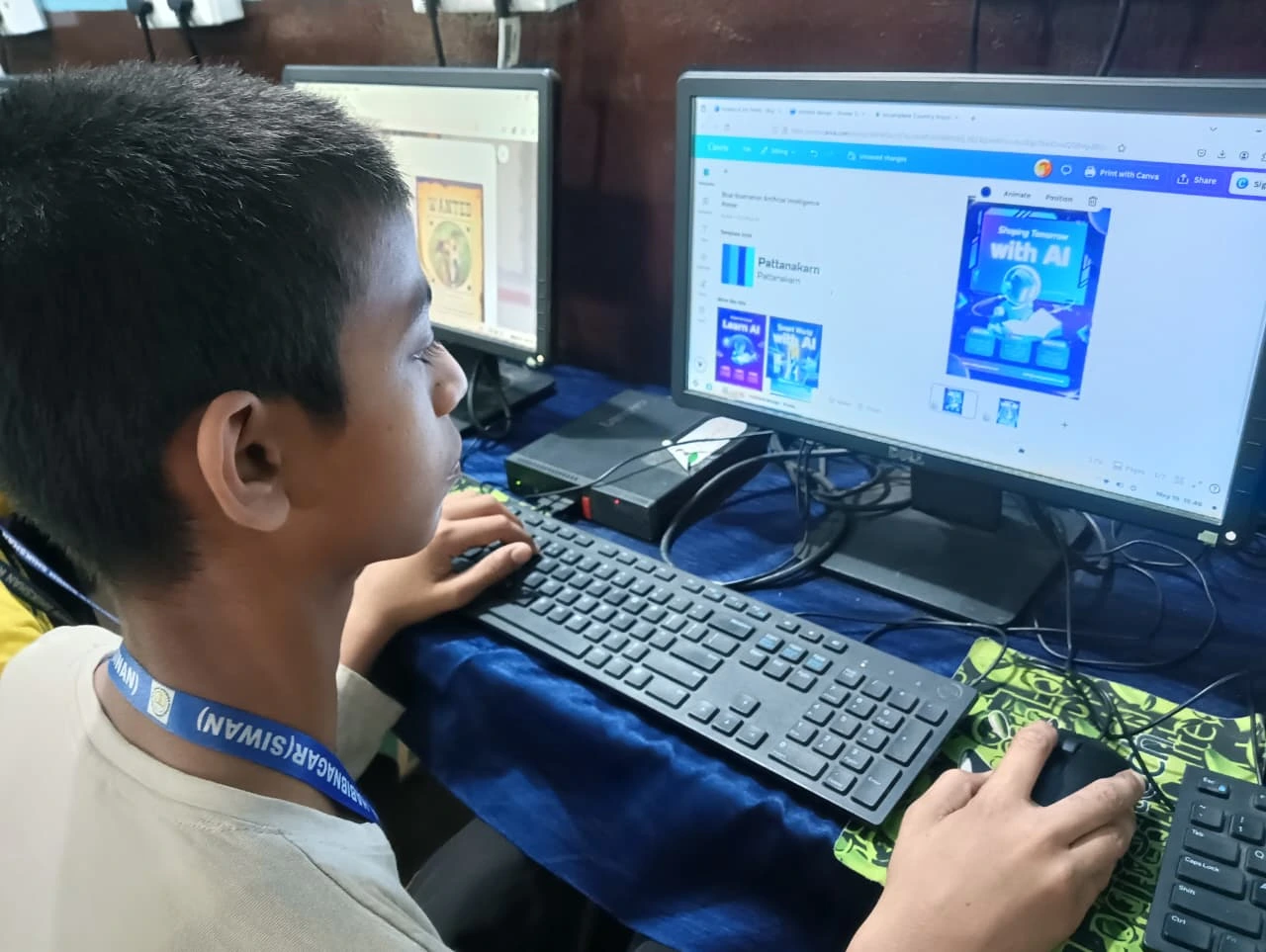
| Tool | What it does | Useful for |
|---|---|---|
| LibreOffice | Documents, reports and spreadsheets | Older children’s projects and assignments |
| Scratch | Coding and creative problem-solving | Beginners and curious younger learners |
| Zorin OS | A light, fast operating system | Everyone, with less waiting and fewer interruptions |
| Apni Prerna | Learning progress and study time | Parents tracking each child |
A younger child can practise typing and basic skills in their slot, while an older child uses theirs for complex project work.
How do parents keep track of each child’s study time?
Apni Prerna, built into the system, shows what your children are doing, lets you set study schedules and keeps screen time focused on learning.
This is not about spying. It lets your children study independently while you stay informed. It also helps you notice if one child is getting less time than they need.
What does a shared study day look like?
A shared day works when each child knows their slot. For example, the youngest might do typing practice first, an older child might take the online class next and the third might use a later slot for project work.
See a typical study day with Apna PC to understand how routines and monitoring help you stay involved without hovering. Separate logins also help, and our guide on how to create separate accounts for students explains the setup.
Will the computer keep up as the children grow?
Yes, it is designed to stay useful from basic computer skills in class 3 to competitive exam preparation in class 10. Many parents worry a Rs.30,000 computer will become outdated, but the same device can serve a younger child today and more advanced work tomorrow.
Learn more about how Apna PC grows with your child through each stage of school.
Why does a Linux-based system suit a busy household?
Zorin OS is based on Linux, which makes it secure and reliable without heavy background processes. Children spend their limited slot learning rather than waiting for the computer to load.
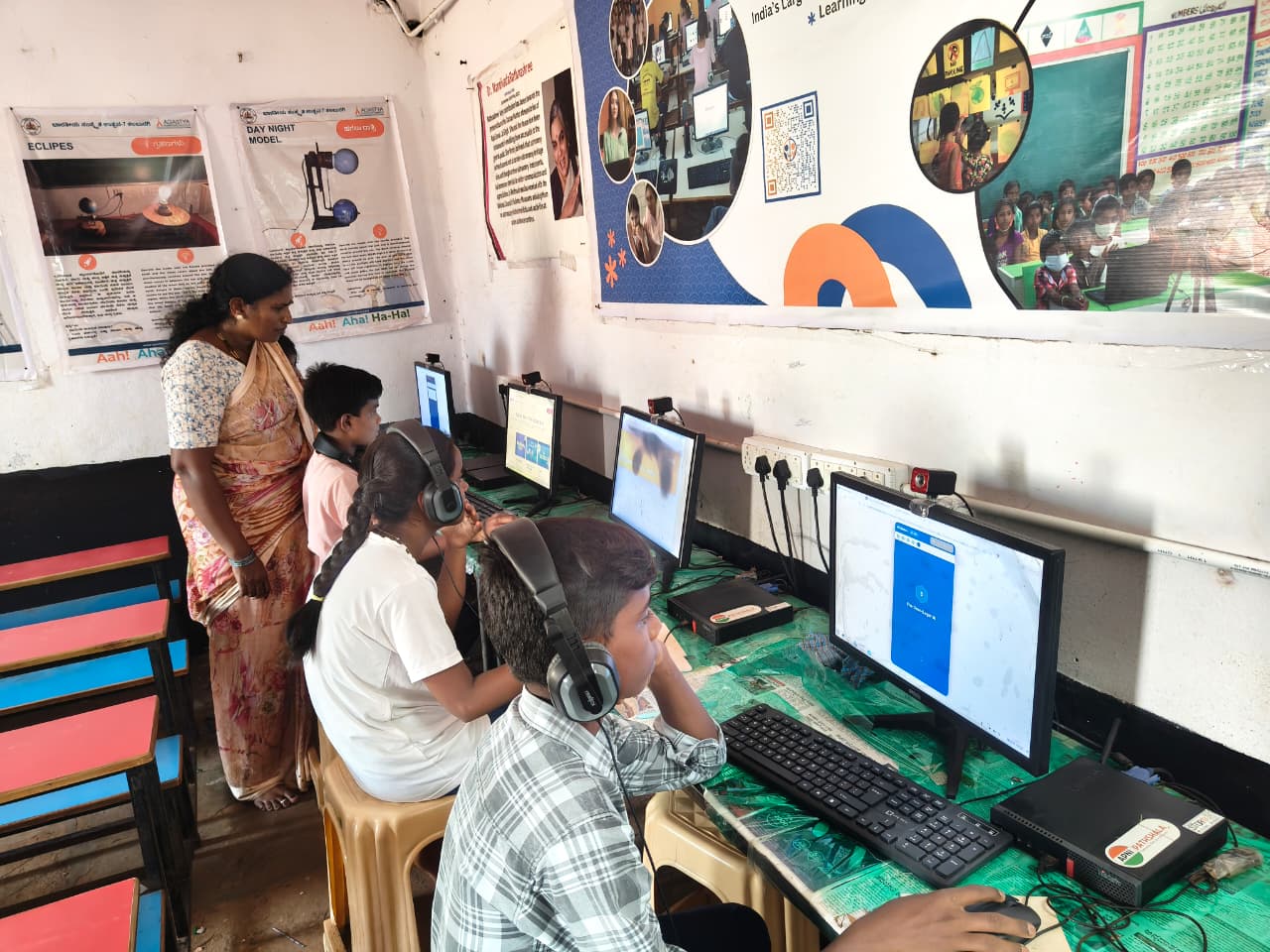
Families investing in a learning computer are also part of the wider push of the Digital India initiative to bring technology access to more Indian households.
Is Apna PC the right choice for your household?
If you want a personal computer set up for learning rather than entertainment, it fits well. It is designed by people who understand Indian classrooms and homes, and its hardware is built for reliability, not flashiness.
Your children get LibreOffice, Scratch and a stable system for important study sessions. You get Apni Prerna to stay connected to their progress.
Frequently Asked Questions
How do I stop my children fighting over one computer?
Make a written timetable and put it near the computer. Give priority to fixed commitments like online classes, then share the remaining time fairly. When every child knows their slot in advance, arguments drop because nobody has to negotiate each day.
Should each child have their own login?
Yes, separate accounts help a lot. Each child keeps their own files, settings and progress, and nobody accidentally deletes a sibling’s work. It also makes monitoring clearer, because you can see what each child studied instead of one mixed record.
When should we buy a second computer?
Consider a second device when the timetable no longer fits everyone’s needs, such as overlapping online classes every day or an older child in a board exam year needing long sessions. Until then, a well-planned schedule on one reliable computer often works.
Stop compromising on your children’s learning setup. Visit Apna PC to see how one study computer can work for your whole family.