

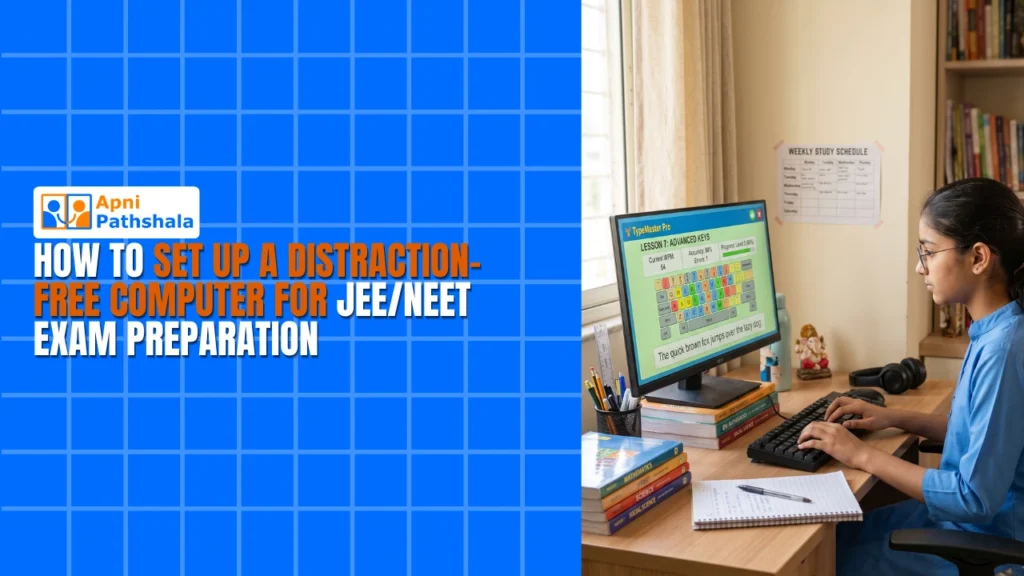
To set up a distraction-free computer for JEE/NEET preparation, use a clean operating system, install only study software, remove games and social media, create a separate study account and turn on monitoring for study hours. The aim is to make staying focused easier than getting distracted.
For example, a family might spend Rs.45,000 on a laptop for JEE preparation, only to find a planned study session turning into social media scrolling within the first hour.
Why is your current computer not working for JEE/NEET preparation?
Most general-use computers are full of games, social media and entertainment apps, so your child faces temptation in every session. Good intentions alone rarely win against that.
The WhatsApp badge, the YouTube recommendation sidebar and the game icon on the taskbar are all designed to grab attention. A personal computer set up specifically for education removes these friction points, so your child works with the computer instead of fighting it.
What makes the best computer setup for JEE and NEET aspirants?
A good exam-prep computer needs four things: a clean OS, educational software only, built-in monitoring and reliable hardware.
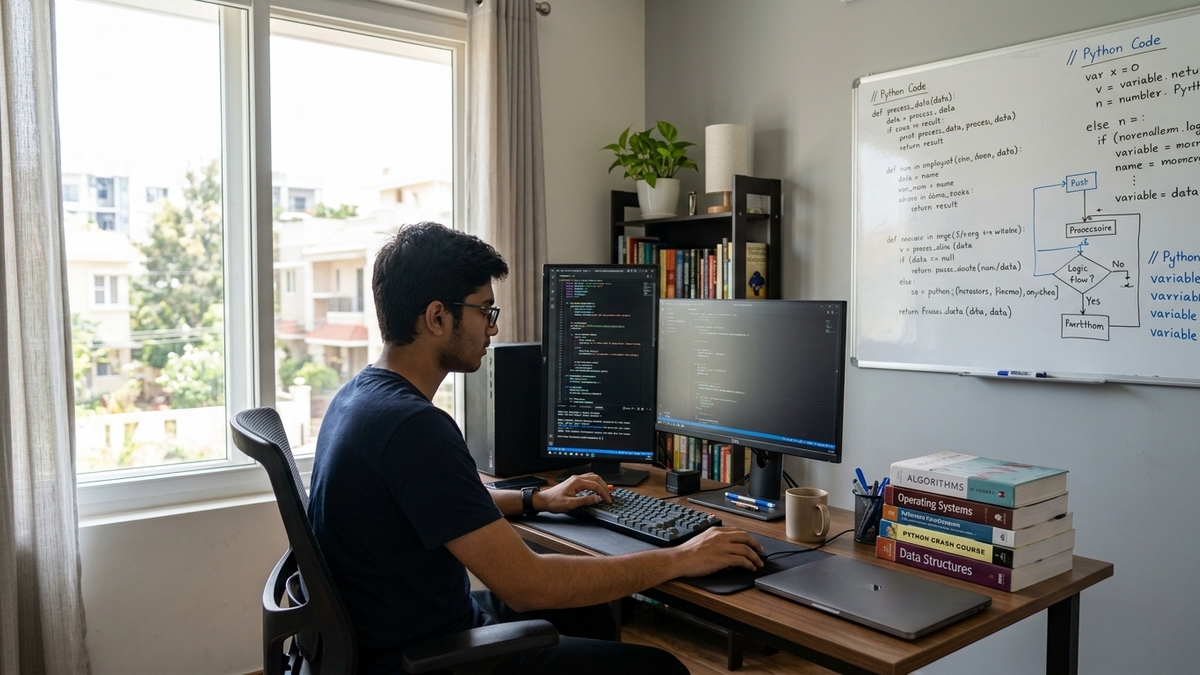
- Clean operating system: no bloatware, games or social media shortcuts. Linux-based systems like Zorin OS suit this well.
- Educational software only: LibreOffice for notes, Scratch for coding practice and study apps, nothing else.
- Monitoring built in: tools like Apni Prerna let parents see study time and block distracting websites during study hours.
- Reliable hardware: at least 8GB of RAM and a 128GB SSD so video lectures and large documents do not lag.
Together, these make it hard for a child to get distracted even when they are tempted.
How do you remove distractions from a study computer?
Start with the right device, or reconfigure the one you have. Apna PC from Apni Pathshala costs Rs. 30,000 and comes preloaded with Zorin OS, Apni Prerna, LibreOffice and Scratch.
If you already have a computer at home, follow these steps:
- Uninstall all games and entertainment apps.
- Remove social media bookmarks and shortcuts from the desktop.
- Switch to a clean Linux system if possible, or use Windows with strict parental controls.
- Install only educational software: LibreOffice, PDF readers and exam prep apps.
- Create a separate study account with no admin rights to install new apps.
When your child wants to open Instagram, they should not find it on the study computer at all. Our JEE home study setup guide covers more detail.
What role does parental monitoring play in NEET and JEE prep?
Monitoring gives structure and accountability during a demanding preparation period. It is about understanding study patterns, not spying.
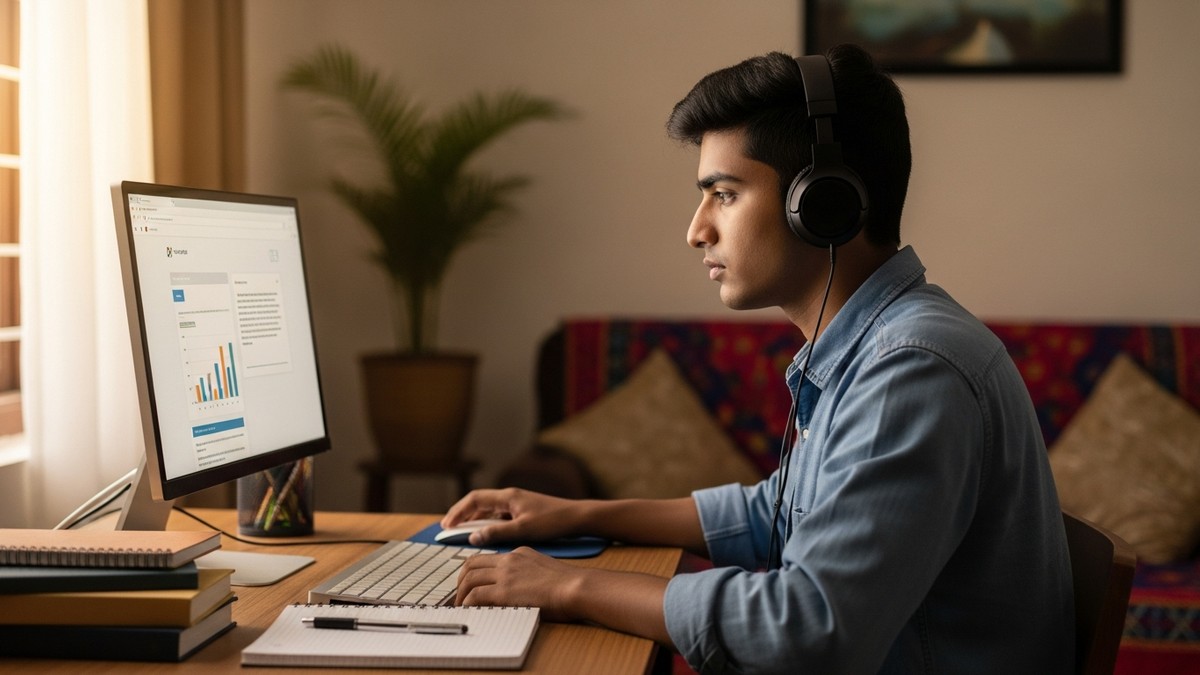
Apni Prerna shows how long your child studied, which websites they visited and when they took breaks. Use it to start supportive conversations, such as “I see you studied for 3 hours today. How did it feel?” These talks build trust while keeping your child on track.
How should the physical study space be set up?
Place the study computer in a quiet area away from the TV, with good lighting and a comfortable chair. Keep the phone in another room during sessions, not just on silent.
The space reinforces a mental shift: when your child sits at this computer, it is time to study.
Is a purpose-built study computer better than a regular PC?
For focused exam prep, usually yes. A regular PC may seem cheaper, but you spend time troubleshooting, blocking websites and managing distractions.
A purpose-built study computer avoids that hassle. To see how a computer supports practice exams, read our guide to a computer for online tests, and learn how to prepare for JEE and NEET without coaching.
What study routines work on a distraction-free computer?
Fixed hours, active learning and regular breaks work best. Decide on set computer study hours with your child and switch the computer off afterwards.
- Use the computer for active learning: concept videos, problem-solving and notes, not passive scrolling.
- Every 50 minutes of study, take a 10-minute break away from the screen.
- Involve your child in setting the rules, so they see the setup as a tool they chose.
India’s Digital India initiative aims to make technology more accessible in smaller cities too, so students outside the metros are not left behind.
Frequently Asked Questions
Should my child use YouTube for JEE or NEET preparation?
Yes, but with limits. Concept videos can help, yet the recommendation sidebar easily pulls students into unrelated content. Agree on specific channels or playlists, watch with a clear goal and use monitoring tools to check that study videos are not turning into entertainment.
Is it too controlling to remove apps from my teenager’s computer?
Not if you do it together. Explain that exam preparation needs structure and let your child help decide what stays on the study computer. When they help design the rules, they are far more likely to follow them and see the setup as support.
Can I make my existing laptop distraction-free?
Yes, you can reconfigure it. Uninstall games and entertainment apps, remove social media shortcuts, create a separate study account without admin rights and install only study software. A clean Linux system or strict parental controls on Windows makes the setup much harder to undo.
Consistent, focused study is what JEE and NEET demand. A distraction-free computer removes the biggest obstacle to that focus. Visit Apna PC to learn more.