

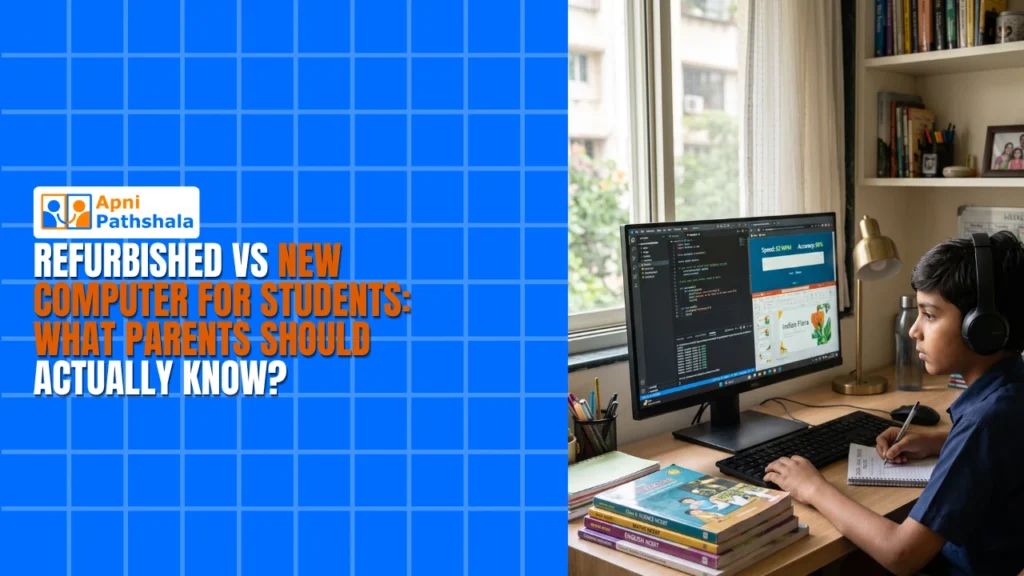
A refurbished computer costs 30 to 50 per cent less than a new one and can perform just as well with the same specs, but it usually has a shorter warranty. A new computer costs more and comes with a full warranty. The right choice depends on your budget, repair access in your town and what software comes included.
For example, a parent might be quoted Rs. 60,000 to Rs. 80,000 for a new branded laptop and Rs.25,000 for a refurbished one. Knowing what each option really includes makes that decision much easier.
What is the difference between a refurbished and a new computer?
The main differences are warranty and condition, not speed. A new computer has never been used and comes with a full manufacturer’s warranty, usually 1 to 2 years, with no hidden damage or worn batteries.
Refurbished computers have been returned, repaired and tested by professionals. They cost 30 to 50 per cent less, but warranties are shorter, typically 6 to 12 months.
| Factor | Refurbished | New |
|---|---|---|
| Price | 30 to 50 per cent less | Full price |
| Warranty | Typically 6 to 12 months | Usually 1 to 2 years |
| Condition | Used, repaired and tested | Never used |
| Performance with same specs | Almost the same | Almost the same |
What many parents do not realise is that a refurbished laptop with 8GB RAM and an SSD can run educational software just as fast as a new one with the same specs. A personal computer is now a learning tool and often a school requirement, so the real question is which option gives your child the best learning experience without draining your savings.
What does a student computer really cost to own?
The price tag is only part of the cost. Think about what happens after the warranty ends.
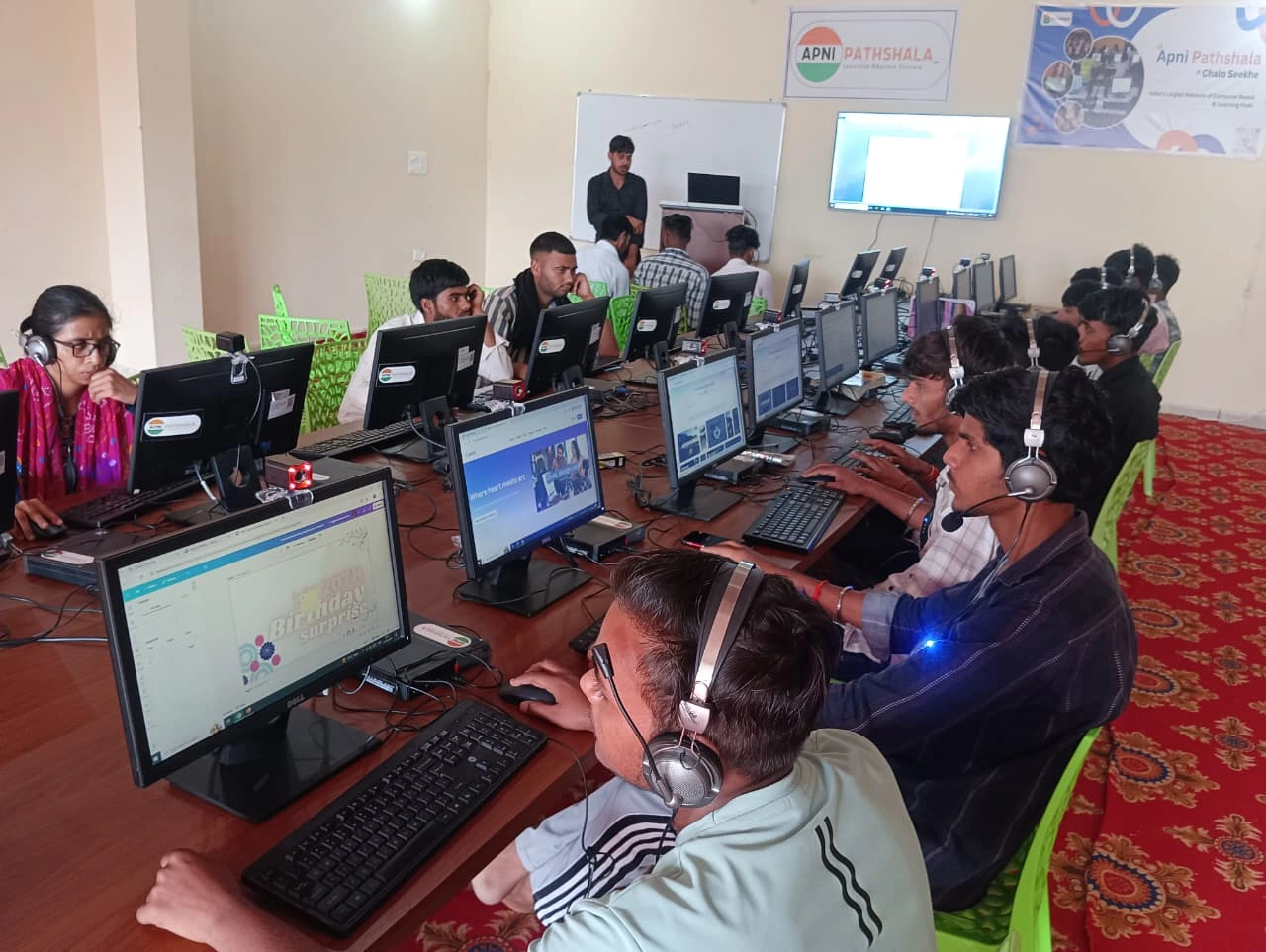
New computers from established brands often have longer support and easier access to spare parts in Indian cities. Refurbished devices can be harder to repair once the warranty is over.
Software adds cost too. Some refurbished computers come with bloated software that slows them down, while others arrive with nothing installed, so you may need licences for Microsoft Office or antivirus programs. That can add another Rs. 5,000 to Rs. 10,000 to your total.
If you buy refurbished, look for one with educational software pre-loaded and clear documentation of what is included. Ask about the software, warranty terms and the seller’s reputation, not only the hardware. Our honest guide to refurbished PCs in India has more checks.
What specs does a student computer actually need?
Your child does not need a gaming laptop or a high-end workstation. They need a device for Google Classroom, video calls, document editing and some coding practice.
- 8GB RAM minimum: enough for several browser tabs and educational apps without freezing.
- 128GB SSD storage: fast start-up and enough space for schoolwork, projects and downloads.
- Good battery life (for laptops): at least 6 hours for school use and studying away from home.
- A reliable operating system: Windows, macOS or Linux all work, as long as it is stable and supported.
Both new and refurbished computers can meet these needs. The question is which gives better value for your situation.
Is there an option between refurbished and new?
Yes. Educational computers designed for students are a third path many parents have not considered. Apna PC, built by Apni Pathshala for Indian students, costs Rs.30,000 (before shipping and GST) and comes with 8GB RAM, a 128GB SSD and Zorin OS, which is student-friendly and free.
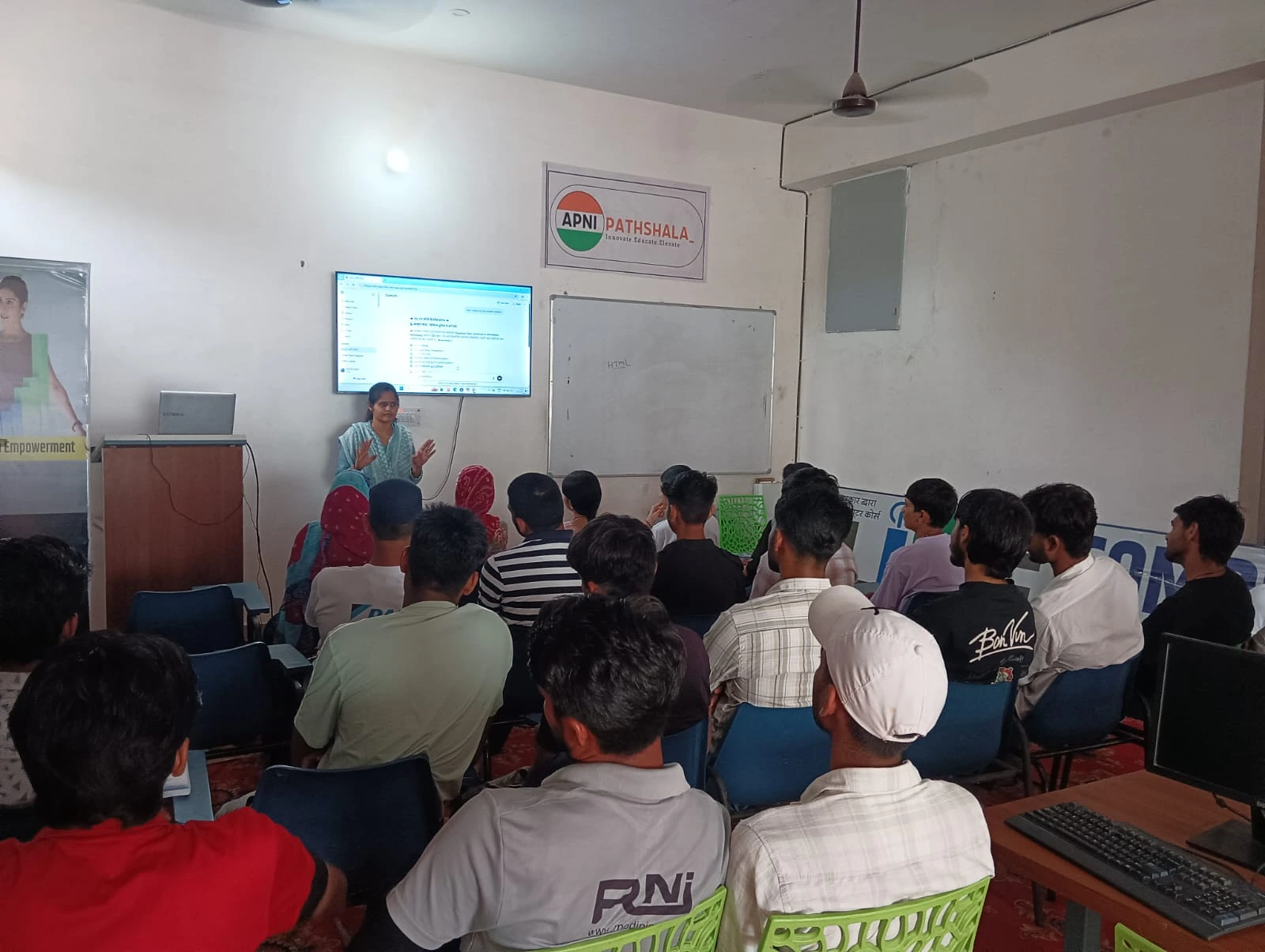
The difference goes beyond price. It comes pre-loaded with Scratch for coding, LibreOffice for documents and Apni Prerna for student monitoring, so your child has what they need on day one with no extra software costs. This is what a computer for education should look like.
For parents investing in computers, this option sits between budget refurbished models and expensive new laptops. It is a new machine built for what your child actually does in school.
How should you decide which option is right?
Match the choice to your budget and support needs. Ask yourself three questions:
- Do I have Rs. 60,000+ to spend without stress? Then a new branded laptop is fine.
- Can I only afford Rs. 20,000 to Rs. 30,000? Then look carefully at refurbished options or educational computers.
- Do I want reliable support and pre-loaded software without the premium price? Then an educational computer designed for Indian students makes sense.
Your access to service centres matters too. In bigger cities, refurbished laptops are easier to get repaired, while in smaller towns, strong warranty support matters more. Check what support is available in your city before you buy. You can also read about Apna PC warranty and support.
Are student computers getting easier to afford?
Options are growing. The Digital India initiative is pushing to give more students access to computers, and families now have more choices than only expensive new laptops or risky used ones.
Frequently Asked Questions
Is a refurbished laptop safe for my child’s schoolwork?
Usually yes, if it comes from a reputable seller who tests and repairs it properly. Check the warranty terms, the battery condition and what software is installed. A refurbished laptop with 8GB RAM and an SSD can handle schoolwork as well as a new one with the same specs.
What should I ask a refurbished computer seller?
Ask how long the warranty lasts, what was repaired, whether the battery was replaced and what software is included. Also ask where repairs happen after purchase. Clear answers and written documentation are a good sign that the seller stands behind the device.
Does my child need Windows on a student computer?
Not necessarily. Windows, macOS and Linux all handle schoolwork, video calls and documents. What matters is a stable, supported system. Zorin OS on Apna PC is Linux-based, free and comes with LibreOffice, so there are no extra licence costs for basic school tasks.
You do not have to choose between your budget and your child’s education. Visit Apna PC to learn more about a new study computer built for Indian students.