

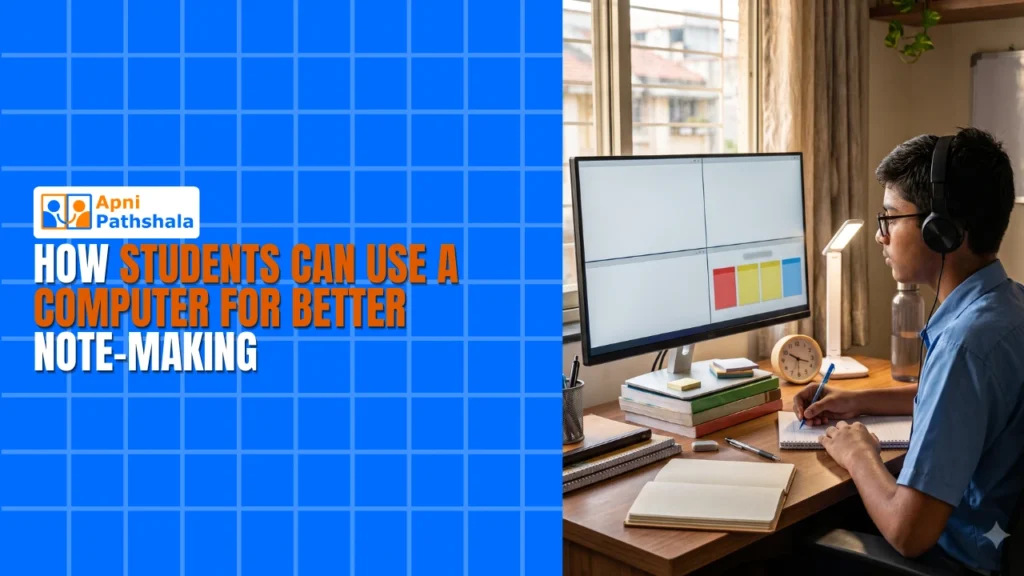
Rajesh’s Struggle with Scattered Notes
Rajesh sits in his small room in Indore, staring at three notebooks spread across his desk. His handwriting is messy from rushing through Biology class. He’s spent two hours searching for that one note about photosynthesis he wrote last week. His board exams are three months away, and he’s already falling behind. If he had a digital notes computer, he could find any note in seconds. This is the reality for millions of students in Tier 2 and Tier 3 Indian cities who struggle with scattered study materials.
Digital notes on a computer can transform how you study and revise. Instead of flipping through pages, you can search, organise, and access your study notes instantly. A simple computer with the right tools makes note-taking faster, cleaner, and more effective for your board exams and competitive tests.
Why a Digital Notes Computer Beats Handwritten Notes?
Handwritten notes feel personal, but they’re hard to organise. You lose time searching for information, rewriting messy sections, and carrying heavy notebooks everywhere. Digital notes let you search with one click, copy important points instantly, and organise by subject or topic.
When you type your notes on a computer, you think differently. You focus on key ideas instead of writing everything. This active thinking helps your brain remember better. Studies show that students who organise their study notes digitally score higher in exams because they revise faster and more effectively.
Your computer becomes your study companion. You can add colours, images, and links to your student notes. You can create tables for formulas, organise chapters by topic, and build a searchable knowledge base for revision. No more losing papers or forgetting where you wrote something important.
Tools You Need for Digital Note-Making
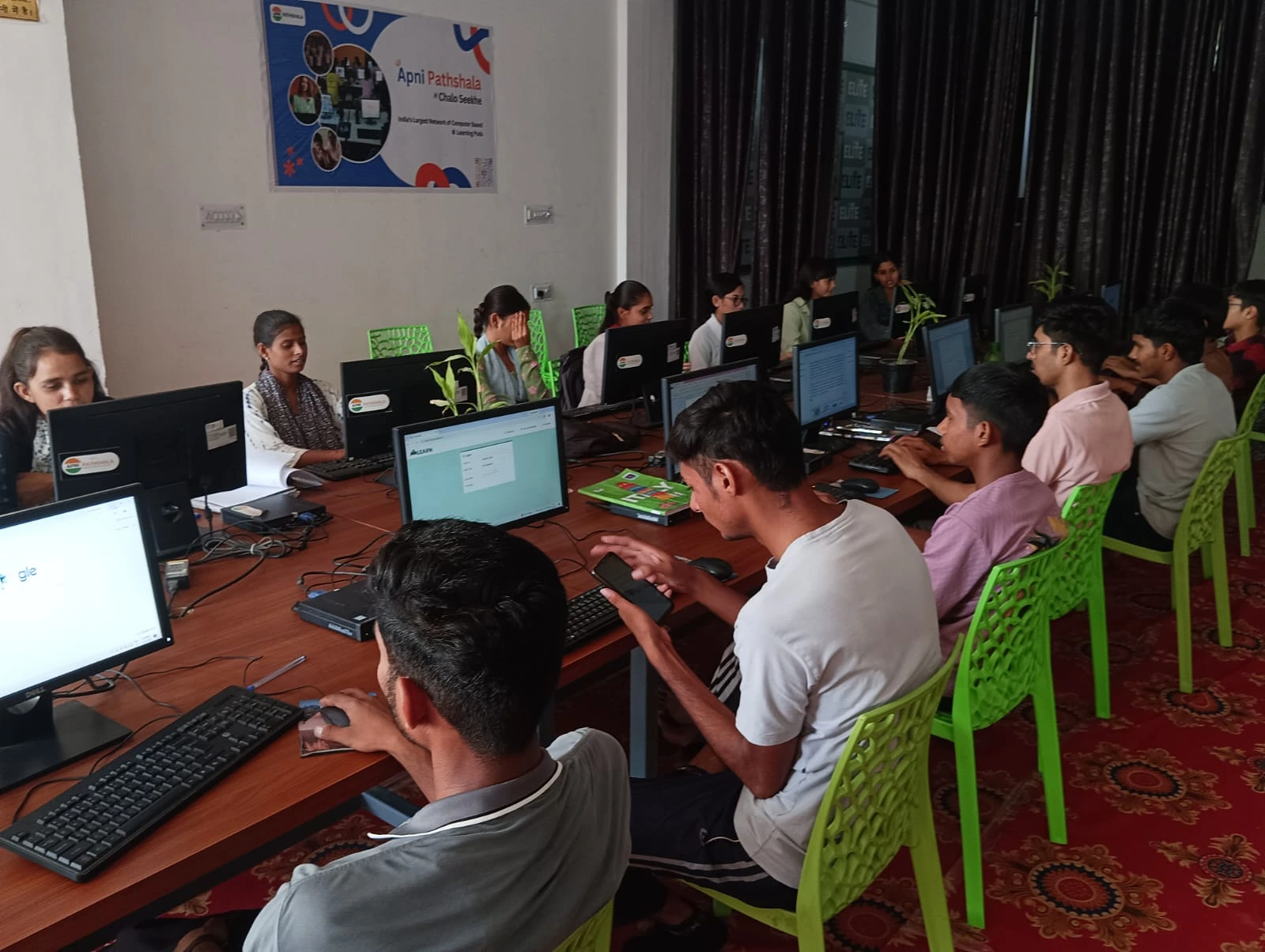
You don’t need expensive software. LibreOffice is free and works perfectly for creating organised study notes. It’s included in Apna PC, the educational computer designed specifically for Indian students. You can create documents, spreadsheets, and presentations all in one place.
- LibreOffice Writer: Create formatted notes with headings, bullet points, and images for each subject
- LibreOffice Calc: Build spreadsheets for formulas, tables, and quick-reference data for revision
- Simple text editors: Write quick notes during lectures, then organise them later
- File organisation: Create folders by subject, chapter, and date to find anything instantly
The key is consistency. Create a system and stick to it. Your computer becomes your personal library of organised student notes that you can access anytime, anywhere.
How to Structure Your Digital Notes Computer for Revision
Start by creating one main folder called “Studies” on your computer. Inside, make subfolders for each subject: Hindi, English, Mathematics, Science, Social Studies. Inside each subject folder, create folders for each chapter or unit.
For each topic, create a document with a clear structure. Write the topic name as a heading, then break it into subtopics using bullet points. Add examples, diagrams, and important definitions. Use bold text for key terms. This structure makes revision faster because your eyes can scan quickly and find what you need.
Colour-code your notes by importance. Use one colour for definitions, another for formulas, another for examples. Your brain remembers colours, so this visual system helps during revision. You’re not just reading; you’re actively engaging with your study notes.
Save every version with dates. Instead of “Biology Notes,” save it as “Biology Notes Chapter 5 Jan 2024.” This way, you have a history of your learning and can track your progress over time.
The Power of Searchable Notes
Imagine this: it’s exam time, and you need to find everything you wrote about “respiration” in Biology. With handwritten notes, you flip through pages. With digital notes, you press Ctrl+F, type “respiration,” and every mention appears in seconds. This saves hours during revision.
You can also link related topics. If you’re studying photosynthesis and respiration, you can add notes that connect them. Your computer helps you see how topics relate, which improves understanding and memory. This is something handwritten notes can’t do easily.
Many students use the DIKSHA digital learning platform for video lectures. When you combine video learning with organised digital notes, your computer becomes a complete study system for revision. You watch, you take notes, you organise, you revise, all on the same device.
Getting Started with Your First Digital Notes
Don’t try to digitise all your old notes at once. Start fresh with your computer setup for digital notes. Begin with your next class or next chapter. Open LibreOffice, create a new document, and take notes as you study or watch a lecture.
Type slowly at first. You’re building a habit and learning to organise as you go. Don’t worry about typing speed right now. If you want to improve later, check out the keyboard skills every school student needs to type faster and more accurately.
After each study session, spend 5 minutes organising. Move notes to the right folder, add colours, and check for spelling errors. This small effort saves a lot of time during revision. Your computer becomes your organised study partner.
For a complete learning setup with video lectures and digital notes, explore the best computer for video lectures and digital notes.
Why a Dedicated Student Computer Helps?
Apna PC is built for Indian students. It comes with 8GB RAM and 128GB SSD, which is enough for thousands of notes, videos, and projects. It runs Zorin OS, which is fast, safe, and easy to use. LibreOffice comes pre-loaded, so you start taking digital notes immediately without confusion.
The computer also includes Apni Prerna for monitoring your study progress. Your parents can see how much time you’re spending on studies. This accountability helps you stay focused and build better study habits.
At just Rs.21,000 (shipping and GST excluded), Apna PC is affordable for families in Tier 2 and Tier 3 cities. It’s designed by Apni Pathshala, an organisation that understands Indian education needs. This computer helps you take digital notes, watch lectures, do projects, and prepare for competitive exams all in one place.
Real Results from Digital Note-Making
Students who switch to a digital notes computer report higher scores. They revise faster because study notes are organised. They remember better because they actively typed and structured information. They feel more confident because they have a complete, searchable student notes system.
Rajesh, from our earlier story, switched to digital notes on a computer. Within two months, his Biology marks improved by 15 points. He could revise an entire chapter in 30 minutes instead of 2 hours. His mother noticed he was more organised and less stressed about exams.
The India Ministry of Education encourages digital learning tools in schools. Your computer isn’t a distraction; it’s a modern study tool that helps you succeed in competitive exams.
Start Your Digital Note-Making Journey Today
You don’t need to wait for the perfect setup. Start today with what you have. Open a text editor, create a folder, and take one digital note. Experience how much faster revision becomes. Feel how organised your study notes can be.
If you’re ready for a complete solution, Apna PC gives you everything: the hardware, the software, and the support to build a powerful study system. Your computer becomes your study companion for the next five years of school and beyond. Visit apnapc.com to learn more.