

It Started With a Drawing
Sneha was ten. She lived in a two-room apartment in Ranchi with her parents and her grandmother. One afternoon, her school gave out free Apna PCs to students who scored above 80% in their annual exams. Sneha got one.
The first thing she did wasn’t open a textbook app or practice math. She opened Tux Paint and drew a house. Then a tree. Then her grandmother was sitting in a chair, drinking chai. It was terrible art, honestly. Stick figures with wobbly lines.
But something shifted that day. Sneha realized she could make things. Not just consume them. Make them.
Three months later, she was creating slide presentations about Indian history for her class. Six months in, she figured out how to record her voice-over slides and turned them into mini documentaries. By the end of the year, she was teaching other students how to do the same.
Sneha didn’t become a “computer expert.” She became a creator. And that’s what Apna PC actually does. It doesn’t just teach kids to use technology. It teaches them to make things with it. And once that switch flips, there’s no going back.
From Consumers to Creators: The Real Shift
Most kids today consume technology. They watch. They scroll. They swipe. There’s nothing inherently wrong with that, but it’s only half the picture.
The other half is creation. Building something. Designing a poster. Writing a story. Coding a simple game. Editing a video. These are the skills that actually matter, and they require more than a phone screen.
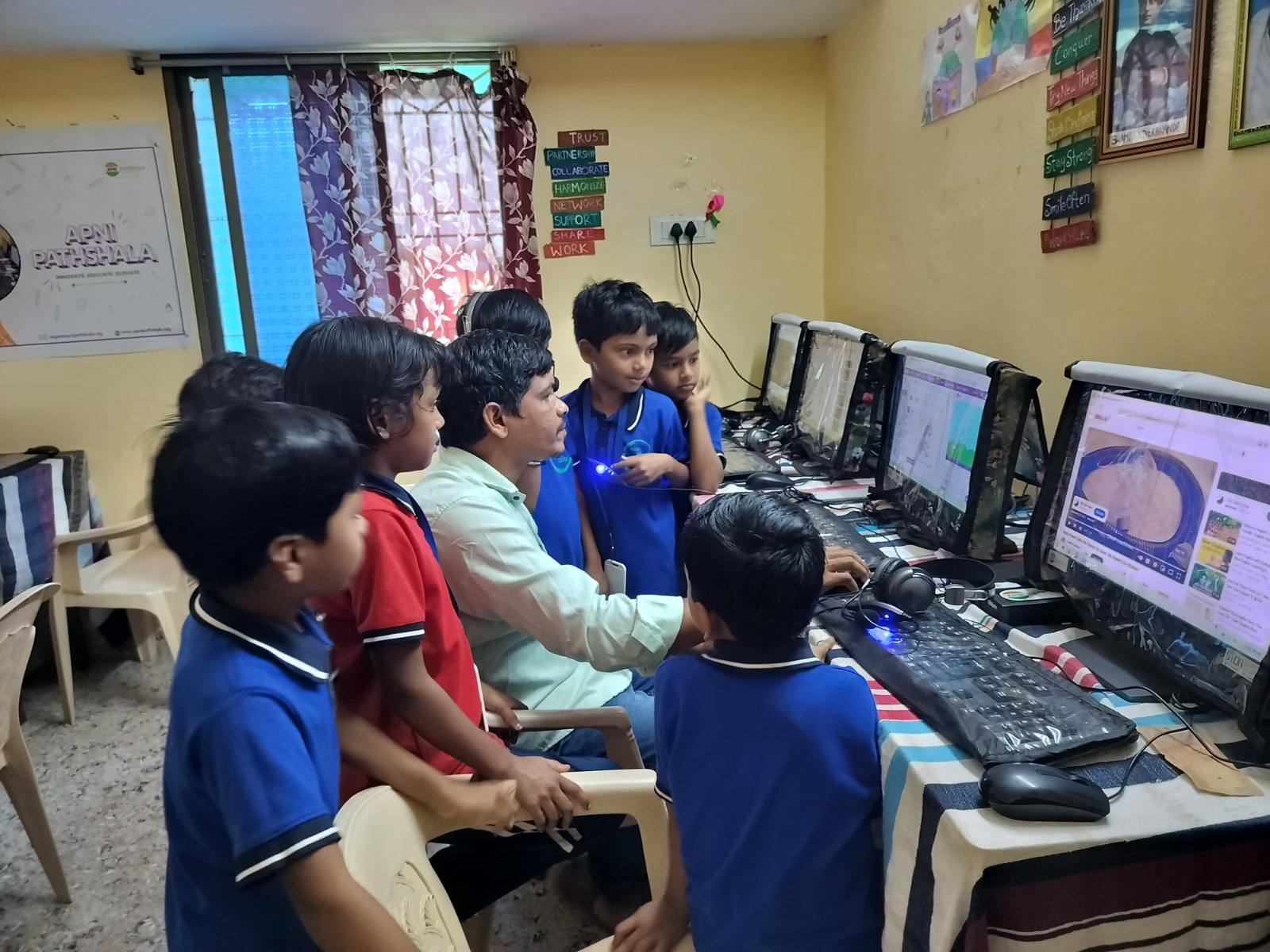
When a child gets an Apna PC, they get tools that are specifically chosen for creation. Tux Paint for digital art. LibreOffice for documents and presentations. Scratch for visual programming. GCompris for younger learners who need interactive activities.
These aren’t random apps. They’re carefully selected educational tools that run on Zorin OS and are designed to let kids build things from day one.
According to UNESCO, the shift from passive consumption to active creation is one of the most important outcomes of effective digital education. Apna PC makes that shift happen naturally.
No Instructions Needed
Here’s what surprises most parents. Kids don’t need a tutorial. They don’t need someone standing over them explaining every button. You put a creative tool in front of a child, and they figure it out. They click things. They break things. They undo and try again.
That process of exploration IS the learning. And it builds something textbooks can’t: the confidence to try new things without being afraid of making mistakes.
Real Examples From Real Kids
A boy in Dehradun used Scratch to build a quiz game about the periodic table. His chemistry teacher was so impressed that she asked him to present it to the entire class.
A girl in Mysuru used LibreOffice to create a monthly newsletter for her housing society. She interviewed neighbors, wrote articles, added photos, and printed copies for everyone. She was twelve.
Twin brothers in Bhubaneswar figured out how to make stop motion animations using the camera on a borrowed phone and their Apna PC for editing. Their video about “a day in the life of a chappal” got shared in their school’s WhatsApp group and everyone loved it.
None of these kids were “gifted.” None of them had parents in the tech industry. They just had access to the right tools and the freedom to experiment.
Why Creation Matters More Than Grades
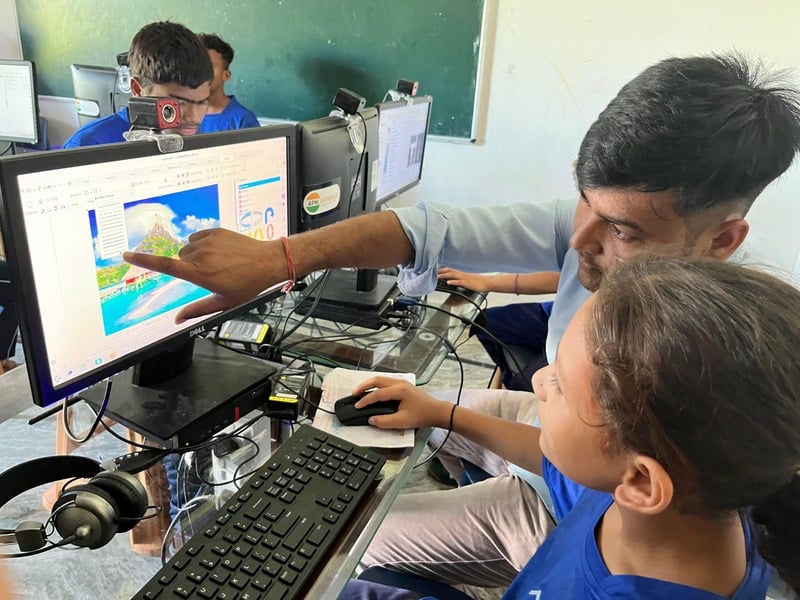
Let’s be real. Grades measure memory. Creation measures thinking. A child who can memorize the dates of every Mughal emperor is impressive. A child who can build a presentation explaining why the Mughal empire rose and fell? That’s a different level of understanding.
India’s National Education Policy specifically emphasizes project-based and experiential learning. That’s exactly what happens when kids create on computers. They learn by doing, not just by reading.
What Parents Can Do to Encourage This
First, don’t judge what they make. That wonky drawing? Celebrate it. That weird presentation about why dogs are better than cats? Applaud the effort. Creation thrives in an environment where failure is safe.
Second, give them challenges. “Can you make a birthday card for Dadi on the computer?” “Can you type out your favorite recipe?” “Can you build a slideshow about our family vacation?” Small prompts lead to big skills.
Third, let them share their work. Print it out. Show it to relatives. Put it on the fridge next to their crayon drawings. When kids see their digital creations valued, they make more.
The path from curious kid to young creator isn’t complicated. It starts with access, grows with encouragement, and takes off when the child realizes there’s no limit to what they can build. Apna PC gives them the starting point. The rest is up to their imagination.