


A child who comfortably uses a smartphone may hesitate when sitting in front of a desktop PC for the first time. The unfamiliar keyboard, separate mouse, multiple icons, and different applications can make even simple tasks feel complicated.
For many Indian families introducing their children to computers at home, this hesitation is a common challenge. Parents may assume their child lacks interest in technology, when the actual problem is unfamiliarity and fear of making mistakes.
The good news is that with the right environment, simple activities, and regular encouragement, children can gradually become comfortable using computers independently.
Why Does a Desktop PC Feel Intimidating to Children?
Children are often familiar with touchscreen devices, where opening an application requires a single tap. A desktop computer works differently. It requires coordination between the keyboard, mouse, and screen.
Several factors can make children uncomfortable:
- Limited previous exposure to computers.
- Fear of pressing the wrong button.
- Difficulty understanding unfamiliar applications.
- Pressure to complete tasks correctly.
- Lack of opportunities for independent practice.
Understanding these challenges helps parents introduce technology with patience rather than expectations.
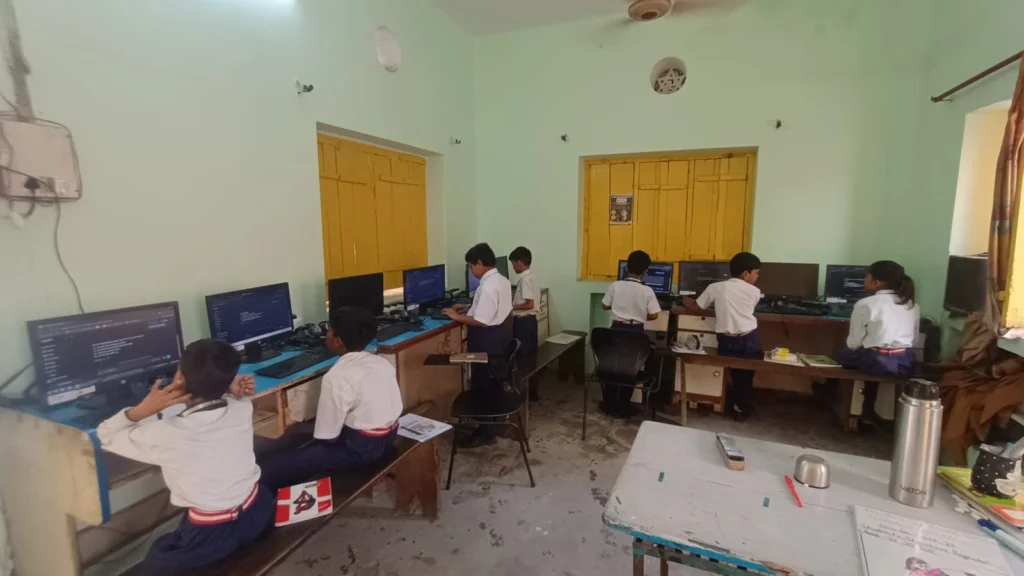
1. Make Their First Desktop Setup Comfortable
A child’s first desktop experience should feel welcoming rather than complicated. A comfortable physical setup can make a noticeable difference in how willingly children approach computers.
Place the computer in a well-lit area with a comfortable chair, an accessible keyboard, and a monitor positioned at an appropriate height. Keep the workspace organised and free from unnecessary distractions.
When children have a dedicated learning space, using a computer can gradually become a familiar part of their everyday routine.
2. Introduce Basic Computer Functions First
Parents sometimes introduce educational applications before children understand how computers operate. This can create unnecessary confusion.
Start with simple activities such as turning on the computer, moving the mouse, opening folders, typing their name, and saving a document.
Free beginner-friendly resources like GCFGlobal’s computer basics lesson can help families introduce essential computer functions through structured learning.
These small experiences help children understand how their actions affect what happens on the screen.
3. Choose a Beginner-Friendly Student Computer
A student computer should make learning accessible without overwhelming children with unnecessary features or complicated software.
A clean desktop interface, easily accessible educational applications, and straightforward navigation help children focus on learning rather than figuring out how the device works.
Parents should introduce one application at a time. Once children become comfortable with basic tools, they can gradually explore more advanced learning activities.
The goal isn’t to teach everything immediately, but to build a foundation for independent exploration.
4. Build Computer Confidence Through Creative Activities
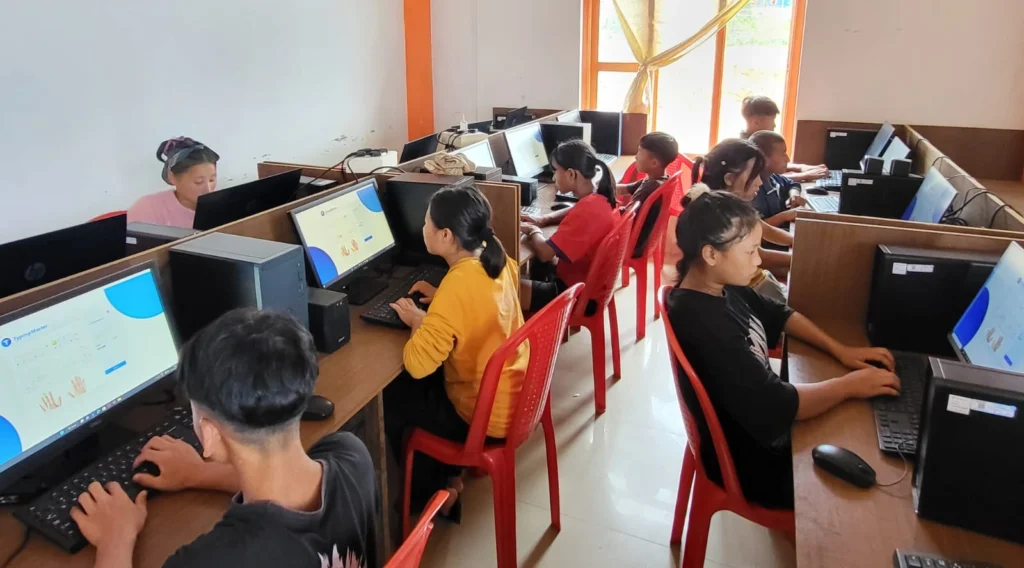
Children often learn faster when activities connect with their personal interests. Instead of beginning with formal computer lessons, encourage them to create something meaningful.
They could design a birthday card, draw a picture, type a short story, or prepare a presentation about their favourite animal.
Platforms like Scratch also introduce children to creative programming through interactive stories, animations, and games.
These activities give children a reason to explore technology beyond completing school assignments. Every completed project contributes to their computer confidence.
Read more about how students can build confidence through small digital projects.
5. Allow Children to Make Mistakes
One of the biggest barriers to computer learning is the fear of doing something wrong. When parents constantly correct every action, children may become dependent on their assistance.
Show children how to undo mistakes, reopen applications, and recover from simple errors. Encourage them to attempt solutions before asking for help.
Mistakes should become part of the learning process rather than a reason to avoid computers.
Over time, independent problem-solving helps children develop confidence that extends beyond digital learning.
How Apna PC Makes Computer Learning More Approachable
Apna PC is designed with students and their educational needs in mind. It encourages children to engage with digital learning, practise essential computer skills, and explore educational resources within a dedicated learning environment.
Regular access to a desktop PC helps children build familiarity at their own pace without relying entirely on limited school computer sessions.
Discover how a personal computer builds confidence in students and supports independent learning.
Conclusion
Making a desktop PC less intimidating for children does not require advanced teaching methods. It requires patience, accessible tools, consistent practice, and the freedom to explore.
When children stop worrying about making mistakes, they begin discovering what technology can help them achieve. Their computer gradually becomes a familiar space for creativity, curiosity, and independent learning.
Frequently Asked Questions
1. Is a desktop PC suitable for first-time computer users?
Yes. A dedicated monitor, keyboard, and mouse help children learn basic computer operations through regular practice.
2. How can parents build computer confidence in children?
Parents can encourage simple daily activities, celebrate small achievements, and allow children to explore applications independently.
3. What should children learn on their first desktop?
Children should begin with mouse control, typing, file management, basic applications, and responsible internet usage.