


A second computer becomes worth buying when your child needs uninterrupted study time, your family shares one device, or schoolwork demands dedicated access to online learning platforms. Most Indian families can manage with one family computer, but a student device becomes essential when multiple children study together or when your child’s school requires regular digital submissions.
This article covers when a second computer makes financial sense, how to decide between a second device and alternatives, and what type of computer works best for student learning.
When does your child need a second computer?
A second computer is worth buying in three main situations. First, if your family computer is always in use by working parents or other siblings during your child’s study hours, a dedicated student device removes scheduling conflicts. Second, if your child attends a school that requires daily online submissions, video calls, or access to DIKSHA digital learning platforms, a second computer ensures your child can complete schoolwork without waiting for the family device. Third, if you have two or more school-age children who study at overlapping times, a second computer prevents delays and reduces stress.
Most Indian families with one school-age child and flexible work schedules can manage with a single family computer. However, if your household has competing demands, a working parent, multiple children, or intensive online classes, a second device pays for itself through improved study outcomes and reduced family tension.
What are the warning signs your family needs a second computer?
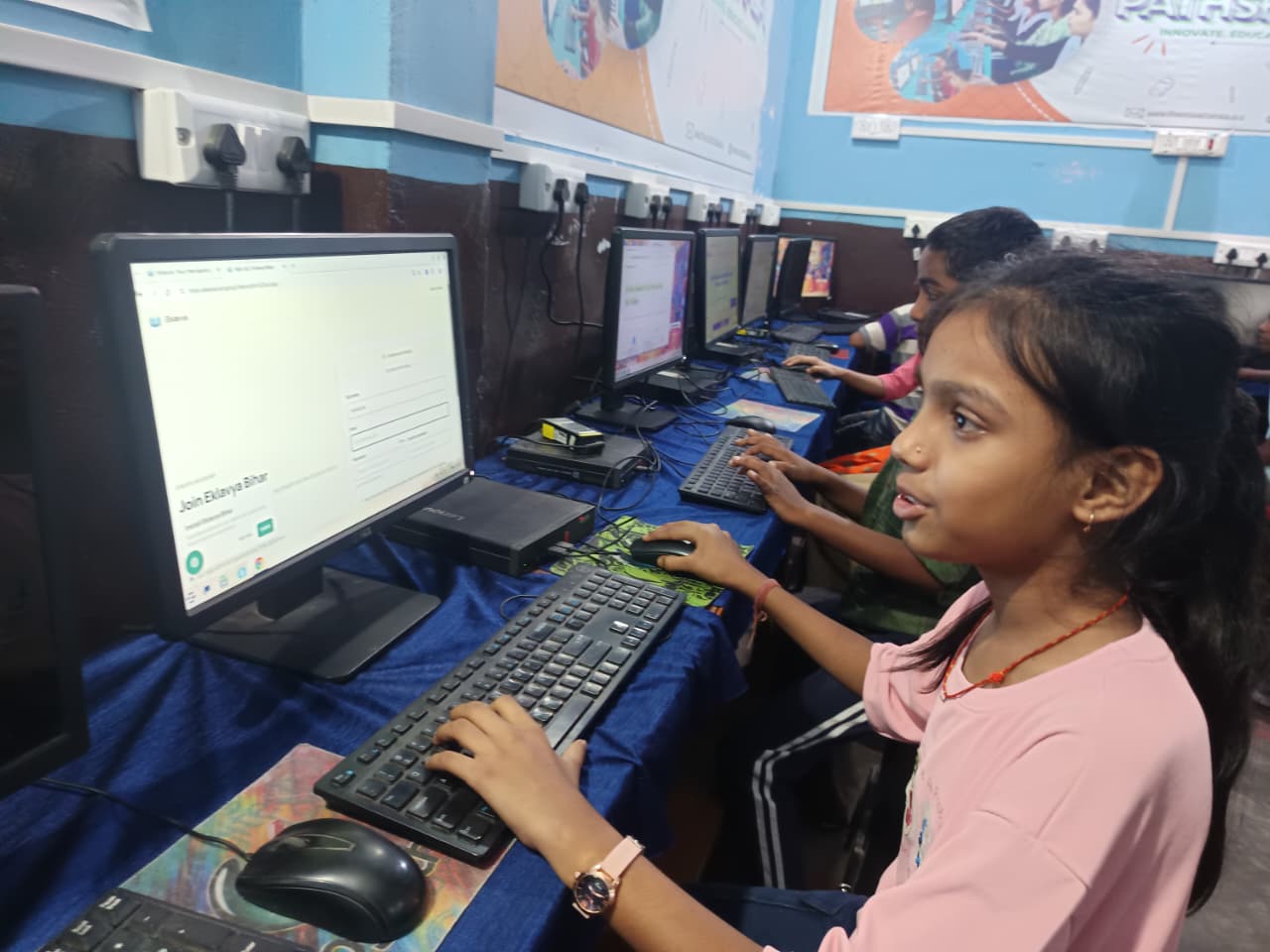
Watch for these warning signs that a second computer would help your household:
- Your child misses online class submissions because the family computer is in use.
- Your child studies late into the evening waiting for computer access.
- Arguments arise between siblings or between your child and working family members over device time.
- Your child’s school requires video submissions or live online sessions that conflict with your work schedule.
- Your child falls behind on assignments because access to the family computer is delayed.
If fewer than two of these apply to your family, you may not need a second computer right now. If three or more describe your situation, a student device would likely improve your child’s learning routine.
How does a second computer compare to a tablet or smartphone?
Many parents ask whether a tablet or smartphone can replace a second computer. The answer depends on your child’s schoolwork.
| Device Type | Best For | Limitations |
|---|---|---|
| Second Computer | Typing assignments, coding, design work, video editing, simultaneous multiple windows | Higher cost, requires desk space |
| Tablet | Reading, note-taking, drawing, watching videos, light document editing | Difficult for typing long essays, limited software, smaller screen |
| Smartphone | Checking submissions, video calls, accessing class links, quick research | Too small for extended work, poor typing experience, limited productivity software |
For most Indian school children, a second computer offers better value than a tablet or smartphone because schools increasingly require typed assignments, online exams, and access to Ministry of Education digital resources. A tablet can supplement a family computer but rarely replaces it for serious schoolwork.
What should you look for in an affordable second computer?
You do not need an expensive laptop for your child’s studies. A budget computer designed for learning serves most school needs without draining your budget. Look for a device with adequate RAM, a working keyboard, and reliable internet connectivity. A ready-to-use PC designed for school eliminates setup hassles and comes pre-configured with educational software.
Consider whether your child needs portability. If your child studies at a desk at home, a desktop computer or basic laptop works well. If your child studies in different rooms or travels between tuition classes, a lightweight laptop is worth the extra cost. Many Indian families find that a complete education PC for children balances affordability with performance. If you are new to computers, a first-time PC users guide walks you through setup, internet connection, and basic troubleshooting.
How do you set up a second computer for learning?
Once you buy a second computer, configure it specifically for study. Install only educational software and learning platforms your child needs. Set up parental controls to limit distraction from games or social media during study hours. Create a dedicated user account for your child so the device stays organised and free from your work files.
Position the computer in a study area with good lighting and a comfortable chair to encourage regular use. An Apna PC is a strong starting point for learning, providing a foundation already optimised for educational use without extensive customisation.
Is a second computer a good financial decision for your family?
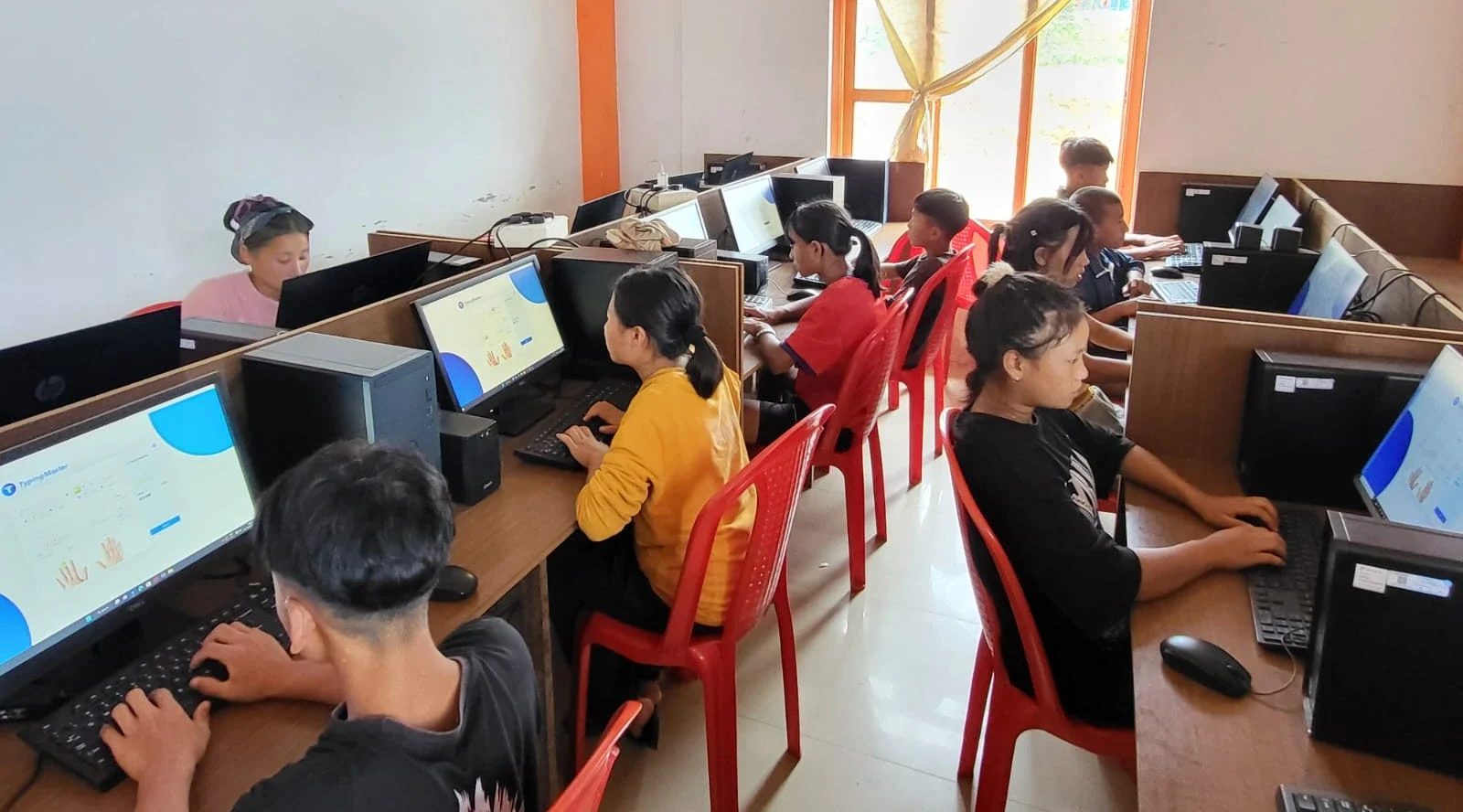
Before buying a second computer, calculate the actual cost by checking current market rates for education-focused devices. Ask yourself: Will this device prevent my child from falling behind in schoolwork? Will it reduce family conflict over device access? Will it last through several years of regular use?
If your child is in Class 8 or higher and schoolwork is increasingly digital, a second computer typically pays for itself through better grades and reduced stress. If your child is in primary school and schoolwork is still mostly paper-based, you can wait another year or two before investing. A home computer for student education offers an affordable entry point if you want to test whether a dedicated device helps your child study better.
What are the alternatives to buying a second computer?
Before buying, try these lower-cost alternatives. Adjust your family’s computer schedule so your child has guaranteed study time each day. Set a rule that the family computer is available for schoolwork during specific hours every weekday. Share a tablet for reading and note-taking, and keep the family computer for typing assignments. Ask your child’s school whether they have computer labs or library access for students who need extra device time.
If these alternatives don’t work and your child still struggles to access a device, a second computer can be a practical investment in their education. Before deciding, research what resources your child’s school already offers through Apni Pathshala or other platforms.
Frequently Asked Questions
Can a second computer improve my child’s grades?
A second computer improves grades only if your child previously missed deadlines or fell behind because they lacked access to a device. If your child already has adequate computer time, a second device alone will not boost performance. The benefit comes from removing barriers to learning, not from having more technology.
What is the minimum computer specification for a school child?
Your child needs adequate RAM, a working keyboard, internet connectivity, and a screen large enough for comfortable reading and typing. Processor speed matters less than having enough memory to run educational software smoothly. Check the specifications of student-designed devices to understand what works best.
Should you buy a laptop or desktop as a second computer?
Buy a laptop if your child studies in different locations or travels to tuition. Buy a desktop if your child studies at a fixed desk at home. Desktops are generally cheaper and easier to repair. Laptops offer flexibility but cost more and have smaller screens.
How long does a school computer typically last?
A well-maintained computer for education lasts several years with regular use. Avoid dropping it, keep it clean, and update software regularly. By the time your child finishes school, a second computer purchased today will likely still be functional for basic tasks.