

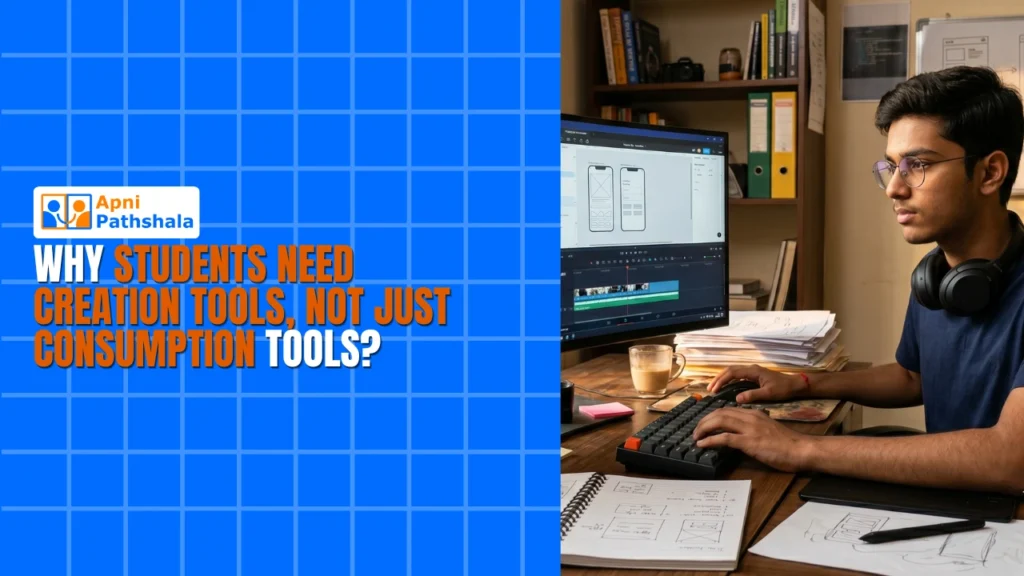
Rahul watches YouTube for three hours a day. He watches gaming videos, comedy sketches, and tech reviews. His mother worries that he is wasting time. She is partially right. But the bigger problem is not what Rahul watches. It is what he does not create.
A child who only consumes content is a viewer. A child who creates content is a builder. The difference between these two identities shapes everything about how a student learns, thinks, and eventually earns. And the tool that makes the difference is a computer.
Phones are designed for consumption. The screen is small. The keyboard is virtual. The operating system is built for scrolling, swiping, and watching. A child on a phone is a consumer of other people’s ideas.
Computers are designed for creation. The screen is large. The keyboard is physical. The operating system is built for typing, designing, coding, and building. A child on a computer is a creator of their ideas. Digital creation tools are not a luxury. They are the difference between passive learning and active learning.
The Problem With Consumption-Only Learning
Most Indian students spend their digital time consuming. They watch educational videos. They read articles. They scroll through social media. They absorb information passively, the same way they absorb a textbook lecture. The medium changes. The method does not.
Consumption-only learning has a ceiling. A student who watches a hundred coding tutorials can explain what a loop does. But they cannot write one. A student who reads a hundred design articles can describe what makes a successful poster. But they cannot create one. Knowledge without application is trivia.
Content creation for students changes this equation entirely. When a student opens a word processor and types an essay, they are not just writing. They are organizing their thoughts, structuring their arguments, and expressing their ideas in a format that others can read. When a student opens Scratch and builds an animation, they are not just coding. They are solving problems, making decisions, and creating something that did not exist ten minutes ago.
The act of creation forces deeper learning. A student who builds a project understands the material better than a student who watches a video about the same topic. The builder has to make decisions. The viewer only has to pay attention.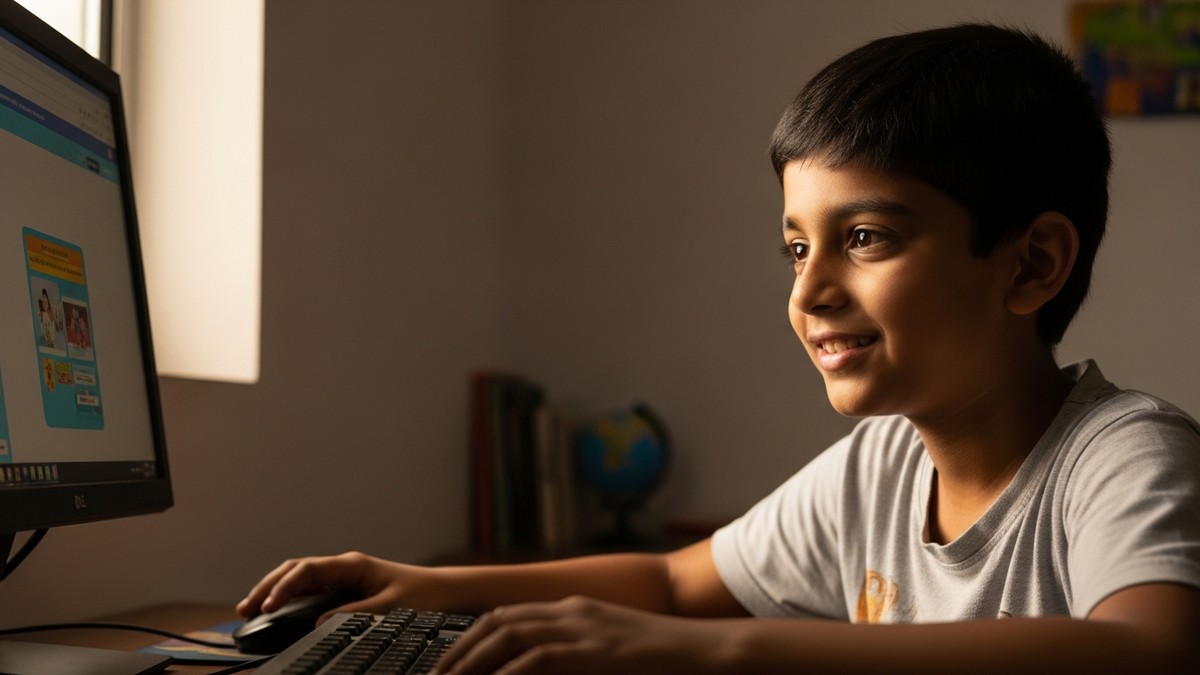
What Digital Creation Tools Actually Do?
Digital creation tools are not just software applications. They are environments where students learn to think. A word processor teaches organization. A spreadsheet teaches logic. A coding environment teaches problem-solving. A design tool teaches visual thinking.
Each tool builds a different kind of intelligence. A student who uses LibreOffice learns to structure documents and present data clearly. A student who uses Scratch learns to break complex problems into small steps. A student who uses Blender learns to think in three dimensions. A student who uses VS Code learns to write instructions that a machine can follow.
These are not computer skills. These are thinking skills expressed through a machine. The student who learns to debug code learns to debug problems in every subject. The student who learns to organize files also learns to organize their thoughts. The student who learns to present data learns to present ideas.
DIKSHA, India’s national digital learning platform now includes creative project modules for students. The education system recognizes that creation is the highest form of learning. But the system cannot provide the tools. That is where families and communities come in.
Why Is a Computer the Only Tool That Works?
A phone cannot be a creation tool. It can take photos, record videos, and post on social media. But it cannot type a document efficiently. It cannot code a program. It cannot design a poster with precision. It cannot build a presentation that looks professional.
The phone’s limitations are not about processing power. They are about interfaces. The screen is too small for detailed work. The keyboard is too imprecise for long-form typing. The operating system is designed for quick interactions, not sustained creation.
A computer solves every one of these problems. The screen is large enough to see your work clearly. The keyboard is precise enough for typing both essays and code. The mouse allows fine control over design elements. The operating system supports multiple applications simultaneously.
Creative learning requires a computer. There is no substitute. A student who wants to learn coding needs a keyboard and a code editor. A student who wants to learn design needs a mouse and a large screen. A student who wants to learn data analysis needs a spreadsheet application. None of these work properly on a phone.
What Is Apna PC and How Does It Help Indian Students Learn Better. It gives them the tools to move from watching to building.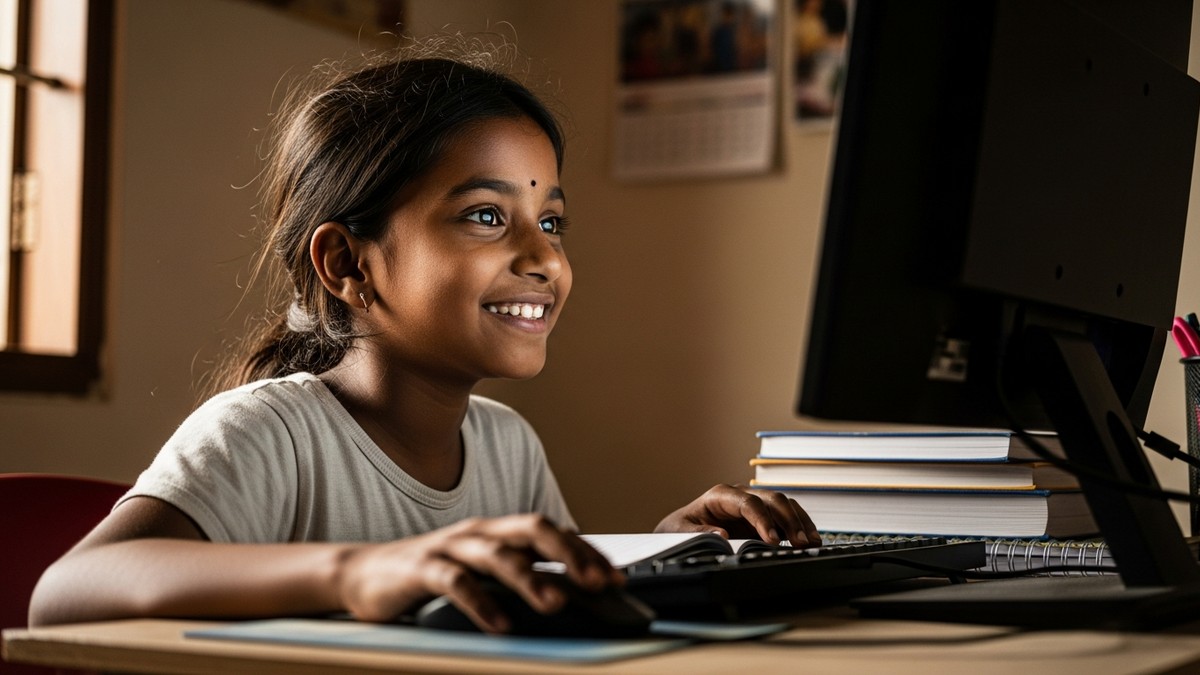
What Parents Should Do?
If your child spends hours on their phone watching videos, the solution is not to take the phone away. The solution is to give them something better to do. Give them a computer with creation tools installed. Watch what happens.
A child who has access to a word processor will start writing. A child who has access to Scratch will start coding. A child who has access to a design tool will start creating. The curiosity is already there. The tool is what unlocks it.
Apna PC, priced at ₹21,000 (shipping and GST excluded), comes pre-loaded with Scratch, LibreOffice, VS Code, Blender, and Arduino IDE. These are not entertainment apps. These are creation tools. Your child sits down and starts building from day one.
The Hidden Cost of Not Having a Computer in 2026. But the cost of only consuming is higher. A child who only watches is unprepared for a world that rewards creation.
NCERT, National Council of Educational Research and Training, advocates for creative and critical thinking in education. A computer with the right tools helps your child develop that kind of thinking. Visit apnapc.com to learn more.