


Why Your Personal Website Matters as a Student
Imagine you’re Priya, a 12th-standard student from Indore who wants to showcase your school projects, coding skills, and creative work to colleges and future employers. You scroll through social media and see peers building their online presence, but you’re unsure where to start. A personal website for students is exactly what you need. It’s your digital portfolio, your resume, and your creative space all in one place.
Your personal website isn’t just for tech-savvy kids anymore. Whether you’re into writing, art, coding, or academics, a student website helps you stand out. Colleges and scholarship committees often search for applicants online. A simple personal website gives you a professional edge and helps you stand out.
Getting Started: What You’ll Need
Before you create your student website, you’ll need a reliable computer with good software. The Apna PC is perfect for this job. It comes with 8GB RAM, 128GB SSD storage, and runs Zorin OS, which is smooth and beginner-friendly. It’s also preloaded with LibreOffice, Scratch, and other tools you’ll need for web design and digital creation.
You don’t need fancy equipment or expensive software. Your Apna PC has everything built in to get started with web design. The 128GB SSD storage gives you plenty of space for your website files, images, and projects. Plus, 8GB RAM keeps your computer from slowing down while you’re designing.
- A good computer – Apna PC at Rs.30,000 is affordable and powerful enough
- Basic internet connection – for uploading your website online
- A domain name – costs around Rs.500-1000 per year
- Web hosting – free options exist, or paid plans from Rs.100/month
- Patience and creativity – your most important tools
Simple Steps to Build Your Student Website
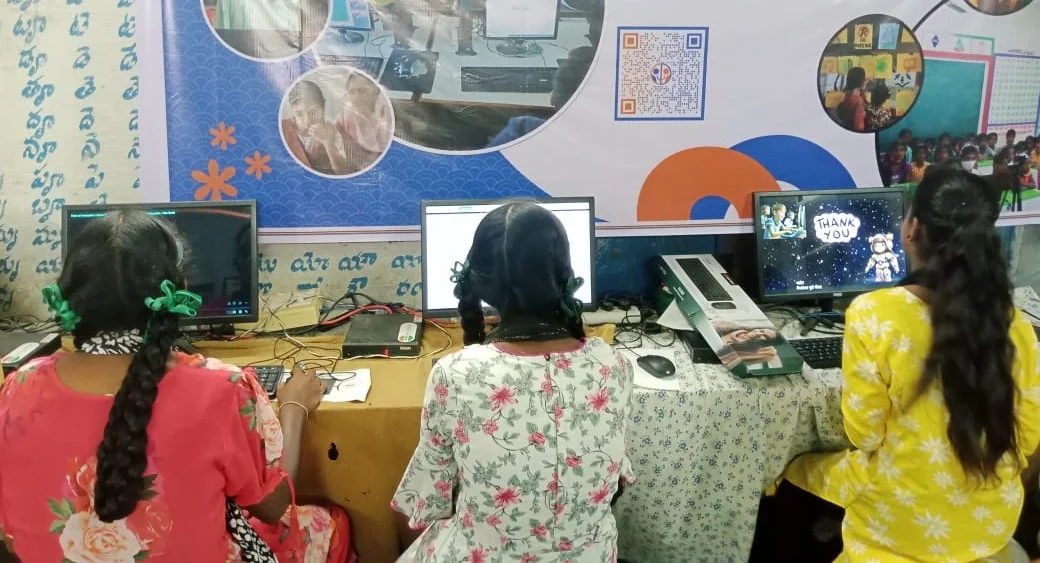
Step one is choosing a platform. You have options like Wix, WordPress, or even Squarespace. These platforms let you drag and drop elements without coding. If you know a bit of coding, you can build from scratch with HTML and CSS. Your Apna PC comes with Scratch preloaded, which teaches you programming basics in a fun way.
Step two is planning your content. Decide what you want to show: your resume, school projects, blog posts, artwork, or coding projects. Keep it simple and organised. Your visitors should find information in under three clicks. Create sections like “About Me,” “My Projects,” “Blog,” and “Contact.”
Step three is picking a design. Don’t overcomplicate it. Choose 2-3 colours that match your personality. Use clear fonts and plenty of white space. Your student website should load fast and look good on mobile phones too, since most people browse on their phones.
Step four is adding your content. Write short paragraphs about yourself. Upload photos of your projects. Write a few blog posts about what you’ve learned. Keep everything updated. A fresh, active student website impresses visitors much more than an old, dusty one.
Step five is going live. Purchase a domain name and hosting. Upload your website files. Test everything. Ask friends and family to visit and give feedback. Make changes based on their feedback.
Why Your Personal Website Helps You Grow
A personal website is a powerful tool for students. It shows your personality and skills in ways a resume can’t. It proves you’re serious about your future. Colleges see that you can take initiative and create something yourself.
A student website also helps you practice digital skills. Web design teaches you about user experience, graphic design, and online communication. These skills are valuable in almost every career. You’re not just building a website; you’re building yourself.
Your website can also connect you with mentors and opportunities. Teachers might share it with other students. Peers might ask for advice based on your projects. You might get internship offers or collaboration requests. Your digital creation can open doors to new possibilities.
Making It Even Better with the Right Tools
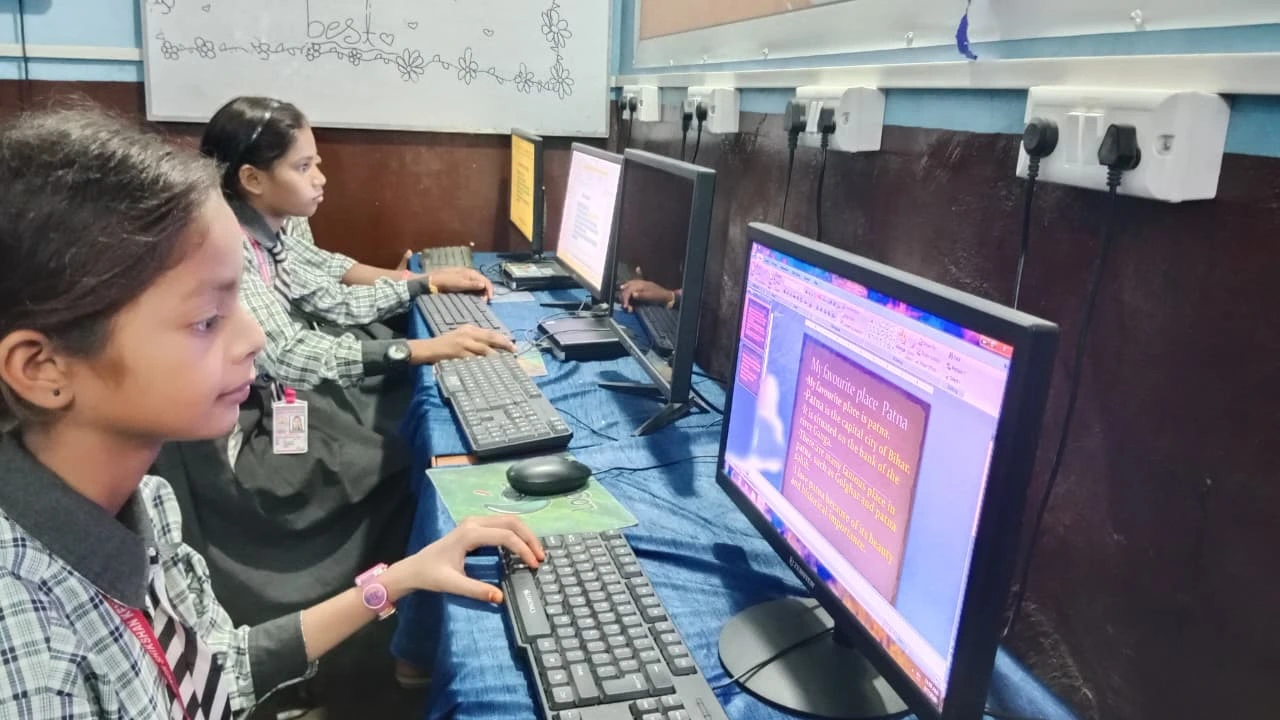
The Apna PC makes creating your student website easier. It’s designed for students and comes with educational software. Zorin OS is intuitive and doesn’t have confusing features. You can focus on your web design without fighting with your computer.
If you want to build more advanced skills, check out our guide on 3D design for students. Many modern websites use 3D elements to look impressive. Your Apna PC can handle these tasks smoothly.
The Apni Pathshala platform also offers courses in digital creation and web design. You can learn while building your website. Combine learning with doing, and you’ll improve faster.
Connecting with Larger Movements
India’s Digital India initiative encourages students like you to embrace technology. Creating a personal website aligns with this vision. You’re not just building for yourself; you’re participating in India’s digital transformation.
Resources like the DIKSHA digital learning platform provide free courses on many topics. You can learn web design, coding, and digital skills for free. Students in tier 2 or 3 cities now have access to the same opportunities as those in big cities.
Start Today, Build Your Future
Your personal website for students is within reach. You don’t need to be a tech genius or spend thousands of rupees. With an Apna PC and some dedication, you can create something impressive. Start small, keep it simple, and improve it over time.
The best time to build your student website is now. Don’t wait for the perfect moment or perfect skills. Build, learn, and grow as you go. Your future self will thank you for taking this step today. Visit apnapc.com to learn more.