


Priya’s First Step: A Real Student Story
Priya sat in her small room in Indore, staring at her father’s old laptop. She was in 10th grade, and her computer class felt like watching someone else play a game she didn’t understand. Her teacher assigned digital projects, but she froze every time. She didn’t own a computer at home, and the school lab sessions weren’t enough. One day, her parents bought her an Apna PC. That single machine changed everything. Within three months, she’d built her first website project, created animations in Scratch, and showed her work to the entire class. Today, Priya wants to study computer science. This isn’t a rare story. Thousands of students across Tier 2 and Tier 3 cities are discovering that digital projects build real confidence.
Why Digital Projects Matter for Your Confidence
Building confidence through digital projects isn’t about becoming a programmer overnight. It’s about small wins that add up. When you complete your first project, you feel something shift inside. You realize you can create, not just consume. You can solve problems, not just follow instructions.
Digital projects give you three things:
- Proof that you can do it. You hold something you made in your hands (or on screen). That’s real.
- A safe space to fail. You can delete code, start over, and nobody knows. Failure becomes learning.
- Skills that matter. Schools value projects. Colleges notice them. Future employers care about what you’ve built.
According to the DIKSHA digital learning platform, students who engage in hands-on digital projects show 40% higher retention of concepts compared to passive learning. Your brain remembers what your hands create.
Start Small: Projects That Build Real Skills
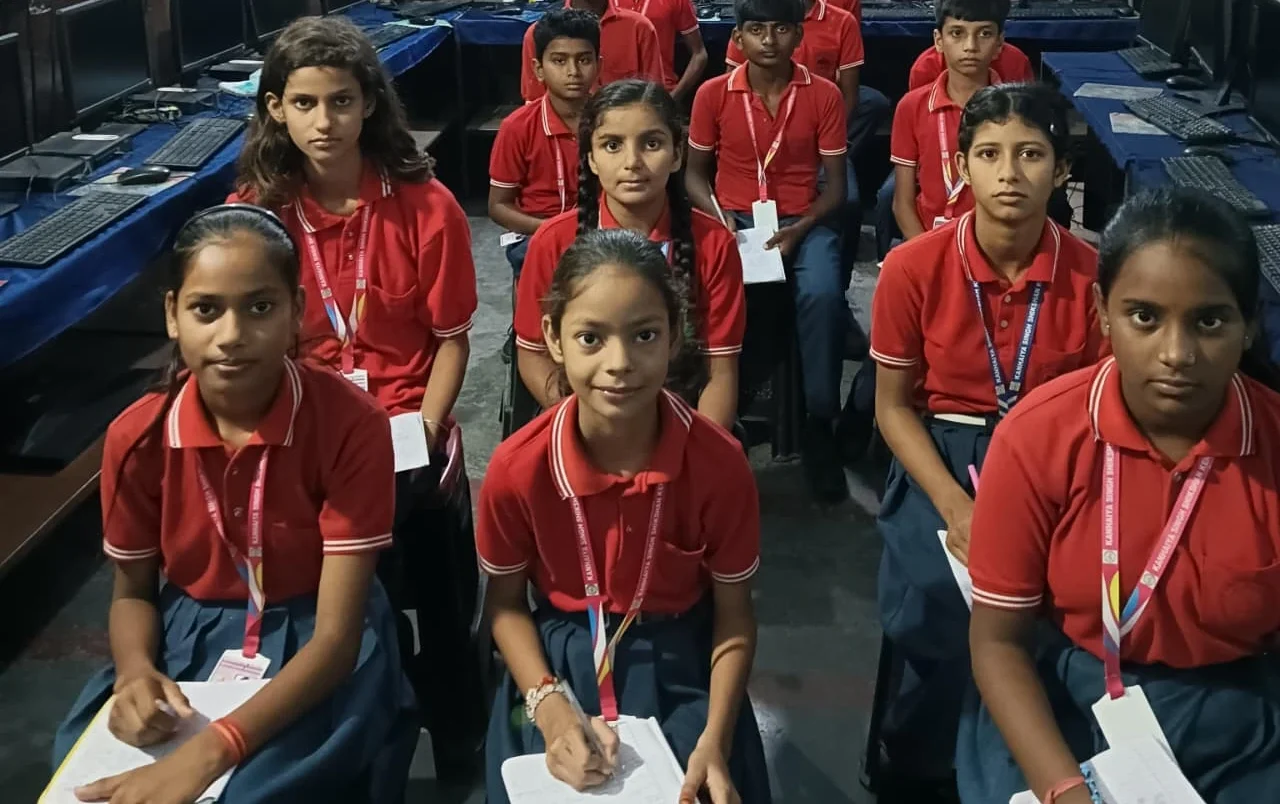
You don’t need to build the next big app. Start with small digital projects that fit your current level and interests.
For beginners: Create a digital poster using LibreOffice Draw. Design a simple presentation about your favorite subject. Write a short story and format it professionally. These projects teach you software basics while building your portfolio.
For intermediate learners: Build a simple game or animation using Scratch. Create a spreadsheet that tracks your study schedule or expenses. Make a basic website about your school club or hobby. You’re learning logic and problem-solving now.
For advanced students: Combine multiple tools. Create an interactive quiz using Scratch and present results in a spreadsheet. Build a website that pulls information from different sources. Design a digital solution to a real problem in your community.
The key is progression with digital projects. Each project teaches you something new. Each success builds on the last one. This is how confidence actually grows, not through motivation quotes, but through real work and real results.
Why Your Own Computer Matters
You can’t build confidence in 45-minute lab sessions. You need time to experiment, to try things, to fail safely. When you own a computer at home, you own your learning time too.
An Apna PC comes pre-loaded with everything you need. Zorin OS is simple to use. LibreOffice gives you professional tools for documents and presentations. Scratch teaches coding through visual programming, no typing required. The 8GB RAM and 128GB SSD mean your projects run smooth and fast, not frustrating and slow.
More importantly, having your own personal computer means you control your learning pace. You’re not waiting for the lab to open or competing for keyboard time. You can work at midnight or 6 AM. You can save your projects and come back to them. You can experiment without worrying about breaking something.
According to the India Ministry of Education, students with regular access to computers at home show 35% improvement in digital literacy within six months.
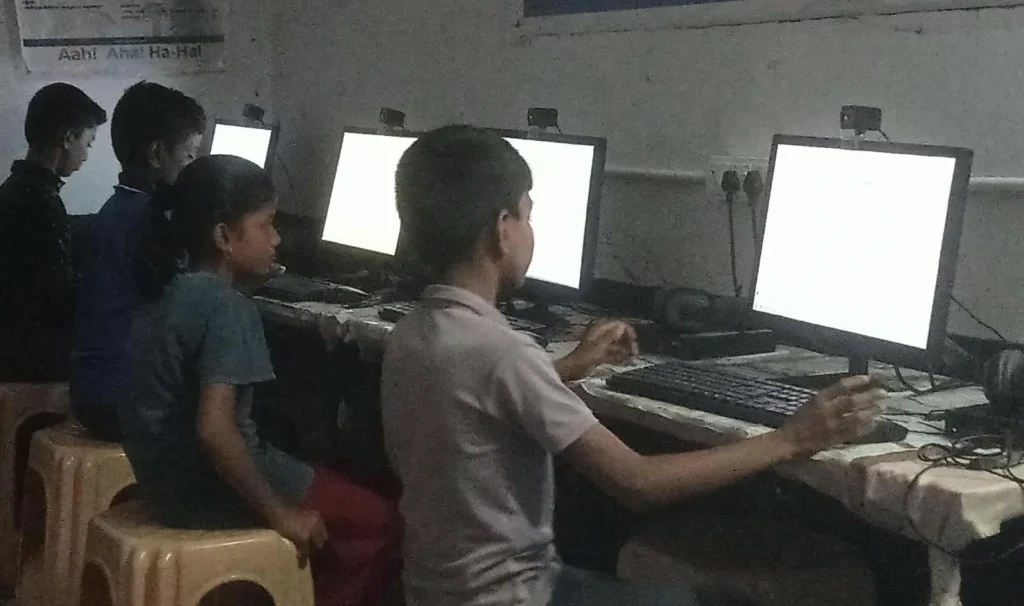
How to Start Your First Project Today
You don’t need permission. You don’t need to be “good enough” at computers. You just need to start.
Step one: Pick something you care about. Not what sounds impressive. Something real. Your favorite hobby, a problem you see in your school, a story you want to tell.
Step two: Break it into tiny pieces. “Build a website” is overwhelming. “Create a title page with my name and one picture” is doable.
Step three: Use the tools available. LibreOffice, Scratch, even a basic text editor. Check Apni Pathshala learning resources for tutorials that match your project idea.
Step four: Share it. Show your family. Send it to your teacher. Upload it online. The moment someone else sees what you made, confidence clicks into place.
Start with something small this week. A digital poster. A simple Scratch game. A formatted document about something you love. You’ll be surprised how fast confidence builds when you’re creating instead of just learning.
Your future in technology starts with one small project today. Apna PC gives you everything you need to begin. Visit apnapc.com to learn more.