


A student PC for parents should be simple because your child needs a device that’s easy to set up, safe to use, and built for learning, not one that demands technical knowledge or endless troubleshooting. When a computer works as it should, your family can focus on education instead of frustration.
Why Complexity Hurts Your Child’s Learning
Complicated computers waste time and create barriers. If your child spends 20 minutes waiting for updates, dealing with slow performance, or asking for help with confusing settings, that’s 20 minutes lost to actual study. A simple student PC for parents removes these obstacles and lets learning happen naturally.
When systems are straightforward, parents feel confident too. You won’t need to hire tech support or spend evenings troubleshooting problems. Instead, you can monitor your child’s progress and support their education directly.
What Makes a Student PC Easy to Use?
An easy education PC has three core features: fast startup, clear software, and built-in safety. Your device should turn on quickly, show only the apps your child needs, and include parental controls so you stay in charge.
The Apna PC by Apni Pathshala runs on Zorin OS, a Linux system designed for simplicity. It comes pre-loaded with essential tools like LibreOffice for documents, Scratch for coding, and Apni Prerna for parent monitoring. There’s no bloatware, no confusing menus, and no hidden settings to navigate. If you’re curious about Zorin OS for student computers, Apna PC’s system explains it all.
How Does Easy Setup Save You Time?
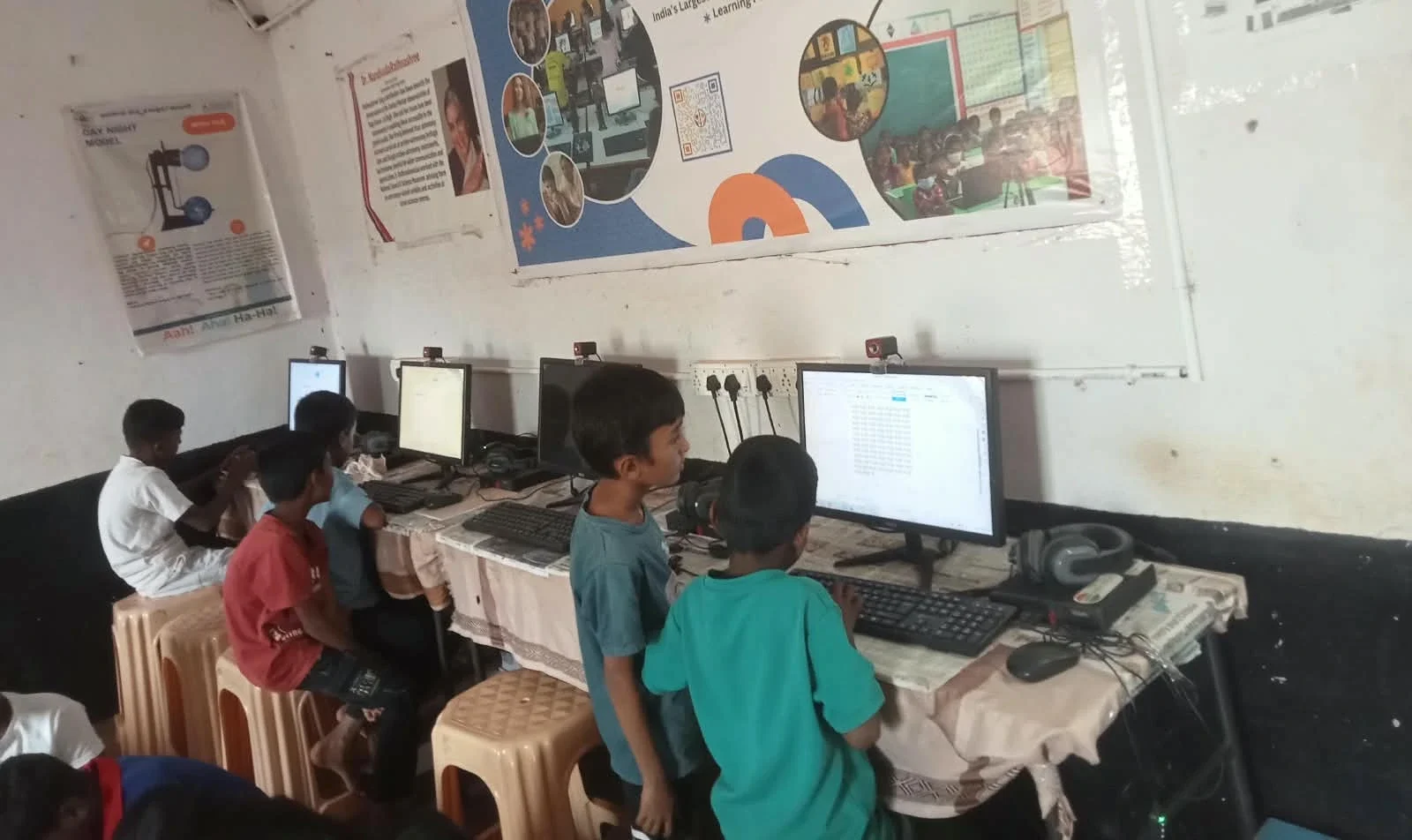
Setup shouldn’t take hours or require a textbook-sized manual. A truly simple computer arrives ready to use within minutes, with all learning software already installed and accounts pre-configured.
With Apna PC, you unbox it, connect to power and the internet, and your child can start studying immediately. The 8GB RAM and 128GB SSD ensure smooth performance from day one. You won’t waste a weekend installing programs or waiting for the system to become usable. See how a complete mini PC setup makes this even easier.
Can a Simple PC Still Support Real Learning?
Absolutely. Simple doesn’t mean limited. Your child can access digital learning platforms like DIKSHA digital learning platform, work with office software, learn coding through Scratch, and use all the tools recommended by Indian schools.
The Student PC learning-ready software is chosen specifically for educational value. Your child gets exactly what they need for homework, projects, and skill-building- nothing extra, nothing distracting.
What’s the Difference Between a Simple PC and a Gaming PC?
Gaming PCs are built for speed and graphics, which makes them expensive, power-hungry, and full of unnecessary features. A student PC for parents is built for focus and affordability, with just enough power for schoolwork and online classes.
| Feature | Gaming PC | Student PC (Apna PC) |
|---|---|---|
| Purpose | Entertainment and gaming | Study and learning |
| Setup Complexity | High (drivers, settings) | Low (ready to use) |
| Price | ₹50,000+ | ₹30,000 (excl. shipping, GST) |
| Parental Control | Limited or paid add-ons | Built-in with Apni Prerna |
| Power Use | High electricity bills | Energy-efficient |
How Does Parental Monitoring Keep Your Child Safe?
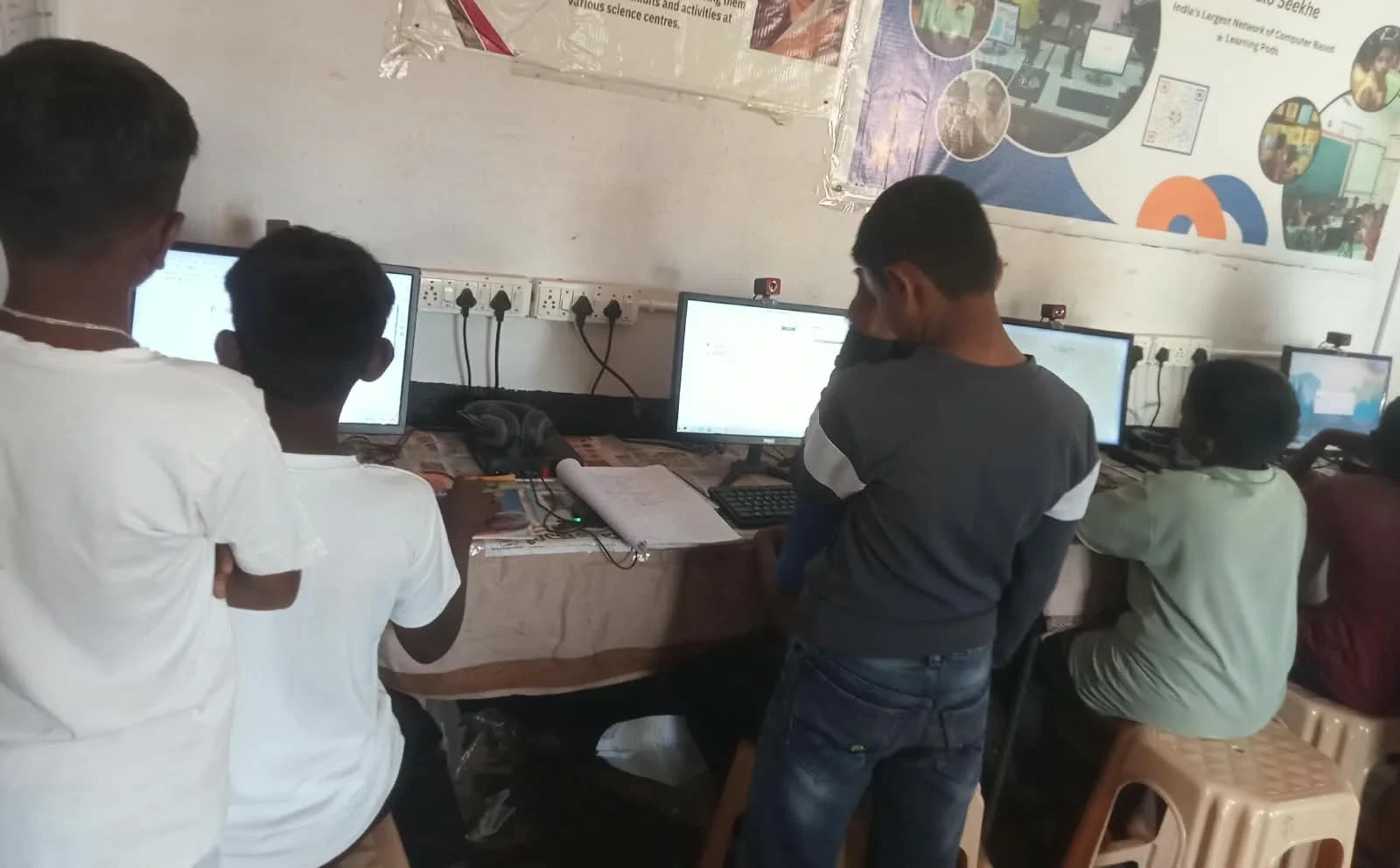
Built-in monitoring tools let you see what your child is doing without hovering over their shoulder. Apni Prerna gives you real-time insights into study habits, time spent on each app, and assignment progress.
You can set screen time limits, block distracting websites, and create study schedules. These features work automatically, so you don’t need to learn complicated software or constantly manage settings. You can also read about families new to computers to see how other parents approach their first PC purchase.
Is a Simple PC Enough for Online Classes?
Yes. Online classes need a stable internet connection, clear audio and video, and reliable performance, all of which Apna PC delivers. The 8GB RAM handles video conferencing, document editing, and note-taking at the same time without lag.
Whether your child uses Google Meet, Zoom, or school-specific platforms, a simple education PC performs smoothly. You’ll never hear complaints about freezing screens or dropped connections during important lessons.
Why Should You Choose Simplicity Over Features?
More features mean more distractions, more cost, and more maintenance. A student PC for parents should do one thing exceptionally well: support your child’s education. Simplicity is the design choice that respects both your time and your budget.
When you invest in a simple system, you’re investing in consistency. No surprise crashes, no confusing updates, no learning curve. Your child studies, you monitor, and learning happens naturally. To learn more about how Apna PC brings this simplicity to your home, explore the Apni Pathshala blog for educational insights and resources.
Your child deserves a computer built for learning, and you deserve one that doesn’t demand constant attention. Simplicity isn’t a limitation; it’s the foundation of reliable, affordable education technology for Indian families. Visit apnapc.com to learn more.