


Getting a reliable learning computer for your child doesn’t have to be complicated or expensive. Apna PC is designed specifically for Indian families who want reliable help without needing deep tech knowledge.
Why Do Parents Worry About Technical Support for Student Computers?
Most parents aren’t IT experts, and troubleshooting a computer can feel overwhelming. When your child needs to study, and something goes wrong, you want quick answers, not a confusing manual or a costly service centre visit.
Traditional computers often come with generic support that assumes you already know the basics. Apna PC changes this by building support into the product itself, so you’re never left stranded.
How Does Apna PC Make Technical Support Easier for Non-Tech Parents?
Apna PC comes pre-configured and ready to use right out of the box, which means fewer things can go wrong in the first place. The system runs Zorin OS, a Linux-based operating system that’s stable, secure, and designed to run smoothly without constant updates or crashes.
You don’t need to install software, hunt for drivers, or worry about viruses. Everything your child needs for learning, including LibreOffice for documents, Scratch for coding, and Apni Prerna for monitoring, is already set up and tested. Check out the preconfigured student PC guide to see exactly what’s included.
What Happens When You First Unbox Your Apna PC?
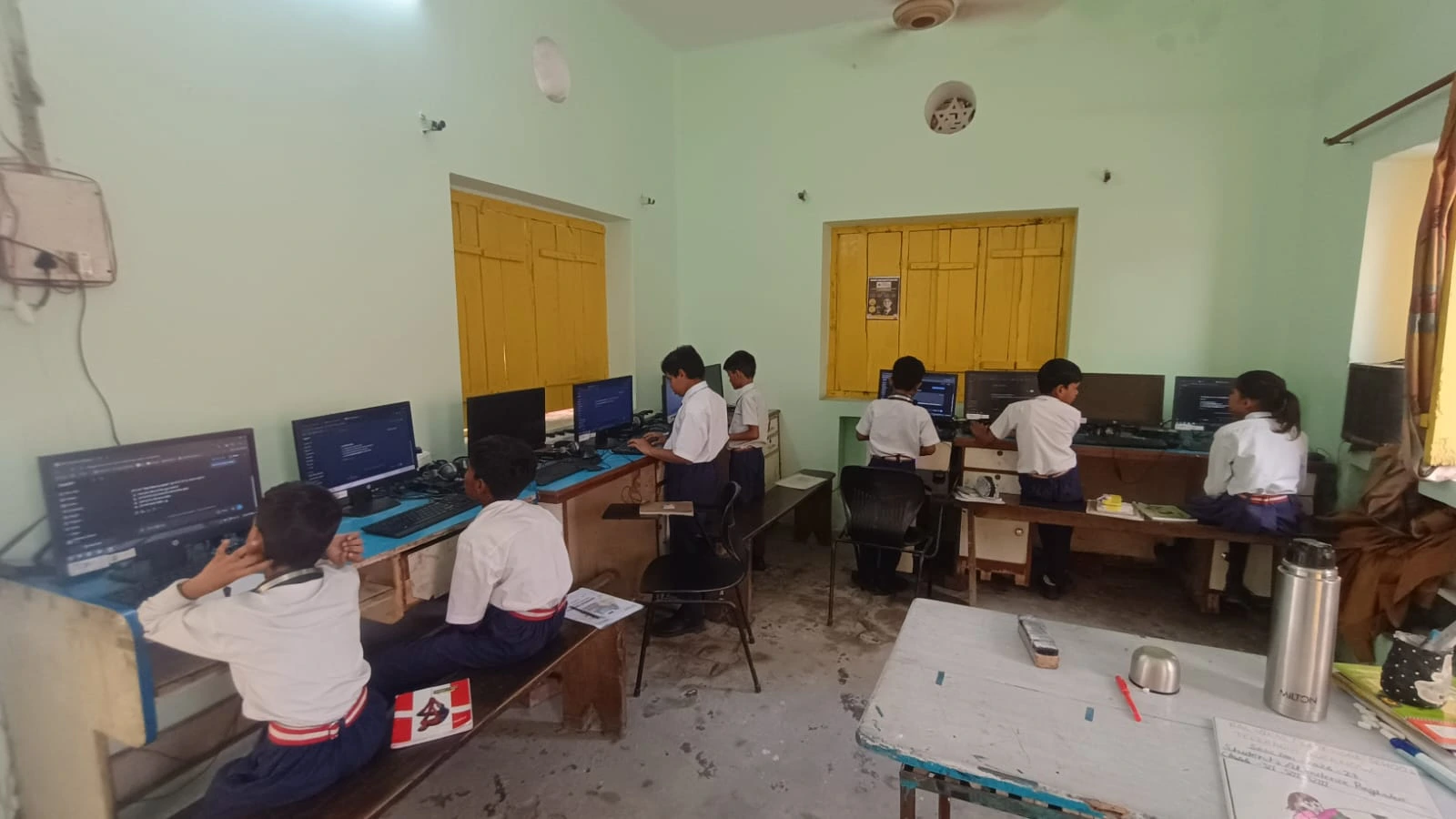
The unboxing experience is designed to be simple and reassuring for parents. You’ll find clear instructions, and the device is ready to power on without complex setup steps.
Your child can start learning within minutes. The Apna PC unboxing experience walks parents through what to expect and how to get started confidently.
Can You Monitor Your Child’s Learning Without Technical Knowledge?
Yes. Apni Prerna, the built-in monitoring tool, lets you see what your child is studying without needing to understand complex settings. It’s designed for parents, not IT professionals.
You can check study time, see which applications are being used, and set simple limits, all from a parent-friendly dashboard. This gives you visibility and control while keeping the technical side out of sight.
What Kind of Technical Support Does Apna PC Provide?
Apna PC is backed by Apni Pathshala, an organisation focused on affordable education for Indian students. Support includes resources on the Apni Pathshala blog where you can find troubleshooting tips, how-to guides, and answers to common questions.
Because the system is pre-configured and stable, it prevents most issues before they happen. When you do need help, you’re not dealing with generic corporate support; you’re working with a team that understands Indian educational needs.
Is Apna PC Compatible With Online Learning Platforms Used in India?
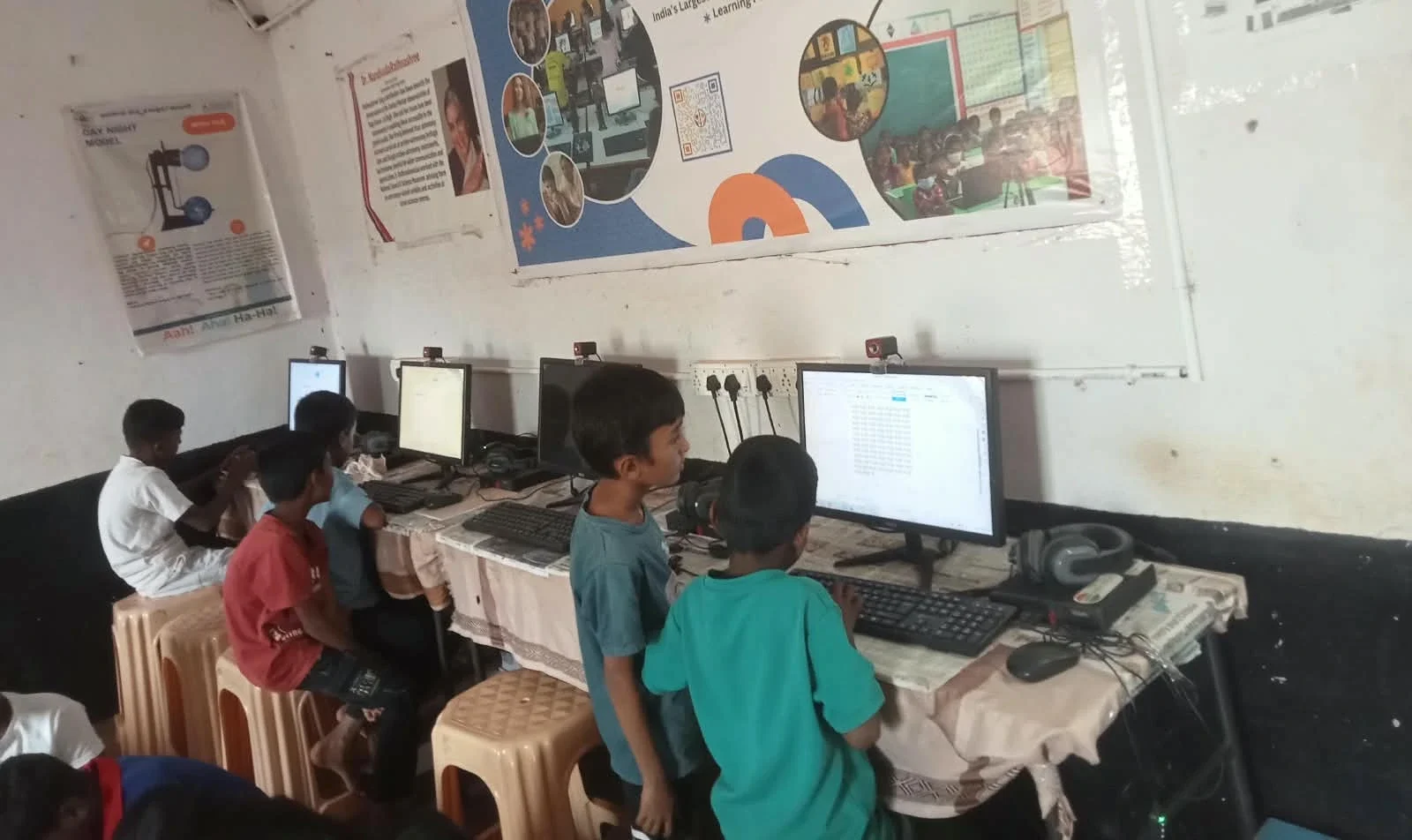
Absolutely. Apna PC works with major digital learning platforms, including DIKSHA, the government’s digital learning platform. Your child can access school resources, educational videos, and interactive content without compatibility problems.
The 8GB RAM and 128GB SSD provide enough power for smooth video streaming, document editing, and coding practice. You won’t face slowdowns or crashes that cause frustration and require technical help.
How Does Apna PC Compare to Other Student Computers?
| Feature | Apna PC | Generic Budget Laptop | Expensive Gaming Computer |
|---|---|---|---|
| Pre-configured for learning | Yes | No, requires setup | No, designed for gaming |
| Parent support and guidance | Yes, focused on education | Limited or generic | Expensive, not parent-friendly |
| Stability and crash prevention | High, Linux-based | Variable, Windows-prone to issues | Overkill for study needs |
| Price (approx.) | Rs. 30,000 | Rs. 25,000 to 40,000 | Rs. 60,000+ |
| Built-in monitoring for parents | Yes, Apni Prerna | No | No |
What Should You Do If Something Goes Wrong?
Start with the resources available on the Apni Pathshala blog, where you’ll find step-by-step guides for common issues. Most problems, like forgotten passwords or app questions, are covered in simple, parent-friendly language.
Because Apna PC runs on a stable operating system with pre-installed, tested software, you rarely need emergency technical support. You’re buying a system designed to work, not one that requires constant fixes.
You don’t need to be a tech expert to give your child a reliable learning computer. Apna PC removes the stress of tech troubleshooting by building simplicity into the system itself. Visit apnapc.com to learn more.