


Meera’s Storage Panic: A Story Many Parents Know
Meera’s son Aditya got his first learning computer last month. He was thrilled. Within weeks, his Class 10 science project videos, downloaded study materials, and photo assignments filled up the 128GB SSD to 95%. Meera panicked. She called the shop asking if they’d made a mistake. The answer was no. A 128GB drive fills fast when you’re a student downloading videos, storing project files, and keeping digital notes. But here’s the good news: you don’t need to buy a new computer. Your student can add more storage later, and it’s easier than you think.
Why 128GB Runs Out So Fast for Students
A single Class 10 project video can be 500MB to 2GB depending on quality. A semester of typed notes with images might take 200MB to 500MB. Add downloaded textbooks, tutorial videos, presentation photos, and music for study breaks. The math gets real fast. Your child isn’t being wasteful. They’re just learning, creating, and building a digital life.
The real issue isn’t that 128GB is too small forever. It’s that you need options to grow without buying a whole new machine. Understanding expandable storage student computer options before you buy is something every parent should do, because it saves money later.
Expandable Storage Student Computer: Three Ways to Add More Space
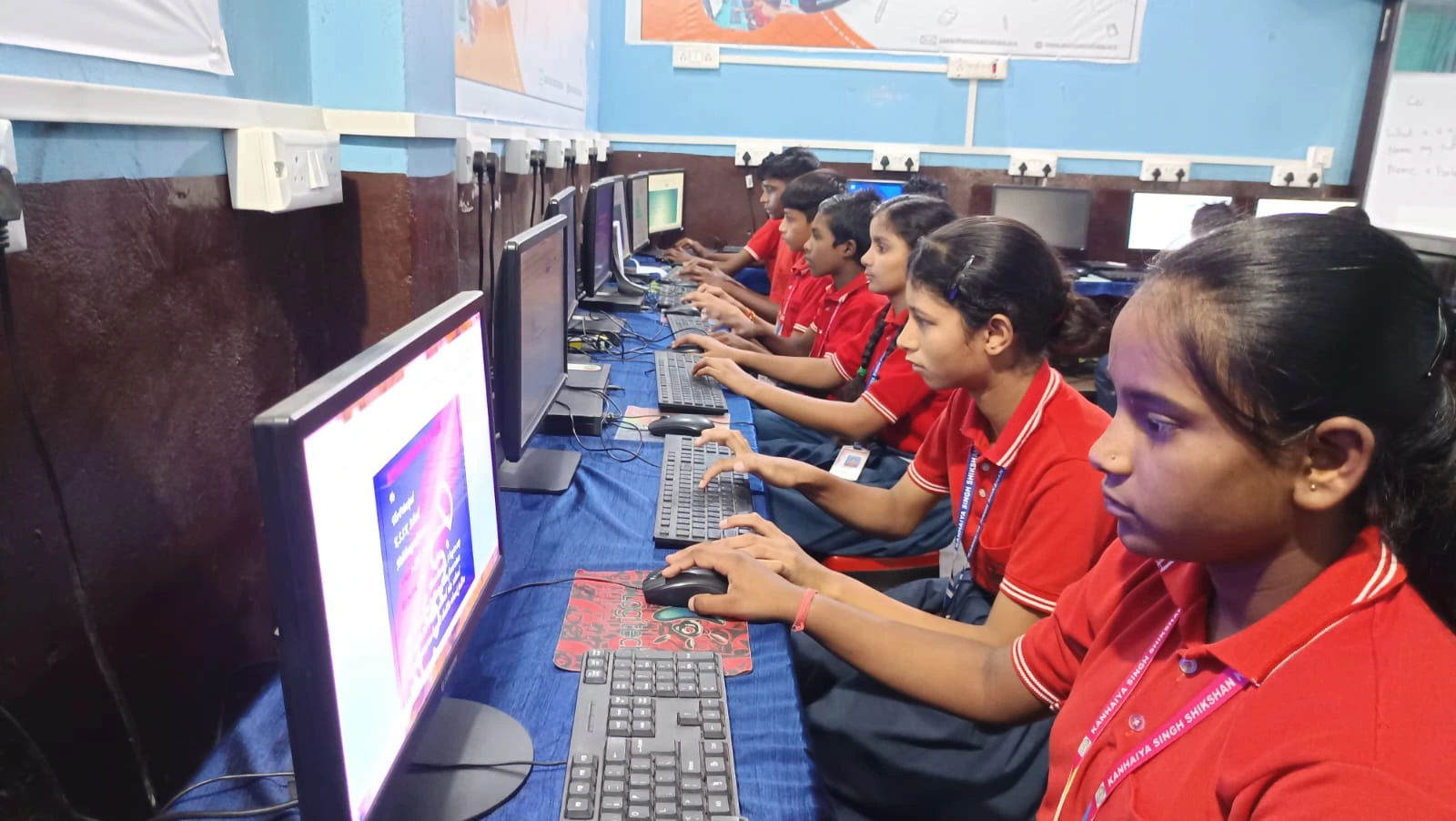
You’ve got three solid options when your child runs out of space. Each works differently, and each has real advantages for Indian families.
- External hard drives and USB flash drives: These are the simplest. You plug them in, and you’ve got instant extra space. A 1TB external hard drive costs around Rs. 3,000 to Rs. 5,000 and gives you 8 times more storage than the built-in SSD. External storage devices work with any computer and are perfect for backing up school projects so you never lose them.
- Cloud storage services: Google Drive gives you 15GB free and works from any internet connection. Your child can upload project files, photos, and documents and access them from school, home, or a friend’s house. Many Indian schools now use Google Classroom, so your student’s already familiar with this.
- Internal SSD expansion (for desktop computers): If you buy a desktop PC instead of a laptop, adding storage later is genuinely easy. You can slot in a second SSD for Rs.2,500 to Rs.4,000 and double your storage. This isn’t true for cheap sealed laptops. Once you buy them, you’re stuck with what you get.
Desktop vs. Laptop: The Storage Truth Parents Need to Know
Here’s the honest difference. A desktop computer gives you real room to grow. The Apna PC runs Zorin OS and comes with 128GB of SSD space, but you can add more storage yourself later without sending it to a repair shop. A cheap sealed laptop doesn’t offer this flexibility. You’re locked in from day one.
For a student in Tier 2 or Tier 3 cities where computer repair shops aren’t always reliable, a desktop with expandable storage is a smarter long-term choice. Your child can learn to upgrade their own machine, which is a skill in itself.
How to Plan Your Student’s Storage Strategy Now
Start with the 128GB SSD in the Apna PC. It’s plenty for your first year. By the second year, add a 1TB external hard drive for Rs.4,000. Use it to back up all project files, videos, and important documents. Your child learns the habit of backing up their work, which is a life skill.
At the same time, set up Google Drive or another cloud storage service for active school files. Most files don’t need to live on the computer itself. They can live in the cloud, which saves local storage and keeps them safe. You can also use DigiLocker for student records, government documents, and certificates.
This three-layer approach (local SSD, external backup, cloud storage) means your child will never run out of space and never lose important work. It’s also how professionals actually work.
Why Buying a Computer with Growth in Mind Saves Money
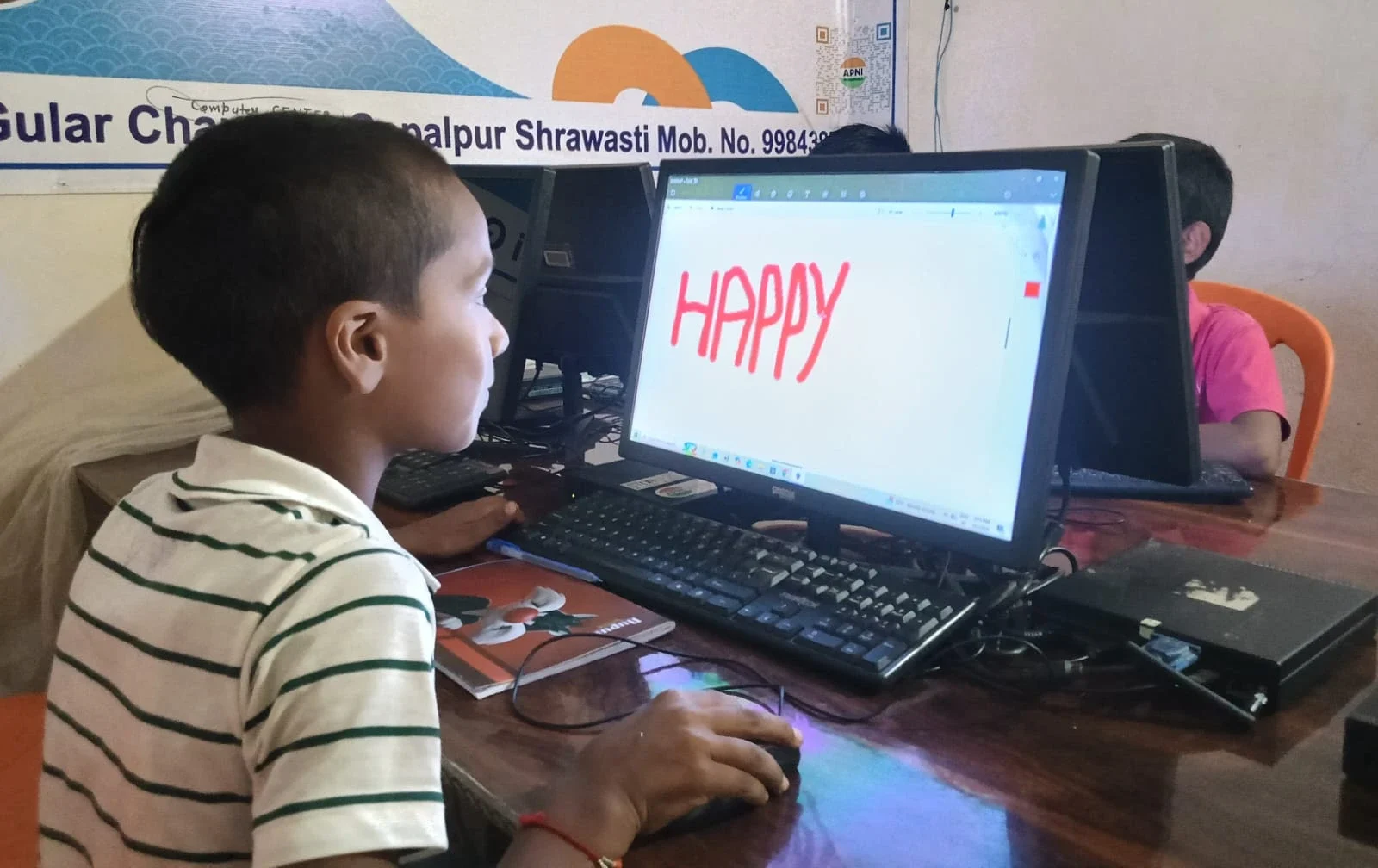
Here’s the financial truth. Buying an Apna PC for Rs.30,000 with expandable storage options costs far less than replacing the whole computer in two years because it got too slow or full. A Rs.30,000 computer that you can upgrade with a Rs.3,000 external drive lasts longer and serves your child better than a sealed laptop that you’re forced to replace.
You’re not just buying a computer. You’re buying a tool that grows with your child’s learning. That’s real value for Indian families in Tier 2 and Tier 3 cities where budget matters.
What Apni Pathshala Built Into the Apna PC
The Apna PC comes pre-loaded with Zorin OS, which is fast and light on storage. It includes Apni Prerna for student monitoring, LibreOffice for documents and spreadsheets, and Scratch for coding. These are all the tools your child needs to start learning. The 8GB RAM keeps everything running smoothly even when they’re working on multiple projects.
The low-maintenance design means fewer trips to repair shops and more time studying. And because Apni Pathshala built it, it’s designed specifically for Indian students and parents.
Expandable Storage Student Computer: The Bottom Line
Yes, your student’s storage will fill up. That’s not a problem if you plan for it. External drives, USB flash drives, and cloud storage give you options to grow without buying a new computer. A desktop like the Apna PC gives you even more flexibility because you can add internal storage later.
The real mistake is buying a sealed machine and hoping storage never becomes an issue. It will. Plan for expandable storage from the start, and your child will have a computer that grows with them through high school and beyond. Don’t wait until storage panic hits, as it did for Meera. Start smart now. Visit apnapc.com to learn more.