


Parents buying a student computer need to check four things: RAM (8GB is enough for school use), storage type (SSD is much faster than a hard disk), operating system (distraction-free is better than entertainment-focused), and whether a monitor is included. This guide explains each factor clearly so you can make a confident decision.
How much RAM does a school student actually need?
8GB RAM handles everything a school student does: watching video lectures, writing assignments, running multiple browser tabs, and using presentation software. You do not need more than this for school-level work. Less than 8GB causes visible slowdowns when multiple programs are open at the same time.
SSD vs hard disk: which storage matters for a student computer?
An SSD (solid state drive) starts up and loads programs much faster than a traditional hard disk. For a student, this means the computer is ready to use in seconds, not minutes. Waiting for a slow hard disk to boot wastes time before every study session. A 128GB SSD is enough for school use: documents, downloaded lectures, and study apps fit comfortably. How much RAM a student actually needs gives more detail on matching specs to school tasks.
What operating system is best for a student study computer?
A distraction-free operating system like Zorin OS is better than a general Windows or entertainment-first system for students. Zorin OS does not come pre-loaded with games, app stores full of entertainment, or social media shortcuts. It is fast, secure, and stable. Parents who are not technical find it easy to manage because it has fewer moving parts than a heavily customised Windows installation.
Should a student computer include a monitor?
Yes, ideally. A complete setup that includes a monitor means your child can start studying immediately without additional purchases. Apna PC includes everything: the computer unit with 8GB RAM and 128GB SSD, Zorin OS, Apni Prerna monitoring software, and a monitor. Monitor included vs separate setups explains why bundled is usually better value for student use.
| What to check | Minimum for students | What Apna PC offers |
|---|---|---|
| RAM | 8GB | 8GB |
| Storage | SSD preferred | 128GB SSD |
| Operating system | Distraction-free | Zorin OS |
| Monitoring | Optional but helpful | Apni Prerna included |
| Monitor | Included preferred | Included |
What is the right budget for a student computer in India?
A reliable student computer that covers school needs is priced to be accessible for school families. Spending more does not improve academic outcomes unless the student has specific technical needs like video editing or coding beyond school level. Spending less usually means compromising on RAM, storage speed, or warranty. A budget-friendly student computer guide for parents gives a clear breakdown of what each price range delivers.
How does Apni Prerna monitoring help parents after the purchase?
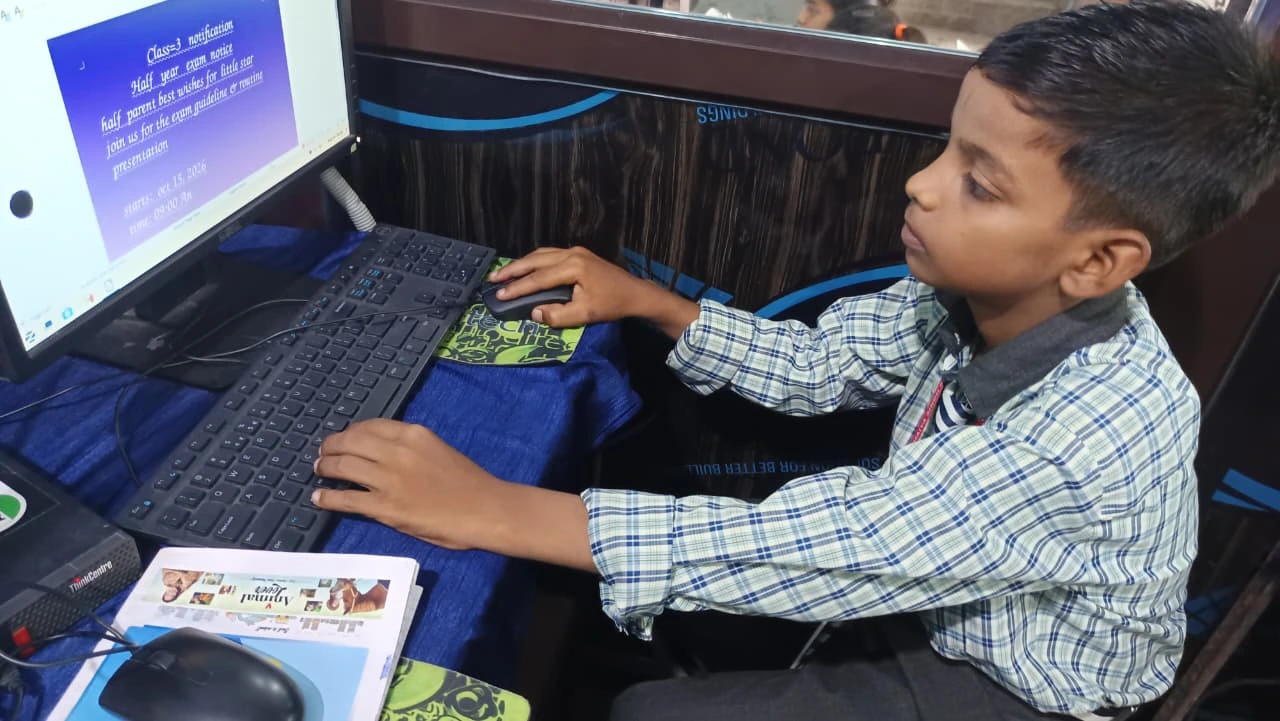
Apni Prerna records which apps and websites the child uses and for how long. Parents can review this data any time. It answers the question every parent has: is my child actually studying or doing something else? The software runs in the background and does not interfere with the child’s work. What parents notice when studying becomes easier describes typical changes families see in the first weeks after switching to a dedicated study computer.
For parents comparing options, what a well-designed study computer includes covers everything in the checklist above and why each part matters.
Frequently Asked Questions
Can a student computer purchased now last through board exams in a few years?
Yes, if you buy the right specs. A computer with 8GB RAM and an SSD running a lightweight operating system stays fast enough for school use over several years. Cheap computers with hard disks and minimal RAM slow down noticeably within the first year of daily use.
Should parents buy new or refurbished for a student computer?
Refurbished is a sensible choice if the seller tests and certifies the hardware before shipping. Apna PC uses refurbished hardware that is verified before sale. A refurbished computer at the right specs performs identically to a new one for school use and costs significantly less.
Can my child use a student desktop for board exam preparation?
Yes. A desktop with 8GB RAM, a 128GB SSD, and a good monitor is well suited to board exam preparation. It runs video lectures smoothly, handles multiple study apps simultaneously, and stores downloaded materials locally for offline study when internet access is limited.
What is the difference between Apna PC and a standard budget laptop?
Apna PC is built specifically for student study: distraction-free OS, monitoring software, and a complete setup that includes a monitor. A budget laptop is a general device with entertainment apps, social media access, and no monitoring. The setup time and ongoing management are very different.
Does Apna PC work with school Wi-Fi or only at home?
Apna PC connects to any Wi-Fi network, including school or coaching centre networks. It is a standard desktop computer and works wherever there is an internet connection and a power source. For home use specifically, the desktop format is more stable and ergonomic than a laptop for long study sessions.
Visit Apna PC to see the complete specifications and confirm whether it fits your child’s school requirements.