


Rahul’s First Computer: When Software and Hardware Finally Made Sense
Rahul sat in his small room in Indore, staring at his new laptop. His parents had saved for months to buy it, hoping it would help him score better in his Class 10 exams. But when he opened it, he felt lost. There were so many buttons, so many programs, and he didnt know where to start. His father asked the shopkeeper, “Is the computer good?” The shopkeeper replied, “Yes, its fast.” But nobody explained to Rahul how software and hardware work together to actually help him learn.
This is the story of thousands of students in Tier 2 and Tier 3 cities across India. You buy a computer, but you dont understand how the physical machine (hardware) and the programs inside it (software) work as a team to make learning happen. Today, lets break this down in simple terms so you can make the right choice for your child and use your computer to its full potential.
What Are Software and Hardware, Really?
Think of your computer like a car. The hardware is the physical car itself: the engine, wheels, seats, and steering wheel. The software is like the drivers skills and the road map. You need both to reach your destination.
Hardware includes:
- Processor (CPU): The brain that does all the thinking and calculations
- RAM (Memory): Temporary space where your computer holds information while working
- Storage (SSD or Hard Drive): Where your files, photos, and programs live permanently
- Screen, keyboard, mouse: How you talk to your computer
Software includes:
- Operating System: The main program that runs everything (like Windows or Linux)
- Learning apps: Programs like LibreOffice for documents, Scratch for coding, or apps from the DIKSHA digital learning platform
- Internet browser: To access online classes and study materials
How They Work Together for Your Learning
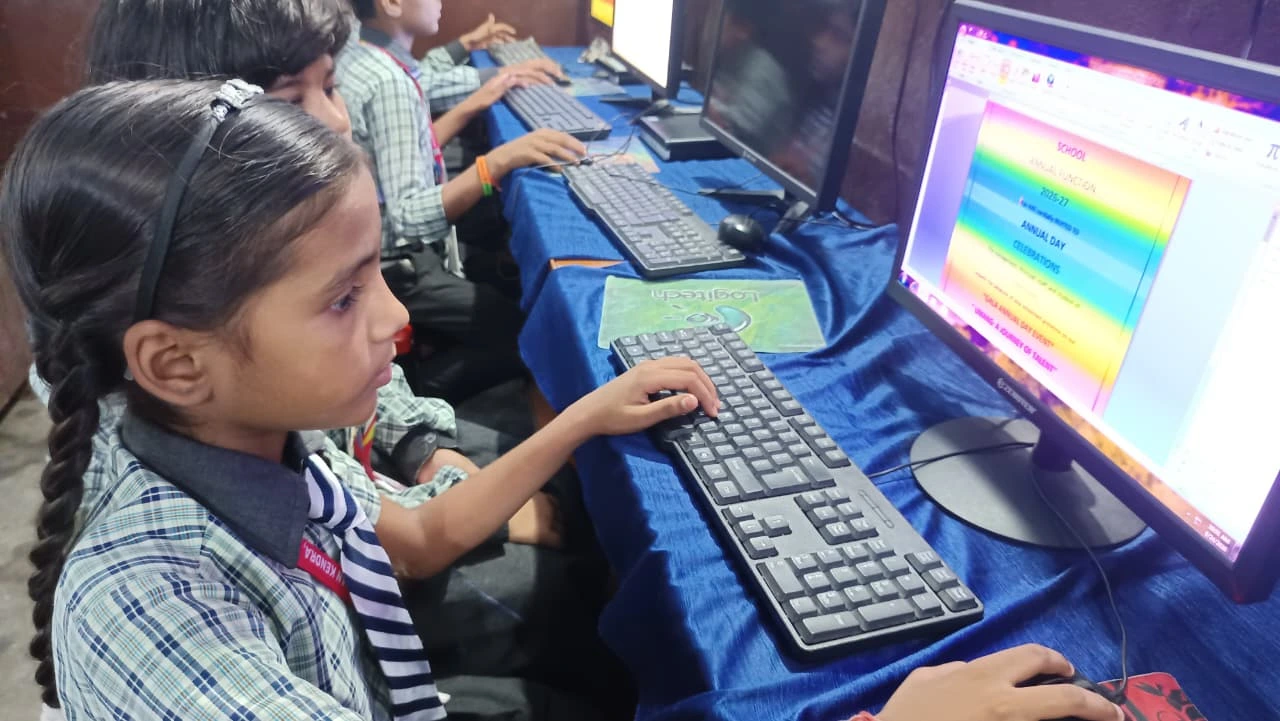
Imagine youre watching a math tutorial video on YouTube. Your hardware (the screen) displays the video. But the software (the operating system and browser) makes it happen. Without the software, your screen is just a black rectangle. Without the hardware, the software has nowhere to run.
When you open your study materials, the processor (hardware) reads the instructions from the software. The RAM (hardware) temporarily holds the data. The operating system (software) coordinates everything. Its like an orchestra where the musicians are the hardware and the conductor is the software.
For students, this means: a powerful computer without good educational software wont help you much. And great learning apps on a slow computer will frustrate you. You need both working smoothly.
What Students in India Actually Need
According to the India Ministry of Education, digital literacy is now part of the curriculum. Your child needs a computer that can handle:
- Video classes without lag or freezing
- Document creation and presentation software
- Coding and programming basics
- Safe, monitored browsing for research
- Multiple programs running at once
This is why computer specifications matter. You need at least 8GB of RAM for smooth multitasking, an SSD for fast performance, and a processor that doesnt make you wait. Learn more about computer specifications that work best for students.
The Apna PC Solution: Software and Hardware Designed Together
Apna PC is built specifically for students like Rahul. At Rs.30,000 (shipping and GST excluded), it brings together the right hardware and software from day one.
The hardware specs are practical:
- 8GB RAM: Enough to run your study apps smoothly
- 128GB SSD: Fast storage so programs open instantly, not after 2 minutes
- Decent processor: Handles video classes, coding, and documents without struggle
But heres what makes it different. The software comes pre-loaded and ready:
- Zorin OS: A free, safe operating system perfect for students
- Apni Prerna: Student monitoring so parents know how the computer is being used
- LibreOffice: For writing essays, creating presentations, and spreadsheets
- Scratch: To learn coding in a fun, visual way
All of this comes from Apni Pathshala, an organisation focused on making education accessible. The software and hardware are matched perfectly. You dont waste time downloading, installing, or figuring out what you need.
Why This Matters for Your Childs Learning
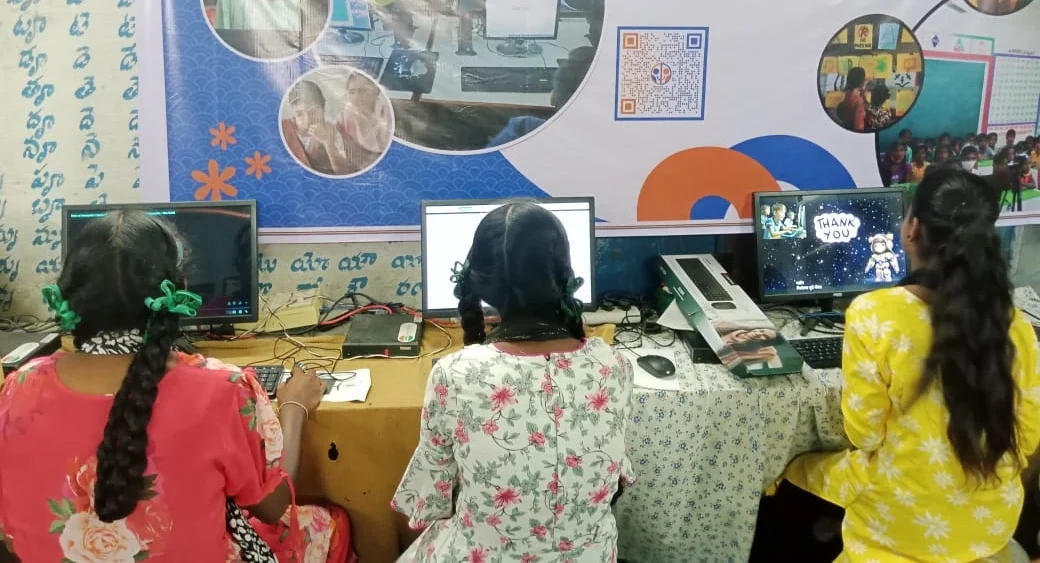
When software and hardware work together smoothly, your child can focus on learning, not on technical problems. Rahul doesnt have to wait 5 minutes for his computer to start. He doesnt have to restart it every hour because it froze. He opens his study materials, joins his online class, and learns.
Research from UNESCO global education research shows that students learn better when technology is reliable and simple to use. A computer that works well reduces frustration and keeps focus on what matters: education.
Parents in smaller cities often worry: “Will my child waste time on games instead of studying?” Apna PC includes Apni Prerna, which lets you monitor activity and set limits. The software and hardware combination gives you control.
Making the Right Choice
When you buy a computer for your child, ask yourself three questions:
- Does the hardware have enough power (8GB RAM, fast SSD)?
- Does the software support learning (good operating system, educational apps)?
- Do they work together smoothly without conflicts?
Apna PC answers “yes” to all three. Its not the most expensive computer, but its designed for students. The software and hardware are balanced perfectly for what Indian students actually need.
Your child deserves a computer that helps them learn, not one that frustrates them. Apna PC brings software and hardware together so students like Rahul can focus on their studies and reach their potential. Visit apnapc.com to learn more.