

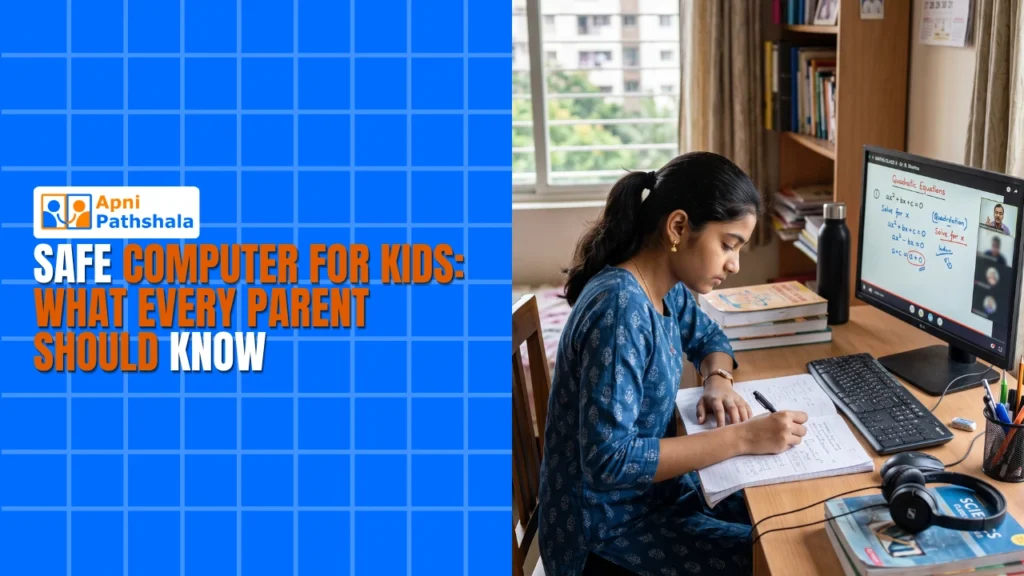
A Mother’s Worry: Why Priya Chose a Safe Computer for Kids
Priya sat at her kitchen table in Indore, watching her 10-year-old son Arjun stare at his old laptop. He was supposed to be doing his math homework, but she knew he’d switched to YouTube within minutes. Her hands trembled as she thought about the news reports she’d seen, stories of children stumbling onto inappropriate content, spending hours on games instead of studying, their eyes straining from blue light exposure. She wasn’t alone in this fear. Thousands of parents across Tier 2 and Tier 3 cities share the same anxiety about keeping their children safe online while still letting them learn and grow.
You want your child to benefit from technology, not become a victim of it. A safe computer for kids isn’t just about blocking websites. It’s about creating an environment where your child can learn, explore, and develop without unnecessary risks or distractions.
What Makes a Safe Computer for Kids Different?
A regular personal computer comes loaded with countless applications, settings, and access points that aren’t designed with children in mind. Your child might accidentally download malware, encounter predatory behavior, or lose hours to addictive apps without you knowing.
A child-safe computer, on the other hand, is specifically built with your child’s needs in mind. It comes with:
- Parental control PC features that let you monitor what your child does without invading their privacy completely
- Pre-loaded educational software like Scratch for coding and LibreOffice for document work
- A distraction-free operating system that removes games, social media, and unnecessary applications
- Student monitoring tools that help you understand your child’s learning patterns
- Optimized hardware designed for study, not gaming or resource-heavy tasks
Apna PC, priced at just Rs.21,000 (excluding shipping and GST), is one such solution built specifically for Indian families. It runs Zorin OS, a clean, intuitive operating system that feels familiar but works differently from Windows. Your child won’t find YouTube autoplay, Instagram notifications, or game downloads waiting for them.
How Parental Control PC Features Actually Work
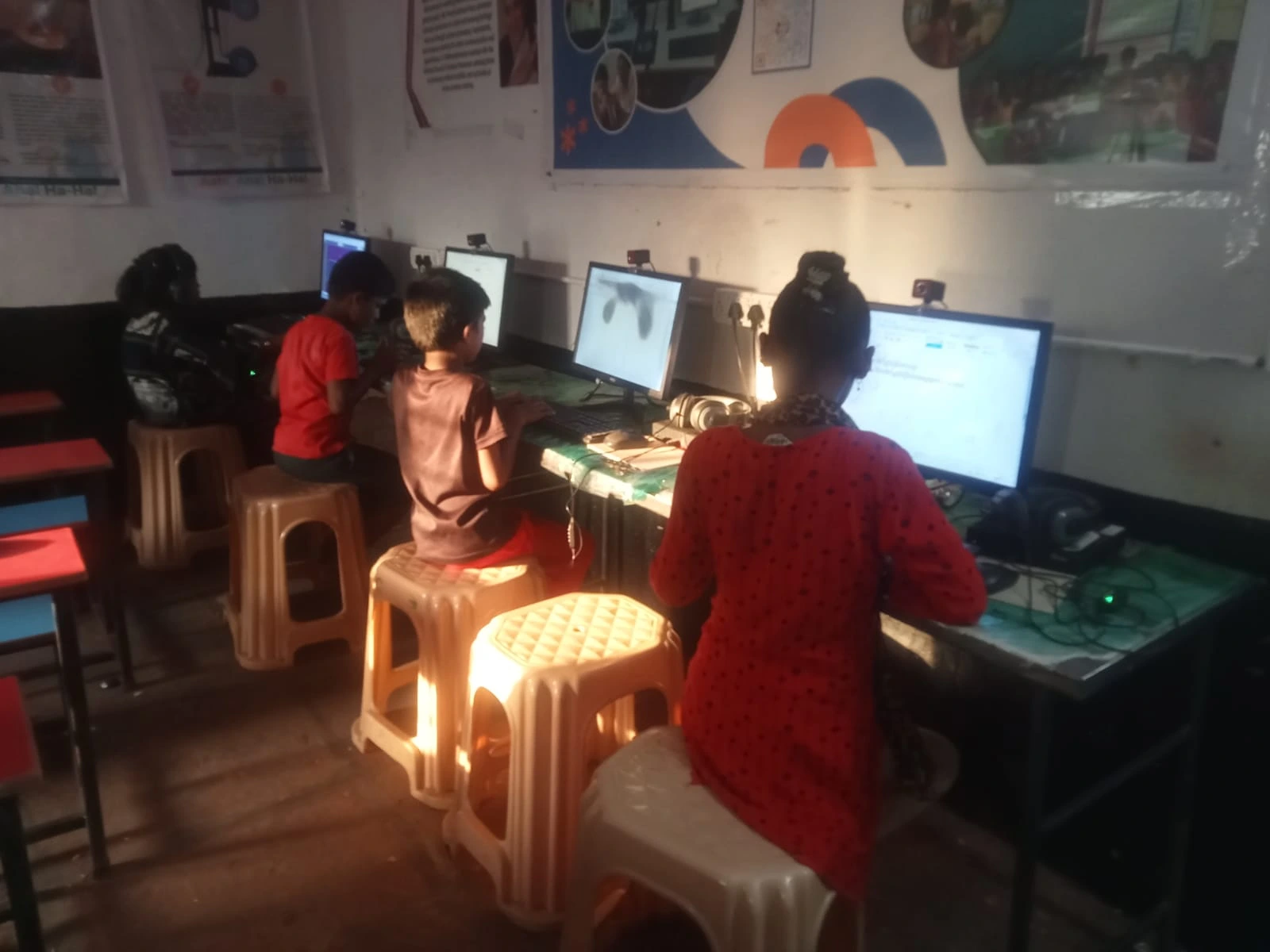
You might think parental controls mean spying on every keystroke. That’s not what we’re talking about here. Real parental control PC systems are about understanding and guiding, not surveillance.
Apna PC comes with Apni Prerna, a student monitoring tool that shows you which applications your child used, how long they studied, and what they were working on. You can see if they spent two hours on math problems or five minutes before switching to something else. This isn’t about catching them. It’s about understanding their study habits and helping them improve.
The beauty of a study computer is that it removes the temptation entirely. Your child can’t get distracted by apps that aren’t there. There’s no YouTube sidebar suggesting videos, no WhatsApp notifications popping up, no gaming temptation. Your child focuses on what matters: learning.
The Hardware That Actually Matters for a Study Computer
You don’t need a gaming PC with a graphics card that costs more than a motorcycle. Your child needs something reliable, fast enough for schoolwork, and built to last.
Apna PC comes with 8GB RAM and 128GB SSD storage. This is more than enough for online classes, document creation, coding practice, and video lessons. The SSD means the computer starts up in seconds, no waiting, no frustration. Your child can open their study materials immediately and get to work.
The keyboard and trackpad are designed for comfort during long study sessions. Your child’s posture matters, their wrist position matters, and their eye strain matters. A study computer considers these things that gaming computers ignore.
Why Your Child Needs a Safe Computer Now, Not Later
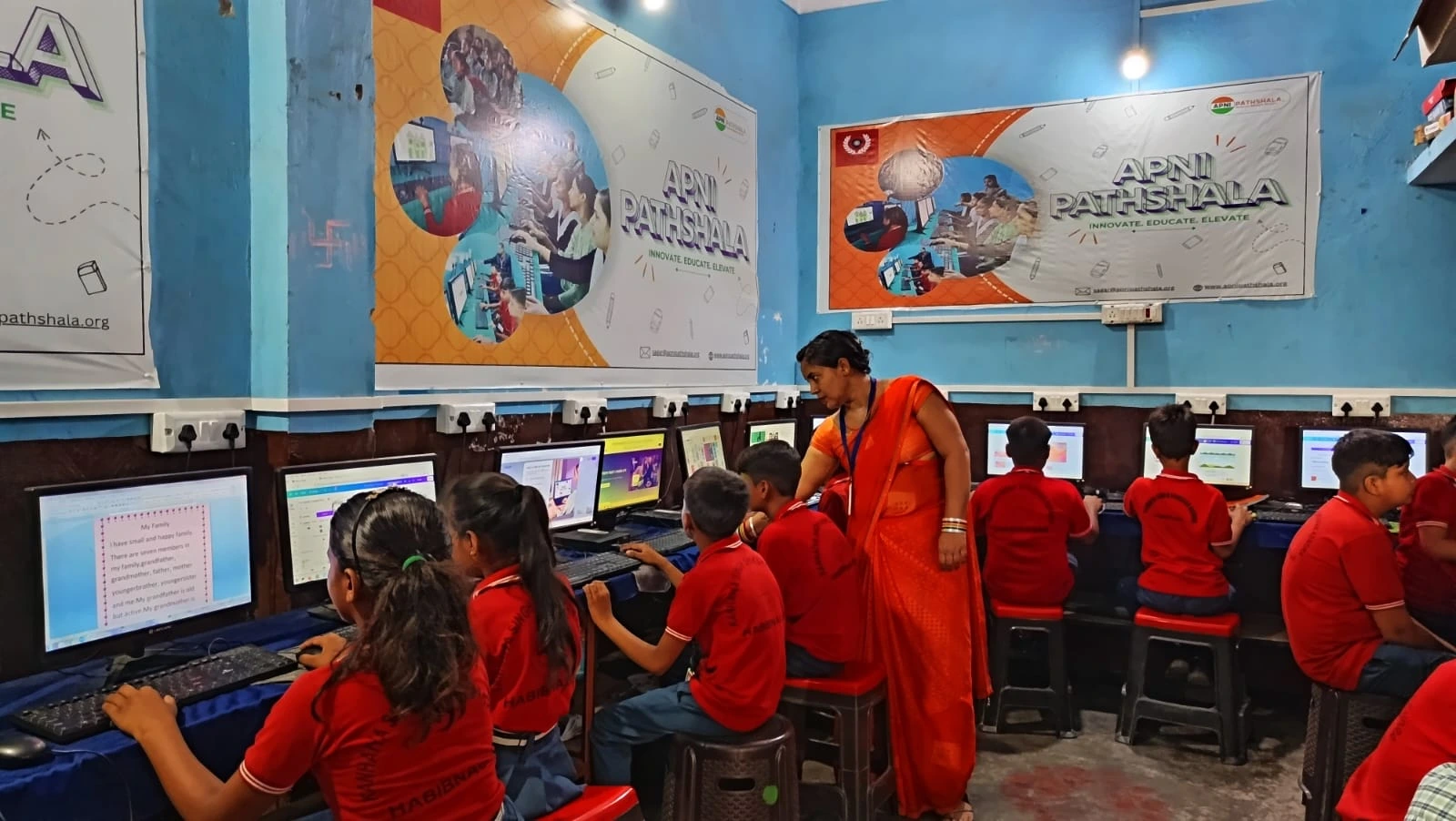
The Digital India initiative has pushed technology into every classroom. Your child’s school probably uses online portals for assignments, video calls for classes, and digital resources for learning. They need to be comfortable with computers, but they need to be safe while learning.
If you wait until your child is 15 to set boundaries, it’s much harder. Bad habits form early. Addiction to social media and games becomes entrenched. But if you start now with a safe computer for kids, your child grows up with healthy technology habits built in from the beginning.
Check out our best computer setup for online classes to see how the right study computer fits into your child’s learning routine. You can also read our distraction-free computer guide for parents for more tips on creating a focused learning environment.
The Cost of Not Having a Safe Computer
You might think, “Can’t I just use an old laptop and install some parental control software?” You could try. But most parental control software works against the operating system, not with it. Your child finds workarounds. The software slows everything down. You end up frustrated, and your child ends up resentful.
A safe computer for kids works because the entire system, from the operating system to the pre-loaded applications to the monitoring tools, all work together. It’s not an afterthought. It’s the foundation.
When you buy Apna PC, you’re not just buying hardware. You’re buying peace of mind. You’re buying the knowledge that when your child sits down to study, they’re actually studying. You’re buying the confidence that they’re not being exposed to harmful content or predatory behavior.
For Priya in Indore, a safe computer for kids meant she could finally relax. Arjun now does his homework on Apna PC, and she can see through Apni Prerna that he’s actually completing his assignments. He’s even started learning Scratch coding. His grades have improved, his screen time is purposeful, and Priya sleeps better at night.
Your child deserves to grow up with technology that supports their learning, not distracts from it. Apna PC is built for Indian families, priced for Indian budgets, and designed with Indian parents’ concerns in mind. Your child’s education is too important to leave to chance. Visit apnapc.com to learn more.