

The best budget computer for online tuition classes needs at least 8GB RAM for smooth video calls, an SSD for fast startup, a good microphone or headset port, and a stable internet connection. Apna PC at Rs.30,000 covers these requirements in a complete desktop setup that is ready from day one.
What specs does a budget computer need for online tuition?
Online tuition requires smooth video playback and stable audio. 4GB RAM can struggle when a video call, browser tabs, and a note-taking app are all open at the same time. 8GB RAM handles this without freezing. An SSD starts the session quickly so your child is not making the tutor wait while the computer boots. A wired internet connection is more stable than Wi-Fi for live classes if your router is nearby.
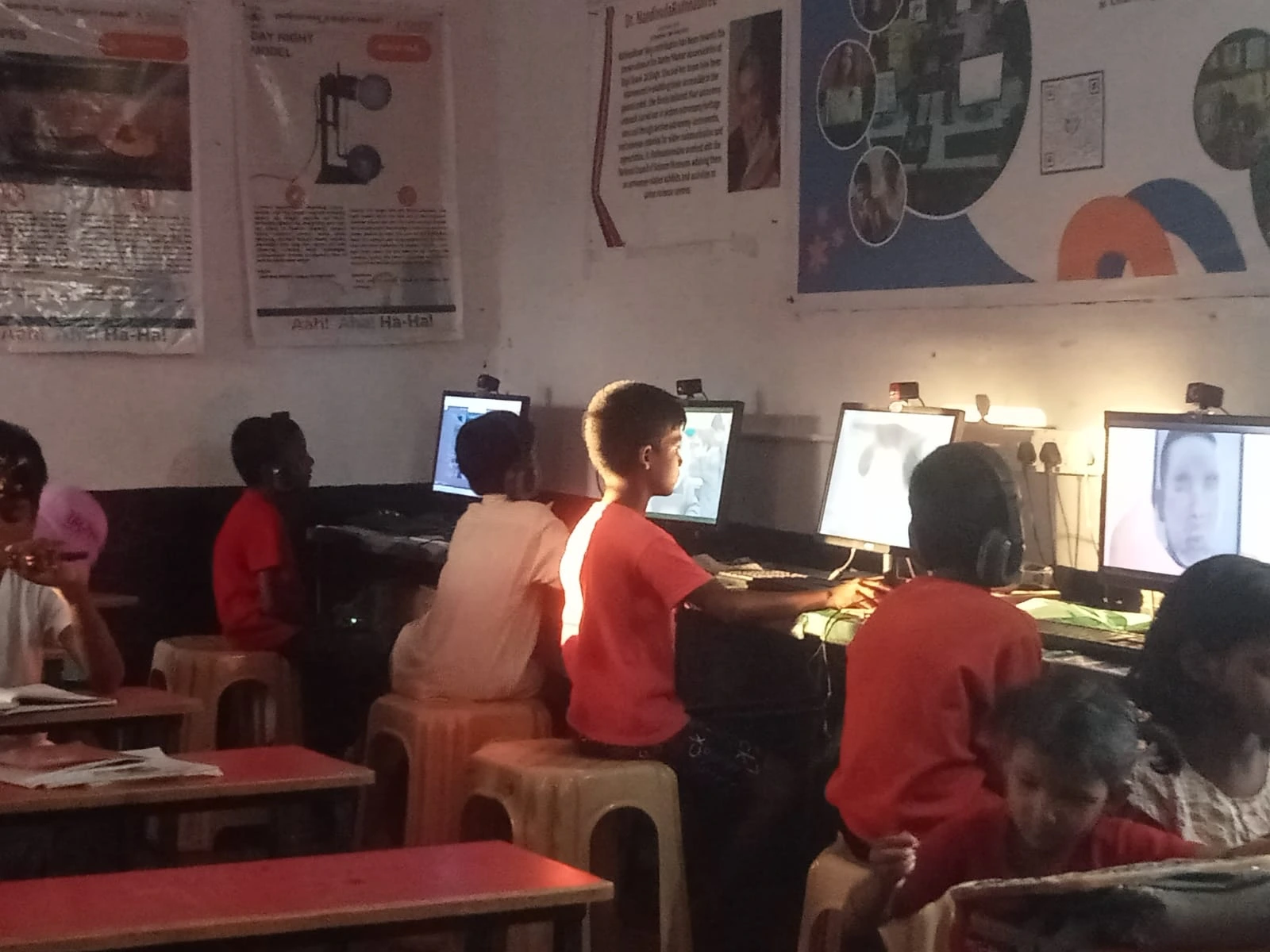
How does Apna PC perform during live online tuition sessions?
Apna PC runs Zorin OS, which uses less background processing than a heavily loaded Windows system. This leaves more resources for the video call and browser. The 8GB RAM and 128GB SSD handle live sessions on platforms like Zoom, Google Meet, Unacademy, and similar services without stuttering or slow response. Computer for online classes: what students actually need breaks down the technical requirements in plain terms.
What is a reasonable budget for an online tuition computer?
A complete desktop setup for online tuition at Rs.30,000 covers everything a student needs. Cheaper options at Rs.15,000 and below typically compromise on RAM or use slow hard disks. Spending Rs.6,000 on a used machine without warranty or support creates repair risks during exam periods. The Rs.30,000 price point balances performance, reliability, and cost for the school years. Rs. 500 spent on a good headset or USB microphone improves audio quality significantly.
Desktop vs tablet: which is better for online tuition?
A desktop with a full-size keyboard is better for most school-level online tuition. Students who write notes during class can type faster and more accurately on a full keyboard than on a tablet touchscreen. The larger monitor is easier to read when following along with shared screens or diagrams. Tablets work for watching recorded lectures but become uncomfortable for extended writing. How Apna PC turns a compact desktop into a complete learning station explains the full setup advantages.
| Device | Suitable for tuition? | Main trade-off |
|---|---|---|
| Desktop (Apna PC) | Yes, ideal | Not portable |
| Budget laptop | Yes, adequate | Smaller screen, less value |
| Tablet | Partial | Typing difficult, small screen |
| Mobile phone | Last resort only | Too small for extended study |
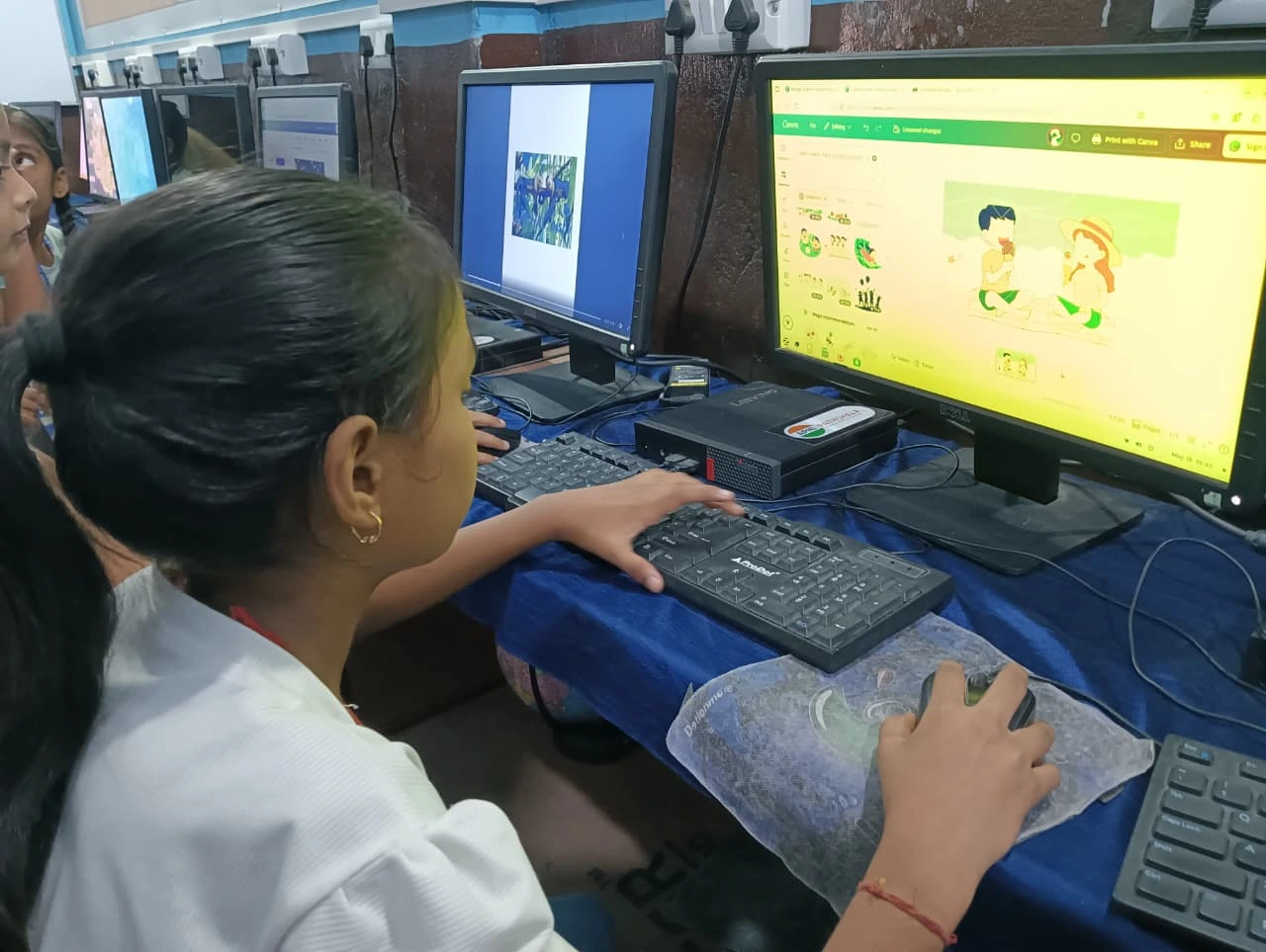
How can parents improve audio and video for their child’s online tuition setup?
A wired headset with a microphone (available for around Rs. 500) improves audio quality over built-in speakers and reduces background noise. Place the computer desk in a quieter part of the home during tuition hours. Good lighting behind the monitor (not behind the student’s head) helps if the tutor needs to see the student via video. How to set up a budget computer for online learning in India gives a complete home setup checklist.
Does Apni Prerna monitoring work during online tuition sessions?
Yes. Apni Prerna logs which applications are open and for how long, including tuition apps. Parents can verify their child attended the scheduled session rather than drifting to entertainment during the tuition window. Rs.30,000 covers the full setup including this monitoring capability. How SSS makes self-learning safe, transparent, and meaningful explains the monitoring philosophy behind Apna PC.
Frequently Asked Questions
Can a student attend online tuition and do homework on the same computer?
Yes. Apna PC handles both tasks. After an online tuition session, the student switches to a word processor or PDF viewer for homework. The same 8GB RAM and SSD that handle live video calls also handle document editing and research without needing to restart or close applications.
What internet speed does a student need for smooth online tuition?
A stable connection of a few megabits per second is enough for most video call platforms at standard quality. Consistency matters more than raw speed: an unstable connection drops calls even at high speeds. If the signal is weak, a wired Ethernet cable from the router to the computer provides better stability than Wi-Fi.
How does Rs. 500 improve the tuition experience?
A simple wired headset with a microphone at around Rs. 500 makes a significant difference. The student can hear the tutor more clearly and the tutor can hear the student without background noise. This is worth the small cost even on a tight budget because audio quality directly affects how much the student absorbs during each session.
Does Apna PC work with all major online tuition platforms?
Yes. Zoom, Google Meet, Microsoft Teams, Unacademy, and other browser-based platforms work through the standard browser on Zorin OS. No special plugins or settings are needed. If a platform offers a web version, it works on Apna PC from day one.
Can a student record an online tuition session for later review?
Recording depends on the platform, not the computer. Some platforms allow the host (the tutor) to record. Some allow participants to record locally. If the platform allows local recording, Apna PC’s 128GB SSD has enough space to store recordings alongside other study materials.
Visit Apna PC to see the complete online tuition setup and confirm it fits your child’s requirements.