


Anjali’s Study Crisis and How a Simple Computer Changed Everything
Anjali sat on her bed in Indore, staring at a stack of loose papers scattered across her desk. It was 10 PM, two days before her Class 9 science exam, and she couldn’t find her photosynthesis notes. Her mother had spent the entire evening helping her search through old notebooks, textbooks, and random sheets. “Beta, why can’t you organise your study materials?” her mother asked, frustrated. Anjali felt the same way. She needed a better way to prepare and organise her study materials, but managing everything on paper felt impossible. This is where Apna PC stepped in, transforming how she studied and helping her create organised notes that actually helped her revise.
Like thousands of students in Tier 2 and Tier 3 Indian cities, Anjali faced a real problem. Traditional study methods meant scattered papers, lost notes, and wasted time during exam season. Her parents didn’t know that a dedicated educational computer could solve this exact challenge. Today, we’ll show you how Apna PC helps students like Anjali prepare flashcards and study notes efficiently. You’ll discover why this tool is becoming essential for serious learners across India.
Why Revision Notes Matter More Than You Think
Revision notes are your child’s secret weapon during exam preparation. They’re condensed versions of lengthy chapters, focusing only on key concepts and important points. When your child creates effective study notes, they engage with the material twice, which significantly strengthens memory and understanding.
Digital flashcards take this concept further. Instead of flipping through physical cards, your child can organise flashcards by subject, difficulty level, and topic. They can review them on their computer, test themselves, and track progress over weeks. This active learning approach works because it combines repetition with self-testing, both proven study techniques.
The problem with traditional methods is time wastage. Your child spends hours writing notes by hand, organising them in folders, and searching for specific topics when exam time comes. With Apna PC’s pre-loaded tools and LibreOffice suite, the entire process becomes digital, searchable, and organised. You can check your child’s progress through Apni Prerna, the student monitoring feature included with every Apna PC.
How Apna PC Makes Creating Flashcards Easy
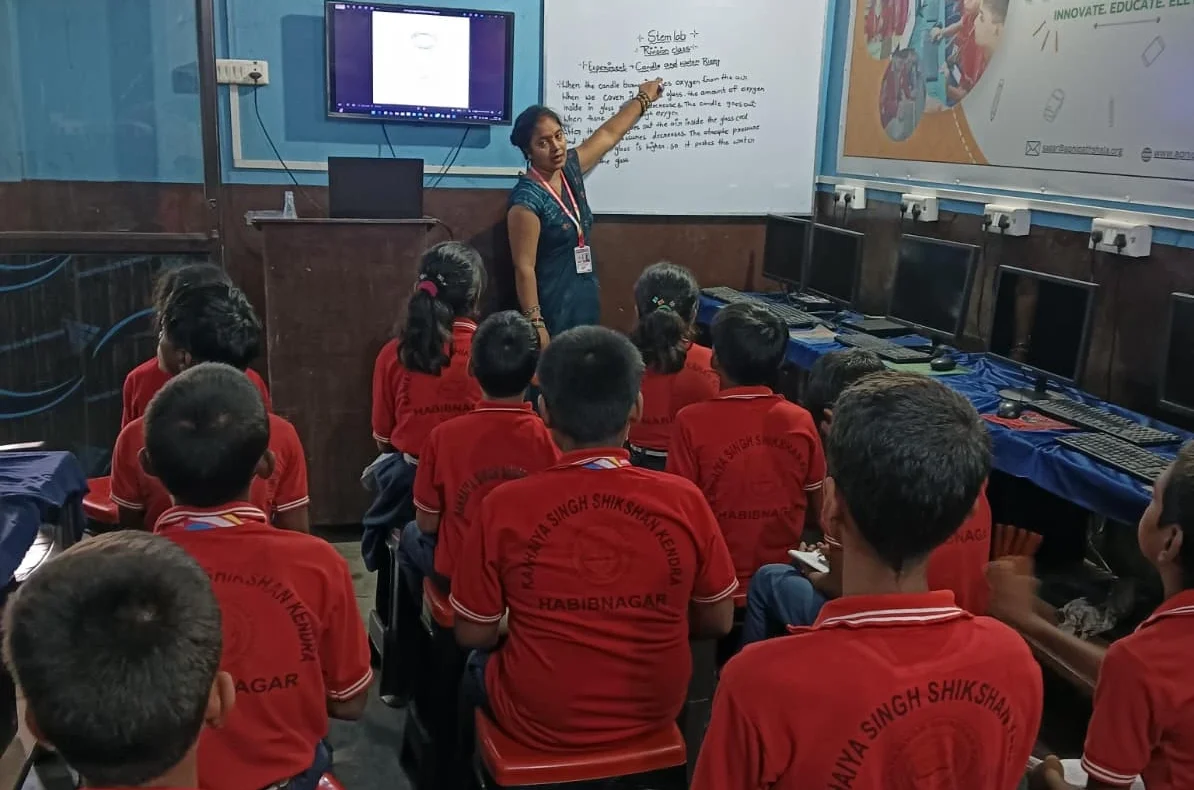
Apna PC comes with 8GB RAM and 128GB SSD storage, meaning your child can create hundreds of flashcards without worrying about space. The LibreOffice suite includes tools perfect for designing flashcards with images, text formatting, and colour coding.
Your child can create flashcards for any subject. For history, they might add key dates and timelines. For languages, they can include pronunciation guides and example sentences. For mathematics, they can embed formulas and worked solutions. The flexibility is incredible, and everything staysorganisedd in one place.
What makes Apna PC special is that your child controls the entire process. They’re not dependent on apps that might disappear or require internet connections. Everything runs on Zorin OS, a secure and student-friendly operating system. Your child builds digital literacy while creating study materials, a valuable skill for their future.
The Apni Prerna monitoring feature lets you see what your child is creating. You can check if they’re actually preparing revision notes or just scrolling through social media. This transparency helps you support their learning journey without being intrusive.
Building a Digital Note-Taking System That Works
Anjali’s breakthrough came when she started using her Apna PC to build a systematic approach to notes. Instead of random papers, she created folders for each subject, then subfolders for each chapter. Within each chapter folder, she maintained three documents: main notes, quick-revision notes, and a flashcard template.
This system meant that when exam time arrived, Anjali didn’t panic. She could open her computer, navigate to any subject, and find exactly what she needed. Her revision notes were concise, highlighting only formulas, definitions, and key concepts. Her flashcards tested her memory on difficult topics. She spent her study time actually learning, not searching.
Your child can follow the same approach. The 128GB storage on Apna PC means they can maintain detailed notes for their entire school year without running out of space. As they progress through classes, they build a personal knowledge library that becomes increasingly valuable. Check out our digital note-taking library for templates and organisational ideas.
The Real Cost of Not Having Proper Study Tools
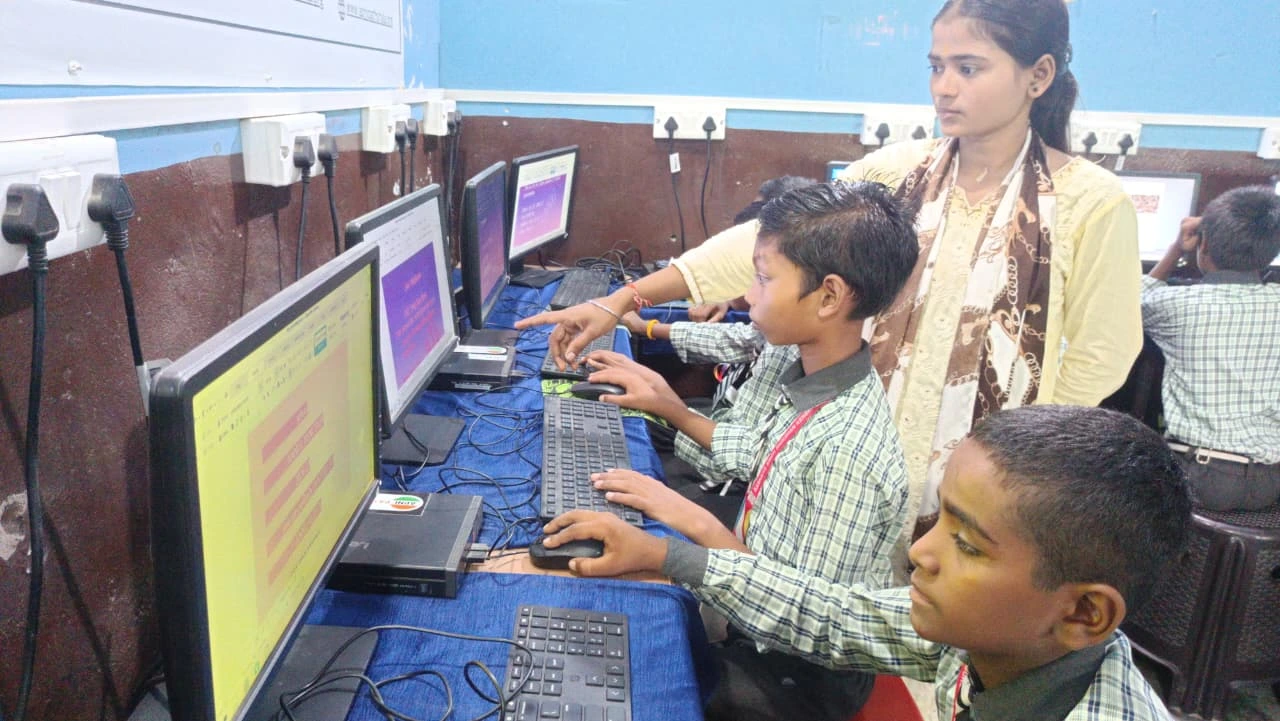
When students don’t have organised study notes and flashcards, they waste precious study time. They re-read entire textbooks instead of focusing on key concepts. They forget important points they studied weeks earlier. They feel anxious during exams because they’re not confident about what they’ve covered.
Parents often don’t realise that investing in the right study tools actually saves money in the long run. Your child studies more efficiently, performs better in exams, and doesn’t need expensive tuition classes to clarify concepts. Apna PC costs Rs.30,000 (shipping and GST excluded), but consider what you’re getting: a dedicated computer for education, pre-loaded with everything your child needs, plus monitoring features for peace of mind.
According to Education in India, digital literacy is becoming increasingly important for students. The Ministry of Education encourages schools and families to adopt technology-based learning. Apna PC helps your child stay ahead of the curve by seamlessly combining education with technology.
Getting Started with Your Child’s Revision System
Start small. Help your child create revision notes for just one subject this week. Let them design a few flashcards on topics they find difficult. As they see how much faster they can prepare and how much better they remember, they’ll become enthusiastic about the system.
Apna PC makes this easy because everything is already set up. Your child doesn’t need to download multiple apps or figure out complicated software. LibreOffice is intuitive, and Zorin OS is designed for ease of use. Within hours, your child will be creating professional-looking study notes and flashcards.
The monitoring feature in Apni Prerna means you can check in regularly without hovering over your child’s shoulder. You’ll see what they’re working on, how long they’re studying, and whether they’re making progress. This builds trust while keeping you informed about their academic journey.
If you’re unsure whether Apna PC is right for your child, read our student computer buying guide to understand all the features and benefits clearly.
Why Anjali’s Parents Made the Switch
Three months after getting Apna PC, Anjali’s parents noticed real changes. She wasn’t stressed about finding notes anymore. Her exam scores improved because she was studying smarter, not harder. Most importantly, she developed better organisational habits that will help her throughout her academic life.
Anjali’s mother told us, “We didn’t expect such a difference from just having the right computer and tools. She’s more confident, more organised, and actually enjoys studying now.” This is what Apna PC delivers: it removes friction from the study process so your child can focus on learning.
Your child deserves the same opportunity to study efficiently and confidently. Apna PC isn’t just a computer; it’s an investment in their academic success and digital future. Visit apnapc.com to learn more.