


Rajesh’s Daughter Needed Help, and a Personal Knowledge Base Changed Everything
Rajesh sat in his small shop in Indore, worried. His daughter Priya was in Class 10, drowning in notes scattered across three notebooks, loose papers, and her phone. During exam prep, she’d spend hours searching for that one formula she’d written somewhere. Her mother would find her frustrated, tears rolling down her cheeks at 11 PM, unable to find her photosynthesis notes from two months ago. Rajesh knew she was smart, but her study method was broken. He needed a solution that would help her build a personal knowledge base on her PC, a system where every note, every concept, every resource lived in one organised place.
If you’re a student like Priya, or a parent like Rajesh, you understand the struggle. A knowledge base like this isn’t fancy software or complicated systems. It’s your digital brain. It’s where you store, organise, and find everything you’ve learned. With the right PC and the right approach, you can build one that actually works for your studies.
What Is a Personal Knowledge Base and Why Your PC Needs One
A personal knowledge base is a collection of all your study materials in one organised digital space. Think of it as a smart filing cabinet that remembers everything and finds it instantly. Your notes, research, important links, solved problems, and study plans all live together.
Students in tier 2 and tier 3 cities often struggle because they don’t have access to organised learning resources. You might attend tuition in one place, school in another, and try to study at home with scattered materials. A personal knowledge base solves this by centralising everything. Knowledge management experts say that organised information saves you 40% more study time.
When your information is organised, you can:
- Find anything in seconds instead of flipping through notebooks
- Connect concepts across subjects and see how ideas relate
- Review faster because everything is indexed and tagged
- Study smarter by building on what you already know
- Prepare better for exams with all resources in one place
Building Your Knowledge Base: A Step-by-Step Approach
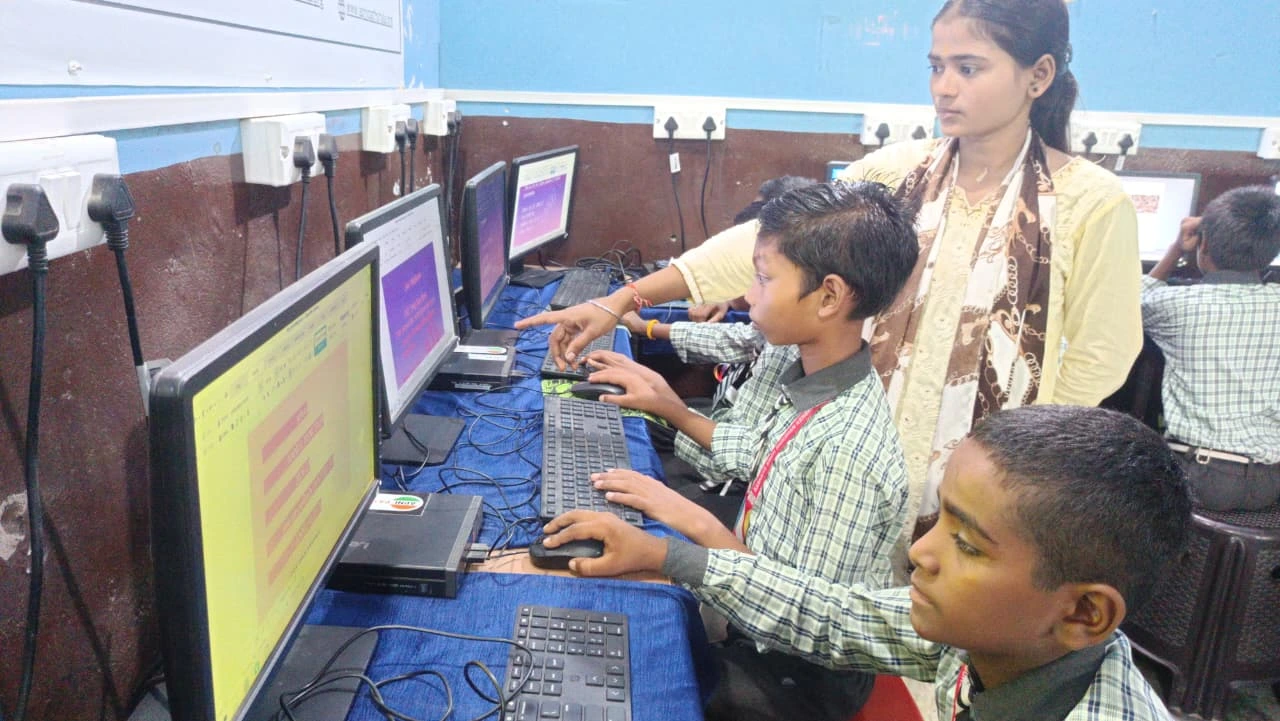
Start simple. You don’t need complicated software. On a good PC like Apna PC, you get LibreOffice pre-loaded, which is perfect for creating organised documents. Create folders for each subject, then subfolders for each chapter or unit.
Your folder structure might look like this: Class 10 Science > Biology > Chapter 5 Photosynthesis > Notes, Diagrams, Practice Questions, Important Points. This hierarchy helps you find things fast. When you’re studying at midnight before an exam, you can’t afford to waste time searching.
Next, standardise your note-taking format. Write key concepts in bold. Use bullet points for easy scanning. Add dates so you know when you learned something. Include source references: which textbook, which video, which class. This matters because later you might need to trace back where you learned something.
Tag everything. If you’re learning about ecosystems in Biology, tag it with “Ecology,” “Environment,” “Class 10,” “Chapter 7,” and “Exam Important.” Tags are like invisible threads connecting related ideas across subjects. When you’re revising, you can pull up all tagged items and see connections you’d otherwise miss.
Tools and Features That Make It Work
Your PC needs decent specifications to run everything smoothly. Apna PC comes with 8GB RAM and a 128GB SSD, which is exactly what you need to build and manage a knowledge base without lag. You’ll have Zorin OS, a student-friendly operating system that’s fast and reliable.
LibreOffice lets you create formatted documents with images, tables, and links. You can organise your notes beautifully and export them as PDFs for backup. Scratch, pre-loaded on Apna PC, teaches you logic and problem-solving, skills that help you think clearly while organising information.
More importantly, you can stay organised across multiple subjects with Apni Prerna, which helps you track your study progress and keep everything on schedule. When you’re juggling 10-15 subjects, having a system that monitors what you’ve studied and what you haven’t is invaluable.
Why Your School’s Approach Isn’t Enough
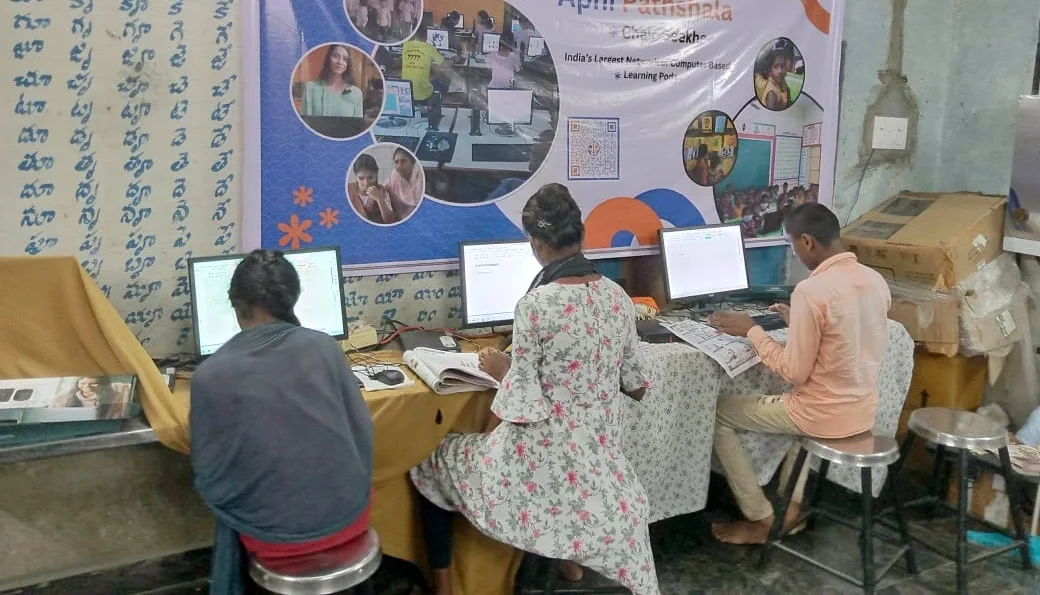
Schools teach you content. Even boards like CBSE design syllabi around what to learn, not how to keep it organised for life. They hand you notes, you copy them, you study them before exams, and then they disappear. That’s not learning. Real learning means building a knowledge base you can return to years later.
When you build one from scratch, you’re not just studying for exams. You’re creating a resource you’ll use in college, in competitive exams, and in your career. A Class 10 student who builds a strong knowledge base in Biology will have those concepts organised when they study again in Class 12 or for medical entrance exams.
The Digital India initiative aims to make technology accessible to students in smaller cities. Having a reliable PC like Apna PC and using it to build your knowledge base is exactly what this initiative supports. You’re not just using technology; you’re using it intentionally to learn better.
Getting Started This Week
Don’t wait for the perfect system. Start today with what you have. Create three folders on your PC: one for each of your main subjects. Write down today’s class notes in a structured format with clear headings and bullet points. Add one tag to organise it. That’s your beginning.
By next month, you’ll have organised notes for an entire chapter. By exam time, you’ll have a complete knowledge base that makes revision 10 times easier. By next year, when you move to the next class, you’ll have a foundation that helps you learn faster.
Priya started building her knowledge base two months ago. Last month, she scored 92% in her science exam. Her mother says she’s more confident now. Her father says she no longer cries over lost notes. She’s using Apna PC with its smooth performance and pre-loaded tools to manage everything effortlessly.
Your personal knowledge base is the difference between studying hard and studying smart, and Apni Pathshala shows how education technology can support your learning journey. Visit apnapc.com to learn more.