


Ravi’s Dream: From Bedroom to Beat Studio
Ravi sits in his small room in Indore, headphones on, watching YouTube videos about music production for students. His parents worry it’s just a distraction from studies. But Ravi isn’t dreaming of becoming a rockstar. He wants to create background music for his school’s annual play. He wants to understand how the songs he loves are actually made. He’s 14, curious, and he knows a computer could unlock this world for him. The problem? His family’s old laptop can barely open two browser tabs without freezing.
If your child feels like Ravi, you’re not alone. Thousands of students across Tier 2 and Tier 3 cities in India are discovering that music production isn’t just for professionals in big studios. With the right computer and free software, your son or daughter can start creating music at home today. This blog will show you exactly how.
Why Music Production for Students Matters Right Now
Learning music production teaches your child about sound, rhythm, creativity, and technology all at once. It’s not just about making songs. It’s about problem-solving, patience, and expressing emotions through a medium they control completely. The Indian Ministry of Education recognises that creative skills are as important as math and science in the modern world.
Your child develops listening skills, learns about frequencies and audio waves, and gains hands-on experience with software. These are skills that matter for careers in film, gaming, advertising, and education technology. Plus, it keeps them engaged with something productive during screen time.
Free Music Software Your Student Can Use Today
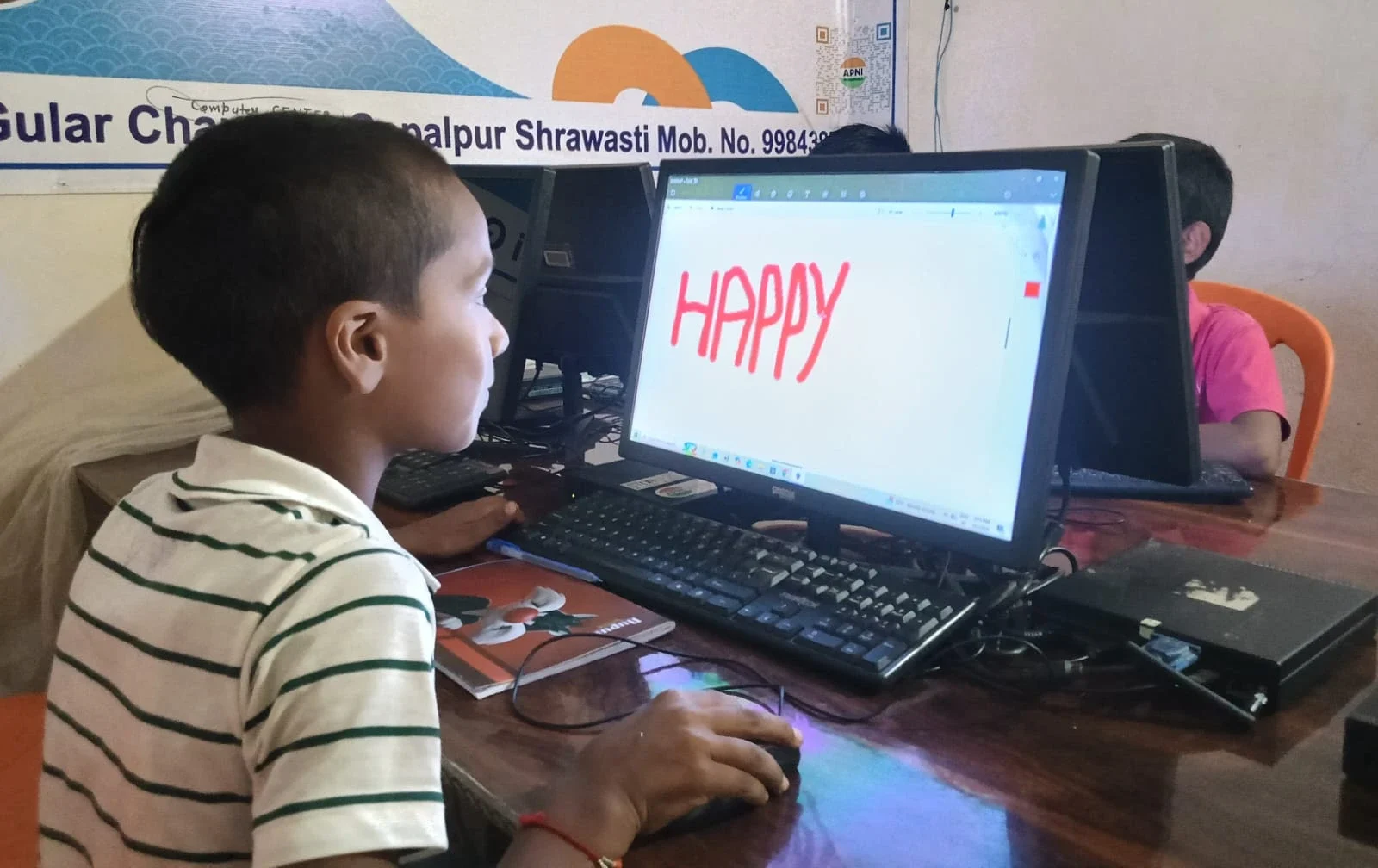
You don’t need expensive software to start. Here are tools that work perfectly for beginners:
- Audacity – Free audio recording and editing software. Your child can record voice, guitar, or instruments, then edit them. It’s available on Windows, Mac, and Linux.
- GarageBand – If you have a Mac or iPad, it comes built in. It has loops, virtual instruments, and recording features.
- FL Studio Free Trial – Professional-grade software with a 30-day free trial. Your child can learn the interface without paying.
- Cakewalk by BandLab – Completely free digital audio workstation (DAW). It’s powerful but beginner-friendly.
- Reaper – Costs money, but offers a 60-day unlimited trial. Many students use this to learn before deciding to buy.
All these programs run smoothly on a computer with decent specs. You don’t need a gaming laptop or a fancy setup.
What Your Student PC Needs for Audio Creation
When you’re shopping for a student music production computer, some specs matter more than others. RAM is crucial because audio editing uses a lot of memory. Your child needs at least 8GB RAM to run music software without crashes. Storage matters too. Audio files are large, so a 128GB SSD is the minimum. A processor that handles multiple tasks smoothly prevents frustration during recording sessions.
The operating system should be stable and lightweight. Heavy systems drain resources that should go to music software. You want a computer that starts fast, stays responsive, and doesn’t have bloatware slowing things down. Your child shouldn’t spend 10 minutes waiting for their DAW to load.
A good soundcard helps, but it’s not essential for beginners. A USB microphone (around Rs.2,000-5,000) works better than built-in laptop mics anyway. Headphones are more important than speakers for audio work. Your child needs to hear exactly what they’re recording and editing.
Introducing Apna PC: Built for Young Creators
This is where Apna PC comes in. Created by Apni Pathshala, this educational computer is designed specifically for students like Ravi. It costs just Rs.30,000 (shipping and GST excluded), making it affordable for middle-class families across India.
Here’s what you get: 8GB RAM for smooth music software performance, 128GB SSD storage for audio files and projects, and a processor that handles real-time audio editing without lag. The computer comes pre-loaded with Zorin OS, a clean Linux operating system that doesn’t waste resources on unnecessary programs.
Apna PC also includes LibreOffice for schoolwork and Scratch for coding basics. But the real advantage? It comes with Apni Prerna, a student monitoring system that lets you see what your child is doing while respecting their privacy and independence. You can set study schedules and track progress without hovering.
The machine runs Audacity and other free music software flawlessly. Your child won’t face the freezing, crashing, or slowdowns that plague older laptops. They can focus on creating instead of troubleshooting.
How to Get Your Child Started with Music Production for Students
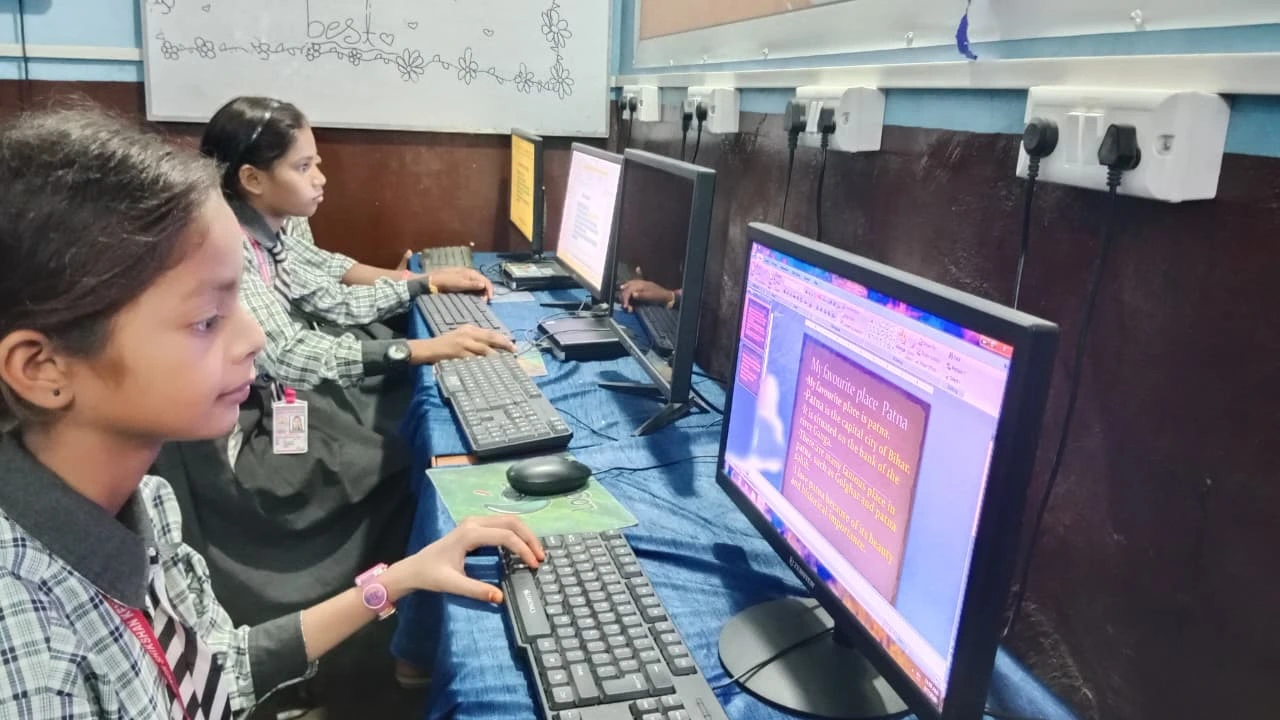
Step one: Set up the computer with a DAW like Audacity or Cakewalk. Step two: Connect a USB microphone and headphones. Step three: Let your child explore. Download some tutorial videos on YouTube. Start with simple projects like recording voice memos, layering sounds, or editing existing audio.
Encourage them to create something meaningful. Maybe background music for a school project. Maybe a remix of their favourite song. Maybe original beats. The goal isn’t perfection. It’s learning, experimenting, and discovering what they love about the creative process.
Your child will make mistakes, and that’s perfect. That’s how learning happens. They’ll learn to fix audio levels, remove background noise, and combine different tracks. These skills transfer to everything else they do.
Music Production Fits India’s Digital Future
The Digital India initiative pushes technology into every corner of our country. Your child learning music production on an affordable computer isn’t just a hobby. It’s participation in India’s digital transformation. Students in small cities now have access to the same creative tools as students in metros.
Think of Apna PC as your child’s entry point to a global creative community. They can share their music online, collaborate with other young producers, and build a portfolio. Skills learned at Rs.30,000 can lead to opportunities worth much more.
Your child doesn’t need permission from a record label or a seat in an expensive music school. They need a working computer, free software, and curiosity. Everything else follows from there. You can use your personal PC as a creative tool that opens doors you can’t even imagine yet.
Ravi’s parents took the leap. They bought him a computer built for students, not gamers. Today, music production for students like Ravi means creating tracks for the school play, teaching friends about production, and thinking about a career in audio engineering. Your child could be next. Visit apnapc.com to learn more.