


The Kumar Family’s Computer Dilemma
Priya Kumar sat at her kitchen table in Indore, staring at two product tabs open on her phone. Her son Arjun, a class 9 student, needed a computer for his online classes and school projects. His father had suggested an all-in-one PC from the electronics shop nearby. Her sister in Delhi kept messaging about getting him a desktop instead. Priya had Rs.30,000 to spend, and she didn’t want to make the wrong choice.
If you’re a parent in a tier 2 or tier 3 Indian city facing the same question, you’re not alone. The choice between all-in-one vs desktop computers confuses many families. Both look like good options on paper. But for your student’s actual needs, one will serve you much better than the other.
All-in-One vs Desktop: Understanding the Key Differences
An all-in-one PC combines the computer and monitor into a single unit. Everything sits behind the screen, taking up less desk space. A desktop computer has a separate CPU tower, monitor, keyboard, and mouse. They take up more physical room on your study table.
All-in-one PC models look sleek and modern. They’re perfect if your child’s study space is cramped. Many apartments in Indian cities have small bedrooms. An all-in-one saves precious desk space for books and notebooks.
Desktop computers, on the other hand, give you flexibility. You can upgrade individual parts as your child grows older. You can replace the graphics card, add more RAM, or swap the hard drive. With an all-in-one, you’re mostly stuck with what you bought.
Cost and Long-Term Value for Student Computers
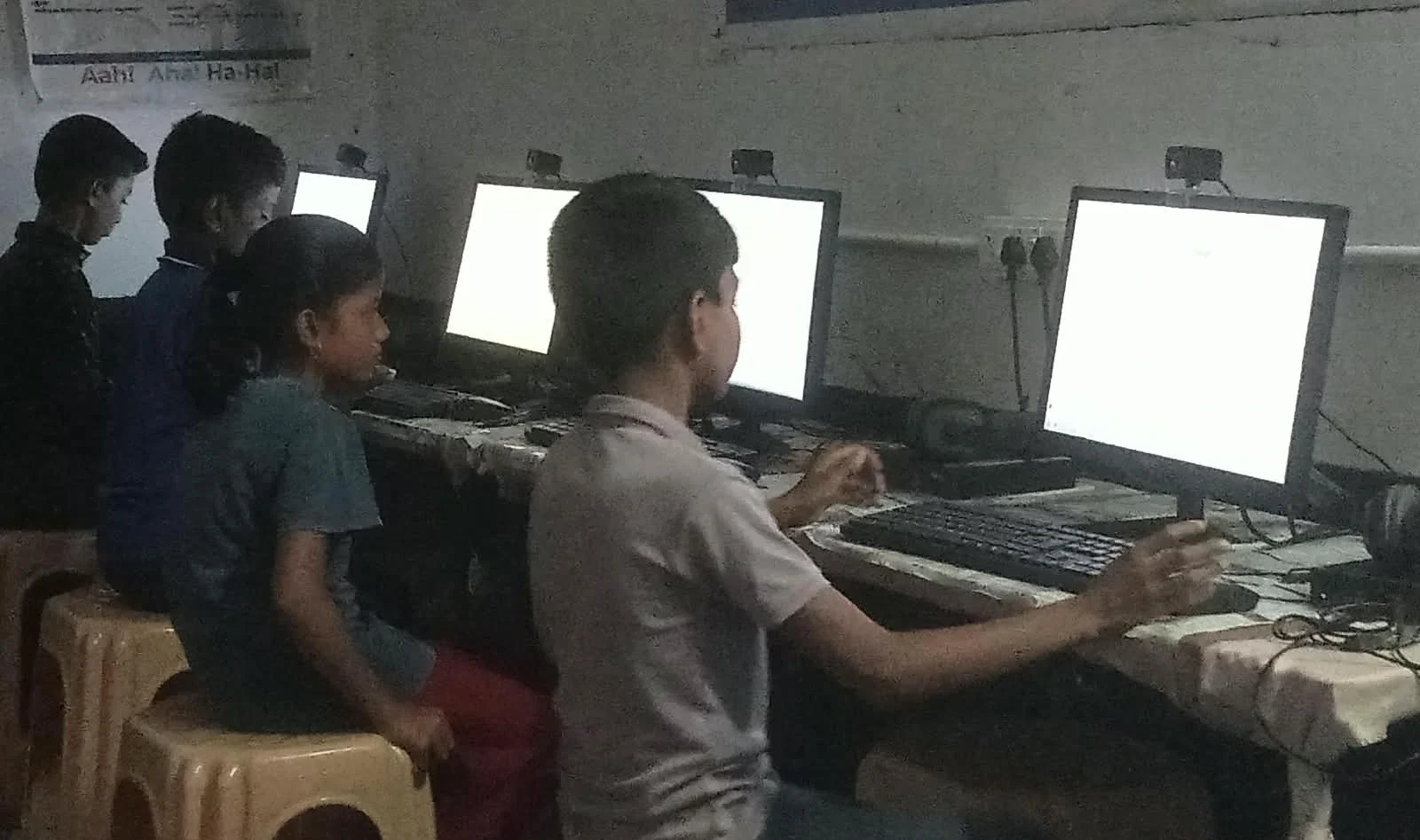
Your Rs.30,000 budget matters. An all-in-one PC in this price range will have decent specs. But when something breaks, repairs become expensive and complicated. The entire unit might need to go to the service centre.
A desktop for students offers better value over time. If the monitor breaks, you replace just the monitor. If the keyboard fails, you buy a new keyboard for Rs.500. This modular approach keeps your long-term costs down. You won’t need to replace the entire system for a single broken component.
Consider this: your student might use this computer for the next 3-4 years. Upgrades matter. When Arjun moves to class 11, he might need more processing power for coding or video editing projects. With a desktop, you simply upgrade. With an all-in-one, you’re limited.
Space, Screen Size, and Study Setup
Delhi parents often choose all-in-one PCs for their compact homes. Mumbai families face similar space constraints. An all-in-one takes up minimal desk space. Your child can keep books, notebooks, and study materials around it without clutter.
But here’s what many parents miss: screen size matters for student computers. Larger screens reduce eye strain during long study sessions. With an all-in-one, you’re limited to the built-in screen size. You can’t easily upgrade to a bigger display later. A desktop lets you choose a 24-inch or even 27-inch monitor, which is better for your student’s eyes.
Your student will spend hours on this computer for online classes, assignments, and research. Eye comfort isn’t a luxury. It’s a health investment.
Performance and What Students Actually Need
Most schoolwork doesn’t require powerful hardware. Your student needs a computer that runs smoothly for Google Classroom, YouTube tutorials, and Microsoft Office. Both all-in-one and desktop computers at the Rs.30,000 price point handle this easily.
But consider what comes after class 10. Engineering entrance exams require coding practice. Science projects involve video editing. Mathematics projects use simulation software. A desktop gives students room to grow. You can add a graphics card or upgrade RAM without replacing everything.
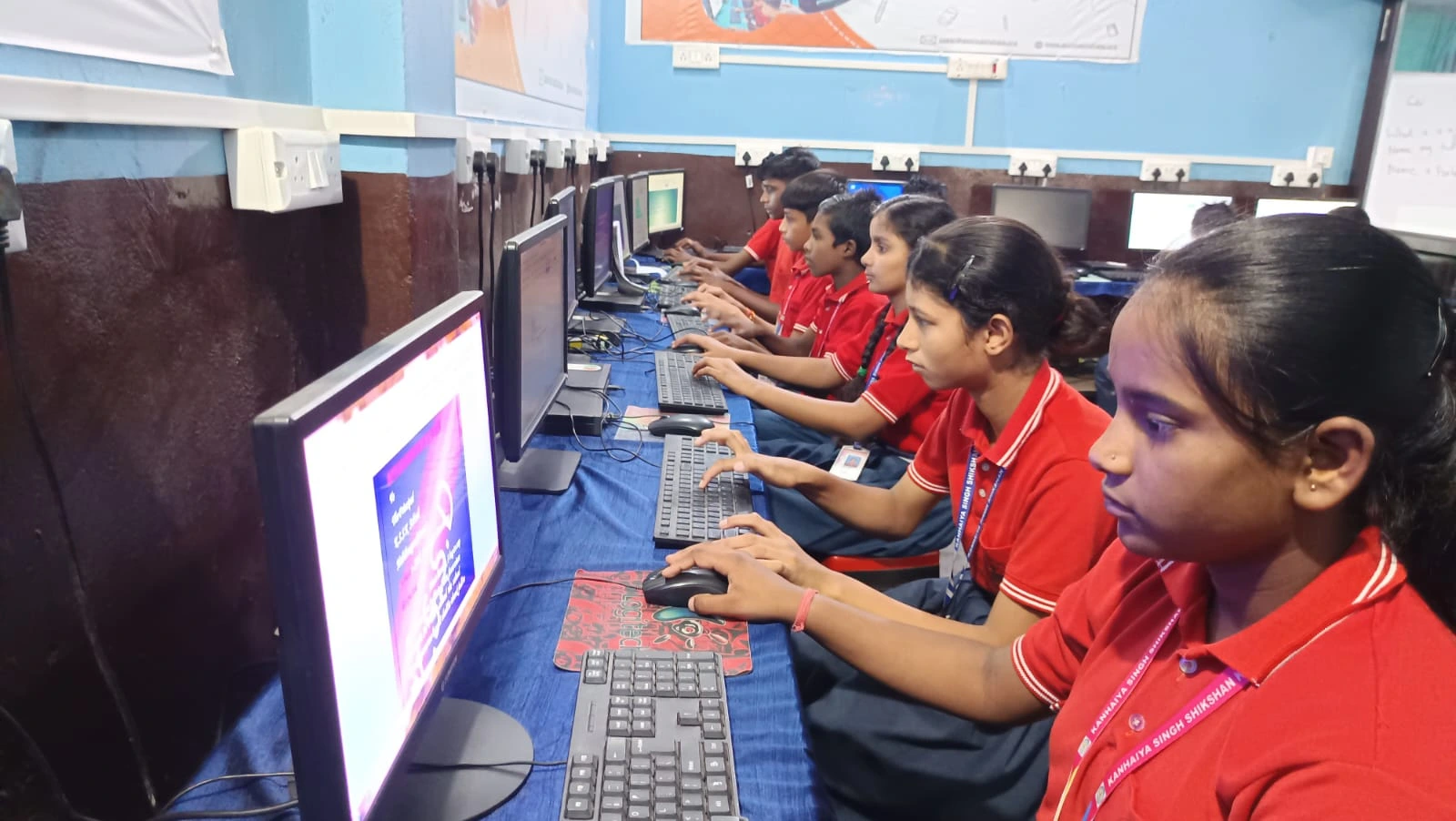
Apna PC, an educational computer by Apni Pathshala, comes with 8GB RAM and a 128GB SSD for Rs. 30,000. It runs Zorin OS with LibreOffice and Scratch pre-loaded. This desktop-based solution is designed specifically for Indian students. The specs support everything from online classes to coding practice.
Repairability and Support in Your City
Indore, Lucknow, Chandigarh, Pune. In most tier 2-3 cities, finding repair services for all-in-one PCs is harder. These are specialised devices. Your nearest service centre might be in the next city. You can service a desktop computer at any local shop.
When your student’s computer breaks during exam season, you need quick repairs. Desktop parts are standardised and widely available. All-in-one components are proprietary. This difference becomes critical when you can’t afford downtime.
Heat, Durability, and Long-Term Reliability
All-in-one computers pack all components into a tight space. Heat management becomes an issue. Your device might throttle performance or fail earlier than expected. Desktops have better ventilation and cooling systems. They last longer in Indian climates with high temperatures and dust.
You’re investing in a computer for your child’s education. You want it to last through school. A desktop built to last 4-5 years is more reliable than an all-in-one that might struggle after 2 years.
The Honest Comparison: Which Should You Choose
Choose an all-in-one PC if your study space is extremely limited and your child only needs basic computing for the next 2 years. Choose a desktop if you want upgradability, better value, easier repairs, and longevity. For most Indian parents with a Rs.30,000 budget, a desktop for students is the smarter choice.
Your child’s education deserves a computer that grows with them. A desktop offers flexibility that an all-in-one simply can’t match. Learn about cyber safety from CERT-In cyber safety guidance to keep your student protected online.
If you’re exploring other options, check out our Chromebook vs desktop comparison for a complete picture. The Ministry of Education also provides guidelines on educational technology. UNESCO education research shows that the right tools can significantly boost student performance.
Priya Kumar finally made her decision. She ordered a desktop-based educational computer that fit her budget and her son’s needs. Six months later, Arjun used the same computer to build his first coding project. The choice had paid off. Your student deserves the same opportunity. Visit apnapc.com to learn more.