

Rajesh’s Home Learning Experiment in a Small Flat
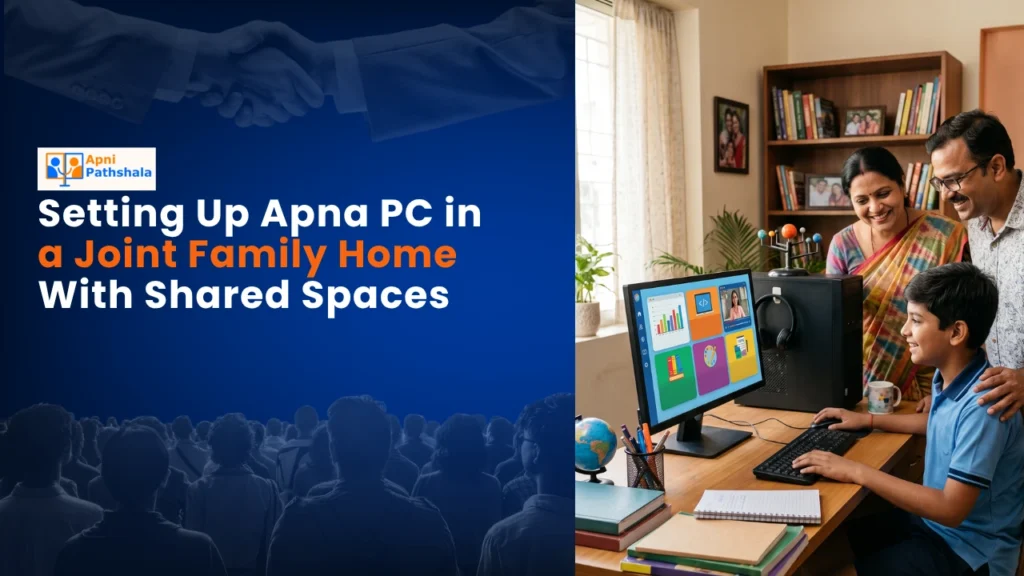
Rajesh sat in his Lucknow home, watching his two children fight over the family’s old laptop. His wife needed it for her online tailoring orders. His mother wanted to video call relatives in Delhi. The laptop crashed every third day. He knew something had to change, but where’d he find space in their three-room flat for separate study areas? That’s when he discovered how a single educational computer could transform his joint family home into a calmer space for home learning without creating chaos.
You’re not alone if you’re facing this challenge. Thousands of families in tier 2 and tier 3 Indian cities live in shared spaces where kids, parents, and grandparents bump into each other constantly. Finding a dedicated study space feels impossible. Yet your children need reliable technology for their education right now. A thoughtful home learning setup can make daily routines calmer.
Why Your Joint Family Needs a Dedicated Learning Computer for Home Learning
A family computer designed specifically for education changes everything. For home learning, unlike regular laptops that slow down and crash, Apna PC comes with 8GB of RAM and a 128GB SSD, built to handle multiple users and educational software simultaneously. It’s priced at just Rs. 30,000 (excluding shipping and GST), making it affordable for most Indian households.
Your kids won’t fight over a device that’s meant for learning. Parents won’t accidentally delete study files while checking emails. Grandparents can use it too without worrying about viruses or complicated settings. Everyone gets what they need from one reliable machine.
Apna PC runs on Zorin OS, an intuitive operating system that feels familiar but runs faster than Windows on older hardware. It comes pre-loaded with LibreOffice for documents and presentations, Scratch for coding basics, and Apni Prerna for student monitoring. You don’t need to buy additional software or worry about licensing.
Creating a Study Space for Home Learning in Shared Rooms
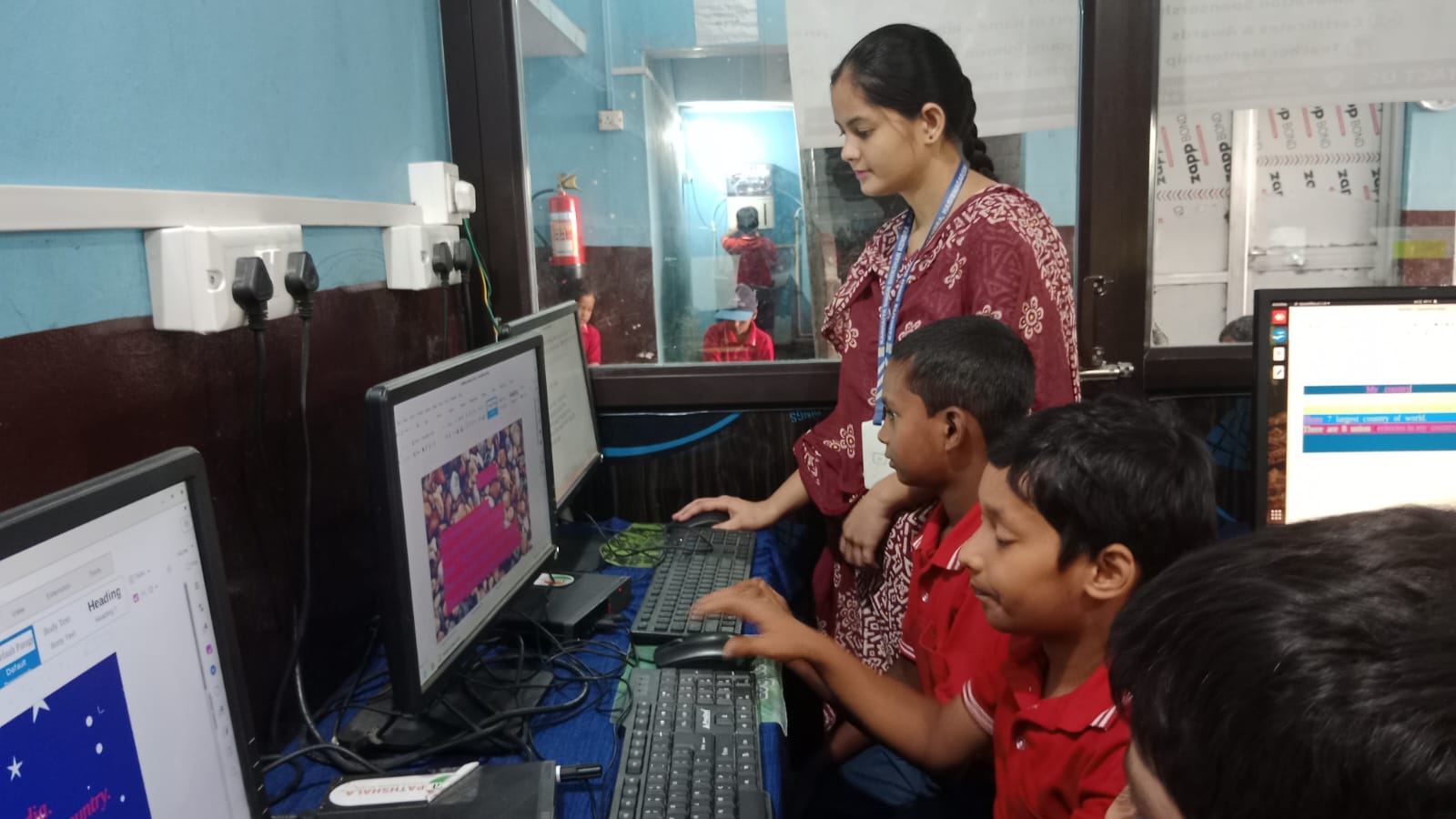
You don’t need a fancy separate room. Smart placement is what matters. Choose a corner of your living room, bedroom, or even a wide hallway where natural light comes in. Position the monitor at eye level to protect your child’s posture during those long study sessions.
Set a simple schedule. Maybe mornings from 6 to 8 AM are for kids’ studies. Afternoons are for parents’ work. Evenings are for family or general use. When everyone knows the routine, there’s no conflict. Your mother can check her messages while your daughter finishes her homework without tension.
Use a small desk or even a sturdy table. Add a comfortable chair. Keep a small shelf nearby for books and notebooks. That’s your complete study setup. You’re not building a corporate office; you’re creating a focused learning corner that respects your family’s reality.
Managing a Family Computer Without Losing Your Mind
Apna PC’s built-in Apni Prerna monitoring system lets you track what your kids are doing without hovering over their shoulders. You can see their study progress, the time they spend on educational apps, and even set usage limits. This gives you peace of mind while respecting their growing independence.
Create separate user accounts for each family member. Your son logs in with his account. Your daughter has hers. Your wife can have one for her tailoring business. Everyone’s files stay separate and organised, which makes daily home learning far easier. No one accidentally opens someone else’s important documents.
The computer’s 128GB SSD storage means you won’t run out of space quickly. Your kids can download educational videos, textbooks, coding projects, and practice materials. Your wife can store her design files and business records. Your father can keep his medical reports and documents safe.
Making the Most of a Shared Family Study Corner
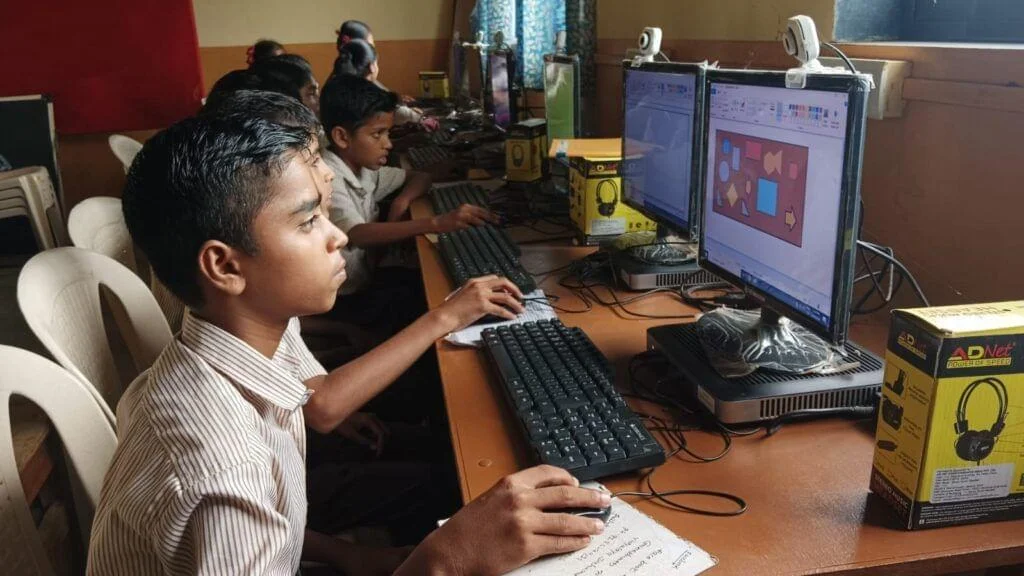
Check out the home study corner with Apna PC guide for specific setup tips that work in Indian homes. You’ll find ideas for organising cables, positioning lighting, and arranging furniture in tight spaces. These aren’t fancy suggestions; they’re practical solutions from families who run daily home learning routines in small rooms.
Explore Apna PC homeschooling programs to understand what educational content works best. Your children can learn to code in Scratch, create documents in LibreOffice, and access thousands of free online resources. A dependable family computer keeps that process running smoothly instead of being stressful.
Understand that a personal computer designed for education is different from gaming laptops or office computers. Apna PC is optimised for student needs, teacher monitoring, and long-term reliability. It’s built by Apni Pathshala, an organisation that understands Indian classrooms and homes.
Connecting Home Learning to India’s Digital Future
Your investment in Apna PC aligns with India’s broader push toward digital literacy. The Digital India initiative aims to empower every citizen with access to technology. By setting up a reliable learning computer at home, you’re not just helping your kids; you’re also contributing to this national goal.
Your children will grow up comfortable with technology. They’ll learn coding, digital literacy, and online safety from a young age. They’ll complete their assignments without the frustration of slow computers or crashes. Your family will experience fewer arguments about device sharing.
Rajesh’s story doesn’t end with buying a computer. It continues with his kids actually using it to learn, his wife managing her business better, and his mother video-calling relatives without fear of breaking things. Your story can be similar.
Take Action on Home Learning Today
Stop waiting for the perfect study room or the perfect moment. Your joint family home is perfect enough for better home learning right now. All you need is a reliable educational computer and a small dedicated corner. Apna PC at Rs. 30,000 is affordable, powerful, and designed specifically for families like yours. Visit apnapc.com to learn more.