

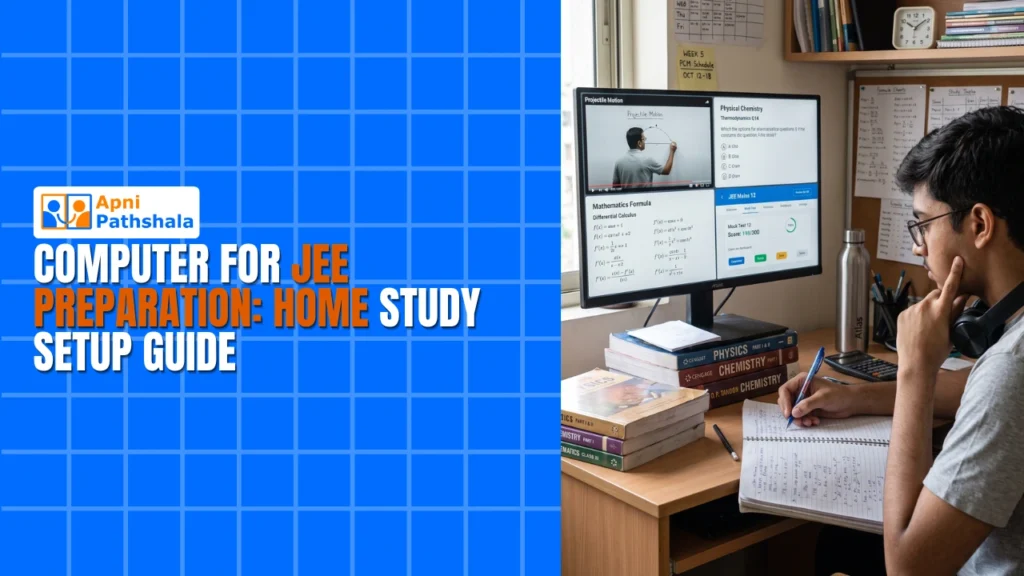
The right computer for JEE preparation is a reliable, distraction-free machine with at least 8GB RAM and a 128GB SSD, set up in a quiet corner at home. It does not need to be expensive. It needs to run online mock tests smoothly, load study material fast and keep games and entertainment out of the way.
For example, a JEE aspirant whose old laptop freezes during every mock test loses practice time and confidence. Many families in Tier 2 and Tier 3 cities face exactly this problem.
Why does a JEE prep computer need to be different?
A regular household computer is not set up for focused exam preparation. Your child needs a JEE computer that removes distractions and keeps them on track.
Online test computers for JEE and NEET need stable performance during 3-hour mock tests, quick loading of question banks and reliable internet. A frozen screen in a timed test can shake your child’s confidence.
The right machine also comes with educational software instead of bloatware, so your child does not waste time installing tools or fighting slow programs.
What specs does a JEE computer need?
A JEE computer needs enough memory and fast storage to run mock test platforms, video lectures and several browser tabs together. Here is a practical breakdown:
- Processor speed: fast enough to load online tests instantly, with no lag during exams
- RAM: minimum 8GB to run learning platforms and video lectures smoothly
- Storage: at least 128GB SSD for quick boot times and smooth app loading
- Operating system: Linux-based (like Zorin OS) for stability and focus
- Pre-loaded software: LibreOffice for notes, Scratch for logic building and student monitoring tools for accountability
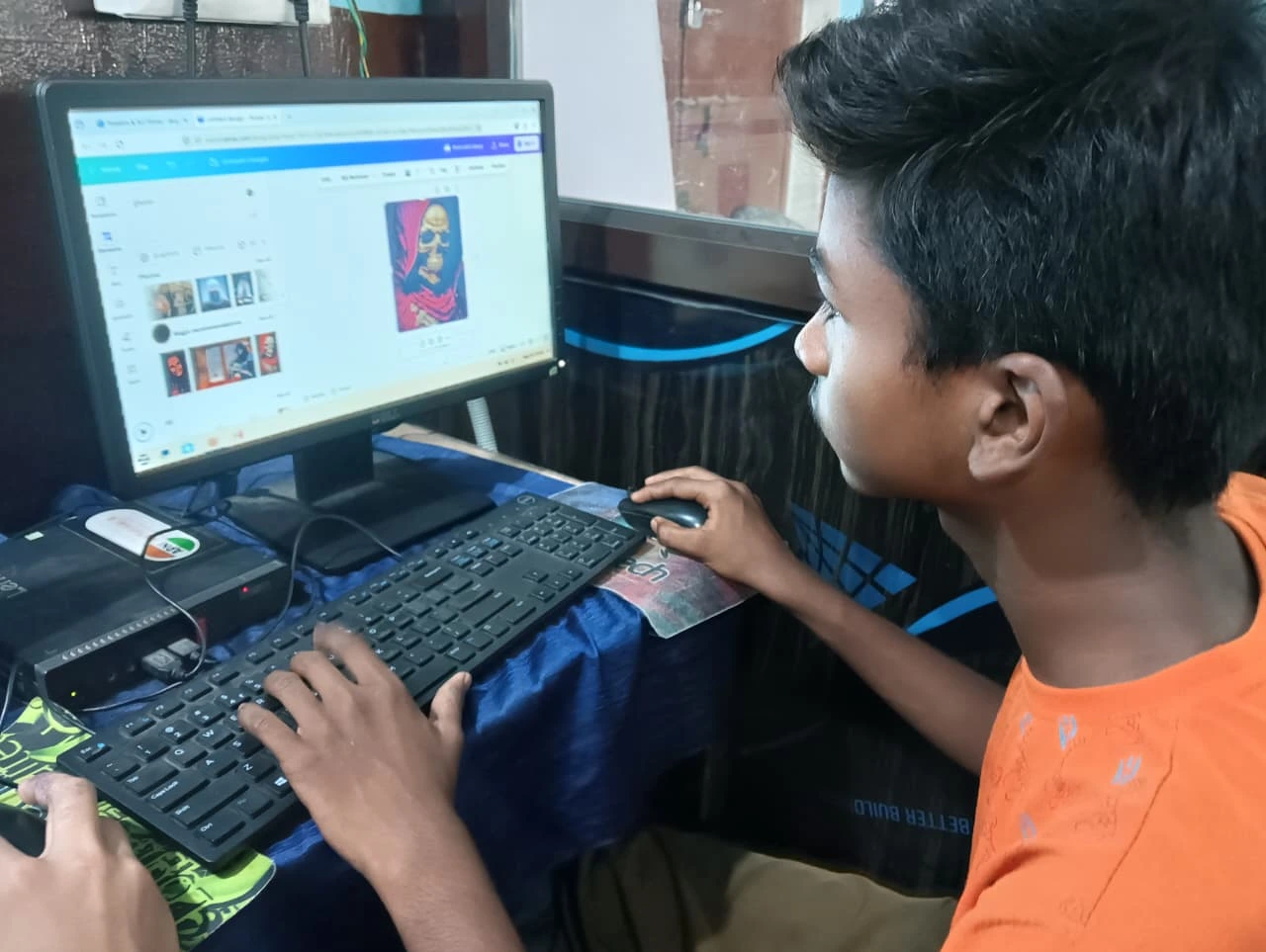
Specs on paper matter only because they shape your child’s real experience of taking tests and learning every day.
What are the four parts of a good JEE home study setup?
A good setup combines four elements. Each one supports the others.
- Enough RAM and storage to handle browser tabs, lectures and mock tests at once.
- A lightweight, student-focused operating system without games or entertainment apps.
- Built-in parental monitoring so you can follow study patterns without invading privacy.
- Pre-installed educational software that saves money and setup time.
How much should you spend on a JEE computer?
You do not need to spend Rs.50,000 or Rs.1,00,000 on a JEE computer. Many families in Indore, Bhopal, Nagpur and similar cities find a focused, budget-friendly option works better than an expensive gaming laptop. Our budget student desktop guide shows which features matter and which do not.
At Rs.30,000 (plus shipping and GST), Apna PC offers what your child needs without extras. The 8GB RAM handles JEE study material, the 128GB SSD boots up in seconds, Zorin OS keeps the focus on studies and Apni Prerna lets you stay involved.
Gaming laptops costing Rs.40,000-60,000 can drain batteries, overheat and tempt your child with games. A JEE computer should support learning, not compete with it.
Which learning platforms should the computer connect to?
Free, trusted platforms make a JEE computer far more useful. DIKSHA digital learning platform offers free educational content, and the Central Board of Secondary Education provides curriculum support.
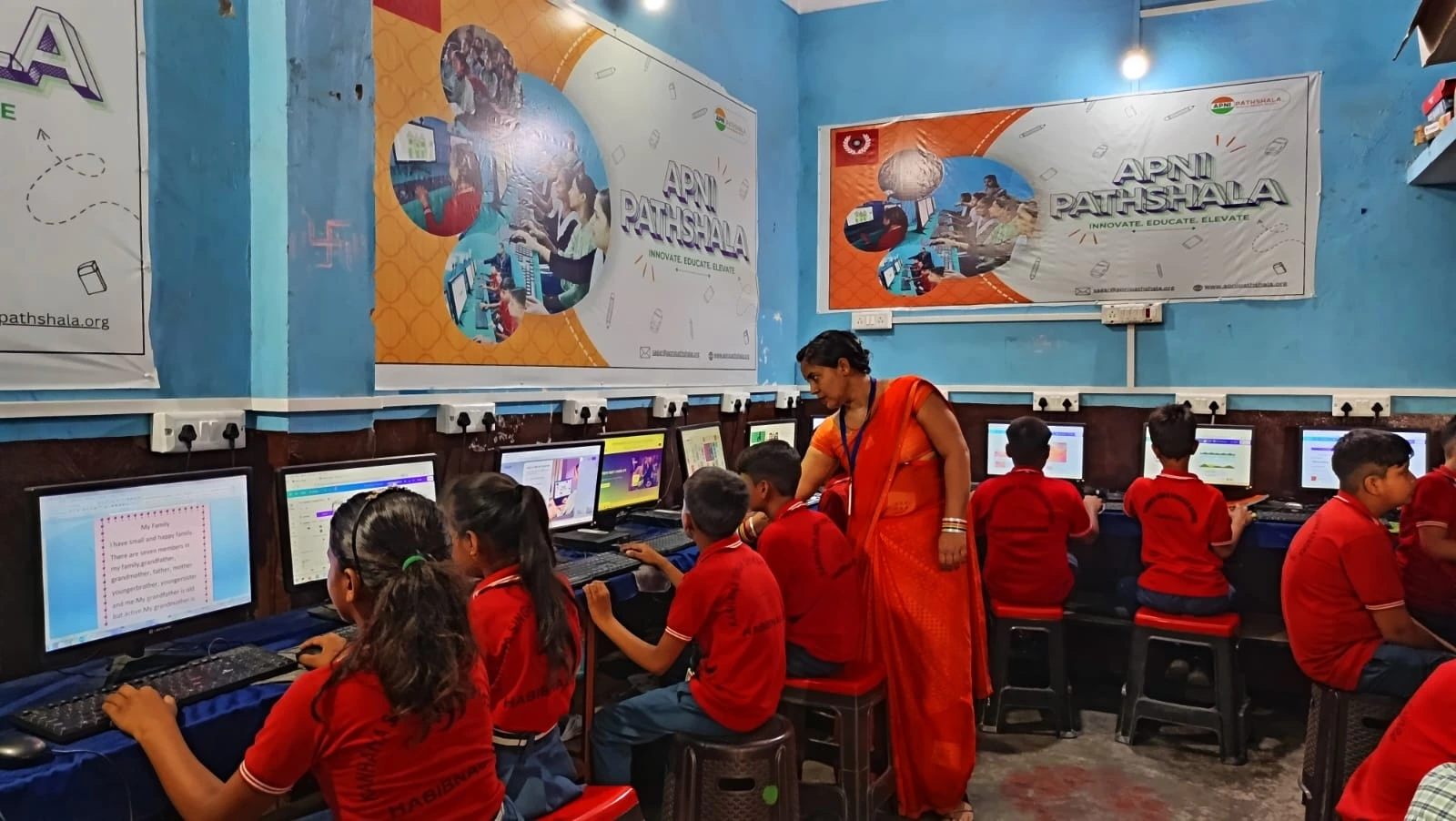
When the computer runs these platforms smoothly, your child stays in the flow. Slow loading breaks concentration. Our guide to the online test computer for JEE and NEET explains how to prepare for test platforms.
How should you arrange the study space around the computer?
Put the computer in a quiet corner, away from the television and busy areas. Good lighting reduces eye strain and a comfortable chair supports good posture through long sessions.
Keep the setup for studies only. This boundary helps your child switch into focus mode, while a computer also used for entertainment makes concentration harder. Set clear study hours and stick to them. For more ideas, see creating a distraction-free study space.
How can parents track JEE progress without hovering?
Use the monitoring tool instead of constant checking. Apni Prerna, pre-loaded on Apna PC, shows which topics your child worked on, how long they studied and where they may need help.
Monitoring is about understanding, not control. When you know your child spent 2 hours on organic chemistry yesterday, you can have a smarter conversation about what they find hard.
Frequently Asked Questions
Is a laptop or desktop better for JEE preparation?
A desktop is often the better choice for home study. It stays at a fixed desk, which supports a study routine, and gives good performance for the price. A laptop helps only if your child must study in different places. For daily mock tests at home, a reliable desktop works well.
Can my child prepare for JEE online without coaching?
Many students combine self-study with online resources, and a reliable computer makes that possible. Free platforms, recorded lectures and mock tests can cover a lot of ground. Your child still needs a clear plan, regular practice and honest review of weak topics to stay on track.
Should the JEE computer have games or social media?
No, it is better to keep the study computer free of games and social media. A machine used only for preparation helps your child switch into focus mode as soon as they sit down. Entertainment can happen on another device at agreed times.
How often should my child take online mock tests?
Follow the schedule your child’s teachers or test series suggest, and keep it steady. What matters most is reviewing each test properly, noting mistakes and revising those topics. A reliable computer makes regular tests less stressful, so your child can focus on learning from them.
The right computer is an investment that pays back every study day, because your child’s hard work finally has tools to match. Visit Apna PC to learn more.